
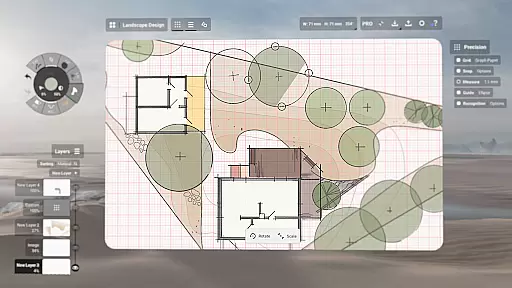
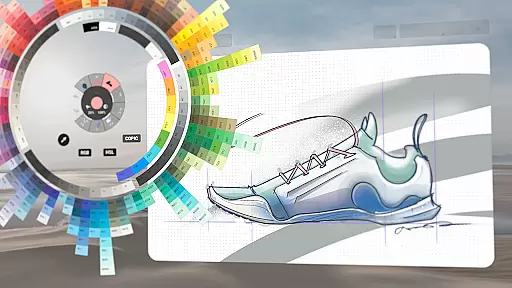
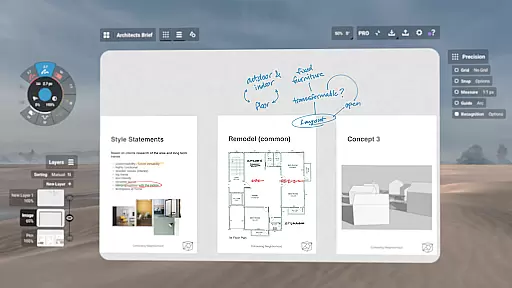
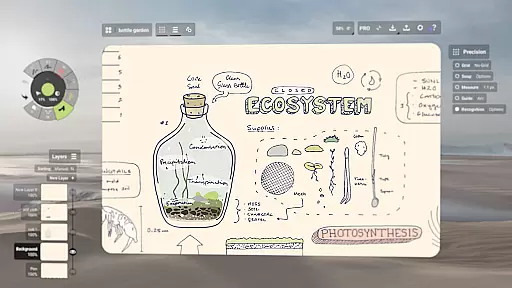
Concepts is a versatile vector-based creative workspace designed for artists, designers, and creators who need a flexible platform to sketch, plan, and develop their ideas. The app offers an infinite canvas where users can draw, take notes, create mind maps, and even design storyboards with ease. Its dynamic tools allow for realistic pencil, pen, and brush strokes that respond to pressure, tilt, and velocity, making it ideal for both casual sketching and professional design work.
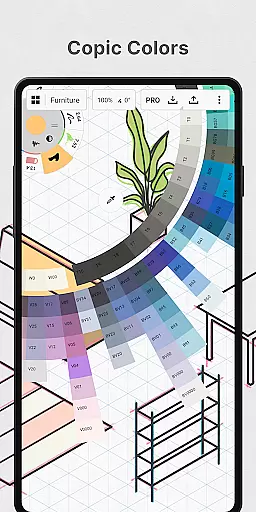
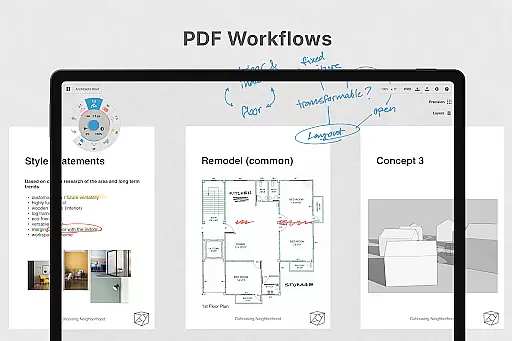
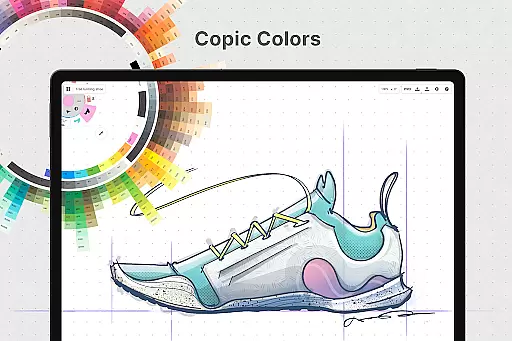
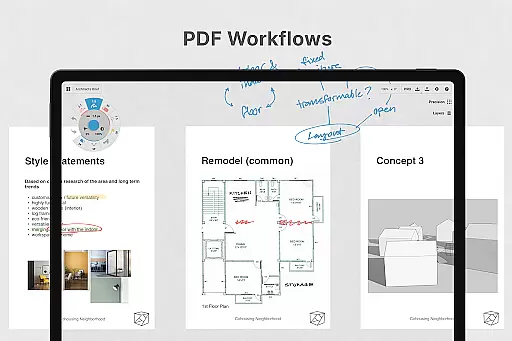
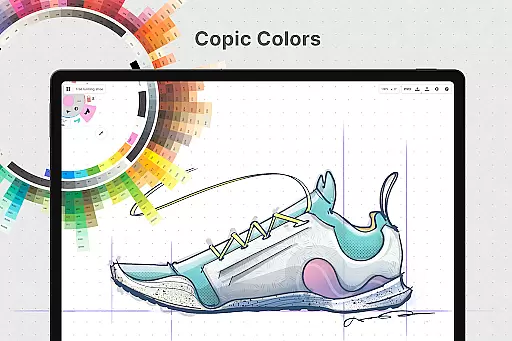
One of the standout features of Concepts is its adaptability across different workflows. Whether you're designing product sketches, organizing thoughts through doodles, or creating detailed plans, the app provides precision tools like shape guides, live snap, and measurement options. Additionally, its seamless integration with Chrome OS and pen-enabled devices ensures a smooth and responsive experience. With support for layers, custom grids, and advanced color wheels, Concepts empowers users to bring their ideas to life in a highly customizable environment.
The app is particularly useful for professionals working in creative industries such as animation, game design, or product development. Creators from companies like Disney, Google, and Apple use Concepts to iterate on designs quickly and efficiently. By offering both free and premium features, including exports to various formats like PDF and SVG, Concepts caters to a wide range of users, from hobbyists to industry experts, ensuring everyone has access to powerful creative tools.
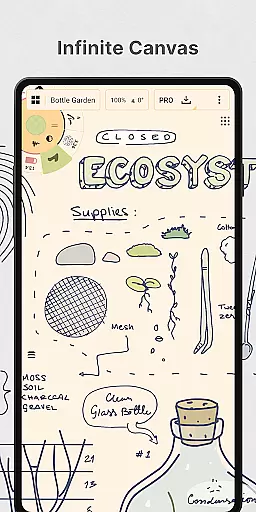
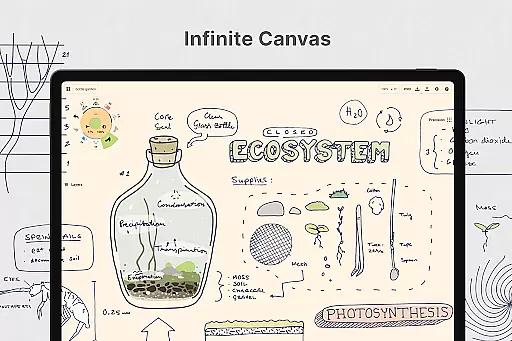
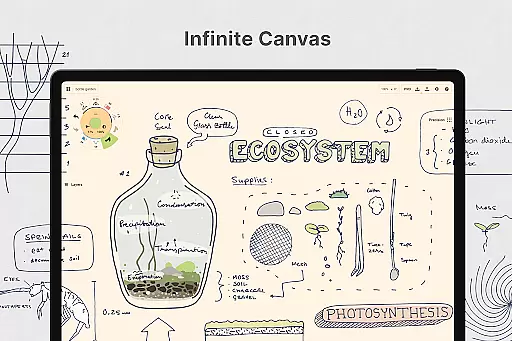
Concepts stands out due to its robust feature set tailored specifically for creative professionals. At its core, the app provides an infinite canvas that supports multiple paper types and custom grids, allowing users to personalize their workspace according to specific project needs. The vector-based sketching system enables users to adjust any element of their drawing at any time, whether by tool, color, size, or scale, without having to redraw anything. This flexibility significantly enhances productivity and allows for more experimentation during the ideation phase.
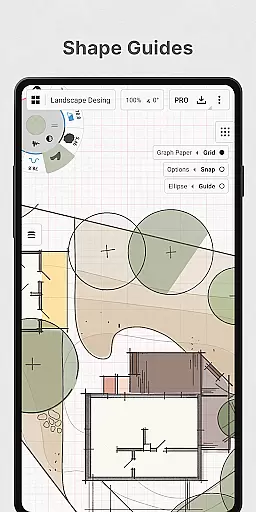
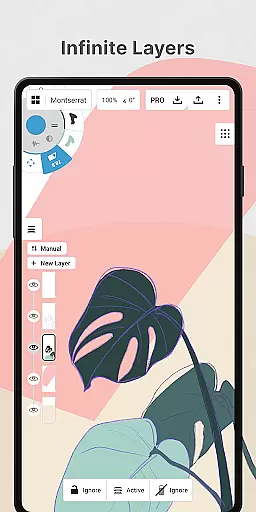
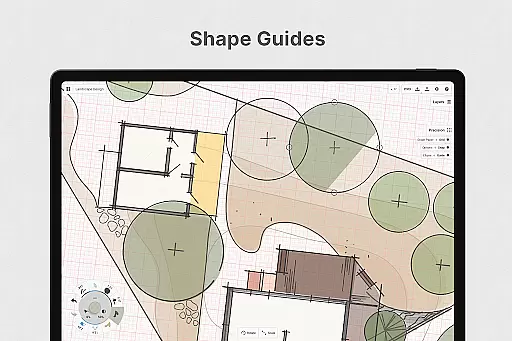
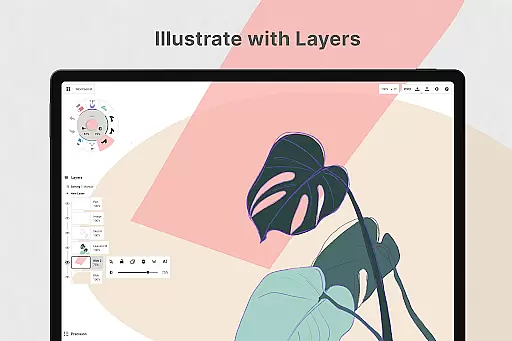
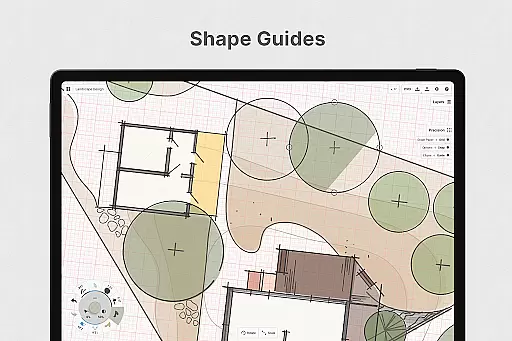
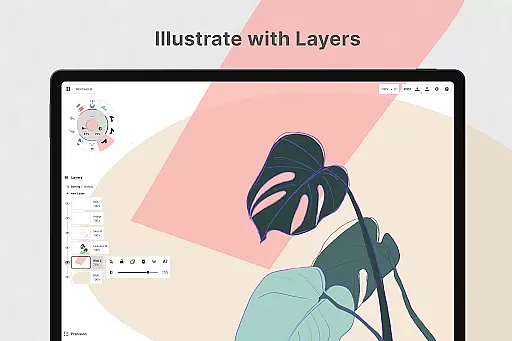
Another key aspect of Concepts is its advanced toolset. The app includes realistic pencils, pens, and brushes that respond to pressure, tilt, and velocity, with adjustable live smoothing for precise control. Users can also leverage features like shape guides, live snap, and measurement tools to create clean and accurate sketches. Additionally, the layering system offers unlimited layers with automatic sorting and adjustable opacity, giving users complete control over their compositions. These capabilities make Concepts suitable for everything from quick sketches to complex design projects.
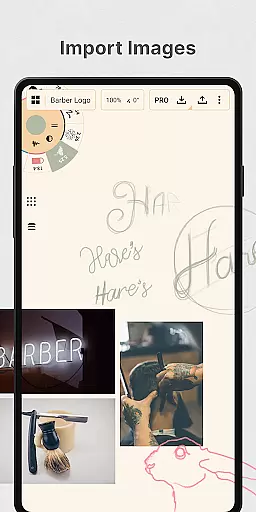
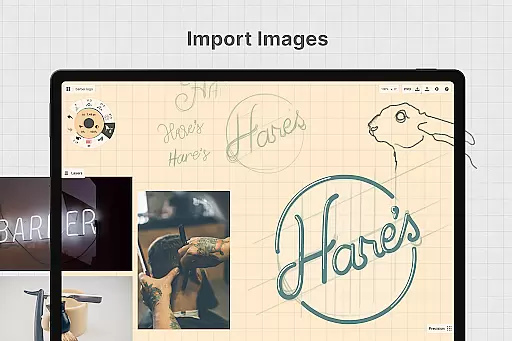
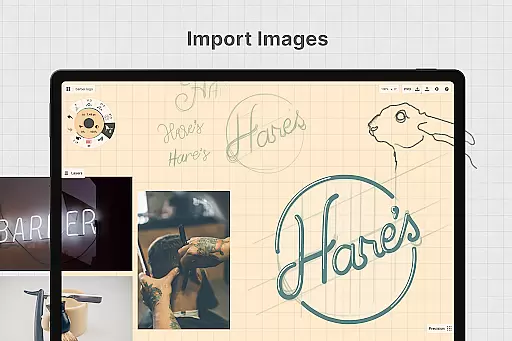
For those seeking enhanced functionality, Concepts offers a subscription model that unlocks premium features such as exporting to professional formats like PNG, PSD, and SVG. The app also supports drag-and-drop image imports, making it easy to incorporate reference materials directly into your work. With frequent updates based on user feedback, Concepts continues to evolve, ensuring that it remains a cutting-edge solution for digital creativity across platforms like Android, Chrome OS, iOS, and Windows.
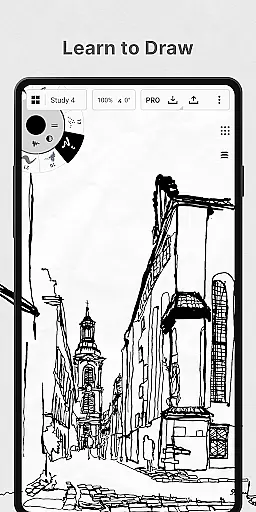
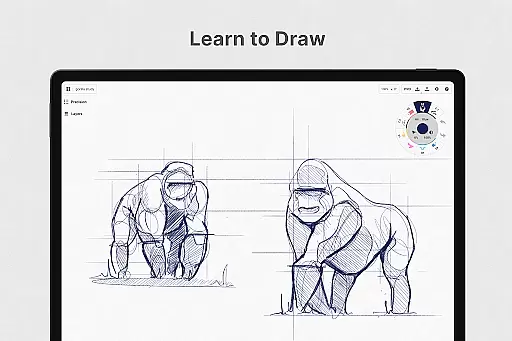
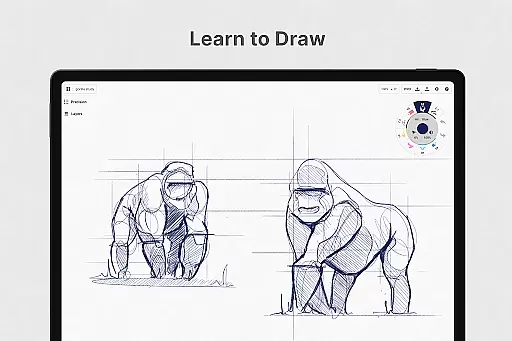
In the realm of digital art and design, having a comprehensive set of tools is paramount. Concepts offers an extensive array of creative instruments that cater to both amateur doodlers and professional designers. The app provides realistic pencils, pens, and brushes that respond to pressure, tilt, and velocity, with adjustable live smoothing to refine your strokes.
One of the standout features is its vector-based sketching capability, which allows users to move and adjust their drawings at any time. This flexibility extends to editing by tool, color, size, smoothing, and scale, ensuring every element of your creation can be perfected. With specialized tools like shape guides, live snap, and measurement functions, precision in your work is guaranteed.
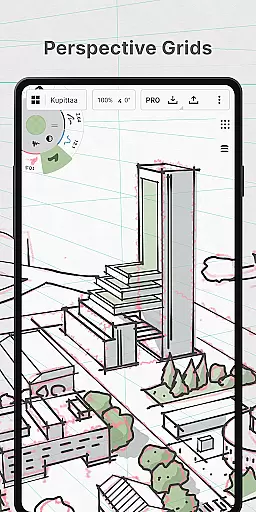
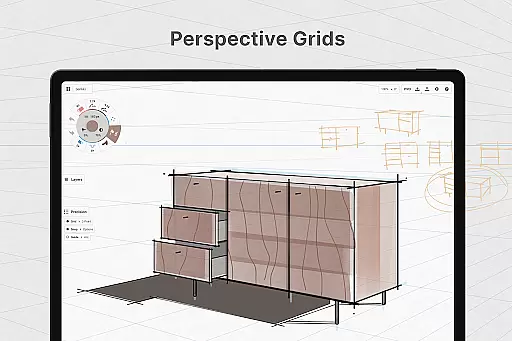
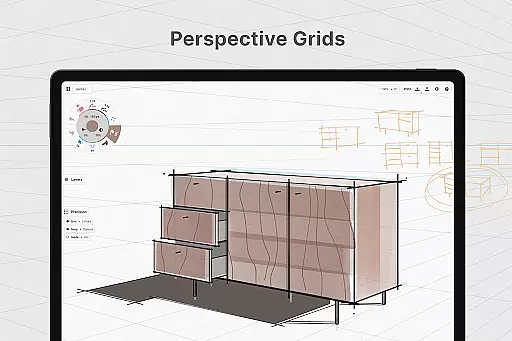
The inclusion of an infinite canvas with various paper types and custom grids further expands the creative possibilities. Whether you're sketching out plans, drawing storyboards, or designing products, Concepts adapts to your needs. Additionally, the app's optimization for the latest pen-enabled devices ensures a fast, smooth, and responsive experience.
A flexible workspace is essential for unleashing creativity, and Concepts excels in providing canvas and format versatility. The app boasts an infinite canvas, allowing creators to expand their work without boundaries. This feature is complemented by multiple paper types and customizable grids, catering to different artistic styles and project requirements.
Concepts also supports an infinite layering system with automatic sorting and adjustable opacity, giving artists unparalleled control over their compositions. The ability to personalize your canvas, tools, gestures, and everything else means your workflow can be as unique as your artwork. You can even drag and drop images onto the canvas for reference or tracing.
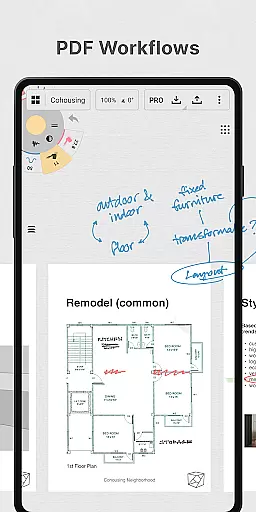
Export options are equally versatile, enabling users to share their work in various formats such as images, PDFs, and vectors. This makes it easy to print your creations or gather feedback from peers and clients. Whether you need JPGs for quick sharing or SVGs for professional editing, Concepts has you covered.
User-friendly interface
Highly customizable tools
Cross-platform compatibility
Realistic drawing experience
Regular feature updates
Premium features are costly
Steep learning curve
Limited offline functionality
Occasional performance lags
Export options require subscription

Learn how to draw with step-by-step tutorials, fun lessons & multiplayer drawing
 4.70
4.70
Sketch, trace and master AR drawing with awesome anime art!
3.30
Draw beautiful mandala's very easily
4.60
Create stunning art with AI.
4.80
Design unique, funny and adorable cat stickers that reflect your own style!
3.80
Mobile pixel art editor. Simple. Fast. Portable.
4.80
Bring One UI 8.5 Icons to life -elegant dark icons with a modern, premium touch.
4.30
Retouch photos. Create or edit images. Endless capabilities.
2.70
Multiplayer Drawing game, Coloring, Painting・Sketch, Handwriting・Paint, draw
4.30
The ultimate tool for creating animations
4.60
Turn your drawings into flipbook-style animations with simple creative tools
4.60
Create neon drawing with magic doodle and fun doodle art effects!
4.50
The perfect place to start sketching! Use Sketchbook to draw and paint sketches.
4.50
Image/ Text to Video Generator
4.40
Unleash Your Creativity with Draw Cartoon - AR Drawing App
4.10
Sketch and paint on your device with the feel and freedom of drawing on paper
4.00
Vidu is an AI video generator made for creators and aspiring makers.
3.30
Art of Combination Wear OS Watch faces
4.1
A luxurious gold watch face for an elegant and refined look.
4.3


User Reviews