
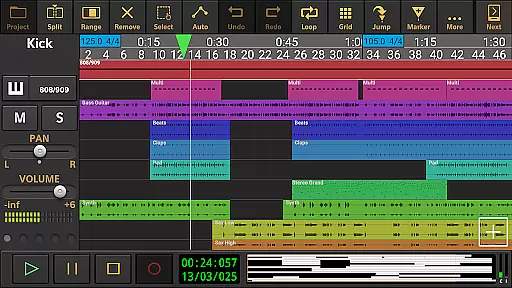
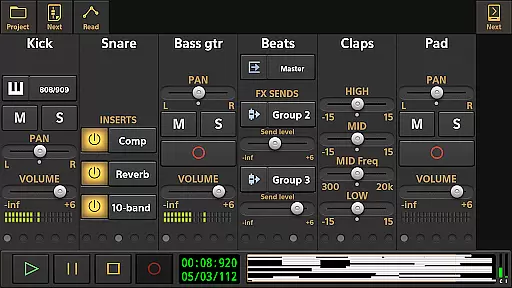
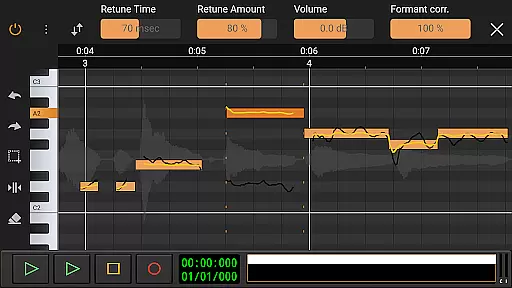
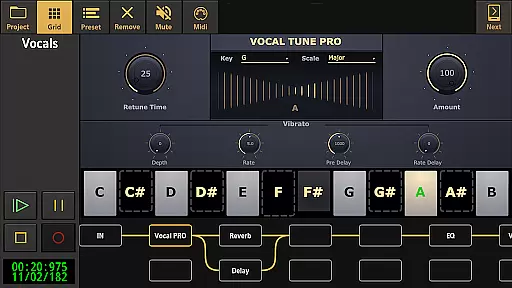
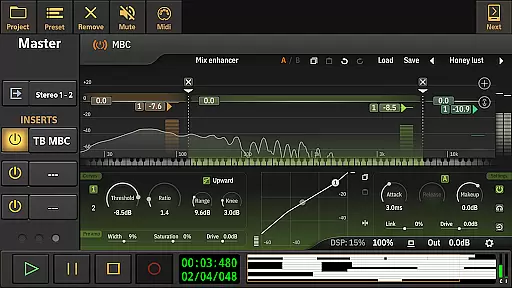
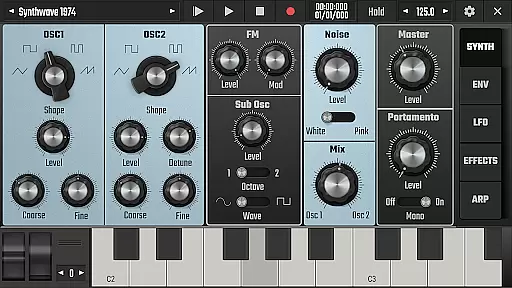
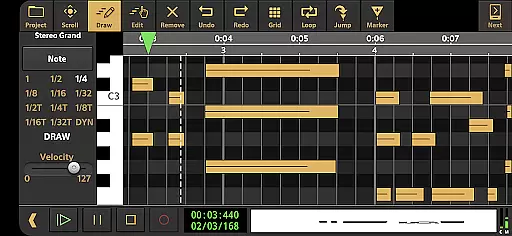
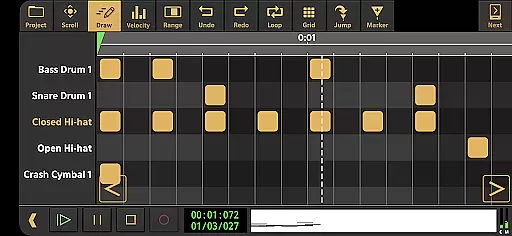
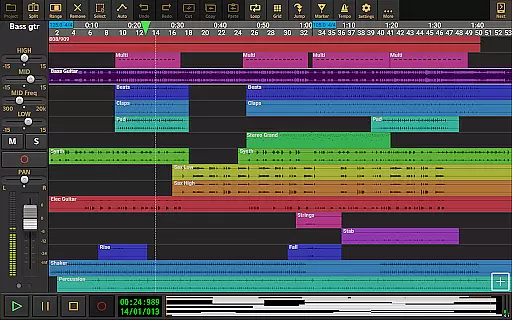
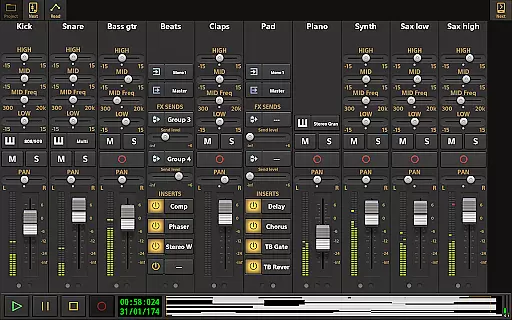
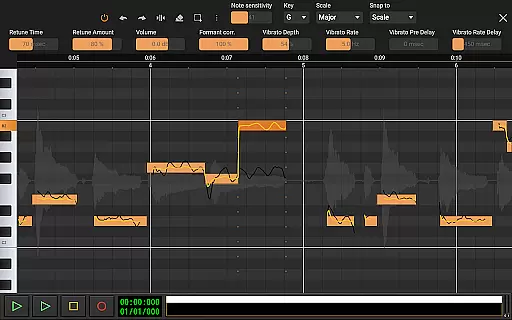
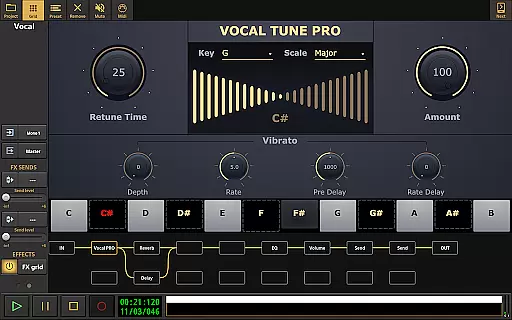
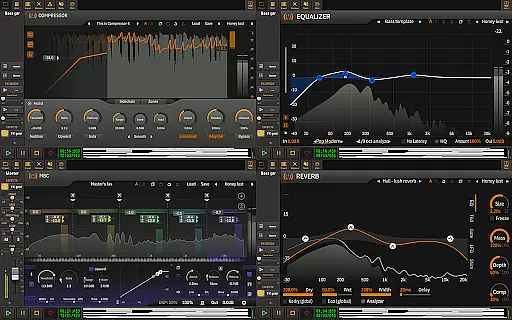
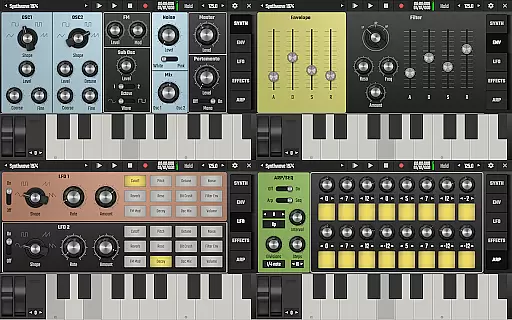
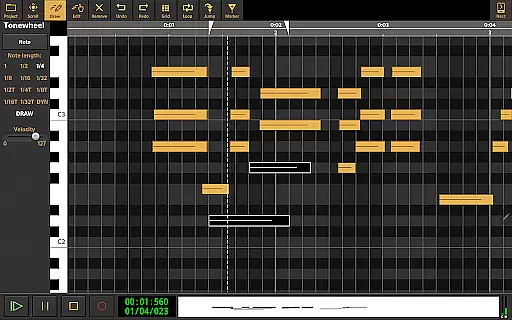
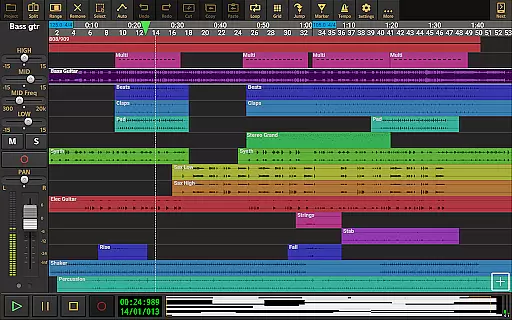
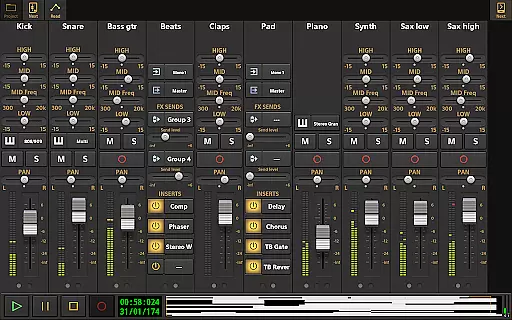
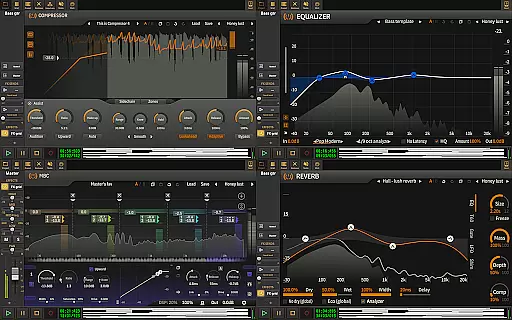
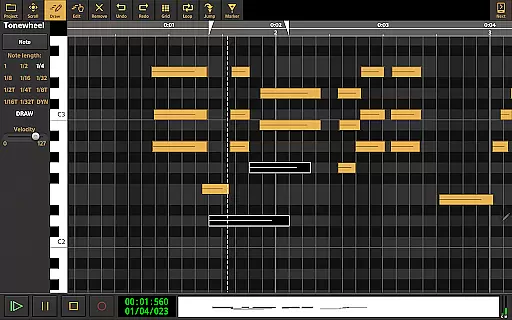
Audio Evolution Mobile Studio is a comprehensive music creation, mixing, and editing app for Android. It offers professional-grade features such as multitrack audio and MIDI recording, virtual instruments, real-time effects, and mixer automation. The app supports low latency recording through USB audio interfaces and provides advanced tools like Vocal Tune Studio for pitch correction.
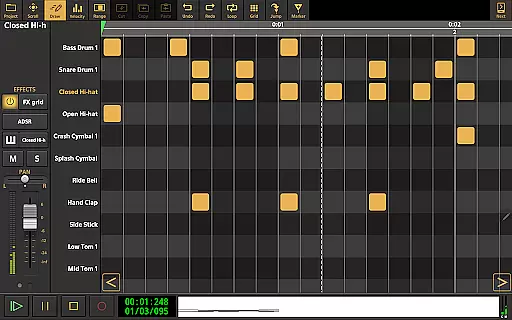
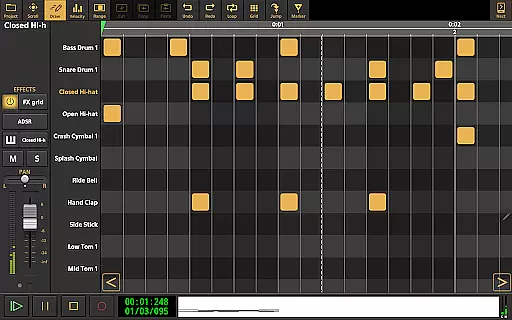
This digital audio workstation rivals desktop DAWs with its extensive feature set including drum pattern editing, tempo automation, and flexible effect routing. Whether you're creating quick song ideas or producing full compositions, the app provides unlimited tracks and groups, making it an ideal replacement for traditional 4-track recorders at a fraction of the cost.
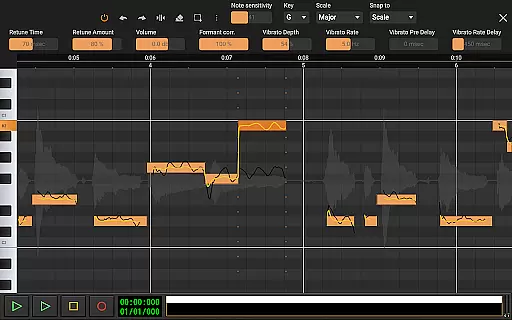
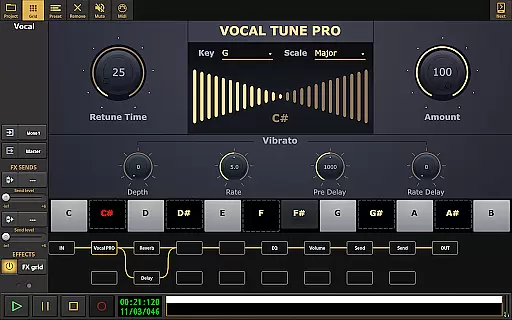
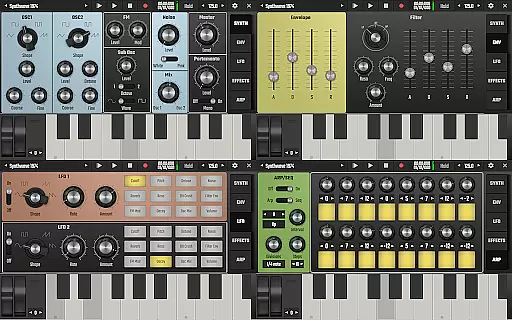
The app's standout feature is its professional-level audio processing capabilities. With Vocal Tune Studio, users can manually adjust pitch and timing of recordings with precision controls for retune amount, formant correction, and vibrato. The built-in Evolution One synthesizer delivers authentic analog sounds while the drum pattern editor allows custom beat creation using your own samples.
Advanced production tools include unlimited undo/redo functionality, tempo/time signature changes, and sophisticated effect chains. The flexible routing system lets producers create complex parallel effect paths, while LFO assignments and sidechain compression enable dynamic sound shaping. These features make Audio Evolution Mobile Studio a powerful tool for both amateur musicians and professional producers.
Audio Evolution Mobile Studio offers an extensive music library that caters to a wide range of musical genres and styles. The app includes various virtual instruments, audio loops, and sample-based Soundfont instruments, ensuring users have access to a rich palette of sounds for their compositions.
The inclusion of licensed content guarantees copyright authenticity, allowing creators to use the resources without legal concerns. This is particularly important for professional musicians who require assurance that their work will not infringe on any copyrights.
Moreover, the availability of additional in-app purchases such as ToneBoosters and specialized effects provides even more depth to the music library. These premium features expand the sonic possibilities and offer advanced tools for sound design and music production.
With its vast array of instruments and effects, Audio Evolution Mobile Studio empowers users to create high-quality music productions that rival those made with desktop DAWs, all while ensuring the integrity of the content used in their projects.
When it comes to audio quality options, Audio Evolution Mobile Studio excels by providing support for high-resolution audio formats. Users can record and playback using WAV, MP3, AIFF, FLAC, OGG, and MIDI files, which ensures that the audio fidelity is preserved throughout the production process.
The optional in-app purchase of a custom USB audio driver further enhances the audio experience by enabling low latency and high-quality multi-channel recording at various sample rates and resolutions. This feature is crucial for professionals who demand pristine audio quality in their recordings.
In addition to supporting multiple file formats, the app also allows for mastering (mixdown) to several lossless and compressed formats. This flexibility in export options means that producers can tailor the final output to their specific needs, whether it's for digital distribution or physical media.
Overall, the robust audio quality options within Audio Evolution Mobile Studio make it a top choice for musicians and producers looking to achieve exceptional sound in their mobile productions.
User-friendly interface
Professional audio quality
Extensive feature set
Flexible routing options
Cross-platform compatibility
Steep learning curve
Additional in-app purchases
High device requirements
Complex interface for beginners
Occasional stability issues

Offline and always ad-free - stream in the highest quality available.
 4.10
4.10
The Cubase remote control app
3.60
Performance-Synthesizer & Multi-Track-Sequencer, polyphonic + multi timbral!
4.70
Brian Eno and Peter Chilvers’ acclaimed music app Bloom, radically reinvented.
4.80
AI Music Maker: Generate And Compose AI Tunes & AI Songs & AI Music & AI Melody!
4.60
Unleash your creativity! Turn simple prompts into full fledged songs.
4.70
Voice recorder - Audio recorder. Best recorder for recording
4.90
Offline Music Player&MP3 Player with themes, equalizer, lyrics, music play mode
4.60
MilkDrop for Android TV
3.00
Music, News & Sports Radio Tuner App. Tune in Live FM & AM Radio Stations.
4.80
Make songs with AI! Any genre, custom lyric, song generator for music creation!
4.80
Most Advanced AI Song Generator and Music Creator. Rap, Pop, Rock, Gospel & more
4.70
Guzheng Master supports many playing techniques as an acoustic Guzheng
4.50
Formerly known as Spotistats! View your top tracks, artists, albums and more!
4.40
A sleek, no-frills player designed for true music lovers.
4.20
PowerAudio is a powerful offline music player.
4.20
Background pads for your band
3.80
Powerful beat maker & DJ mixer to remix tracks, make music, & perform DJ mix
3.70
Simple mp3 and mp4 player with advanced features.
3.40


User Reviews