
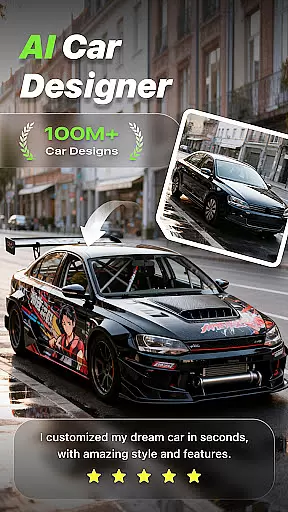
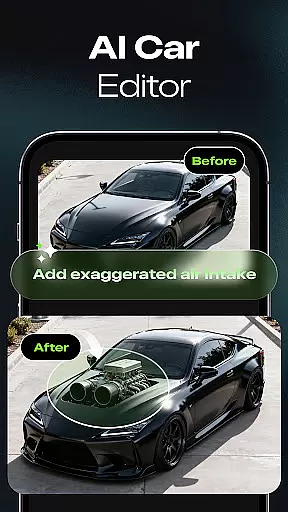
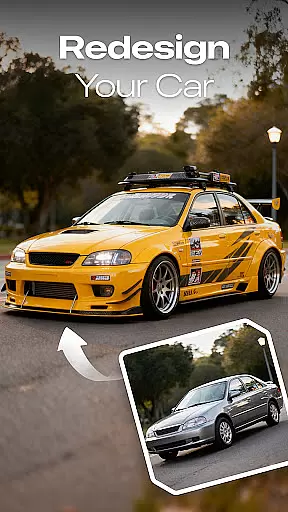
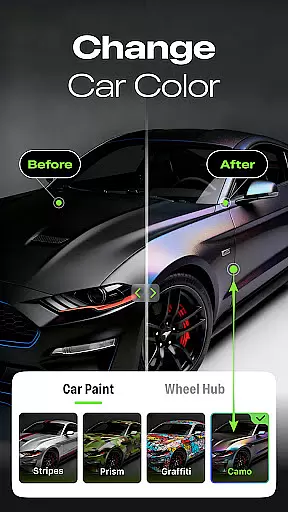
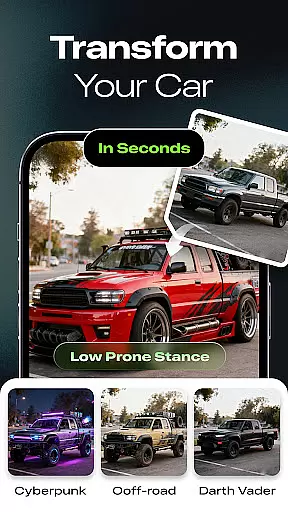
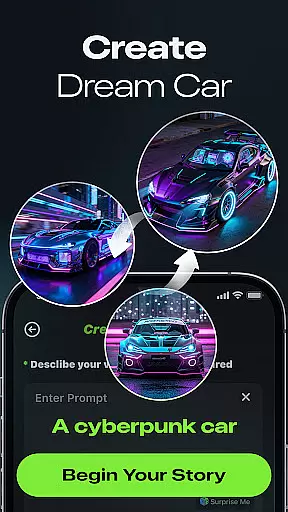
Car Editor & Al Car Designer is a revolutionary app in the Auto & Vehicles category that allows users to transform their car customization ideas into reality through advanced AI technology. The app's core functionality lies in its ability to generate realistic car modification concepts based on user-uploaded photos, offering limitless creative possibilities.
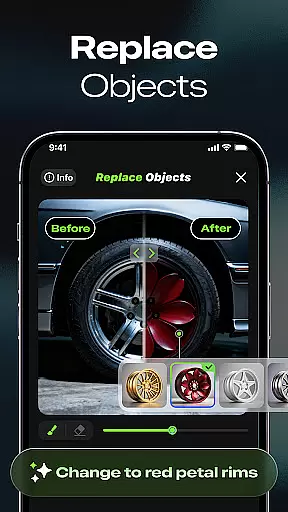
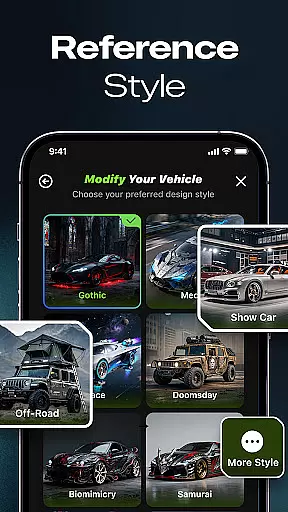
The application stands out with its Smart Detail Editing feature that enables precise modifications of colors, lights, and accessories with seamless blending. Additionally, the One-Tap Style Transformation tool provides instant visualization of various car styles, from cyberpunk to luxury designs. These features make it an invaluable tool for both professional designers and automotive enthusiasts looking to experiment with car modifications virtually before committing to real-world changes.
The app boasts several distinctive features that set it apart in the automotive customization space. The AI Car Design Generator serves as the cornerstone functionality, allowing users to upload car images and receive multiple modification suggestions spanning various styles and themes.
What truly makes this app exceptional is its Smart Detail Editing capability. Users can mark specific areas for modification, and the AI intelligently applies changes while maintaining realistic integration with surrounding elements. The app also offers professional-grade tools including multi-image generation for subscribers, unlimited design iterations, and advanced features like video generation - all while maintaining exceptional visual quality that closely mirrors real-life vehicle modifications.
Car Studio offers an innovative approach to accessing detailed vehicle information through its AI-powered platform. This feature allows users to upload a photo of their car and receive modification concepts that are not only visually appealing but also technically accurate.
The app's AI technology analyzes the uploaded image, identifying key components such as the car's make, model, and existing features. It then generates realistic modification ideas, ranging from aesthetic enhancements like color changes to more complex alterations such as lighting and accessory upgrades.
Users benefit from highly precise suggestions that cater to both cosmetic and functional improvements. Whether planning for a real-life upgrade or simply exploring creative concepts, this level of detail ensures that every modification is grounded in reality.
This functionality is invaluable for car enthusiasts who want to visualize potential upgrades before committing to them. By providing detailed and accurate vehicle information, Car Studio empowers users to make informed decisions about their car customization projects.
One of the standout features of Car Studio is its commitment to price transparency, ensuring users understand the costs associated with using the app's advanced features. While basic functionalities are accessible to all users, certain premium features require a subscription.
The subscription model is clearly outlined within the app, detailing benefits such as multi-image generation, unlimited design creations, and ad removal. Users can choose to subscribe based on their needs, whether they're casual hobbyists or professional designers.
By offering tiered subscription options, Car Studio maintains transparency regarding what each level entails and the corresponding costs. This approach allows users to select a plan that best fits their usage patterns and budget constraints.
Overall, this dedication to clear pricing structures enhances user trust and satisfaction. Customers appreciate knowing exactly what they're paying for, which ultimately leads to a more positive experience when utilizing the appu2019s extensive customization capabilities.
User-friendly interface
Highly realistic results
Versatile style options
Professional-grade tools
Innovative AI technology
Premium features locked
Subscription required
Limited free usage
Ads for free users
Complex for beginners

OBD diagnostics, Live Data, DPF regeneration for BMW
 4.00
4.00
Listings of Tesla's with FSD - Included package
4.60
* This app needs an adapter cable and a certain OBD2 adapter to work *
4.20
Launcher for use in the car
4.40
O'Reilly Pro will streamline your parts lookup and ordering process!
3.20
7-Day Returns on All Cars
4.80
Quick and easy car diagnostics to get you the right fix.
4.70
Earn and save with Fuel Rewards®
3.20
A smarter way to park and reserve your spot ahead of time.
4.40
Take Control of Your Car
4.80
Car Values, Research and More
4.80
OBD1 ECMs application. Data log or tune directly from your phone or tablet!
4.60
Shop cars & see your financing
4.60
Find Fast EV Chargers | Charge Your Vehicle at 1,100+ Fast Car Charging Stations
4.60
OBDII - ELM327 Terminal tool for 96-00 Volvos
4.50
Taximeter; the professional's choice
4.30
Get your personalized financing options and shop for used cars today!
4.20
BlueDriver® is a Premium Diagnostic OBD2 Scan Tool. www.BlueDriver.com
3.90
Theme for Car Launcher
4.4


User Reviews