
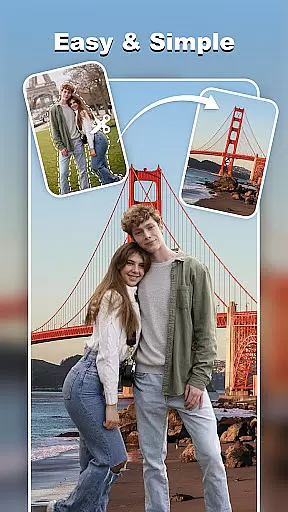
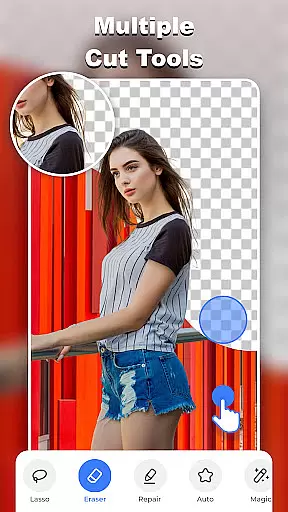
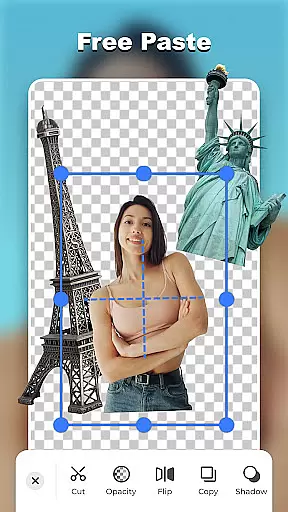
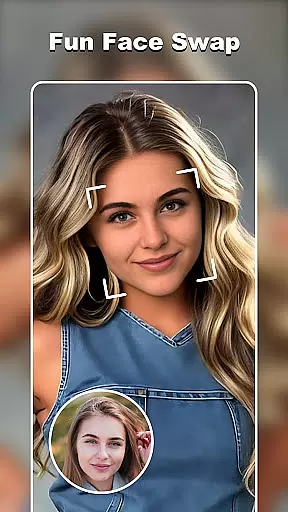

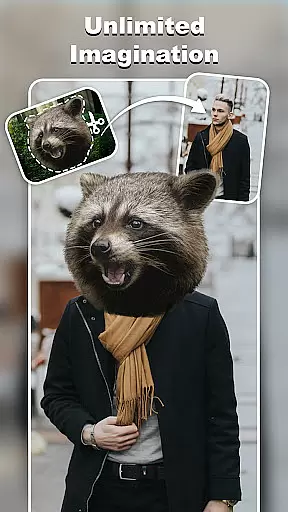
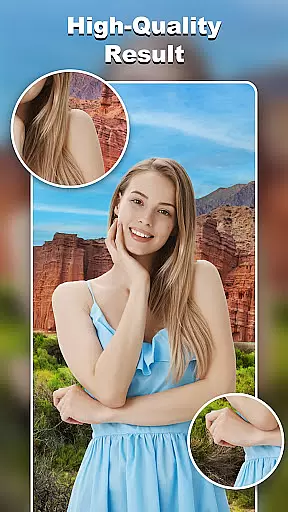
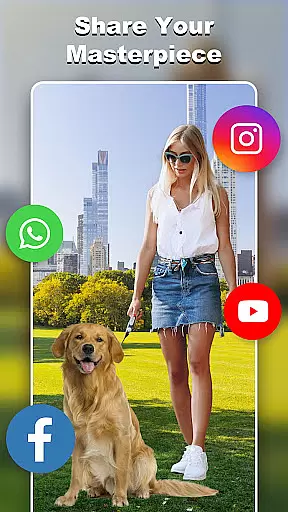
Cut and Paste Photo Editor is a powerful AI-driven photo editing tool that simplifies the process of cutting and pasting objects in images. With just two steps - cut what you need, and paste where you want - users can create stunning collages effortlessly. The app offers advanced features like face swapping, background removal, and object cutting with precision.
Designed for both casual users and professionals, this app provides limitless creative possibilities. Whether you're looking to create artistic compositions, prepare product photos for e-commerce platforms, or design creative projects using ready-made templates, Cut and Paste Photo Editor delivers professional-quality results with minimal effort.
The app boasts an array of innovative features that cater to various photo editing needs. Its Magic Cutting tool includes multiple options such as background eraser, lasso, smooth, repair, auto-cut, and magic cut, enabling users to remove unwanted elements or backgrounds with pixel-level accuracy.
For creative projects, the app offers an Online Background Library with unlimited ready-to-use backgrounds and a wide range of ready-made templates. Users can also enhance their creations with colorful decorations, text captions featuring 20+ unique fonts, and seamless pasting capabilities that merge elements smoothly.
Additional powerful features include face swap functionality, copy face tool, and e-commerce optimization for platforms like Amazon and Etsy. These professional-grade tools make it easy to produce high-quality, visually appealing images while maintaining complete creative control.
Real-time capture and preview functionality is essential for photography applications as it allows users to see exactly what the camera is capturing before taking a shot. This ensures that the framing, lighting, and composition are all perfect before committing to a photo.
Cut and Paste Photo Editor offers an advanced real-time capture system that provides users with a seamless experience. The app's interface displays a live feed from the device's camera, allowing users to adjust settings such as exposure and focus directly within the app. This immediate feedback empowers users to make necessary adjustments on the fly.
The benefits of this feature are numerous. Users can achieve professional-quality photos by fine-tuning their shots in real time, which is particularly useful when working with challenging lighting conditions or complex compositions. Additionally, the ability to preview edits instantly enhances the creative process, making photo editing more intuitive and enjoyable.
By providing reliable real-time capture and preview capabilities, Cut and Paste Photo Editor ensures that users can confidently create stunning images, knowing exactly how the final product will look before finalizing their work.
AI beauty and enhancement features have become increasingly popular in photography apps, offering users the ability to enhance their photos with natural-looking effects. These tools leverage artificial intelligence to automatically detect and improve various aspects of an image, such as skin tone, facial features, and overall aesthetics.
In Cut and Paste Photo Editor, AI-powered enhancements go beyond basic filters. The app uses sophisticated algorithms to analyze each photo, identifying areas that can be improved while maintaining a natural appearance. For instance, the AI can smooth skin textures without creating an artificial plastic look, brighten eyes subtly, and even out skin tones without losing the unique characteristics of the subject.
This approach to beauty enhancement offers significant value to users. By preserving the authenticity of the original image, the app ensures that edited photos remain true to life. This is especially important for users who wish to enhance their images for social media or professional portfolios without compromising on realism.
Ultimately, the AI beauty and enhancement features in Cut and Paste Photo Editor empower users to elevate their photography with confidence, knowing that their edits will appear both polished and genuine.
User-friendly interface
Advanced AI technology
Versatile editing tools
Professional results
Limitless creativity
May require learning curve
Premium features locked
Occasional processing delays
Limited free backgrounds
Subscription required

Viewfinder, Light meter, Reciprocity failure time, DOF & Bellows Extension
 4.60
4.60
Virtual makeup, hair filters & body tuner—edit from face to full body!
4.20
Gallery Slideshow is slideshow maker app for slideshow from your gallery photos.
3.90
Professional photography on your mobile phone
4.20
Future baby face generator: AI kids generator, kid face! What my baby look like?
4.40
See your baby AI baby face generator AI baby maker Face generator babymaker fun!
4.70
Smart, light, and fast photo and video gallery
4.30
AI-powered video creator by MiniMax - Where ideas meet cinema
4.20
Turn photos into cartoons & avatars! - Photo Editor, Cartoon Face!
3.90
Collage your moments in one tap: 1000+ layouts, filters, stickers, and texts.
4.90
Discover & download millions of art for The Frame TV or Hisense CanvasTV
4.60
Create Business Headshots, Polaroid Filter, Retake Photos,Profile Pics,AI Photos
4.50
HD Camera Pro with HD Video shooting, Panorama, Photo editor , Beauty Camera.
4.50
Create AI photos & videos with Enhancer; restore, fix, beautify, enhance photos
4.50
Effortlessly organize, view and share your photos & videos with Gallery app!
4.40
[3DSteroid Pro] is a stereoscopic application for Android.
4.30
Natural Beauty, Selfie Retouch
4.30
Professional camera app that brings DSLR manual photography controls to Android.
4.20
Hair color changer, AI haircut app, fun hair editor and buzz cut filter for all!
3.80


User Reviews