
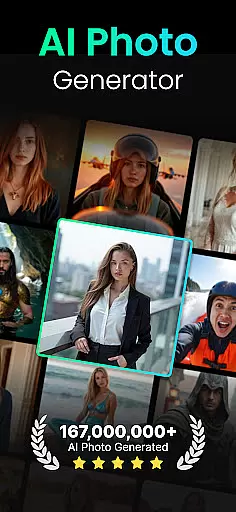
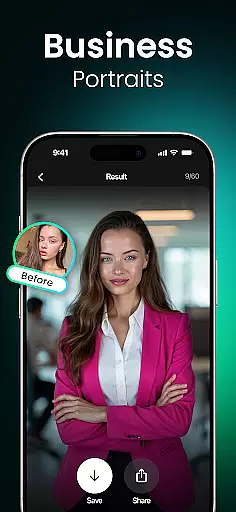
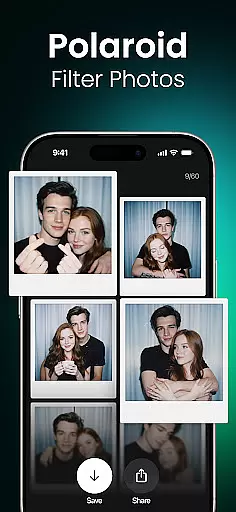
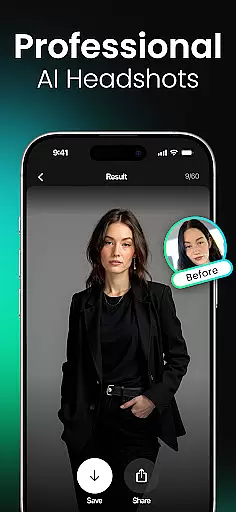
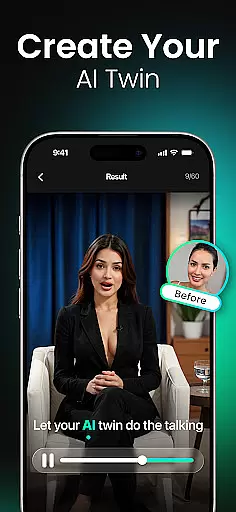
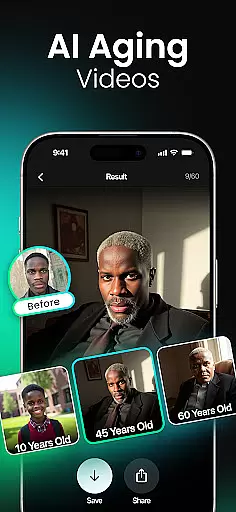
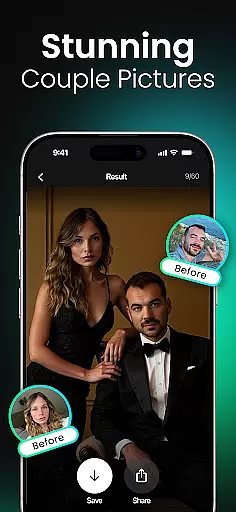
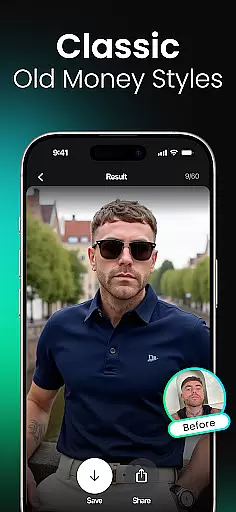
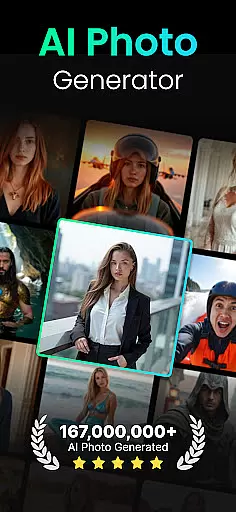
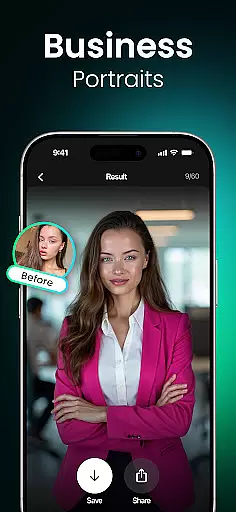
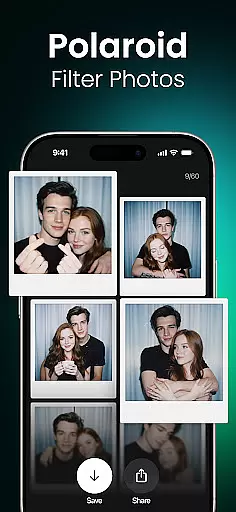
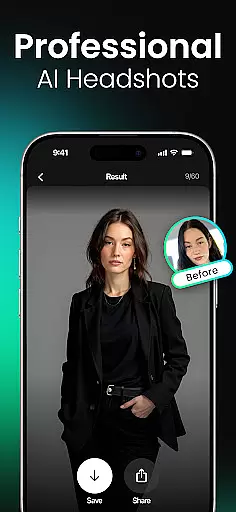
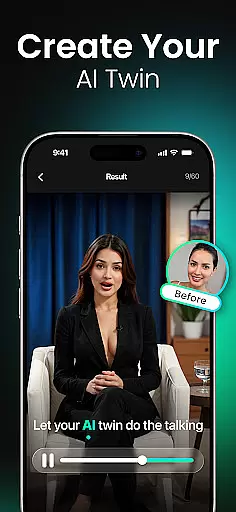
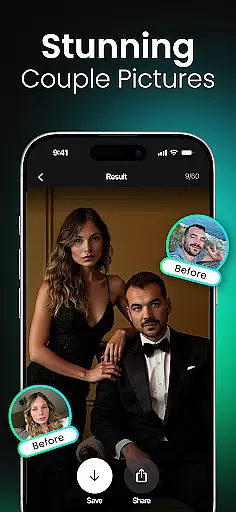
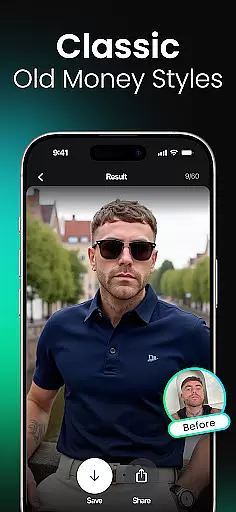
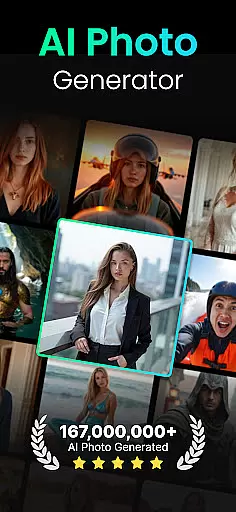
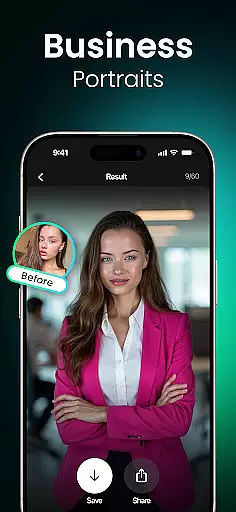
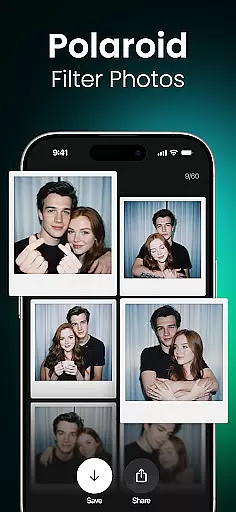
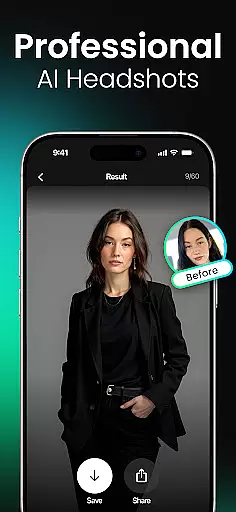
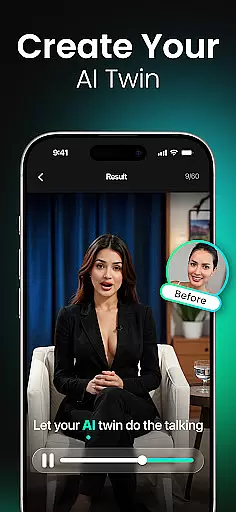
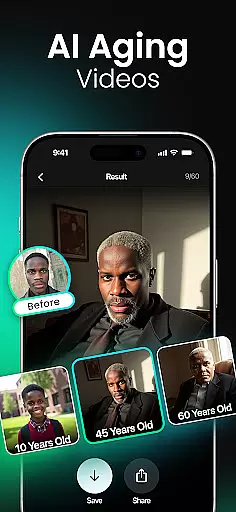
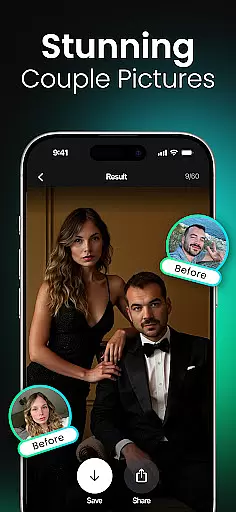
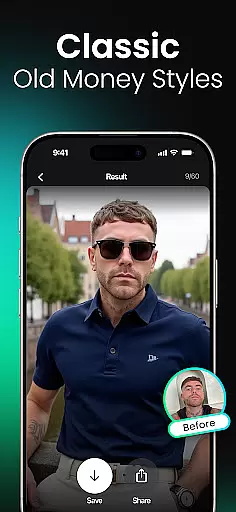
Momo is an innovative AI Photo Generator app that leverages advanced artificial intelligence to transform your digital presence. Whether you're seeking professional headshots for job applications, artistic portraits for social media, or trendy profile pictures for dating apps, Momo delivers tailored solutions. The app specializes in creating photorealistic AI headshots and diverse artistic styles, ensuring users can reinvent their online identity with ease.
One of the standout features of Momo is its ability to generate personalized AI profiles, which adapt to each user's unique facial characteristics. This ensures every image produced is not only high-quality but also reflective of individual personality. Additionally, Momo offers creative tools like AI Twin Generator, age progression videos, and fantasy portraits, making it a versatile choice for various user groups, from professionals to gamers and K-pop enthusiasts.
The app's value extends beyond personal use; it empowers social media creators to produce viral content, helps job seekers make strong first impressions, and allows anyone to explore imaginative scenarios like virtual travel photography. With regular updates and new filters, Momo keeps users engaged while consistently enhancing their digital experiences.
Momo stands out with its comprehensive suite of AI-powered photo editing tools designed to cater to diverse user needs. At its core, the app allows users to create a personalized AI profile, which serves as the foundation for generating realistic and customized images. This feature ensures that every output aligns perfectly with the user's unique facial features and desired aesthetic.
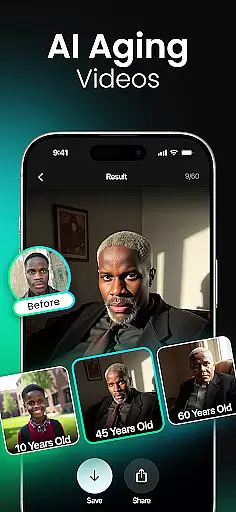
Beyond basic photo generation, Momo offers specialized modes such as AI Aging Photo-Videos, where users can visualize their future selves or revisit their younger days through realistic simulations. The app also includes creative options like K-Pop Photoshoots, Fantasy Portraits, and Gaming Mode, enabling users to immerse themselves in imaginative worlds. These features are complemented by high-resolution outputs and dynamic short videos optimized for platforms like Instagram and TikTok.
Another key highlight is Momo's versatility in catering to different user personas. For professionals, it provides polished headshots; for creatives, it offers magazine-style covers and cinematic portraits; and for adventurers, it simulates stunning travel photos from iconic global locations. By combining cutting-edge AI technology with intuitive design, Momo redefines how users interact with digital photography.
Real-time capture and preview functionality is essential for ensuring that users can see the results of their photo sessions instantly. This feature allows users to adjust settings, poses, and expressions on the fly, ensuring they capture the perfect shot every time.
Momo leverages advanced AI technology to provide real-time previews of AI-generated photos. As users interact with the app, they can see how different styles, filters, and enhancements will look before finalizing their images. This immediate feedback loop enhances user experience by allowing quick adjustments and creative experimentation.
The benefit of this feature is significant for users who want to fine-tune their photos to match specific aesthetics or professional standards. Whether it's for social media, dating profiles, or professional headshots, real-time capture and preview ensure that the final output meets user expectations.
Ultimately, Momou2019s real-time capture and preview capabilities empower users to create high-quality, personalized content with confidence. By seeing changes instantly, users can make informed decisions about their photo edits, leading to more satisfying and visually appealing results.
AI beauty and enhancement features focus on improving the visual appeal of photos while maintaining a natural look. This balance is crucial for creating images that enhance a user's best features without appearing overly edited or artificial.
Momo employs sophisticated AI algorithms to analyze facial features and apply enhancements that look genuine. From smoothing skin textures to brightening eyes, the app ensures that each modification complements the user's natural appearance. The AI considers factors like lighting, angle, and individual characteristics to produce realistic and flattering results.
Users benefit from this feature by achieving polished yet authentic-looking photos. Whether preparing for job interviews, updating social media profiles, or creating fantasy portraits, the natural enhancement provided by Momo helps users present their best selves confidently.
In summary, Momou2019s AI beauty and enhancement tools offer a seamless blend of technology and artistry. By prioritizing naturalness, the app delivers professional-grade photo improvements that resonate well with users seeking both quality and authenticity in their digital presence.
User-friendly interface
High-quality AI outputs
Versatile style options
Regular feature updates
Creative customization tools
Premium features require payment
Occasional processing delays
Limited free trial access
Subscription model may deter some
Advanced tools have learning curve

Shooting photos and records video easily and efficient with professional Camera
 4.30
4.30
Easily stitch panoramas from multiple photos or video.
4.40
Find time and duration of different sunlight phases at any location
4.90
How old age camera Gender Swap App Face Shape Hairstyle App Hair Styler App fun!
4.00
Natural Beauty, Selfie Retouch
4.30
Transform photos into videos! Create realistic or anime-style images easily!
4.50
Superimpose one photo on top of another using the original Superimpose app!
3.20
Amazing Photo Effects - The most fun you can have with your photos!
4.70
USB Storage Access for Photos, Videos, Music and Documents
3.80
AI Photo Editor with 100+ Filters, Effects! Remove BG, Retouch & Photo Enhancer.
4.80
Android Native system HD camera app. Never been so simple and faster.
4.70
Edit like a pro with Hypic. Apply filters, AI effects, & magic touch.
4.40
A reflected light meter with spot metering and incident light metering.
4.40
Turn your phone into a professional camera - full DSLR manual photography
4.30
Transform Photos: Edit, Beautify and Craft Memories & Make Collages!
4.10
live datamoshing
4.00
Gallery Slideshow is slideshow maker app for slideshow from your gallery photos.
3.90
Remote control the phone camera shutter from your smartwatch and take a picture
1.60
Add a dreamy vibe to your selfies and videos with soft style filters
4.0


User Reviews