
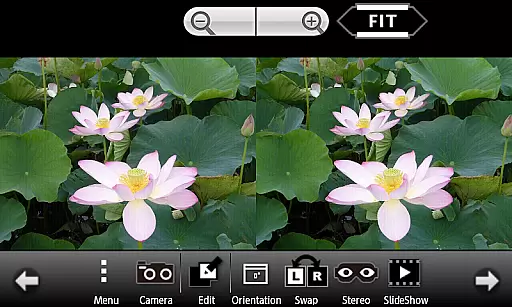
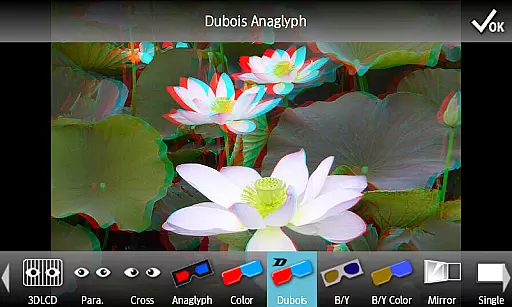
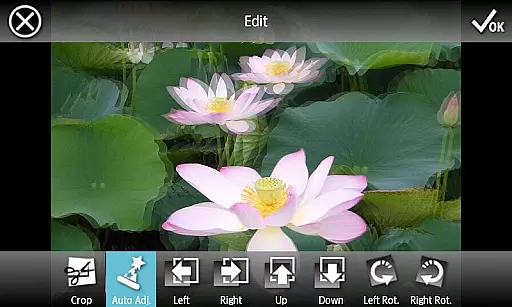
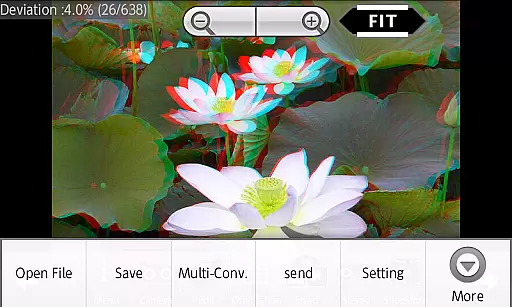
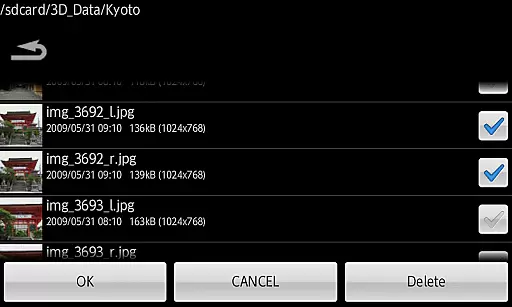
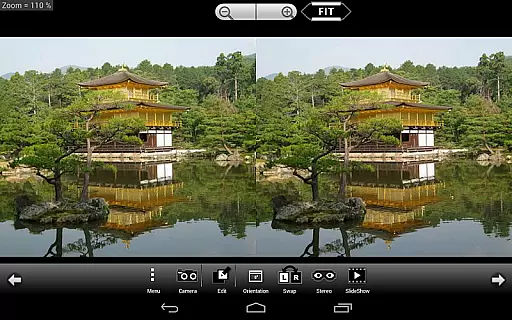
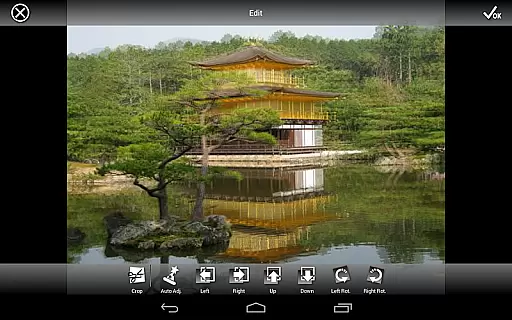
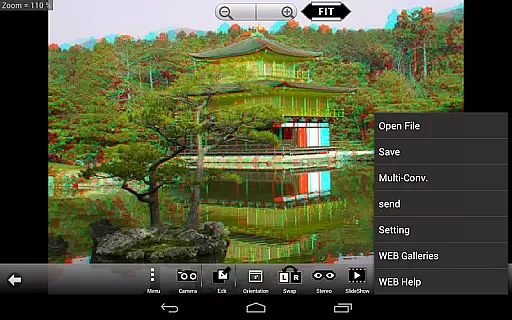
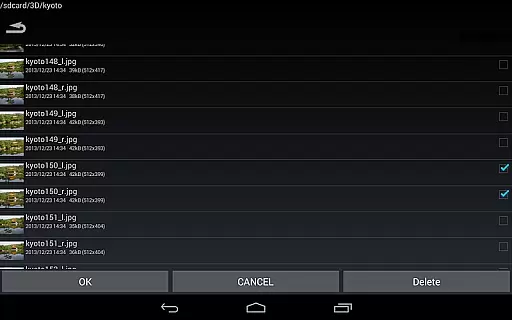
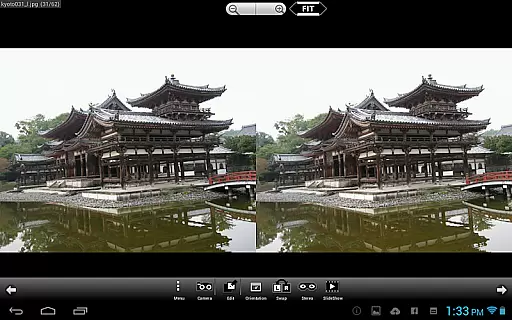
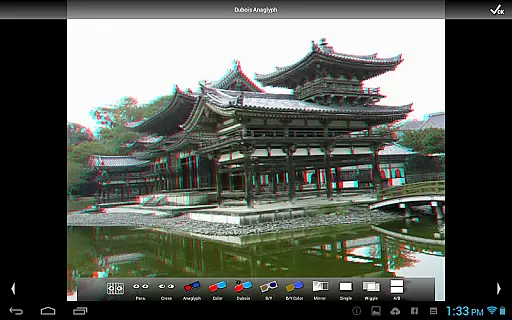
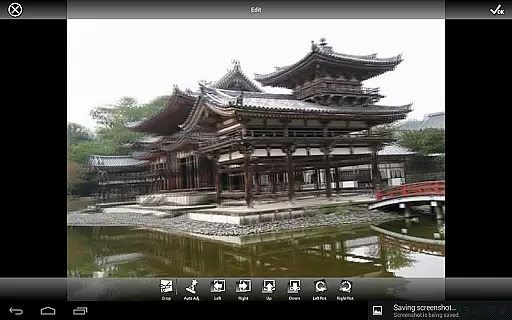
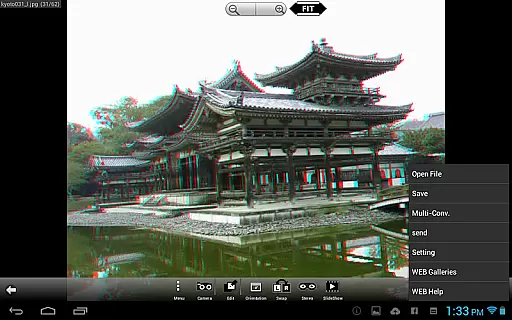
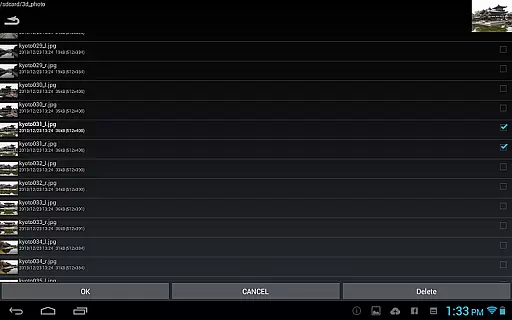
3DSteroid Pro is a premium stereoscopic application designed for Android devices, specializing in 3D image viewing and editing. The app supports various input formats including L/R independent, SBS (Side-by-Side), and MPO files, making it versatile for different types of 3D content. With the ability to auto-align L/R images, adjust positions, rotation, and size errors, users can achieve precise control over their 3D media. Additionally, the app offers multiple display methods such as 3D LCD, SBS, Mirror, Wiggle, 2D, and Anaglyph, catering to diverse viewing preferences. Its comprehensive functionality extends to saving edited images, batch conversion, and accessing an extensive web gallery with over 1000 images.
This app is particularly useful for photography enthusiasts and professionals who work extensively with 3D imagery. Whether you need to take L/R pictures using the internal camera, perform detailed edits, or enjoy a slideshow of your 3D creations, 3DSteroid Pro provides the tools necessary to enhance and manage your stereoscopic content efficiently.
3DSteroid Pro stands out with its advanced features tailored for 3D image manipulation. One of its key capabilities is the auto-alignment of L/R images, which ensures that your 3D content is perfectly synchronized without manual intervention. This feature alone saves significant time and effort, especially when dealing with large batches of images. Moreover, the app allows users to save edited images directly, a function exclusive to the Pro version, ensuring that all modifications are preserved in high quality.
The multi-conversion feature enables seamless transformation between different 3D formats, enhancing compatibility and versatility. Users can also access an expansive web gallery containing over 1000 images, providing ample resources for inspiration and reference. Additional functionalities include slide shows, taking L/R pictures with the device's internal camera, and adjusting various parameters like position, rotation, and size errors. These robust features collectively make 3DSteroid Pro an indispensable tool for anyone involved in 3D photography.
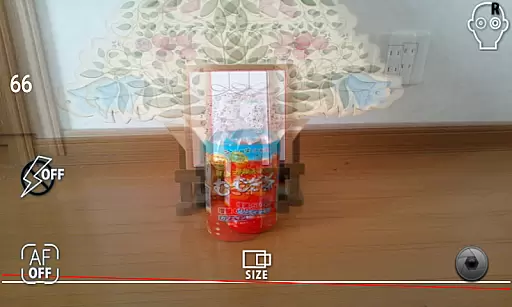
3DSteroid Pro offers a real-time capture feature that allows users to take left and right (L/R) pictures using the internal camera of their Android device. This functionality is crucial for creating stereoscopic images, which provide a 3D effect when viewed correctly.
The application ensures that users can adjust L/R image positions, correct rotation errors, and fix size discrepancies during the capture process. These adjustments are essential for maintaining the quality and alignment of the stereoscopic images, providing an authentic 3D experience.
By enabling real-time previews, users can immediately see the results of their captures and make necessary corrections on the spot. This saves time and effort, ensuring that the final saved images meet the desired quality standards for 3D viewing.
Overall, the real-time capture and preview capabilities of 3DSteroid Pro enhance user experience by simplifying the process of creating high-quality stereoscopic content, making it accessible even to those who are new to 3D photography.
While 3DSteroid Pro does not explicitly market itself as having AI beauty and enhancement features, its robust set of editing tools provides functionalities that enhance the naturalness of 3D images. Users can adjust various parameters to ensure that the final output looks as realistic and appealing as possible.
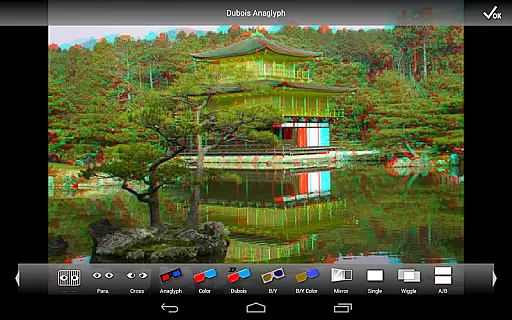
The application supports multiple display methods including 3D LCD, side-by-side (SBS), mirror, wiggle, 2D, and anaglyph formats. Each method offers a unique way to view and enhance stereoscopic images, catering to different preferences and devices available to the user.
Additionally, the Pro version allows saving of edited images and batch conversion, which streamlines the workflow for enthusiasts and professionals alike. This ensures that enhancements made to the images can be efficiently saved and shared without losing quality.
By offering these comprehensive tools, 3DSteroid Pro ensures that users can achieve the best possible natural enhancement of their 3D images, thus elevating the overall aesthetic and impact of their stereoscopic content.
Advanced 3D editing
Batch conversion support
Extensive format compatibility
Comprehensive web gallery
Precise image adjustments
No MPO support on Android 11+
Limited older device support
Pro version costs
Complex for beginners
Requires technical knowledge

How old age camera Gender Swap App Face Shape Hairstyle App Hair Styler App fun!
 4.00
4.00
Create AI Photos, Improve and restore quality of blurry, old or damaged pics.
4.20
The #1 app for B&W film developing featuring an advanced darkroom timer.
4.10
Gallery Slideshow is slideshow maker app for slideshow from your gallery photos.
3.90
USB Storage Access for Photos, Videos, Music and Documents
3.80
Luminar: Photo Editor - easy picture editing with AI
4.20
Fit multiple photos on one post. Create carousels & scroll layouts for Instagram
4.50
The original Rarevision VHS look seen everywhere!
4.70
Discover & download millions of art for The Frame TV or Hisense CanvasTV
4.60
Amazing Photo Effects - The most fun you can have with your photos!
4.70
Your personal guide to the sun and moon. Plan ahead, visualize and predict!
4.70
Transform photos into videos! Create realistic or anime-style images easily!
4.50
Search, tag and rate your way to an organized image gallery
4.40
Shooting photos and records video easily and efficient with professional Camera
4.30
Natural Beauty, Selfie Retouch
4.30
AI-powered video creator by MiniMax - Where ideas meet cinema
4.20
Remote control of the phone camera from your Wear OS smartwatch
3.70
Superimpose one photo on top of another using the original Superimpose app!
3.20
An interval timer to automate photo taking process for timelapse
2.90


User Reviews