
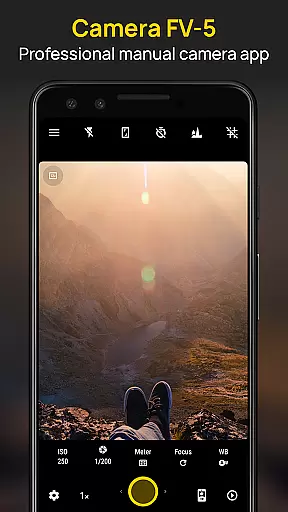
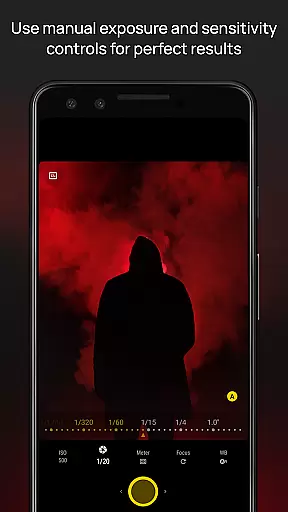
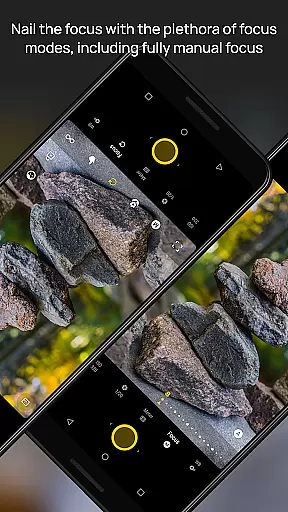
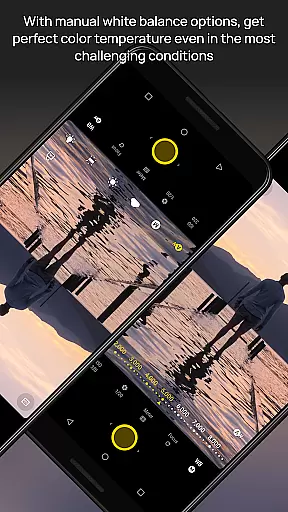
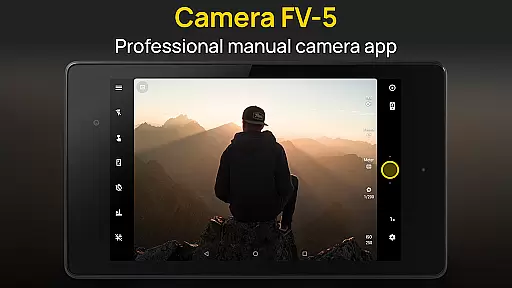
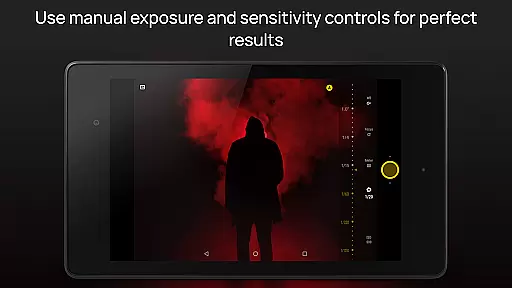
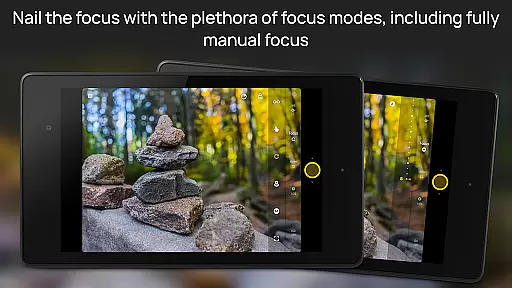
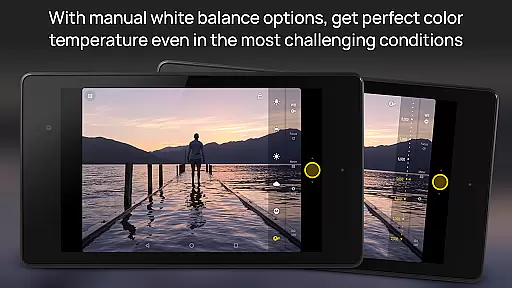
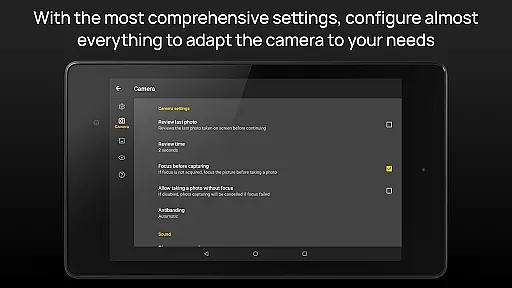
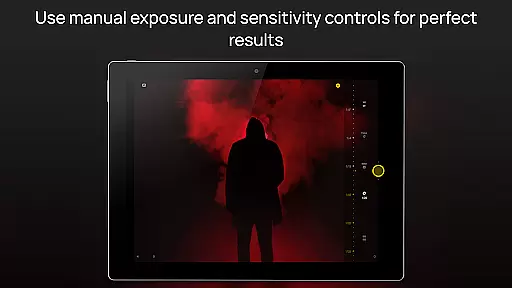
Camera FV-5 is a professional-grade camera application designed for mobile devices, offering DSLR-like manual controls. This app is specifically tailored for photography enthusiasts and professionals who seek to capture high-quality raw images for post-processing. With Camera FV-5, users can adjust all photographic parameters including exposure compensation, ISO, light metering modes, focus modes, white balance, and more, directly from their fingertips.
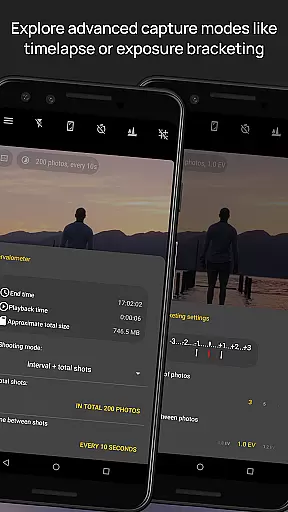
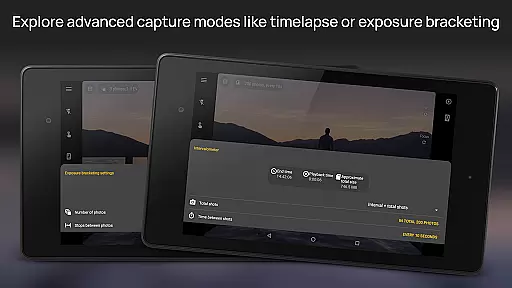
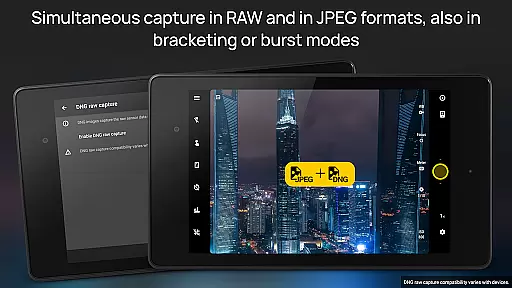
The app features an advanced viewfinder that displays exposure time, aperture, and stops with EV and bracketing settings in real-time. It supports various photo formats such as JPEG, true 16-bit RAW in DNG format, and lossless PNG, making it versatile for different types of photography needs. Additionally, the built-in intervalometer allows users to create stunning timelapses and control picture series over time, providing even more creative possibilities.
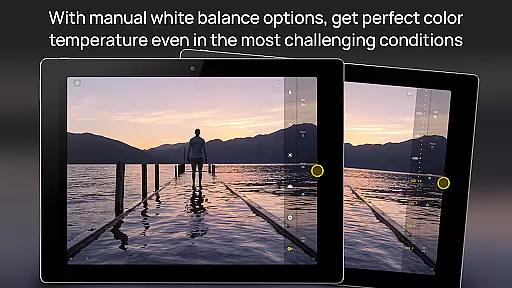
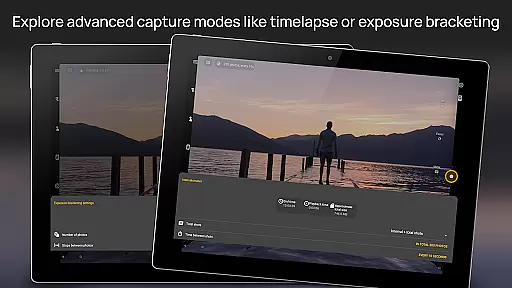
One of the standout features of Camera FV-5 is its comprehensive manual control options. Users have access to all essential photographic parameters such as exposure compensation, ISO sensitivity, light metering mode, focus mode, white balance, and program mode. The app also offers full-fledged exposure bracketing, allowing up to 7 frames with unlimited stop spacing and custom EV shifting, which is ideal for HDR photography.
Another remarkable feature is the long exposure support, enabling beautiful night photos and light trails with exposure times up to 30 seconds on compatible devices. The interface includes a powerful electronic viewfinder with live RGB histogram, composition grid overlays, and crop guides, enhancing precision during shoots. Furthermore, the app provides extensive organization options, customizable file names, and multilingual user interface support, ensuring seamless usability across diverse user bases.
Real-time capture and preview functionality is essential for photographers who need precise control over their shots. Camera FV-5 excels in this area by offering a DSLR-like viewfinder display. This feature provides real-time information on exposure time, aperture, and stops with EV and bracketing settings.
The application supports manual adjustments of various photographic parameters including ISO, light metering mode, focus mode, and white balance. These controls are easily accessible, empowering photographers to make quick adjustments while shooting. The immediate visual feedback allows users to fine-tune settings for optimal image quality.
One of the standout features is the full-fledged exposure bracketing, which supports 3 to 7 frames with unlimited stop spacing and custom EV shifting. This ensures that photographers can capture multiple exposures quickly, providing more creative options during post-processing. Such capabilities make the app highly versatile for different shooting scenarios.
With its advanced electronic viewfinder, Camera FV-5 offers live RGB histograms, composition grid overlays, and crop guides. These tools assist photographers in composing their shots accurately, ensuring well-balanced and visually appealing images. Real-time feedback empowers users to capture professional-quality photos directly from their mobile devices.
While Camera FV-5 focuses primarily on professional-grade manual controls, it also incorporates AI beauty and enhancement features that maintain naturalness. These enhancements are subtle yet effective, ensuring that portrait subjects look their best without appearing overly processed or artificial.
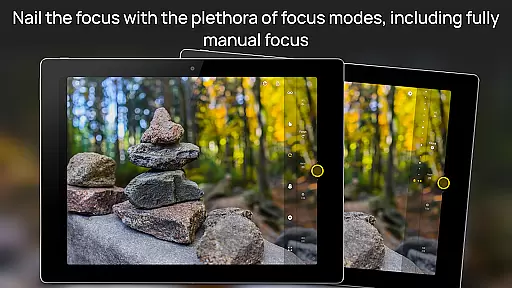
The app's manual focus modes, including touch-to-focus and true manual focus, allow photographers to achieve sharp and detailed portraits. Coupled with autoexposure and auto white balance locks available in Android 4.0+, these features ensure that skin tones and facial features are captured accurately and naturally.
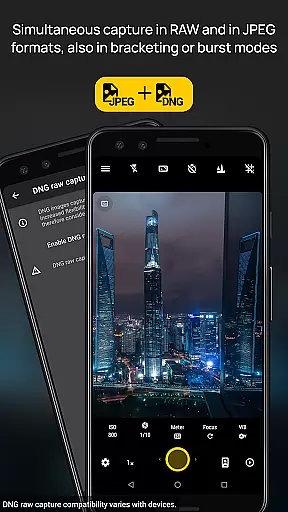
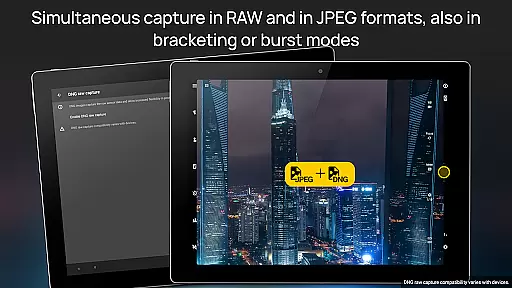
Additionally, Camera FV-5 supports various photo formats such as JPEG, true 16-bit RAW in DNG format, and lossless PNG. This flexibility enables photographers to choose the best format for their needs, whether they prioritize ease of sharing or maximum post-processing potential. Each format retains the natural details and colors of the subject.
Overall, Camera FV-5 strikes a balance between advanced manual controls and intelligent enhancements. By focusing on authenticity and precision, it delivers professional results that preserve the natural beauty of the photographed subjects, making it an excellent choice for both amateur and professional photographers.
DSLR-like controls
RAW image support
Advanced viewfinder
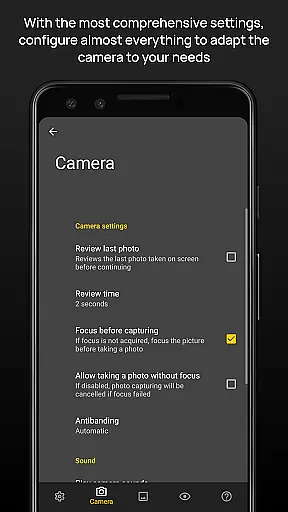
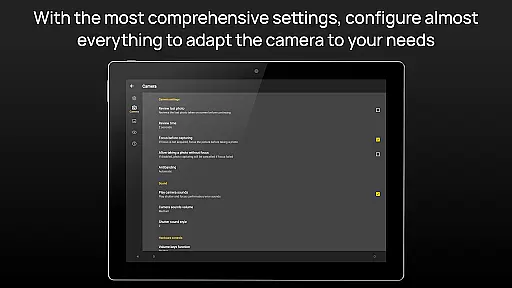
Customizable settings
Professional features
Complex for beginners
High battery usage
Limited device compatibility
No automatic mode
Premium price tag

Photobooth mini FULL app will allow you to add more fun to your parties
 4.00
4.00
Superimpose one photo on top of another using the original Superimpose app!
3.20
Light-weight Media Gallery app for Android made with Jetpack Compose
4.60
GCamera allows all GCam features on all phone models! Better photos with GCamera
3.30
AI Photo Editor with 100+ Filters, Effects! Remove BG, Retouch & Photo Enhancer.
4.80
Easily view, share, delete photos with Gallery.
4.70
PhotoSync Bundle Add-On License. Enables all features and services in PhotoSync.
4.60
Discover & download millions of art for The Frame TV or Hisense CanvasTV
4.60
Edit photos with the picture generator: PS2 & AI Clay filters, cartoon effects.
4.50
Gallery show photo, video, slideshow, is perfect 3D effect private photo albums.
4.80
Android Native system HD camera app. Never been so simple and faster.
4.70
Cartoon and artistic effects for your photos and videos
4.70
Enhance, retouch & create your story - Share the moment with Photoshop Express.
4.60
Easily create custom gifts, cards, photo books & more on the Shutterfly app!
4.60
Create Business Headshots, Polaroid Filter, Retake Photos,Profile Pics,AI Photos
4.50
RAW video capture with advanced controls
4.40
Create AI Photos, Improve and restore quality of blurry, old or damaged pics.
4.20
Professional photography on your mobile phone
4.20
Create & Edit with AI: AI Remove, Enhance, Retouch, Filter
4.10


User Reviews