
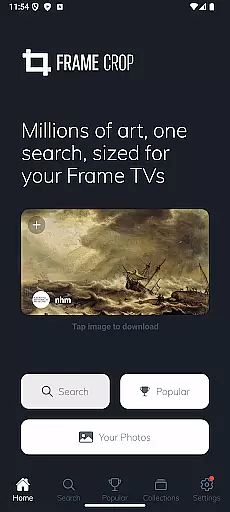
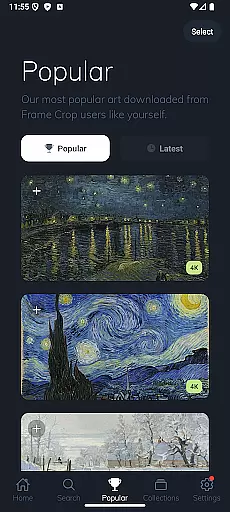
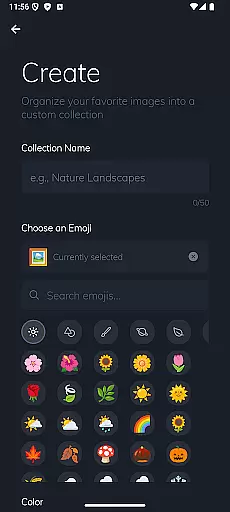
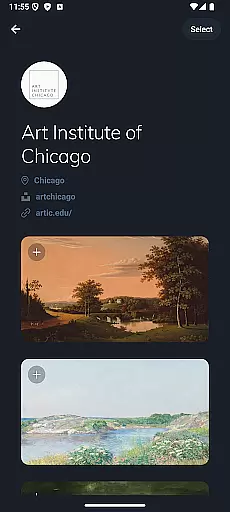
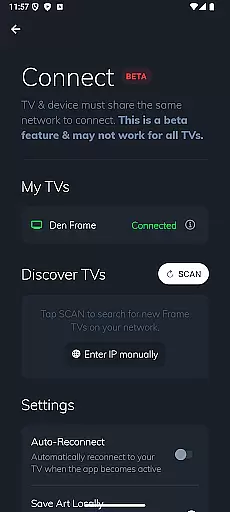
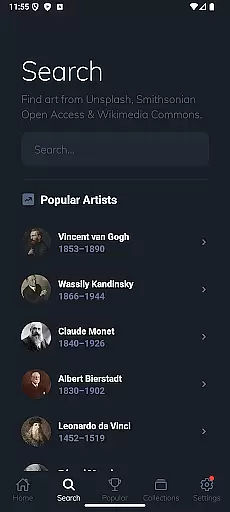
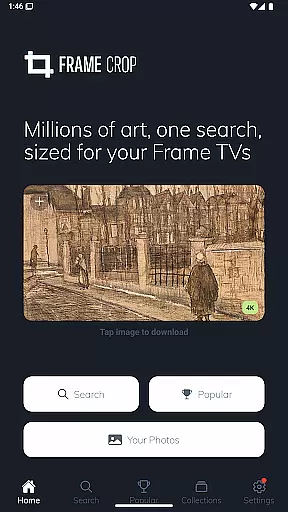
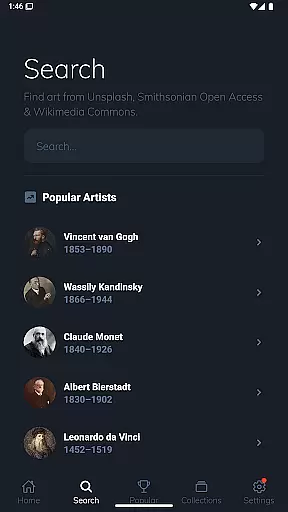
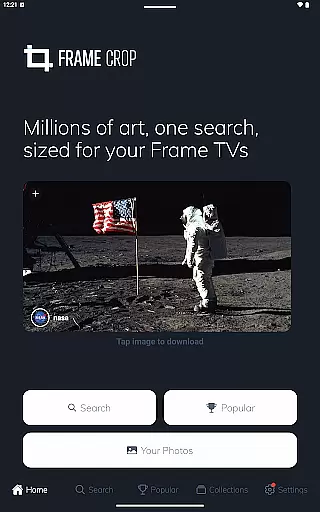
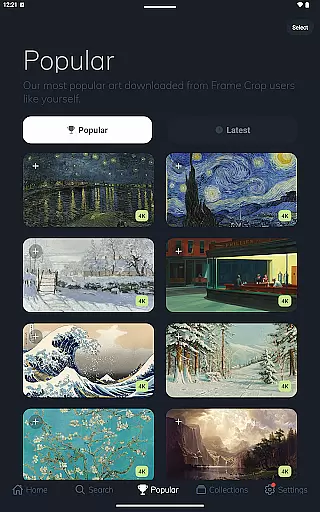
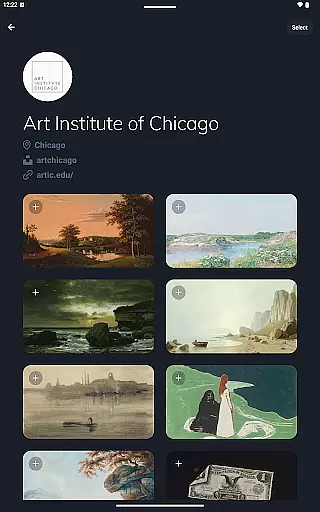
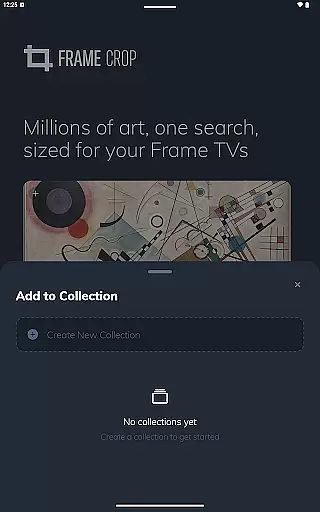
Frame Crop is a specialized application designed for Samsung Frame TV and Hisense CanvasTV owners who wish to enhance their viewing experience with personalized artwork. The app allows users to browse, crop, and download high-quality images from renowned libraries such as Smithsonian and Unsplash. With its intuitive cropping tools, users can effortlessly adjust photos to fit the unique borderless display of their TVs.
Beyond just displaying personal memories, Frame Crop offers access to thousands of professional artworks and stunning landscapes, making it easy to match the art with your mood or home decor. Whether you're looking to showcase travel photos or famous paintings, this app provides a seamless solution to transform your living space into an elegant art gallery.
The true value of Frame Crop lies in its ability to integrate technology with art appreciation. By leveraging the SmartThings app, users can regularly switch out displayed art, ensuring a dynamic and customized viewing experience that evolves with their preferences.
Frame Crop stands out with its powerful yet user-friendly features tailored specifically for art enthusiasts and photography lovers. One of the key highlights is its advanced photo cropping tool, which ensures every image perfectly fits the unique aspect ratio of Samsung Frame TVs and Hisense CanvasTVs. This feature is particularly beneficial for portrait-mounted TVs, offering flexibility that few other apps provide.
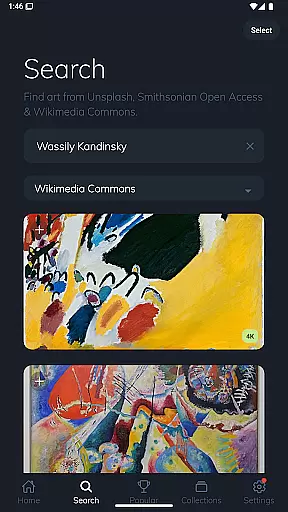
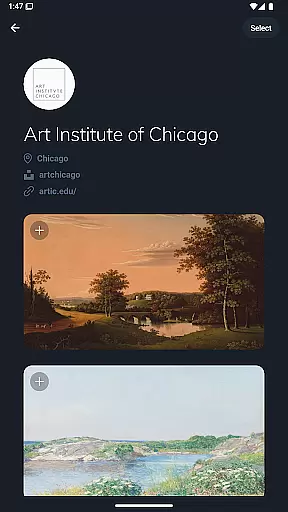
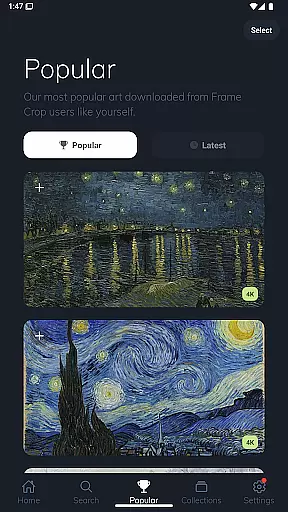
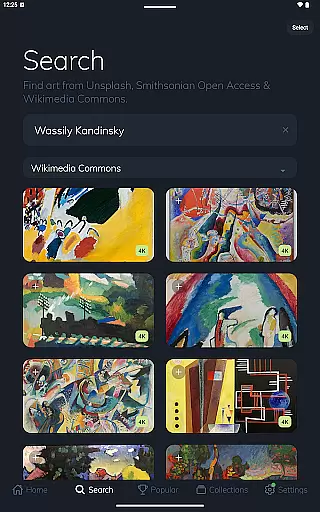
In addition to its cropping capabilities, Frame Crop grants users access to an extensive library of art collections sourced from prestigious platforms like Smithsonian Open Access, Unsplash, and Wikimedia Commons. This diverse selection includes everything from breathtaking landscapes to detailed animal portraits, catering to various aesthetic preferences. Each image is optimized for high-resolution displays, guaranteeing exceptional visual quality.
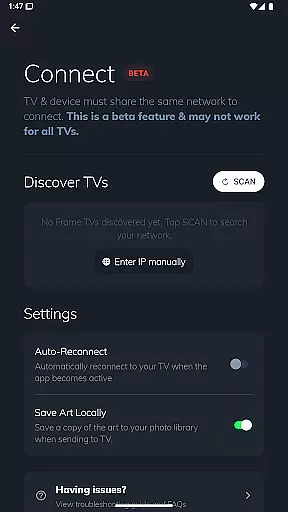
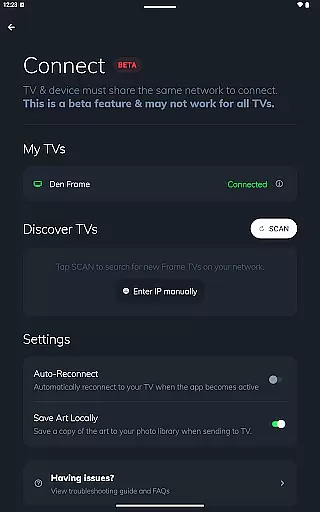
Another notable feature is the app's compatibility with the SmartThings app, allowing users to manage and update their displayed art effortlessly. This integration enhances convenience while maintaining a sleek, uninterrupted presentation on your TV screen.
Real-time capture and preview functionality is essential for ensuring that the images displayed on your Samsung Frame TV or Hisense CanvasTV through Frame Crop are perfectly optimized. This feature allows users to see exactly how their selected artwork, photos, or paintings will look on their TV screens before finalizing the display.
Frame Crop offers intuitive photo cropping tools that enable users to effortlessly adjust images to fit the unique borderless display of their TVs. By providing a real-time preview, users can ensure that every detail is perfectly aligned with their expectations, enhancing both mood and home decor seamlessly.
The app supports portrait-mounted Frame TVs, adding another layer of customization and precision. Users can browse thousands of high-resolution images from integrated libraries like Smithsonian Open Access, Unsplash, and Wikimedia Commons, and immediately see how these artworks will transform their living spaces.
AI beauty and enhancement features in photography apps like Frame Crop play a crucial role in elevating the visual appeal of displayed images without compromising their natural essence. These enhancements ensure that every piece of art, photograph, or painting maintains its original charm while being optimized for the best viewing experience.
Frame Crop leverages advanced AI algorithms to enhance image quality by adjusting colors, contrast, and sharpness. This ensures that whether you're showcasing professional artwork or personal travel photos, each image retains its authenticity while achieving a stunning visual impact.
By integrating vast libraries such as Smithsonian Open Access and Unsplash, Frame Crop provides access to countless beautiful landscapes and artworks. The AI enhancements work harmoniously with these resources, allowing users to switch out their art using the SmartThings app for an unparalleled customized viewing experience.
User-friendly interface
High-quality image library
Perfect image fitting
Regular content updates
SmartThings integration
Limited device support
Premium content costs
Requires SmartThings
Occasional bugs
Learning curve

Search, tag and rate your way to an organized image gallery
 4.40
4.40
Trendy TikTok time warp scan funny filter app brings you unique photos & videos.
4.40
Find time and duration of different sunlight phases at any location
4.90
Viewfinder, Light meter, Reciprocity failure time, DOF & Bellows Extension
4.60
All-in-One Editor & AI Photo Enhancer, Collage, Cartoonify, Funny Stickers & BGS
4.10
Android Native system HD camera app. Never been so simple and faster.
4.70
Luminar: Photo Editor - easy picture editing with AI
4.20
Hair color changer, AI haircut app, fun hair editor and buzz cut filter for all!
3.80
Snap photos remotely using your Garmin watch as the camera trigger
4.4
Photo prints, cards, & gifts at Walgreens. Easy ordering & fast local pickup !
4.80
Amazing Photo Effects - The most fun you can have with your photos!
4.70
The original Rarevision VHS look seen everywhere!
4.70
Take videos and pictures with the popular TikTok TIME WARP SCAN filter.
4.60
Light-weight Media Gallery app for Android made with Jetpack Compose
4.60
Add Watermark - Sign your pictures with a text or logo. Effective, quick, easy!
4.50
Safe & smart flight with Go Fly drone controller for 40+ drone camera, zone map
4.50
Effortlessly organize, view and share your photos & videos with Gallery app!
4.40
Professional quality photo edits with the new Snapseed.
4.00
USB Storage Access for Photos, Videos, Music and Documents
3.80


User Reviews