
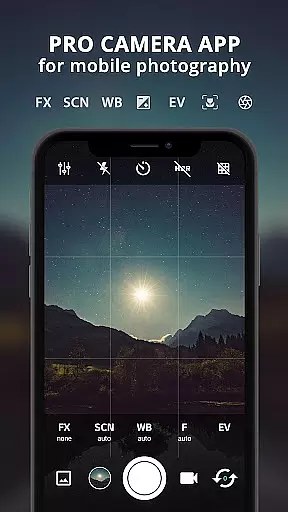
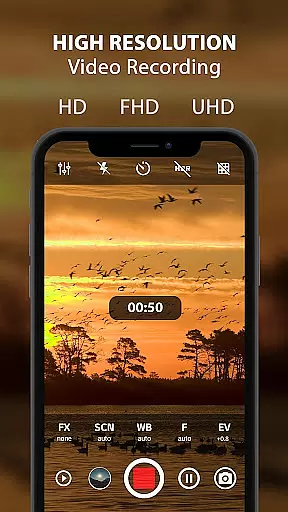
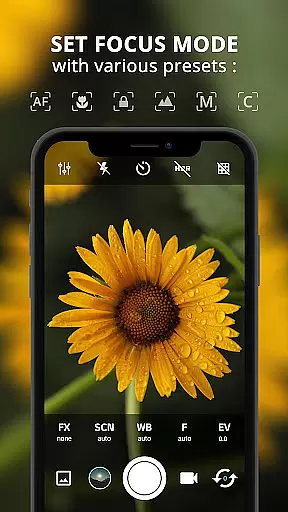
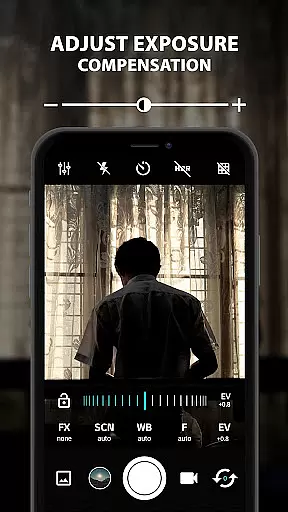
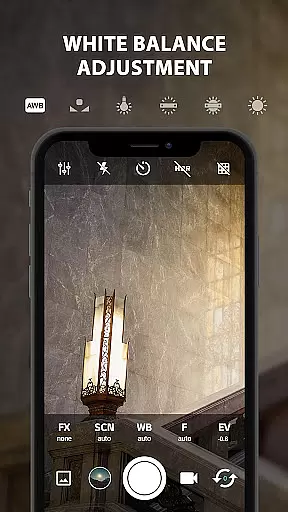
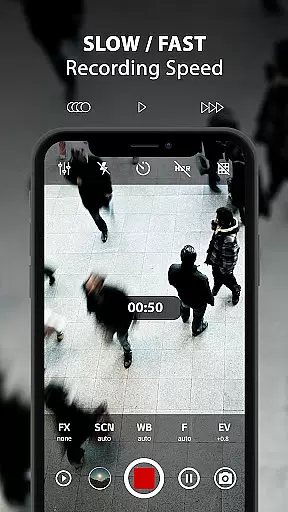
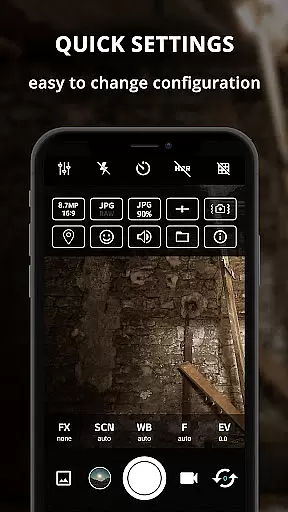
ProCam X transforms your smartphone into a professional-grade camera, offering full manual control over essential photography parameters. With precise adjustments for exposure, focus, white balance, ISO, and shutter speed, this app empowers users to capture high-quality photos and record 4K videos with exceptional clarity. Designed for both amateur enthusiasts and professional photographers, ProCam X provides advanced features like burst mode, real-time filters, and geotagging.
The application stands out with its support for Camera2 API on compatible Android devices, enabling functionalities such as DSLR-like manual controls and customizable shooting modes. Whether you're aiming to create time-lapse sequences or capture stunning portraits, ProCam X delivers the tools needed to elevate your mobile photography experience. Its intuitive interface ensures that all these powerful features are easily accessible without compromising on performance or usability.
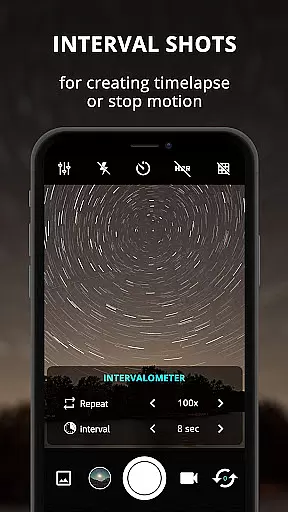
ProCam X boasts an impressive array of features designed to give users complete creative control over their mobile photography. The app supports manual adjustments for ISO, shutter speed, focus, and white balance, allowing photographers to fine-tune every aspect of their shots. Additionally, it offers specialized modes such as Intervalometer for time-lapse creation, Burst Mode for rapid sequential shots, and Real-Time Filters for instant photo enhancement.
One of the standout capabilities is the ability to record 4K videos with optional audio, providing unparalleled video quality directly from a smartphone. The inclusion of professional-grade tools like exposure lock, anti-shake functionality, and grid views further enhances the precision and versatility of the app. With support for external microphones and geotagging options, ProCam X caters to a wide range of photographic needs while maintaining a streamlined and user-friendly interface.
Real-time capture and preview functionality is essential for ensuring that every photo or video taken meets the user's expectations. ProCam X offers a professional-grade camera experience by providing users with precise control over exposure, focus, and white balance in real time.
The app allows photographers to adjust settings such as ISO, shutter speed, and manual focus on supported devices, ensuring that each shot is captured exactly as intended. This level of control enables users to experiment with different photographic techniques, from creating stunning time-lapse videos to capturing high-resolution images with perfect exposure.
With its intuitive interface, ProCam X ensures that even those new to photography can easily navigate and utilize these advanced features. The ability to see adjustments in real time through the preview window empowers users to make informed decisions about their shots before capturing, thus enhancing the overall quality of their work.
While ProCam X focuses primarily on delivering professional camera controls, it also incorporates AI beauty and enhancement features that maintain naturalness in photos. These enhancements are designed to subtly improve image quality without compromising the authenticity of the subject.
Users can apply real-time filters and color effects that leverage AI technology to enhance skin tones and textures naturally. This feature is particularly beneficial for portrait photography, where maintaining the subject's true appearance while smoothing out minor imperfections can significantly elevate the final result.
Additionally, ProCam X includes options like geotagging and anti-shake, which contribute to more stable and contextually rich photographs. By combining these practical tools with AI-driven enhancements, the app ensures that every photo not only looks professional but also retains a genuine and lifelike quality.
Full manual controls
4K video recording
Real-time filters
Time-lapse support
User-friendly interface
Requires Camera2 API
Complex for beginners
High battery usage
Premium feature cost
Device compatibility issues

How would you look like with a differently shaped nose, chin or lips?
 3.90
3.90
Search, tag and rate your way to an organized image gallery
4.40
An interval timer to automate photo taking process for timelapse
2.90
Take videos and pictures with the popular TikTok TIME WARP SCAN filter.
4.60
Superimpose one photo on top of another using the original Superimpose app!
3.20
AI Photo Editor with 100+ Filters, Effects! Remove BG, Retouch & Photo Enhancer.
4.80
Smart, light, and fast photo and video gallery
4.30
Enhance, retouch & create your story - Share the moment with Photoshop Express.
4.60
AI-powered video creator by MiniMax - Where ideas meet cinema
4.20
Perfect body tune & face app - photo retouch, makeup, slim body & beautify face.
4.80
Easily view, share, delete photos with Gallery.
4.70
AI photo editor with hair editor, retouch tools, hair color changer & filters!
4.50
Movie camera, supports pro recording settings for filming. Try it and be amazed!
4.50
AI photo enhancer with Sora 2! Enhance, descratch, and colorize your old photos.
4.50
Shooting photos and records video easily and efficient with professional Camera
4.30
All-in-One Editor & AI Photo Enhancer, Beautify & Retouch, Collage, Cartoonify
4.20
What celebrity do you look like? Celebs will find your celebrity match!
4.10
Pet Camera
3.70
Application for remote controlling DSLR
3.00


User Reviews