
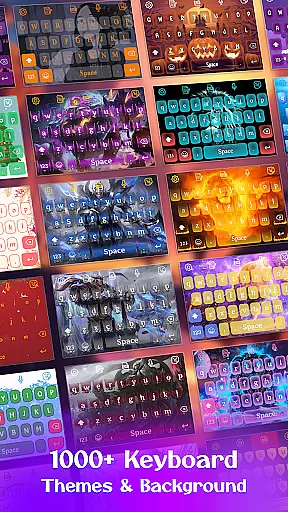
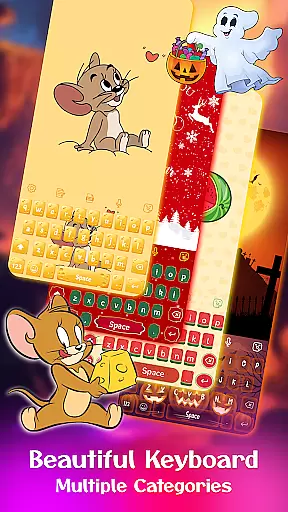
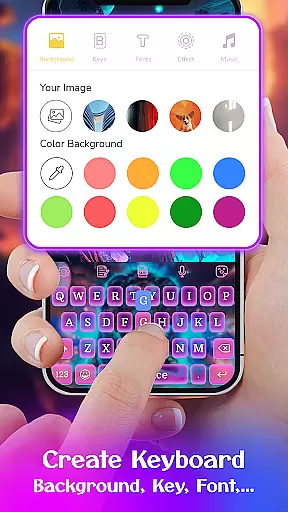
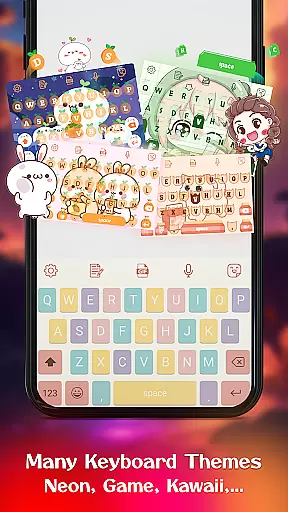
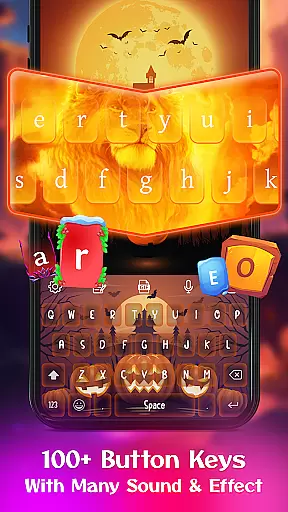
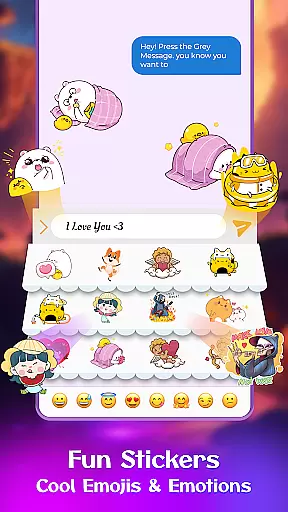
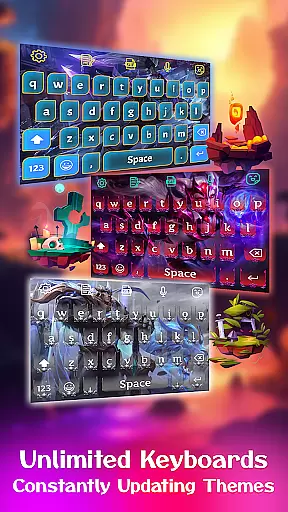
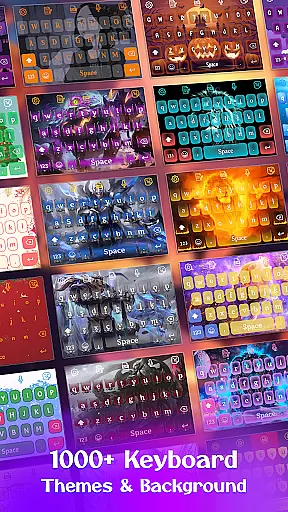
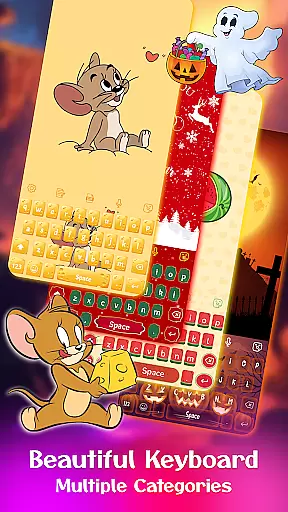
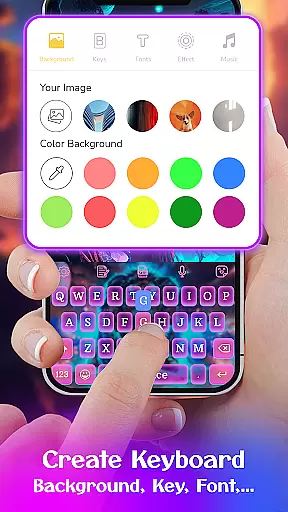
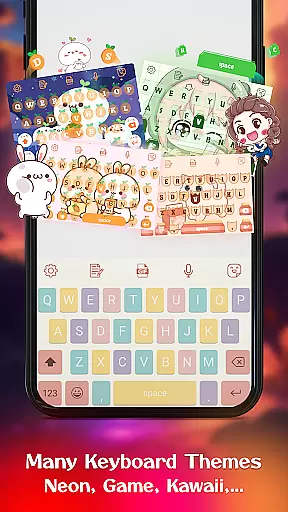
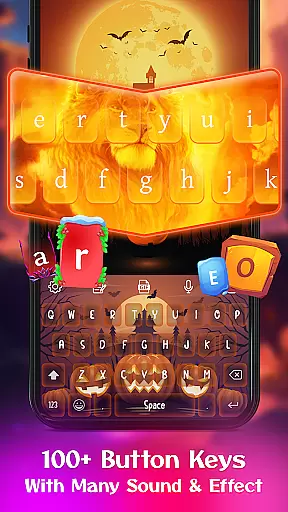
Keyboard Maker is a feature-rich personalization app that allows users to create and customize their own Android keyboard themes. With support for 150+ languages, it offers diverse typing options including QWERTY method, gesture typing, and voice input. The app stands out with its ability to personalize every aspect of the keyboard appearance and functionality.
The application provides an extensive collection of free themes such as iOS, LED, Neon, RGB, and Emoji keyboards, alongside wallpapers and backgrounds. Users can enjoy smart features like autocorrect, word prediction, and clipboard functions for efficient text input. Its customization extends to fonts, effects, sounds, and even personal photo backgrounds.
Ideal for users seeking both aesthetic and functional personalization, Keyboard Maker empowers you to design a unique typing experience. Whether you want a cute, colorful, or custom keyboard, this app caters to various preferences while ensuring privacy and user control over personal data.
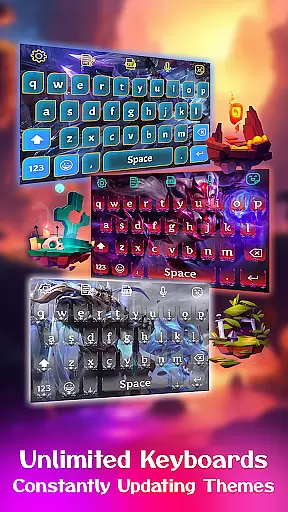
Keyboard Maker offers an impressive array of features designed to enhance both the look and usability of your Android keyboard. One of its key highlights is the vast selection of over 500 free keyboard themes, including LED, Neon, anime, and love themes, allowing users to change their keyboard's appearance instantly.
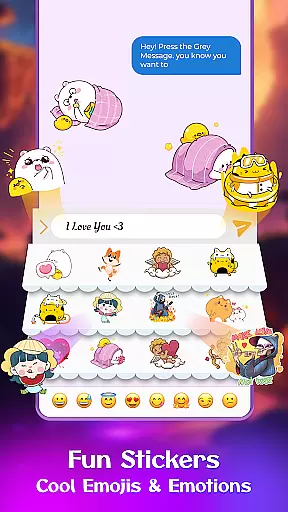
Beyond themes, the app includes practical typing features such as smart autocorrect, word prediction, and gesture typing, which streamline text input. It also supports multiple languages, emoji, GIFs, and stickers, making communication more expressive. The DIY feature lets users upload personal photos as keyboard backgrounds, creating a truly unique interface.
Additional functionalities include customizable keyboard layouts, font styles, sound effects, and settings like vibration feedback and auto-capitalization. These comprehensive customization options ensure users can tailor their typing experience exactly to their liking while maintaining ease of use.
Customization is at the heart of Keyboard Maker, offering users an extensive array of options to tailor their typing experience. With support for over 150 languages, this keyboard app ensures that users from different linguistic backgrounds can communicate effectively. The app provides thousands of emojis, emoticons, and GIFs, alongside smart autocorrect and word prediction features, enhancing both the efficiency and enjoyment of typing.
One of the standout customization features is the ability to design your own keyboard theme. Users can choose from more than 500 free themes, including styles like LED, Neon, anime, and love themes, allowing for personal expression through their device's keyboard. Whether you prefer a simple, colorful, or custom keyboard appearance, Keyboard Maker caters to all tastes and preferences.
Moreover, the app offers unique functionalities such as My Photo Keyboard, where users can set personal images as keyboard backgrounds. This feature not only personalizes the typing experience but also brings a piece of your favorite memories right under your fingertips every time you type. Coupled with various font choices and fun sound effects, Keyboard Maker transforms a regular keyboard into a personalized tool that reflects individual style.
Theme compatibility in Keyboard Maker ensures that every user can enjoy a seamless and visually appealing typing experience regardless of their device. The app supports numerous keyboard layouts and settings, making it adaptable to a wide range of Android devices. Whether you're using a smartphone or a tablet, the keyboard adjusts its layout to fit your screen perfectly while maintaining the aesthetic appeal of selected themes.
Keyboard Maker goes beyond just visual compatibility; it integrates functional adaptability as well. Features such as gesture typing, voice input, and clipboard for fast copy-paste operations are designed to work harmoniously across different devices without compromising the chosen themeu2019s look and feel. This ensures that users do not have to sacrifice functionality for aesthetics or vice versa.
Furthermore, the app allows easy adjustments to keyboard settings, such as resizing the keyboard layout and setting up number rows, ensuring optimal usability on any device. These customizable elements guarantee that each user's interaction with Keyboard Maker remains intuitive and comfortable. By prioritizing both form and function, Keyboard Maker sets itself apart as a versatile and user-centric keyboard application.
Highly customizable
Vast theme selection
Multilingual support
User-friendly interface
Privacy-conscious design
Premium features locked
Occasional ads
Heavy on storage
Complex for beginners
Limited offline content

Ultra realistic gold analog watch face with lots of customization options.
 4.50
4.50
Winter's Journey: digital watch face for Galaxy Watch & Wear OS
4.80
Realistic animated snow on your wrist, with 10 images landscapes to choose from
4.00
Fingerprint Lock Screen & Live Animations with 4K Wallpapers as Live Wallpaper
4.40 4.50
4.50
Color phone with cool effects for call screen, flash alert & ringtones music
4.50
400+ Beautifully crafted widgets inspired by NOTHING.
4.70
Modern Glass Icon Pack with glossy icons, clean minimal theme & aesthetic style
4.2
Magic fluids wallpaper 4D: Relax with stunning fluid simulation wallpaper app
4.20
Wallpaper HD 4K Live - Thousands of high-quality Anime backgrounds for you.
4.80
Vertically oriented rectangular icons
4.70
Organize and manage your photos and videos effortlessly with Photo Gallery
4.20 4.10
4.10
Crystal-clear, square icon provides a sleek and sophisticated visual upgrade
4.00
Customize glowing edges, wallpapers, and caller screen with EdgeAura.
3.50
Interactive Miniature Painting Catalogue
3.30
Adorable pets roam and play right on your phone screen!
3.30
Struggling to find apps? Use this app to locate and open any app on your phone!
2.20
Capture moments that pass like a storm, second by second.
4.1


User Reviews