
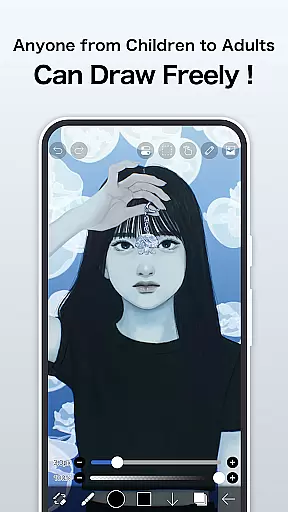
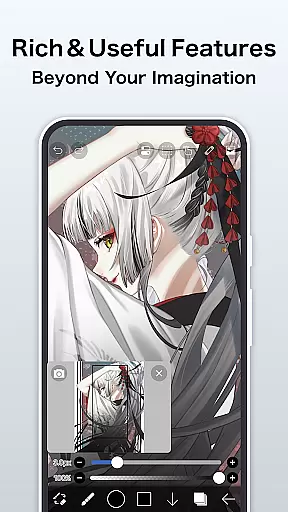
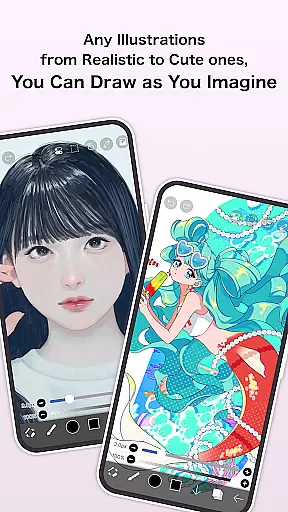
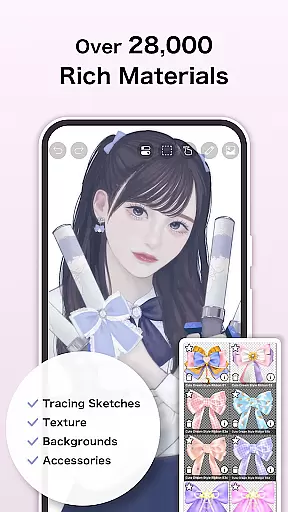
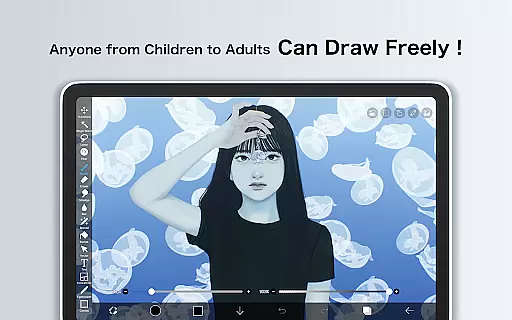
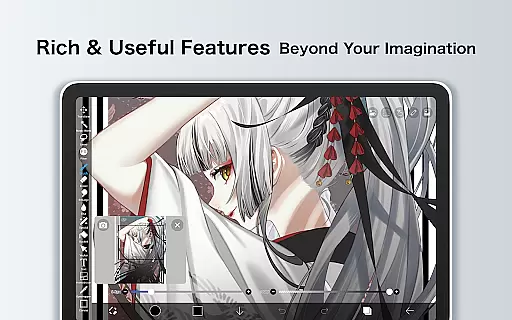
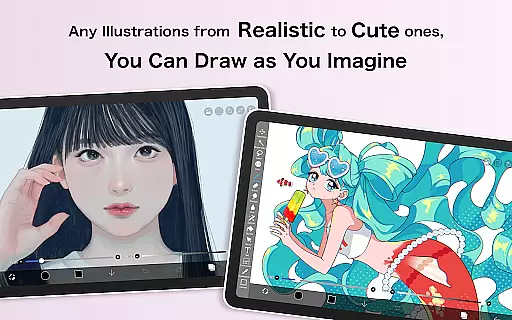
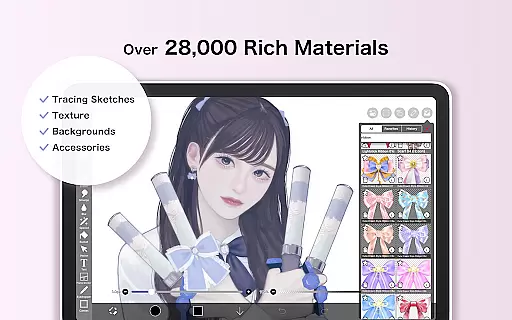
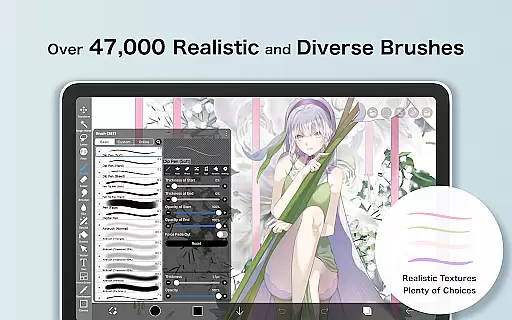
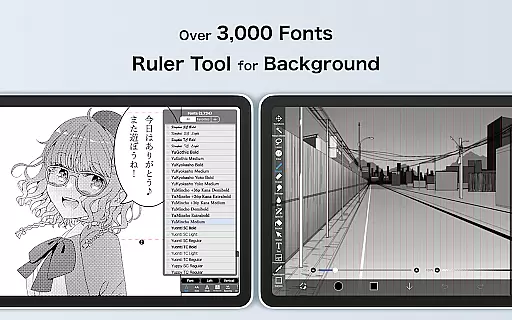
ibis Paint is a premier digital art studio designed for both amateur and professional artists. This app offers an extensive suite of creative tools including over 47000 brushes, 27000 materials, and 2100 fonts, enabling users to produce highly detailed artwork directly on their mobile devices. With advanced features like stroke stabilization, various rulers, and blending modes, it ensures precision and versatility in every stroke.
The app also includes unique functionalities such as process recording, screentones, and filters that enhance the creative workflow. Whether you're sketching, painting, or crafting manga, ibis Paint provides all necessary instruments within a user-friendly interface. Its cloud storage integration and sharing capabilities make it ideal for artists who need to access their work across multiple devices or share their creative processes with a community.
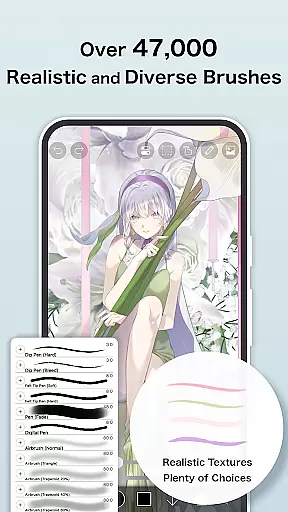
One of the standout aspects of ibis Paint is its vast array of customization options. Users can choose from thousands of brushes, each simulating different traditional media like oil paints, charcoal, and crayons. The app's layer functionality is robust, allowing unlimited layers and offering individual parameter settings such as opacity and blending modes, which are crucial for complex compositions.
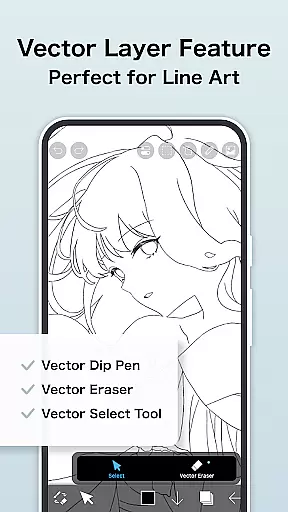
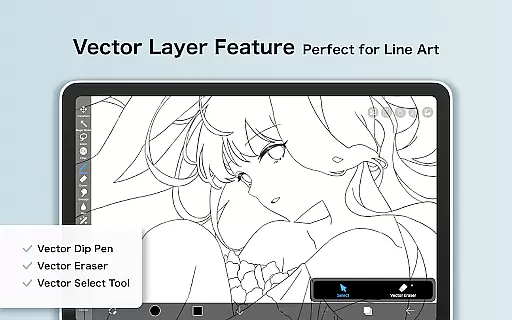
In addition to its drawing capabilities, ibis Paint incorporates social and educational elements. Artists can record and share their drawing processes, participate in tutorials via the official YouTube channel, and engage with a community of creators. Prime Membership unlocks exclusive features like vector tools, AI disturbance, and additional cloud storage, providing professionals with even more resources to refine their craft.
ibis Paint stands out in the Art & Design category by offering an extensive suite of creative tools that cater to both amateur and professional artists. With over 47,000 brushes, users can explore a variety of textures and styles, ranging from dip pens to oil brushes.
The app also provides advanced layer features, allowing unlimited layer addition with individual parameters such as opacity and blending modes. This flexibility ensures that artists can create complex compositions without limitations.
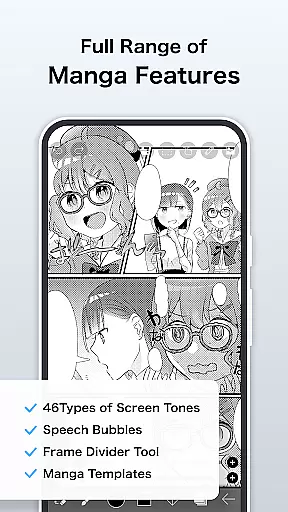
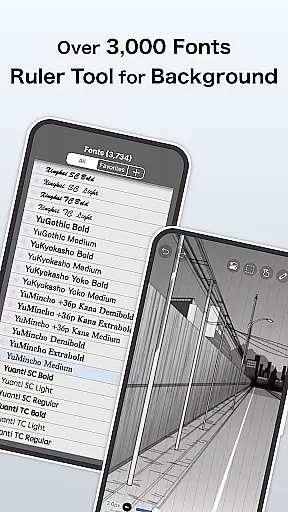
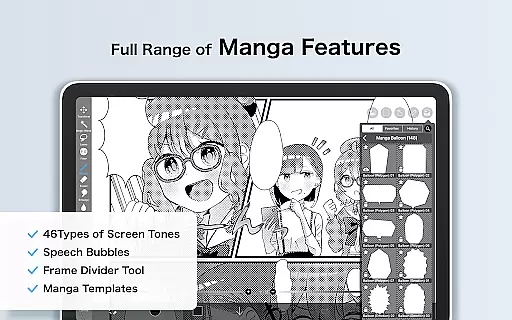
In addition to its impressive brush and layer capabilities, ibis Paint includes manga-specific tools like an advanced text tool with multiple fonts and orientations. These features collectively empower users to produce high-quality digital art and manga with precision and ease.
For those seeking even more functionality, the Prime Membership unlocks exclusive features such as vector tools, AI disturbance, and advanced filters, making it a comprehensive solution for digital artists.
One of the key strengths of ibis Paint is its exceptional canvas and format flexibility, which allows artists to customize their workspace according to their specific needs. Users can adjust canvas sizes and resolutions freely, ensuring optimal quality for both web and print projects.
The app supports various file formats, enabling seamless import and export of artwork. Whether you're working with images from your photo library or importing custom brush patterns, ibis Paint ensures compatibility and ease of use.
Moreover, the ability to organize artworks into folders enhances workflow efficiency. Artists can manage large collections of work effortlessly, maintaining a structured and accessible digital portfolio within the app.
With additional Prime Membership benefits like 20GB cloud storage and watermark-free video exports, ibis Paint not only offers flexible canvas options but also robust organizational tools that support a professional artistic practice.
User-friendly interface
Extensive brush library
Advanced layer options
Process recording feature
Active artist community
Prime Membership cost
Initial learning curve
Limited free version
Occasional bugs
High device storage use

Download now for a stylish and functional timepiece
 4.2
4.2
Transform photos into amazing monochrome dither art with professional algorithms
4.3
Digital illustration drawing & painting pad app to paint Anime and Manga art
4.50
Make your phone cooler and have a fantastic experience
4.80
Digital, Abstract, Classic - all types of color wheels in one app!
4.60
Draw anime easily with AR guidance, sketch templates & trace tools!
3.10
The perfect place to start sketching! Use Sketchbook to draw and paint sketches.
4.50
Powerful home decoration & house design that allows you to design dream home.
3.80
How to draw anime step by step for beginner easily by AR drawing sketch & paint.
3.60
Draw beautiful mandala's very easily
4.60
Create color palette from Image, RGB & RYB Color wheel harmonies, Color Scheme
4.50
Video AI: Revolutionize Your Content Creation with Advanced Video Generation
4.50
Image/ Text to Video Generator
4.40
Unleash Your Creativity with Draw Cartoon - AR Drawing App
4.10
Design unique, funny and adorable cat stickers that reflect your own style!
3.80
Your homescreen as an elegant glass with customized blur, lighting, and visuals.
3.70
Apply cartoon, caricature, and portrait effects to make your photos stand out!
3.60
Vidu is an AI video generator made for creators and aspiring makers.
3.30
Sketch, trace and master AR drawing with awesome anime art!
3.30


User Reviews