
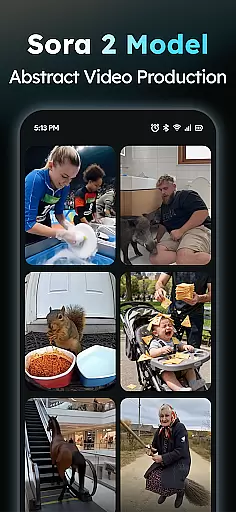
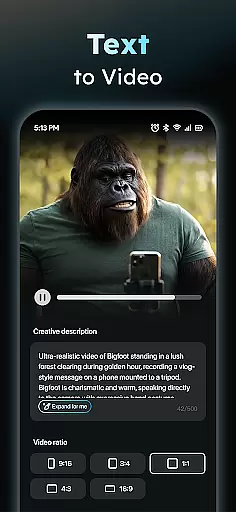
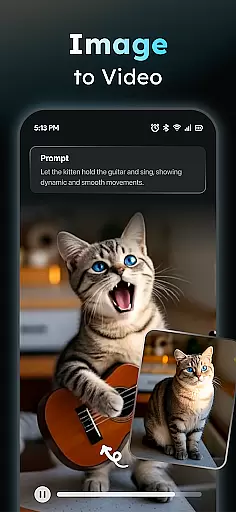
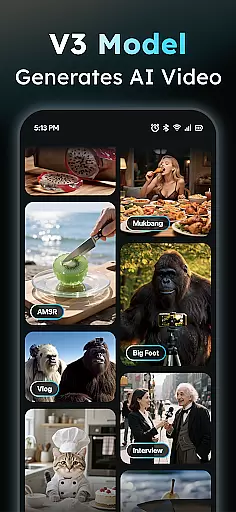
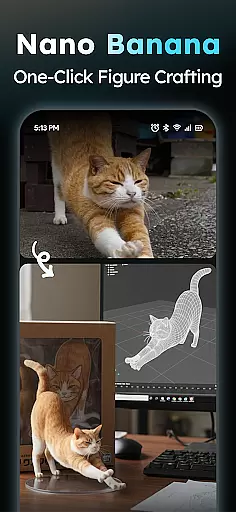
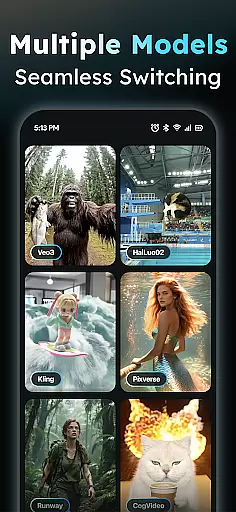
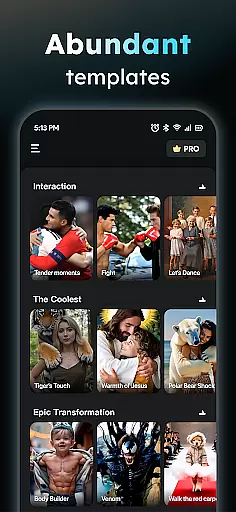
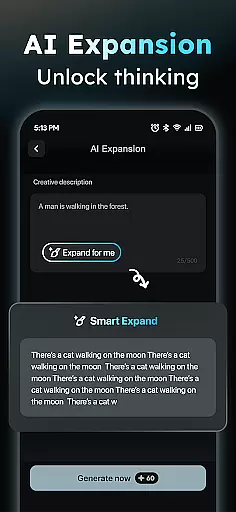
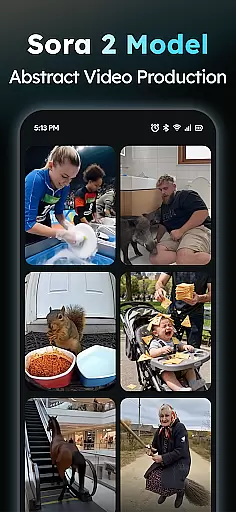
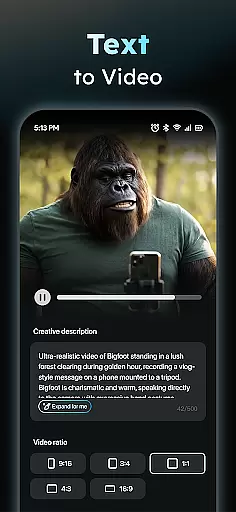
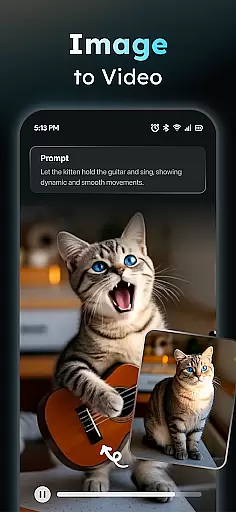
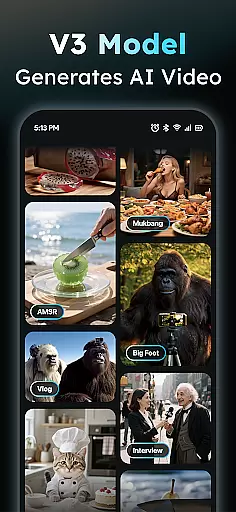
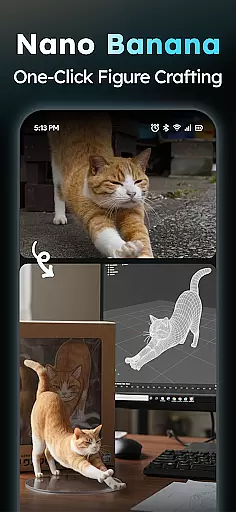
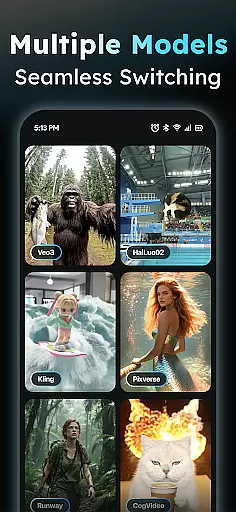
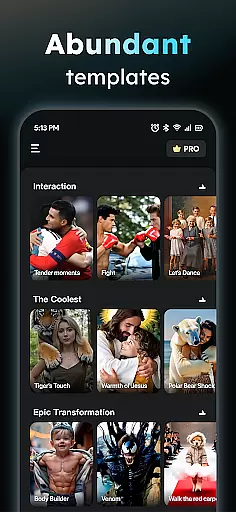
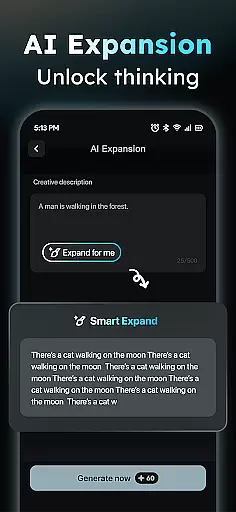
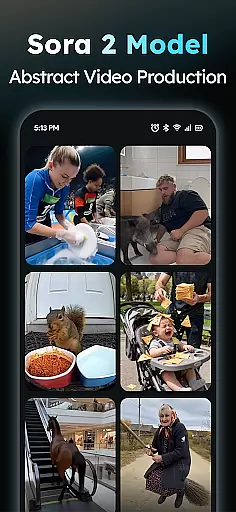
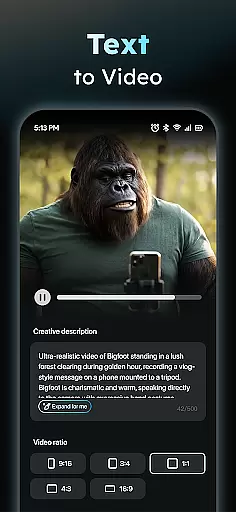
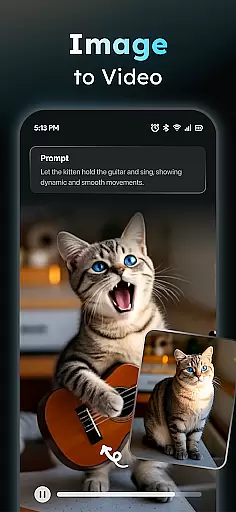
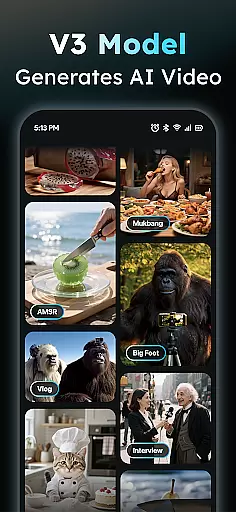
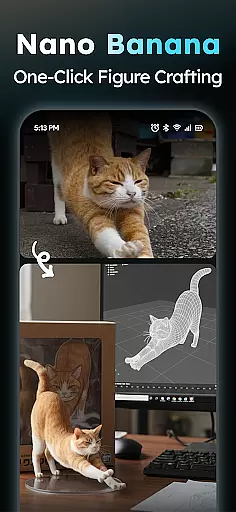
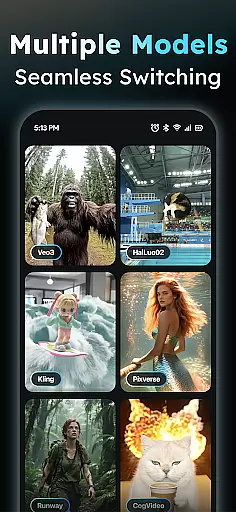
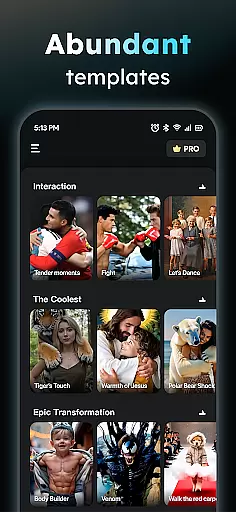
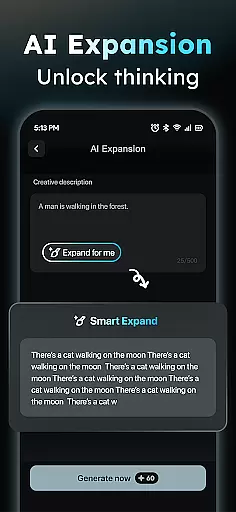
AIreel is a cutting-edge AI video creation tool designed for the Art & Design category, enabling users to produce professional-quality viral videos effortlessly. The app integrates advanced AI models like veo3, hailluo, and runway to power its dual engines for Text-to-Video and Image-to-Video generation. Whether you're creating cinematic content from scratch or transforming static images into dynamic videos, AIreel requires zero prior experience.
One of the standout features of AIreel is its ability to cater to multiple creative needs. Users can input text to generate engaging short videos complete with auto-added scenes and music, or upload images in JPG/PNG format to create moving masterpieces. With support for real-person, anime, and pet transformations, the app ensures versatility across various creative projects. Additionally, AIreel provides tools like Prompt Assistant and Social Template Hub, making it easier than ever to turn ideas into professional-grade content.
The app is particularly suited for social media creators aiming to produce trending TikTok, Reels, or Shorts content. By offering faster rendering speeds (up to 50% quicker than mainstream tools), customizable export ratios, and privacy-focused local processing on compatible devices, AIreel delivers both efficiency and security. This makes it an invaluable asset for designers and artists looking to enhance their digital presence while maintaining creative control.
AIreel stands out in the Art & Design category due to its robust feature set tailored for modern content creators. At its core, the app offers an AI Video Generator that allows users to input any text and automatically generates a fully-edited short video complete with scenes and background music. This feature democratizes video production, enabling even beginners to create professional-looking content with minimal effort.
In addition to text-based video creation, AIreel includes a Photo to Video AI tool that transforms static images into dynamic visual experiences. Supporting formats like JPG and PNG, this feature caters to various creative styles, including real-person, anime, and pet transformations. The inclusion of a Prompt Assistant further lowers the barrier to entry by helping users craft effective prompts that yield high-quality results. Meanwhile, the Social Template Hub provides daily updates on trending templates optimized for platforms like TikTok, Reels, and YouTube Shorts.
AIreel also emphasizes user convenience and privacy. It renders videos 50% faster than many mainstream tools, saving valuable time during content creation. Moreover, the app supports local processing on compatible devices, ensuring that sensitive data remains secure. With export options available in multiple aspect ratios (9:16, 16:9, 1:1), AIreel empowers creators to tailor their output for different platforms seamlessly. These innovations make AIreel a comprehensive solution for anyone seeking to elevate their artistic expression through AI-driven design tools.
In the realm of digital creativity, having a comprehensive suite of tools is paramount. AIReel stands out by integrating advanced AI models such as veo3, hailluo, and runway to power its dual engines for both Text-to-Video and Image-to-Video generation. This means users have at their disposal an array of options to transform simple inputs into rich visual narratives.
With features like the AI Video Generator, which allows users to input any text and automatically add scenes and music to create viral short videos, AIReel ensures that even those with zero video editing experience can produce professional-grade content. The inclusion of a Prompt Assistant further lowers the barrier to entry by helping users turn their ideas into effective prompts.
The app also boasts a Social Template Hub, offering daily updates on trending TikTok, Reels, and Short templates. This not only keeps the content fresh but also aligns with current social media trends, ensuring that creators can maintain relevance and engagement with their audience.
Flexibility in canvas size and format options is crucial for catering to various platforms and audience preferences. AIReel excels in this area by allowing users to export videos in multiple ratios including 9:16, 16:9, or 1:1. This versatility ensures that whether the content is destined for Instagram Stories, YouTube, or square posts on social media, it will always look its best.
Moreover, AIReel's capability to handle different image formats such as JPG and PNG for its Photo to Video AI feature adds another layer of adaptability. Users can upload real-person, anime, or pet images and transform them into dynamic visual stories without worrying about format compatibility issues.
This flexibility extends to local processing capabilities on compatible devices, emphasizing user privacy while maintaining high performance standards. By focusing on these aspects, AIReel provides a robust platform where creativity knows no bounds, empowering artists and designers to bring their visions to life across diverse mediums and platforms.
User-friendly interface
Advanced AI models
Versatile image support
Fast rendering speed
Privacy-focused design
Limited free features
Device compatibility issues
Occasional bugs
Premium subscription cost
Learning curve for new users

Customizable Outlined Fonts. Watch Face Format. Battery friendly Digital Clock.
 4.20
4.20
Art of Combination Wear OS Watch faces (for Wear OS 5+ devices)
3.00
Stylish letters, Stylish Keyboard, Symbols, Emojis, Cool nickname
4.40
Create trending AI photos & videos with powerful effects and 3D styles.
3.20
Draw on screen: FP sDraw is a simple and lightweight drawing app
4.70
AI Art Generator transforms your words into AI generated art & paintings.
3.70
OneUI 8.5 icons ✨ Smooth, modern & based on the latest Play Store design ??
4.10
Experience next-gen icons with a modern liquid glass look.
3.60
Turning simple sketches into captivating tales filled with life and motion
3.90
Turn your drawings into flipbook-style animations with simple creative tools
4.60
Discover Cartoon Dream : Unleash Your Creativity with CuttingEdge AI
4.50
Create neon drawing with magic doodle and fun doodle art effects!
4.50
800+ Drawing, Painting Lessons App to Practice, Sketch & Paint Art.
4.30
Beauty Camera - Selfie Camera is the ultimate beauty camera and selfie app
4.30
AR Anime Drawing: How to draw anime with AR drawing & sketching apps!
4.00
Vidu is an AI video generator made for creators and aspiring makers.
3.30
Draw anime easily with AR guidance, sketch templates & trace tools!
3.10
Pose and morph realistic male and female models! 3D poser app
3.00
Android 14 style widgets and wallpapers app.
4.1


User Reviews