
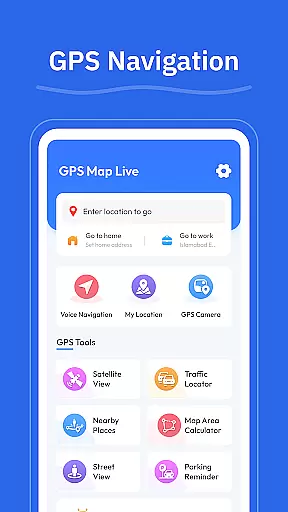
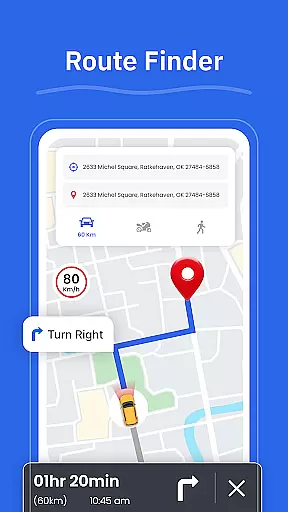

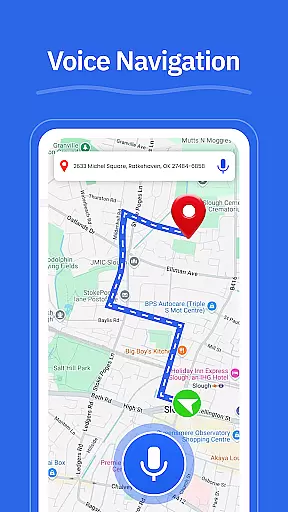

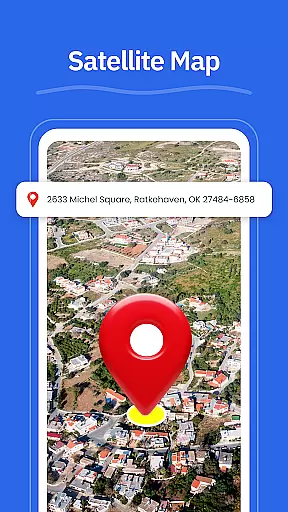
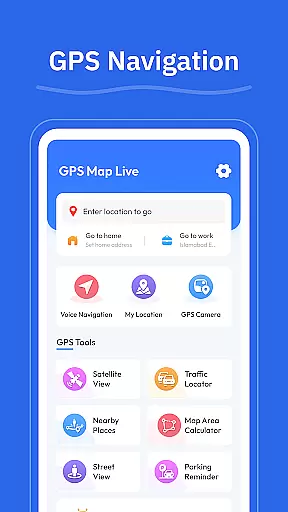


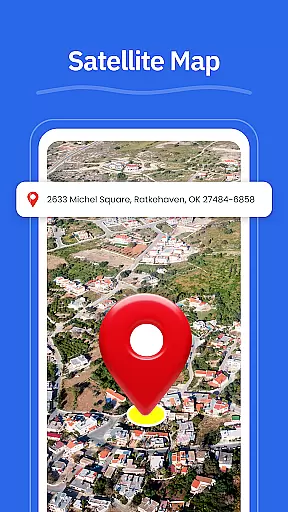
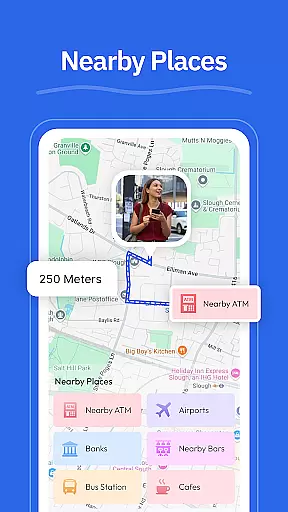
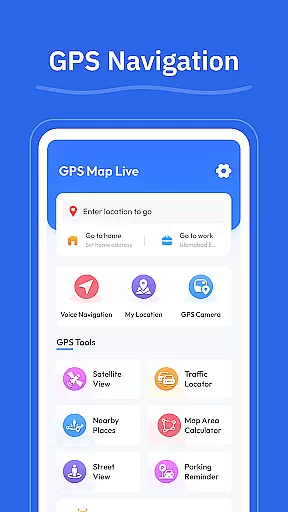

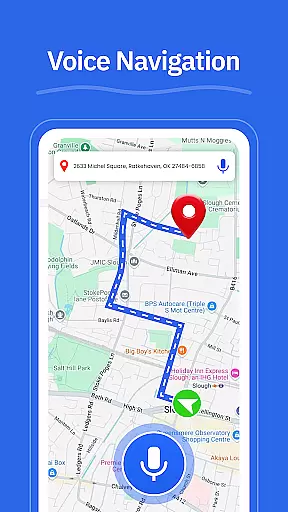

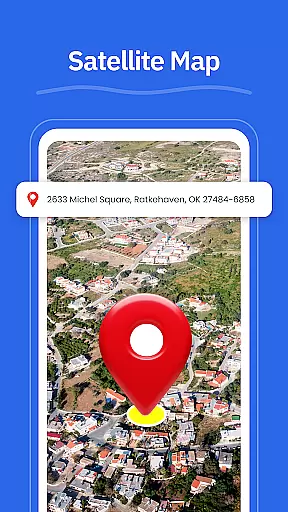
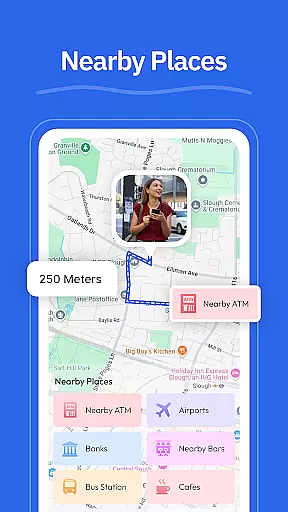
GPS - Maps, Driving Directions is a comprehensive navigation app designed for travelers across the United States. This app provides turn-by-turn voice guidance, clear driving directions, and real-time location tracking to ensure smooth travels on highways, interstates, and local roads. With features like route optimization based on current road conditions, street view functionality, and geo-tagged photos through its GPS camera, users can navigate confidently and efficiently.
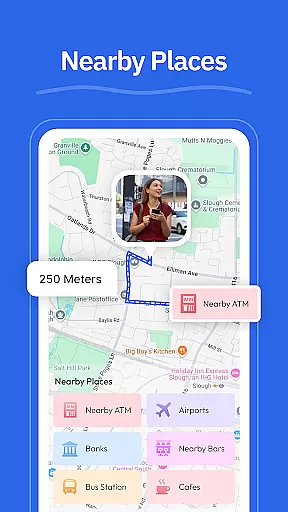
In addition to navigation tools, the app offers practical utilities such as finding nearby places including gas stations, restaurants, ATMs, EV chargers, and pharmacies. Whether you're commuting daily or embarking on long road trips, GPS - Maps, Driving Directions enhances your travel experience by helping you plan routes and explore new areas with ease.
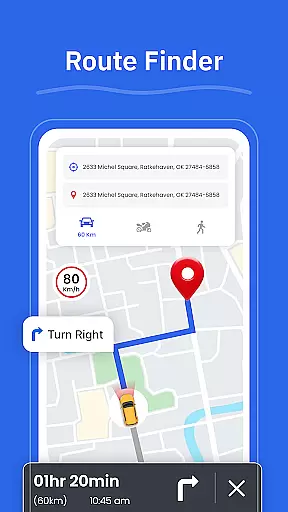
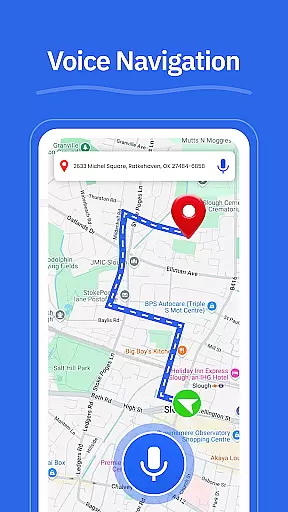
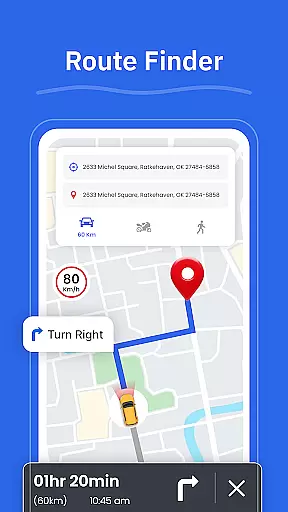
One of the standout features of GPS - Maps, Driving Directions is its turn-by-turn voice guidance which allows for hands-free driving. This ensures that users can keep their eyes on the road while receiving clear and concise directions. The app also includes a route finder that helps you choose the best path based on current traffic conditions, saving time and reducing stress during travel.
Another notable feature is the street view functionality, allowing users to check out areas, neighborhoods, and landmarks before arriving at their destination. Additionally, the GPS camera lets you save locations with geo-tagged photos, making it easy to revisit important spots later. The inclusion of nearby place finders for essential services like gas stations, restaurants, and ATMs further enhances the utility of this app, ensuring that all your travel needs are met in one place.
Map accuracy is essential for any navigation app, and GPS - Maps, Driving Directions excels in this area. The application provides precise mapping data that covers highways, interstates, and local roads across the United States.
With real-time GPS tracking, users can view their current position with exceptional accuracy. This ensures that whether you're driving through busy cities or planning a trip across states, you'll have reliable information to guide your journey.
The inclusion of a Street View feature allows users to check areas, neighborhoods, and landmarks before they travel, further enhancing the sense of direction and place recognition when navigating new routes.
Effective route planning is a cornerstone of GPS - Maps, Driving Directions, offering users multiple options based on current road conditions. The Route Finder feature helps drivers choose the best path, taking into account traffic patterns and potential delays.
Turn-by-turn voice guidance provides hands-free navigation, allowing drivers to focus on the road while receiving clear directions for highways, interstates, and city roads. This feature not only improves safety but also makes the driving experience more pleasant and stress-free.
In addition to standard routing, the app includes tools to find nearby places such as gas stations, restaurants, ATMs, EV chargers, and pharmacies, ensuring that users can plan stops along their journey efficiently.
User-friendly interface
Accurate GPS tracking
Turn-by-turn guidance
Route optimization
Nearby place finder
Limited international maps
Occasional bugs
Ads in free version
High battery usage
No offline maps

Number locator, real connection map
 4.10
4.10
Track accurate speed & distance with GPS Speedometer. Check speed limit & time.
4.50
Order a cab online. An affordable taxi ride and driver in no time. What a bolt!
4.80
Your real-time window to the world. Explore anywhere, anytime.
3.30
Gas Station & Fuel Rewards Points
3.70
Explore Earth with live GPS, satellite view & street navigation
3.60
GPS navigation offers route finder, compass, translator, currency converter, etc
4.30
Find radar, speed camera, flight tracker. Use hud, location tracker, speedometer
4.20
Park in Chicago, NYC, Boston, SF, Houston & more!
4.70
Offline maps & GPS for hiking, travel, fieldwork & outdoor adventures
4.70
Explore with GPS Navigation with GPS offline, voice GPS, speed camera radar
4.60
Route tracker, Speedometer, Odometer, Fuel, HUD mode, save route as .GPX
4.40
Instant diesel discounts - save big with each fill up!
4.40
Simple & easy to use a compass app. Get accurate directions.
4.20
Your guide to the recreational opportunities of the Bureau of Land Management!
3.40
Ride CTA, Metra & Pace: Manage your fares, buy Metra tickets, get arrivals.
3.00
Compass is an accurate compass and a great tool for any outdoor activities
4.1
Find 93 Octane Gas: Locate Gasoline Stations Selling Premium 93 Octane or Higher
4.5
Fully offline 1:50k New Zealand topographical map North Island
4.4


User Reviews