
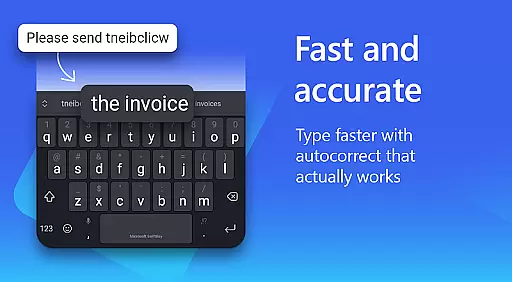
Microsoft SwiftKey AI Keyboard is an advanced personalization tool designed to enhance typing efficiency and style. This intelligent keyboard learns your unique writing patterns, offering personalized autocorrect and predictive text features that adapt to your slang, nicknames, and frequently used emoji.
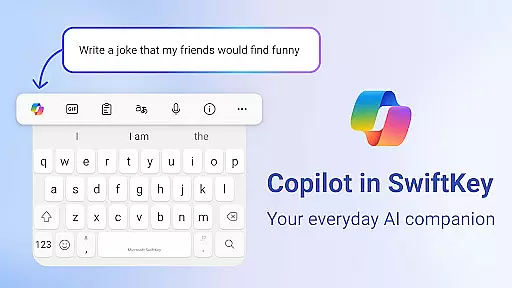
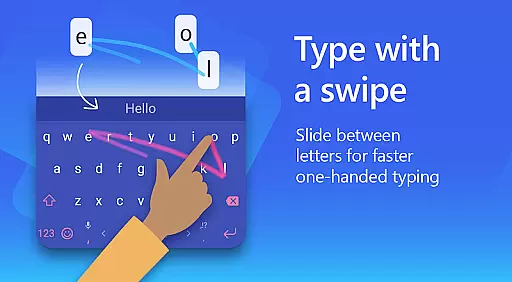
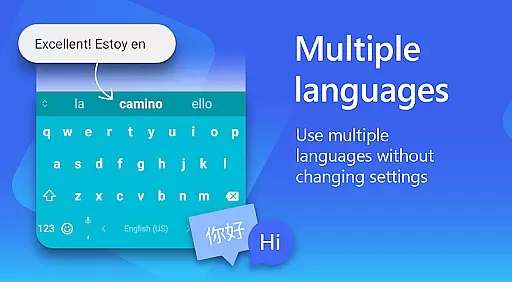
The app's standout feature is Copilot, an integrated AI companion that allows users to interact with AI directly within their favorite apps. With support for over 700 languages and the ability to enable up to five languages simultaneously, SwiftKey caters to a global audience. Users can choose between swipe-to-type or tap-to-type functionality while enjoying customizable themes and layouts.
Whether you're looking to improve typing speed, express yourself through GIFs and emojis, or customize your keyboard's appearance, Microsoft SwiftKey provides a comprehensive solution for modern typing needs.
Microsoft SwiftKey AI Keyboard offers an impressive array of features that set it apart from standard keyboards. The adaptive learning system creates a truly personalized typing experience by analyzing and predicting your unique writing style. Its AI-powered predictions extend beyond basic word suggestions, offering tone adjustments and draft composition assistance.
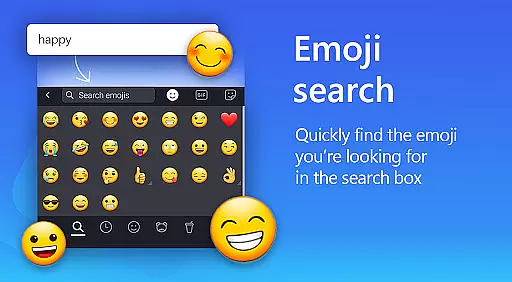
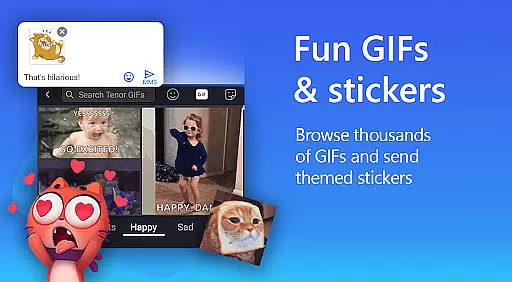
The keyboard's rich content capabilities include adaptive emoji prediction, searchable GIFs, and sticker integration. Users can create custom AI-generated images and memes, adding a creative touch to their conversations. The customization options are extensive, with over 100 colorful themes and the ability to use personal photos as keyboard backgrounds.
Advanced functionality includes a custom toolbar with quick shortcuts, multilingual support for up to five simultaneous languages, and various optional permissions that enhance functionality while maintaining user privacy control.
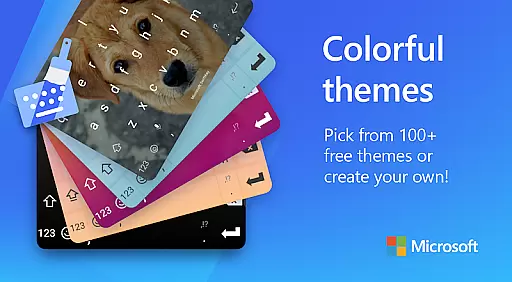
Microsoft SwiftKey AI Keyboard offers an extensive range of customization options that cater to individual preferences and styles. With over a hundred colorful keyboard themes, users can select a design that best reflects their personality or mood.
Beyond the preset themes, the application allows for a personalized touch by enabling users to create their own custom keyboard theme. This feature lets you use personal photos as the keyboard's background, making your typing experience truly unique.
In addition to aesthetic personalization, Microsoft SwiftKey provides functional customization. Users have the ability to adjust the keyboard size and layout according to their comfort, which is crucial for a seamless typing experience. Such flexibility ensures that whether you prefer swiping or tapping, the keyboard feels intuitive and responsive to your style.
The adaptability of Microsoft SwiftKey's customization options means that it caters to all typing tastes. Whether you're looking for a keyboard that matches your phone's theme or one that stands out, Microsoft SwiftKey delivers a tailored experience that enhances both usability and enjoyment.
Theme compatibility in Microsoft SwiftKey AI Keyboard ensures that regardless of your device or operating system version, your chosen keyboard theme will maintain its integrity and appearance. This consistency is vital for users who switch between devices or upgrade their smartphones but wish to keep their typing experience uniform.
Microsoft SwiftKey is designed to be visually cohesive, meaning that themes are not only varied in style but also optimized for different screen sizes and resolutions. This optimization guarantees that icons, colors, and layouts remain sharp and vibrant, providing an eye-pleasing interface that doesn't compromise on functionality.
Moreover, the adaptive nature of SwiftKey's themes extends to its predictive text and autocorrect features. As you type, the keyboard integrates these functions seamlessly within the themed environment, maintaining visual harmony without disrupting the user experience.
With support for over 700 languages, theme compatibility also encompasses localization elements, ensuring that language-specific characters and symbols are displayed correctly within the themed keyboard. This global approach to theme design makes certain that every user, regardless of language preference, enjoys a consistent and personalized typing experience with Microsoft SwiftKey.
AI-powered predictions
Customizable themes
Multilingual support
Swipe-to-type feature
Integrated Copilot AI
Requires permissions
May drain battery
Learning curve
Premium features
Storage intensive

A retro cartoon style watch face and a punch right in the face of the copyright
 4.60
4.60
Add cute Shimeji pets to screen, interact with them and relax with cute motions
4.60
Interactive Miniature Painting Catalogue
3.30
Customizable screen pets that play, climb, and keep you company.
4.50
Ultimate Gallery Lock App - Hide Pictures, Videos and Lock Apps Instantly!
4.60
Romantic Kiss Stickers App. Start romantic messaging now!
4.30
Unleash Your Creativity and Connect with Loved Ones with Lockscreen Drawing!
4.20
300+ widgets inspired by Material You and Material 3 expressive design.
4.60
350+ widgets with a premium glass-style finish, perfect for home & lock screens.
4.70
Stunningly Different look with Line Icons and Neon Colors
4.60
Make your phone look simple & luxury, like iDevice
4.60 4.50
4.50
Vibrant Adaptive Icons with Material You and Enhanced Monet Colors.
4.50
Wear Os Watch Face - Seasonal - Animated Snow Effect - 9 Animals
4.20
Adult video chat, dating, making friends, random matching
4.20
Run multiple accounts of the same app on a single device
4.10
Realistic animated snow on your wrist, with 10 images landscapes to choose from
4.00
Your go to Weather App & Home Screen. Get your weather at a swipe of a finger!
3.80
Prank your friends with realistic broken screen and cracked HD effects!
4.2


User Reviews