
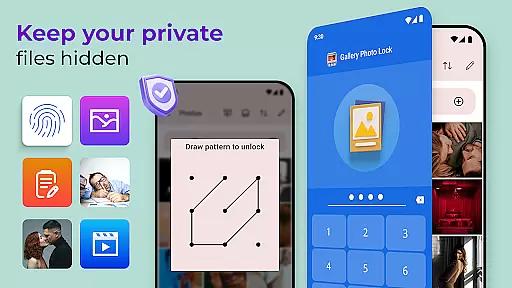
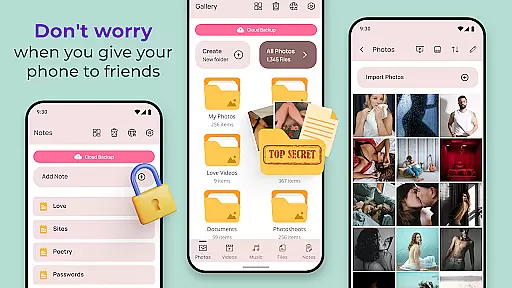
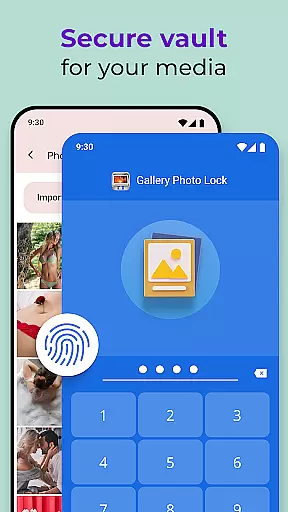
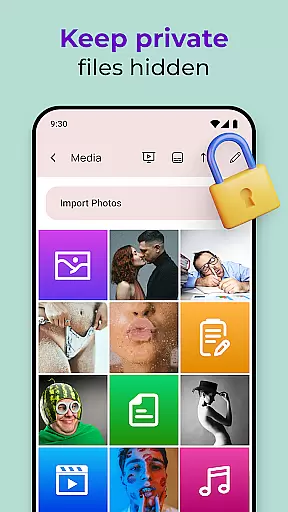
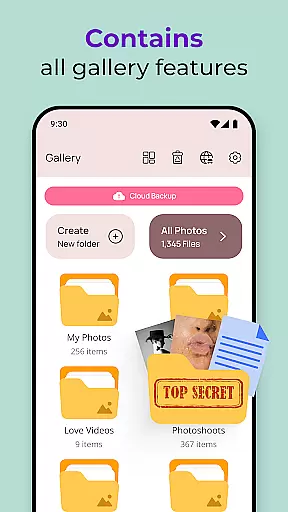
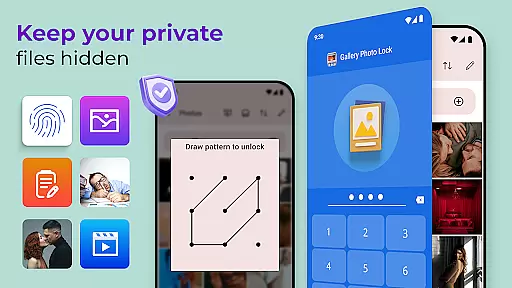
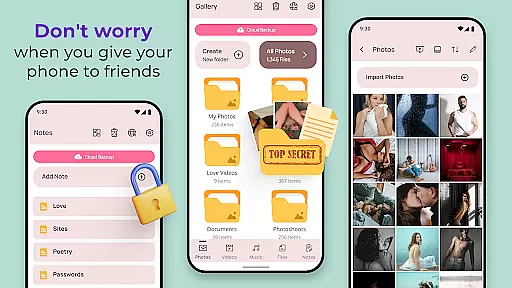
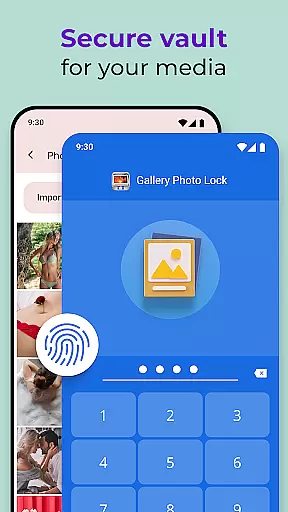
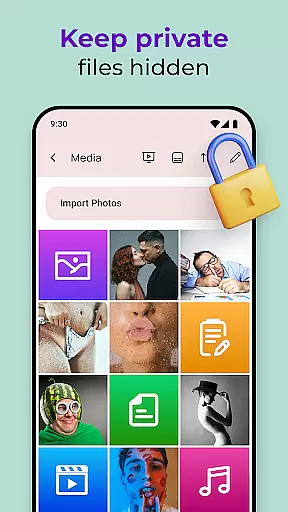
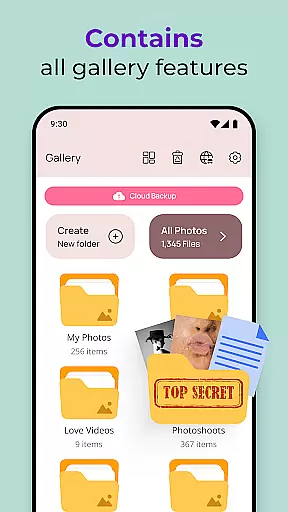
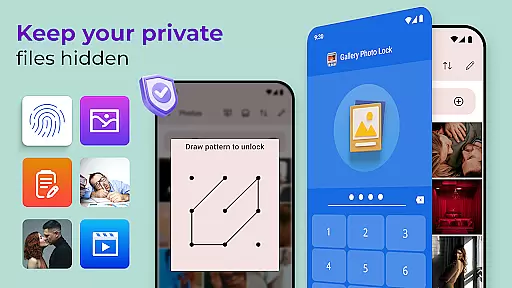
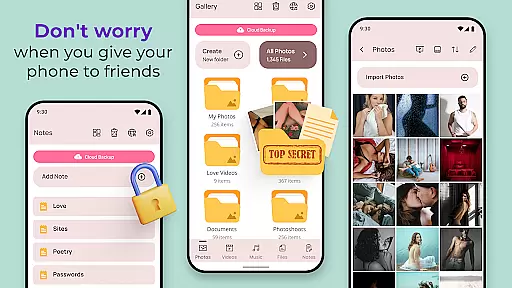
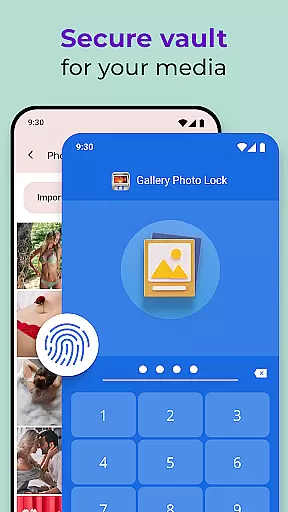
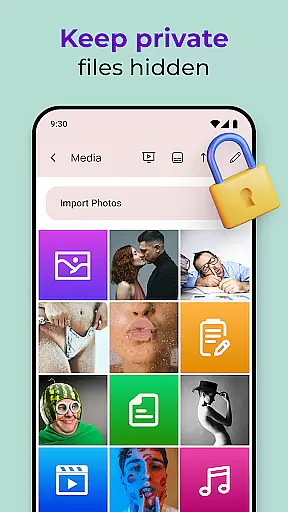
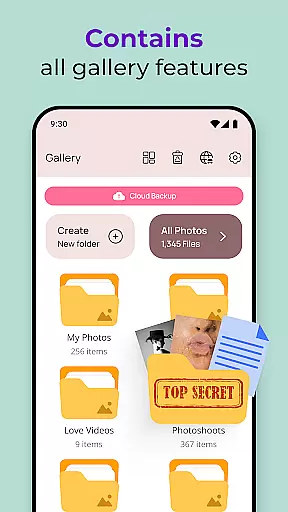
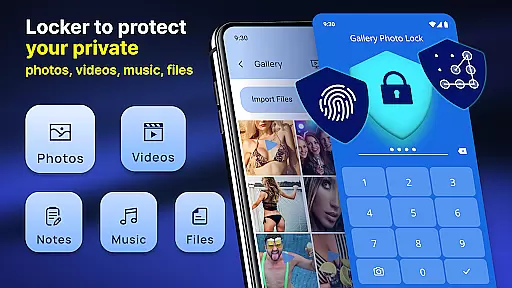
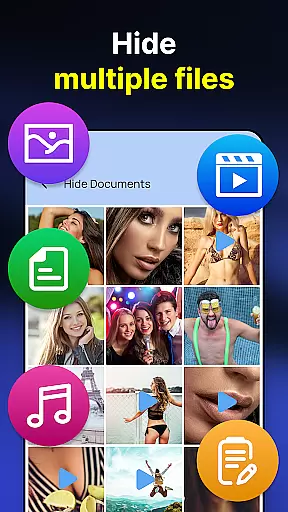
Photo Lock App - Hide Pictures is a comprehensive privacy protection solution designed to safeguard your personal media files. This app allows users to effortlessly hide an unlimited number of images and videos, ensuring that sensitive content remains secure. With features like fingerprint authentication, cloud backup, and customizable lock screens, it offers multiple layers of security. The app also includes a decoy function, enabling users to create a dummy gallery with a different password for added protection.
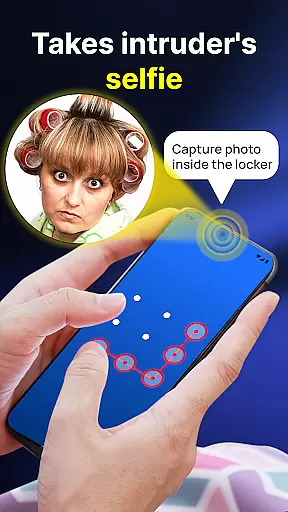
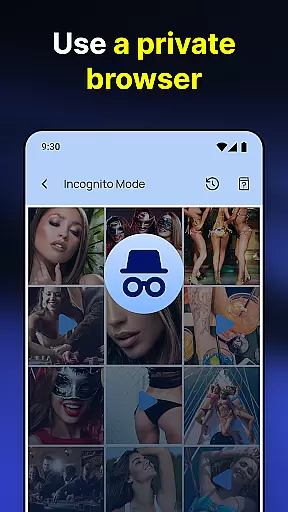
Beyond basic image locking, the application provides advanced functionalities such as a secure browser, direct download into hidden storage, and automatic intruder photos when unauthorized access is attempted. Its user-friendly interface and innovative features like icon disguise and face-down locking make it an ideal choice for those seeking robust yet accessible privacy solutions. Whether you're concerned about lending your phone or simply value your digital privacy, this app ensures complete peace of mind.
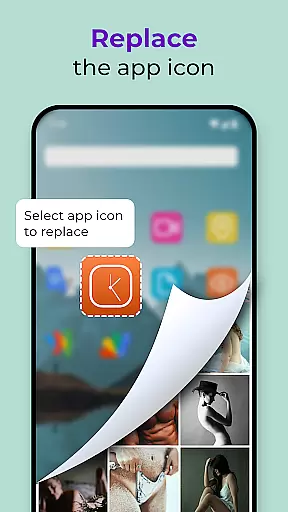
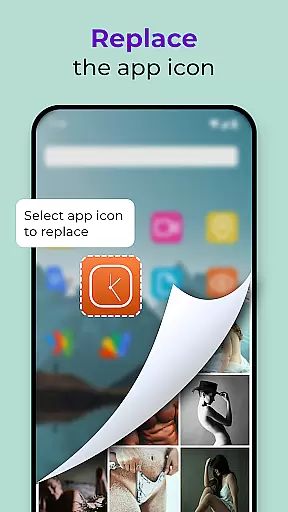
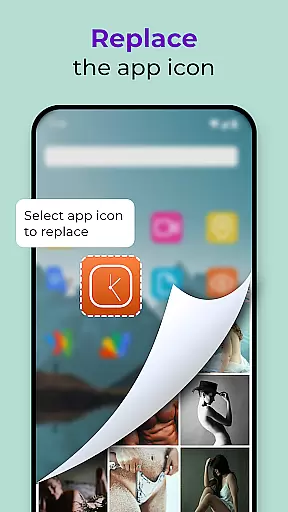
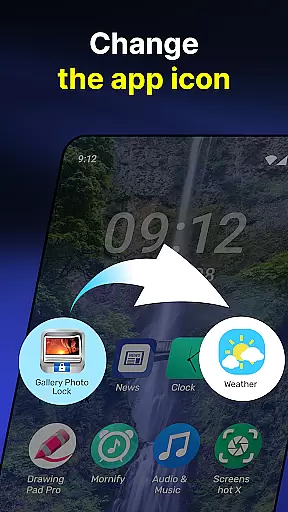
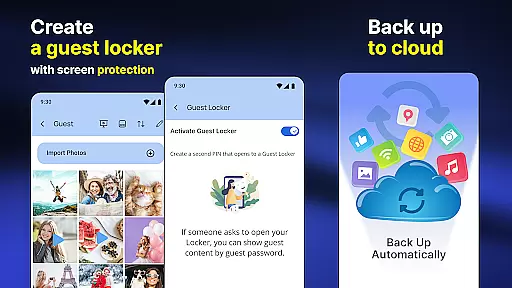
The Photo Lock App - Hide Pictures stands out with its extensive range of features tailored for maximum security and convenience. One of the key highlights is the ability to use fingerprint unlock for quick and secure access to your hidden files. The app also supports cloud backup, allowing users to store their private media safely and retrieve it whenever needed. Additionally, the feature to replace the app icon with common utilities like a calculator or weather app adds an extra layer of stealth.
Another remarkable aspect is the built-in viewer and player, which lets users view their hidden media without moving it to the regular gallery. The app's ability to capture intruder selfies when incorrect passwords are entered multiple times serves as a deterrent against unauthorized access. Moreover, options like Guest Locker and Galerie Lock Themes provide customization and flexibility, making it more than just a photo locker but a complete privacy suite. These features collectively ensure that your personal life remains truly personal and secure.
Customization is at the heart of the Photo Lock App - Hide Pictures, offering users a versatile way to personalize their privacy protection experience. The app provides multiple customization features that cater to individual preferences and needs.
One of the standout options is the ability to replace the app icon with a secret icon such as news, weather, or radio, effectively camouflaging the app on your device. This feature ensures that your private media vault remains discreet and unassuming to anyone else who might have access to your device.
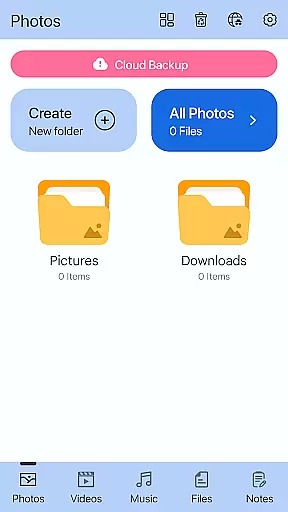
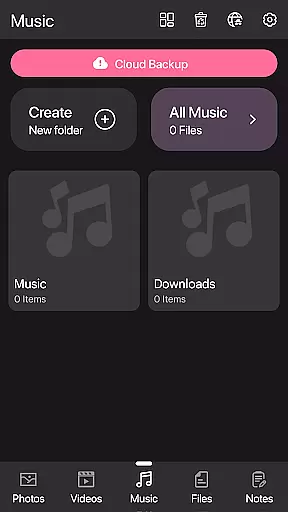
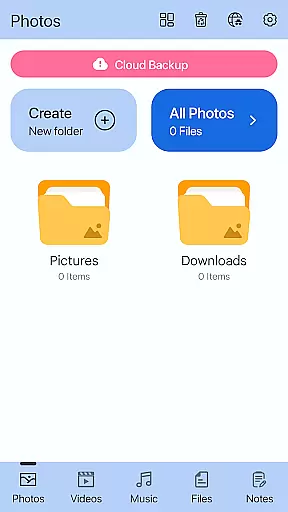
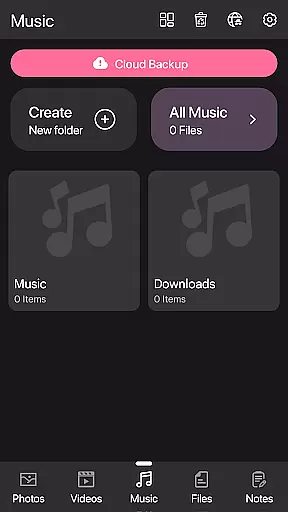
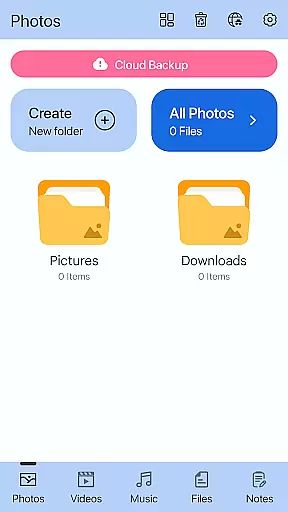
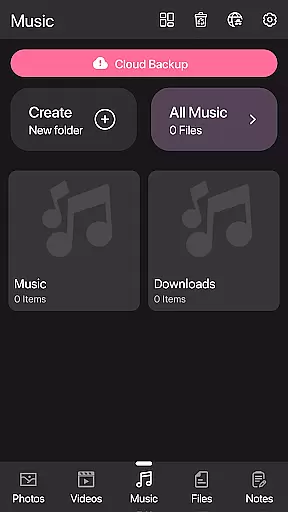
In addition to icon changes, the app offers Galerie Lock Themes, allowing users to customize the look and feel of the Private Photo Vault interface. This means you can tailor the aesthetics of the app to better suit your style while maintaining top-notch security for your hidden images and videos.
The availability of these diverse customization options empowers users to create a personalized and secure environment for their sensitive data, making Photo Lock App not just a tool for privacy but also an extension of personal expression.
Theme compatibility in the Photo Lock App - Hide Pictures ensures that users can enjoy a seamless visual experience while securing their personal content. The app supports various themes that align with different user interfaces and design sensibilities.
With Galerie Lock Themes, the application allows for a high degree of personalization without compromising functionality or security. Users can select from different themes that best represent their style, ensuring that their interaction with the app remains intuitive and visually pleasing.
This flexibility in theme choice not only enhances the aesthetic appeal but also maintains consistency across the user's device ecosystem. Whether you prefer a minimalist design or something more vibrant, the Photo Lock App adapts to your preference while keeping your media under strict lock and key.
By focusing on theme compatibility, the app guarantees that all customizations will work smoothly across different devices and operating systems, providing a reliable and cohesive user experience that respects both form and function.
Highly secure encryption
User-friendly interface
Cloud backup support
Intruder selfie capture
Customizable app icons
Premium features locked
Occasional bugs reported
Ads in free version
Complex setup process
Limited free storage

Classic analogue watch face. For wear os devices.
 4.60
4.60
Beautiful realistic hybrid watch face with numerous customization options.
4.50
Ultra realistic high quality analog watch face for Wear OS.
4.60
3D, live, and moving wallpapers & themes in 4K and HD for your device.
4.50
100+ Stylish Fonts, Emojis, Symbols keyboard for Instagram & TikTok!
4.80 4.50
4.50
Icons made of colorful linear lines
4.60
Launcher OS™ Pro without ads help make your phone simple and pretty
4.30
300+ Stunning and well-designed widgets inspired by NOTHING.
4.70
Sparkle your screen with Glitter Wallpapers For Girls and Cute Backgrounds!
4.80
Enjoy a variety of amazing live wallpapers and colorful EDGE lighting borders!
4.80
Aesthetic Widgets, HD Wallpapers, Themes in Mico Widget for Home and Lock Screen
4.50
Turn text & photos into stunning AI videos, art, and creative visual stories.
4.50
Vibrant Adaptive Icons with Material You and Enhanced Monet Colors.
4.50
AI-powered Copilot. Personalized keyboard with gifs, stickers & themes
4.40
Magic fluids wallpaper 4D: Relax with stunning fluid simulation wallpaper app
4.20
Emoji Maker app - Design custom emojis and effortlessly blend them with Mixer
3.80
Adaptive Dot Style IconPack with Light & Dark Theme.
3.70
HappyLighting is a Bluetooth lamp control software.
3.40


User Reviews