
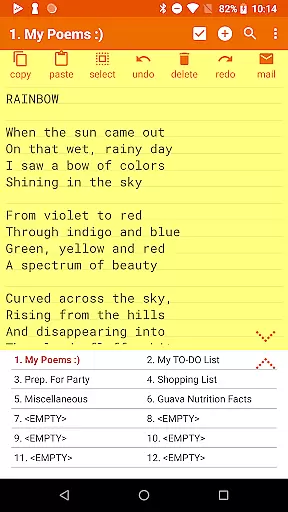
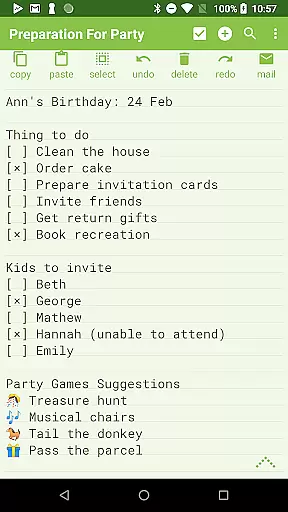
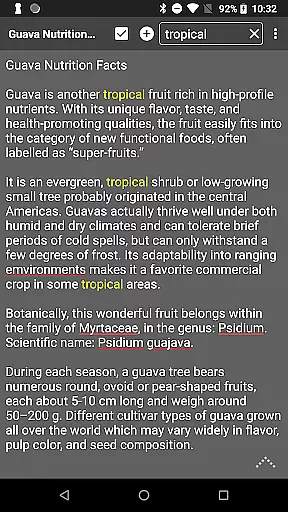
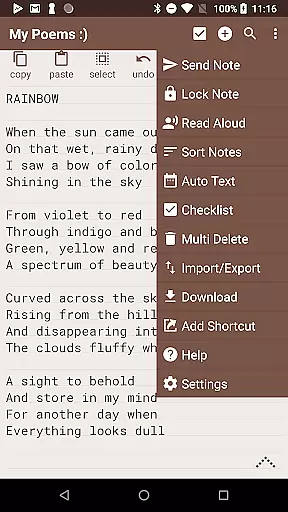
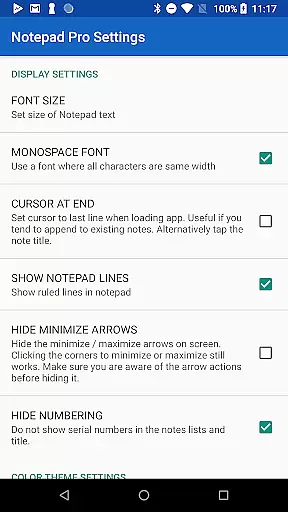
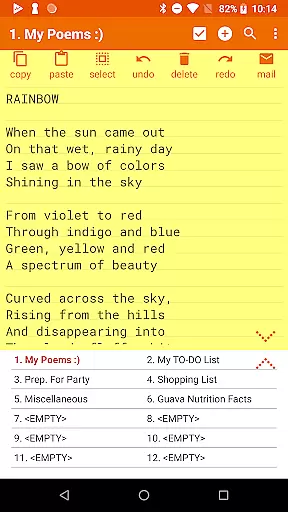
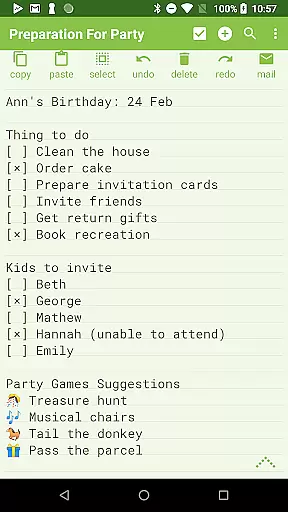
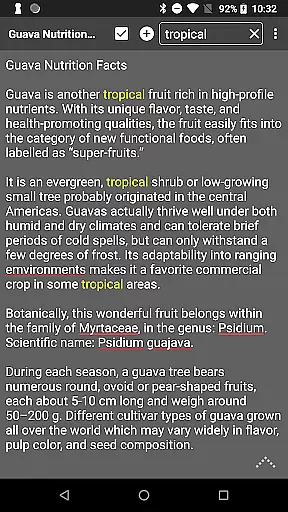
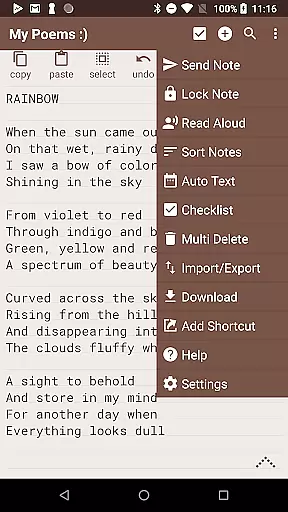
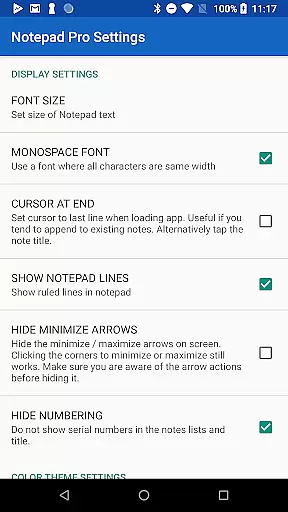
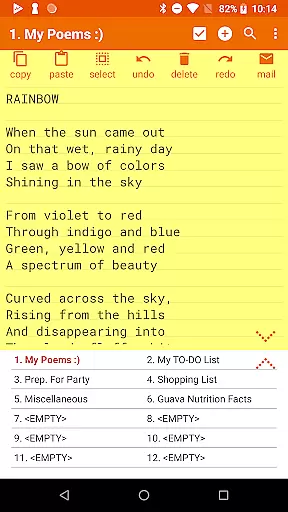
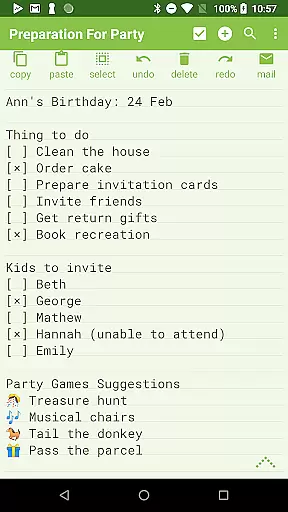
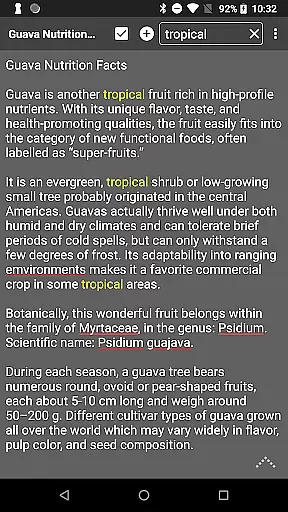
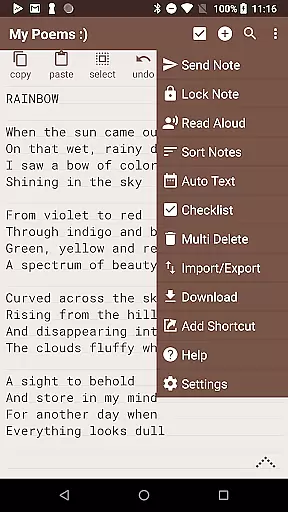
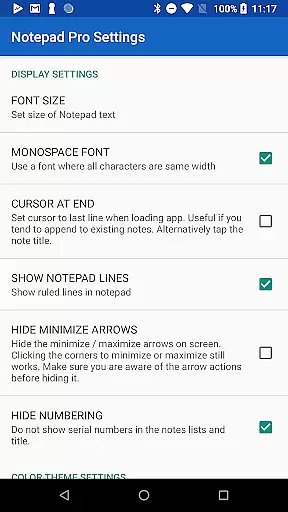
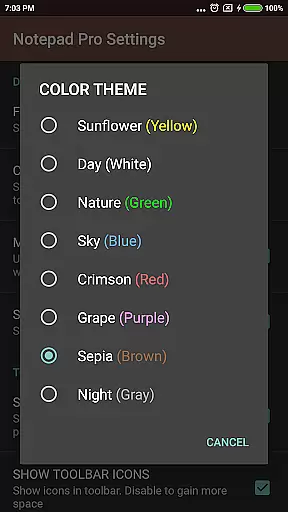
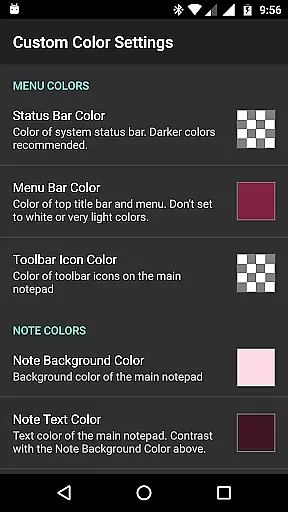
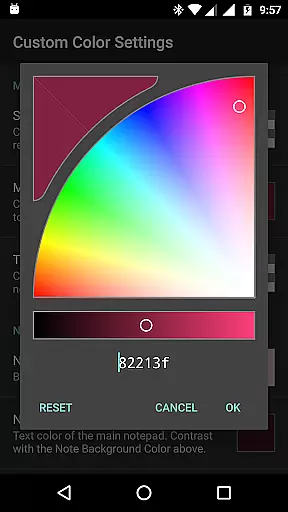
Notepad Pro is a versatile productivity app designed for Android users who need an efficient note-taking solution. This application stands out with its compact size of just 0.3 MB, offering unlimited notepad slots and advanced features like in-line checklist capability and search functionality across notes. Its desktop widget support and customizable display options make it ideal for organizing thoughts, to-do lists, and important information.
The app goes beyond basic note-taking by providing safeguard features such as selective import/export of notes, backup management, and read-only options. With accessibility features like read-aloud functionality and desktop shortcuts, Notepad Pro ensures that users can easily access their notes whenever needed. Whether you're a student, professional, or casual user, this app delivers a reliable and feature-rich note management experience.
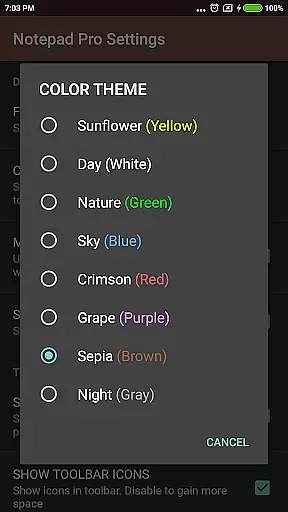
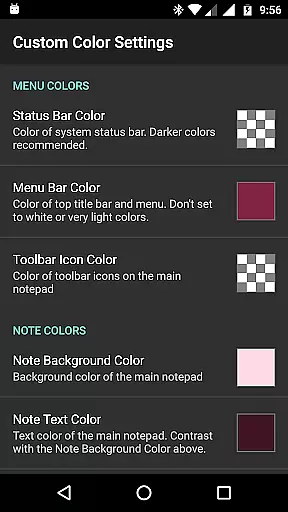
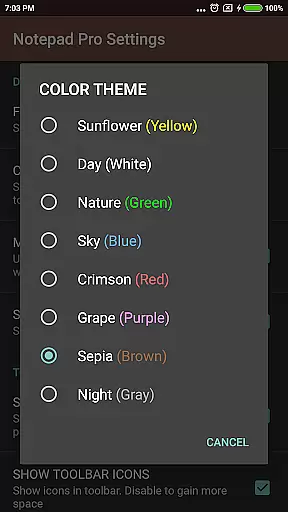
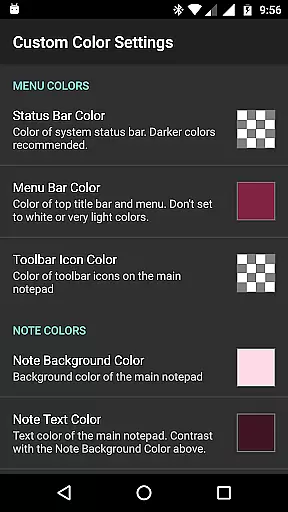
Notepad Pro offers an impressive range of features tailored to enhance productivity. One standout aspect is its ability to customize the user experience through themes, sorting options, and bookmarking capabilities. Users can rearrange notes, categorize them, and even enable full-screen views for better focus. The always-visible note title and blank note option further streamline navigation and usability.
In terms of safeguarding data, the app provides robust tools such as local backups, restore functionality, and selective sharing of notes via email attachments. Accessibility is another key highlight, with options like read-aloud functionality, home/end shortcuts, and integration with external apps for seamless text sharing. These features collectively ensure that Notepad Pro caters to both organizational needs and user convenience while maintaining a lightweight footprint on your device.
Notepad Pro excels in core task management by offering users a versatile Auto Save Notepad with unlimited notepad slots. This ensures that users can manage multiple tasks without the worry of running out of space or losing their work due to unexpected interruptions.
The app goes beyond simple note-taking by providing in-line checklist capability and search functionality within and across notes. These features allow users to efficiently organize their tasks, prioritize them using checklists, and quickly find specific information among numerous notes.
Additionally, the app's tiny size of just 0.3 MB means it won't take up valuable storage space on your device, making it an ideal choice for those who need powerful task management tools without sacrificing performance or resources.
While Notepad Pro focuses on standalone productivity, it offers reliable backup solutions that enhance cross-device synchronization reliability. Users can download notes and backups locally, ensuring they have access to their data even when switching between devices.
The ability to specify backup frequency and selectively import/export notes adds another layer of control over how data is synchronized across different platforms. This feature set allows users to maintain consistency in their workflow regardless of which device they are using at any given time.
Furthermore, options like making notes read-only and restoring notes by opening backup files provide peace of mind knowing that important information remains secure yet accessible whenever needed, thus supporting seamless transitions between various working environments.
Lightweight design
Unlimited note slots
Customizable themes
Backup and restore
Read-aloud feature
Paid version only
No cloud sync
Limited design
Small user base
No collaboration

Experience Reading - Night Mode for Documents
 4.40
4.40
Seamlessly integrate data and reports to build your presentation to impress
4.80
When you Focus, so will your Bean in this cozy focus timer
4.30
Total remote control for your Android device, PC and cloud services (IFTTT)!
4.20
All in one sketching tool. Technical and General drawing. Online Maps support.
3.70
Direct Chat without saving contacts & Dual WA Account on Single Device
4.70
Find and delete junk files & block unwanted notifications & manage files
3.70
Quickly and easily keep track of your work shifts
4.70
Secure your apps with lock screens, use custom themes and different features.
4.40
Android Wallet Password Manager
4.80
Mind Map and brainstorm, note taking and idea collection
4.80
App Lock with fingerprint, password: Lock apps & hide photos with lock screens
4.60
All document reader, all in one file viewer read PDF, DOCX, XLS, PPT, TXT files.
4.60
Planet Free VPN - The best Fast Unlimited and Secure VPN Without Logs
4.50
Translate text/voice/photos in 150+ languages. Offline & fast translator app.
4.50
Device's storage information in a simple and clear graphical form (infographics)
4.10
* block pre-roll ads, pop-up and forced redirect ads * Samsung certification app
4.00
Easiest event planning, volunteer signups & parent teacher conference scheduling
2.20
Create study competitions, track your hours, and stay consistent with friends
4.0


User Reviews