
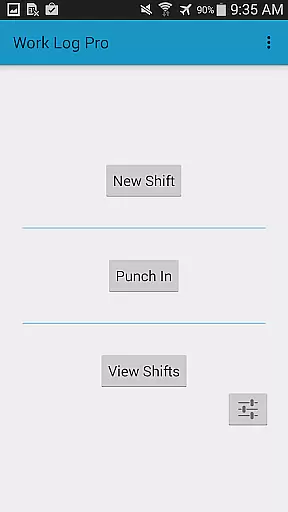
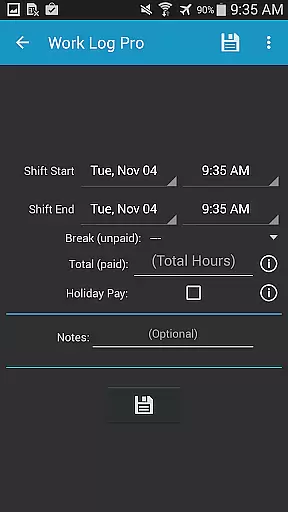
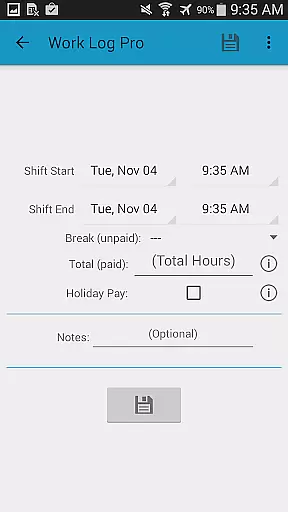
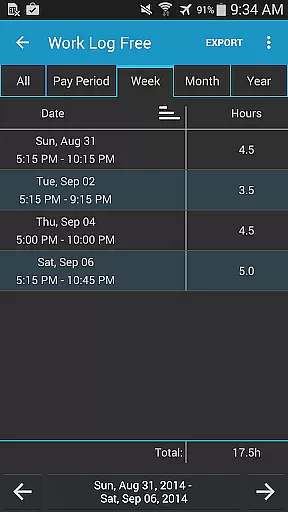
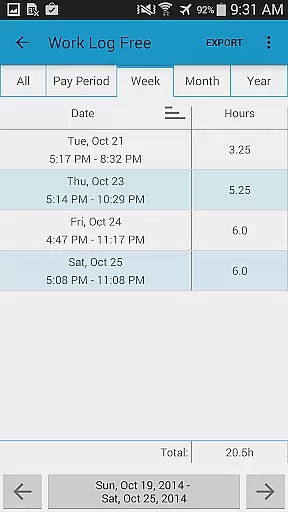
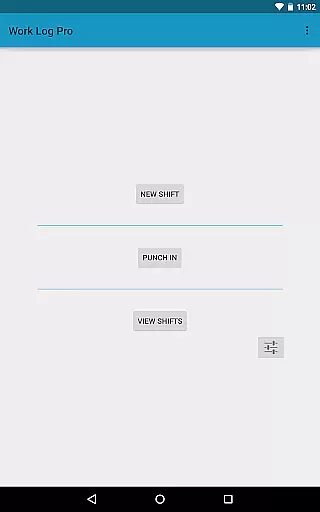
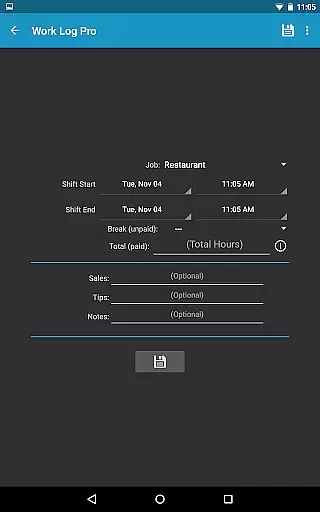
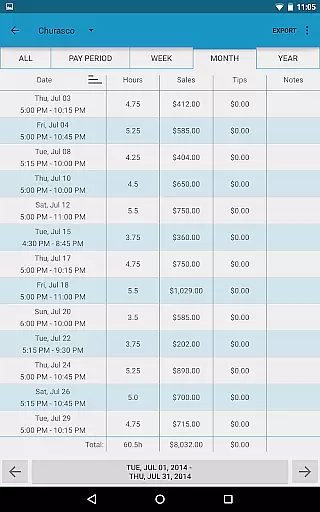
Work Log Pro is a comprehensive productivity tool designed for professionals who need to efficiently track their work hours and manage multiple jobs. The app offers an intuitive interface that allows users to punch in and out, manually enter shift details, and automatically calculate wages based on customizable pay periods. With support for overtime tracking, automatic break deductions, and bonus calculations, it provides a complete solution for accurate timekeeping.
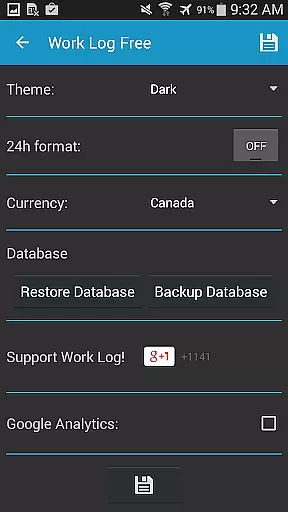
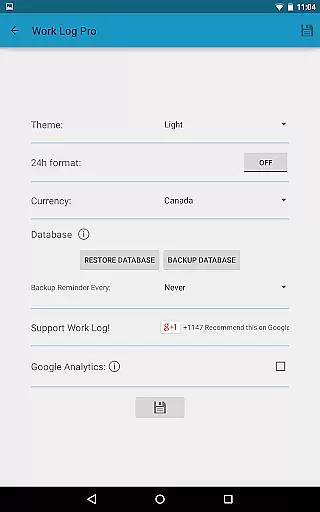
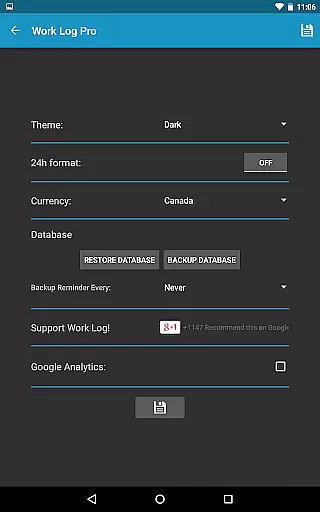
In addition to its core time-tracking capabilities, Work Log Pro includes advanced features such as exporting data as spreadsheets or PDFs, importing and exporting backups, and removing ads. Users can also customize the app's appearance with light and dark themes, choose between 12-hour and 24-hour time formats, and select from over 100 currency symbols. These robust customization options make it suitable for various industries, including hospitality, retail, and sales.
The app's value extends beyond simple time tracking by offering tools like sales and tip tracking, which are particularly useful for servers and salespeople. Its ability to sync data across devices through email backups ensures that users never lose their records. Whether you're managing multiple jobs or simply want to keep better track of your earnings, Work Log Pro delivers a reliable and feature-rich solution tailored to enhance workplace productivity.
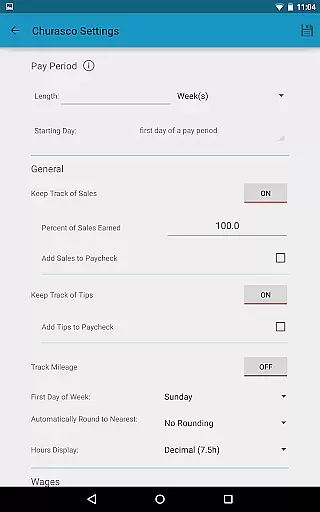
Work Log Pro stands out with its extensive range of features designed to streamline time management and payroll calculations. One of its key functionalities is the ability to punch in and out or manually input shift hours, providing flexibility for different work environments. Automatic break deductions ensure accurate wage calculations, while customizable pay periods allow users to align the app with their specific payroll schedules. This level of detail helps minimize errors and saves time when preparing for paycheck calculations.
Beyond basic time tracking, Work Log Pro offers several advanced features that cater to power users. For instance, the app supports exporting recorded shifts as CSV files or PDF documents, making it easy to share data with employers or integrate it into existing systems. Additionally, the inclusion of widgets enables quick access to essential functions, such as punching in and out, directly from the home screen. The app also provides comprehensive customization options, allowing users to tailor everything from theme colors to time formats and even backup reminders.
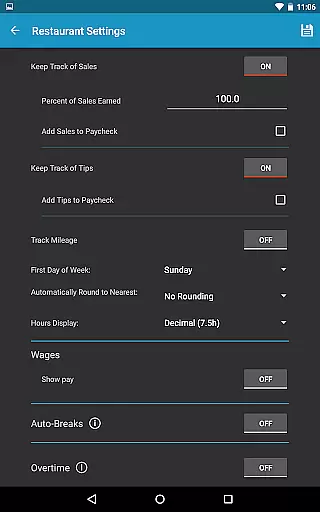
Another standout feature is the app's support for tracking multiple jobs, each with its own unique settings. This is especially beneficial for freelancers or individuals working part-time gigs alongside their primary employment. Furthermore, the ability to track sales, tips, and overtime ensures that users receive accurate compensation for all aspects of their work. By combining these powerful features with an ad-free experience, Work Log Pro positions itself as a top-tier productivity tool for anyone looking to optimize their time management processes.
Effective task management is essential for productivity applications, serving as the backbone for organizing work and personal responsibilities. Work Log Pro excels in this area by offering users a comprehensive suite of tools designed to track work hours with precision and ease.
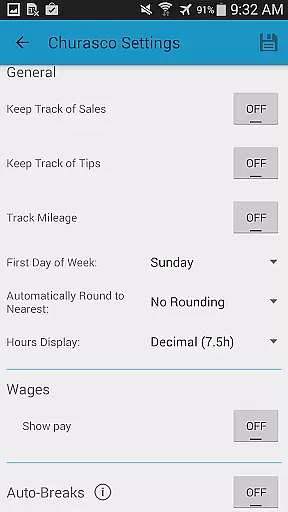
The app allows users to punch in and out or manually enter shift hours, providing flexibility that caters to different working styles. It also supports automatic break deductions and pay period settings, ensuring accurate time tracking without unnecessary manual input.
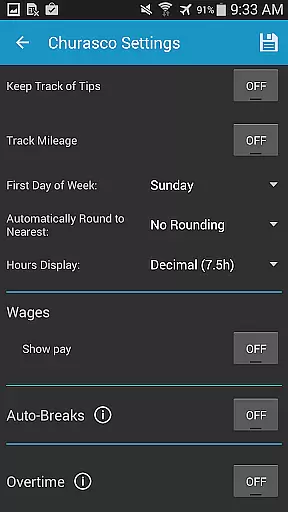
Users benefit from the ability to manage multiple jobs, each with customizable settings such as 24-hour formatting and overtime tracking. This versatility ensures that whether you're a freelancer juggling various clients or an employee with complex work schedules, Work Log Pro adapts to your needs seamlessly.
By integrating features like exporting shifts as spreadsheets or PDFs and calculating wages automatically, the app not only simplifies task management but also enhances financial oversight, making it an indispensable tool for anyone looking to optimize their workflow efficiently.
In today's interconnected world, reliable cross-device synchronization is crucial for maintaining productivity and ensuring data integrity across platforms. Work Log Pro addresses this need by providing robust mechanisms for backing up and transferring user data effortlessly.
Through its Backup Database feature, users can email backups directly to themselves, allowing easy restoration on new devices. This process guarantees that all recorded shifts, customizations, and calculations remain intact regardless of device changes or upgrades.
The app further enhances synchronization reliability through widgets that facilitate quick punching in and out, streamlining daily operations while keeping records consistent. Additionally, options like setting backup reminders ensure regular data protection, minimizing the risk of losing valuable information due to unforeseen circumstances.
By prioritizing seamless integration between devices and emphasizing data safety, Work Log Pro establishes itself as a dependable solution for professionals who demand unwavering consistency in their productivity tools.
Comprehensive time tracking
Customizable pay periods
Multiple job support
Export options (CSV, PDF)
Ad-free experience
Requires separate free version
No cloud sync
Complex setup process
Limited customer support
Paid upgrade necessary

Experience Reading - Night Mode for Documents
 4.40
4.40
Seamlessly integrate data and reports to build your presentation to impress
4.80
App lock - lock apps with fingerprint, password, pin or pattern, protect privacy
4.70
Font maker keyboard with your own handwriting
4.10
All document reader, all in one file viewer read PDF, DOCX, XLS, PPT, TXT files.
4.60
A Pixel Art watchface inspired by other iconic 90s designs for Wear OS devices!
4.40
The ultimate file manager for rooted devices. The original and still the best.
4.00
Experience and share your SolidWorks designs on your Android® phone and tablet.
2.50
AI Chatbot and AI writing assistant powered by ChatGPT.
4.60
Protect and view your important info on your phone and tablet with eWallet®
4.80
Client for Nextcloud Deck
4.60
The Pro Version of Android's tiniest Notepad app. Just 0.3MB but feature-packed!
4.60
Lightweight PDF, Word, Excel reader.
4.60
Share files & memories safely. Keep your photos and videos secure.
4.40
Device's storage information in a simple and clear graphical form (infographics)
4.10
Cloud storage, automatic phone backup, and more.
4.10
Activate Two Factor Authentication (2FA or Multi OTP), Password manager and more
4.10
Secure, open-source, SPICE and SSH Remote Desktop for QEMU KVM virtual machines
4.00
Auto-shutoff Alarm with Sunrise, Sunset & Fixed Options.
3.50


User Reviews