
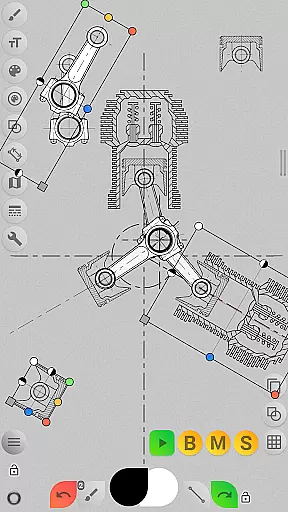
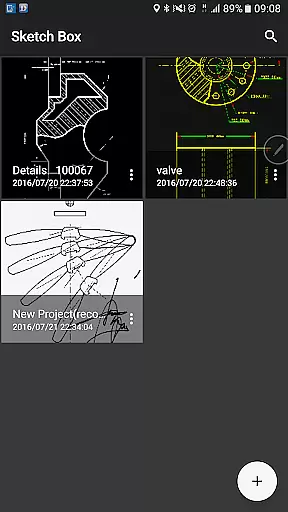
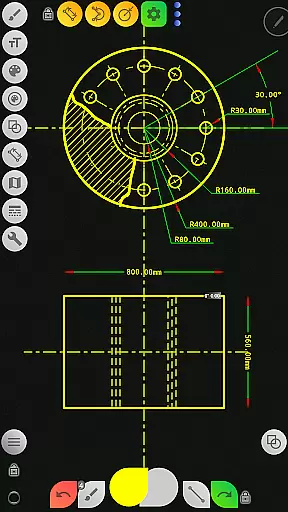
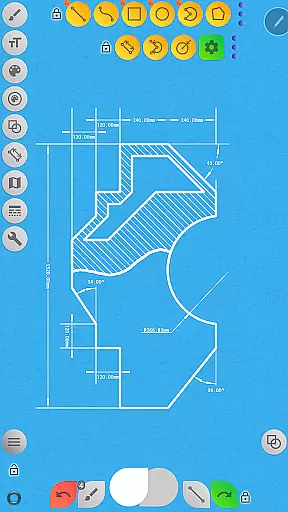
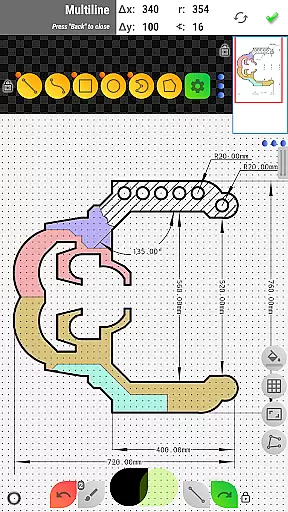

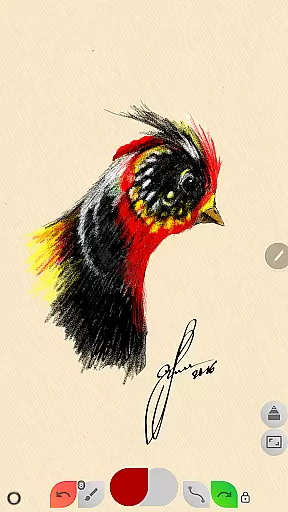
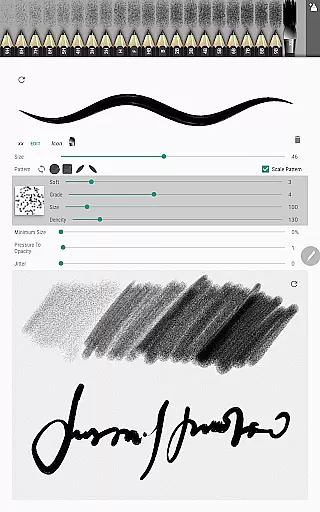
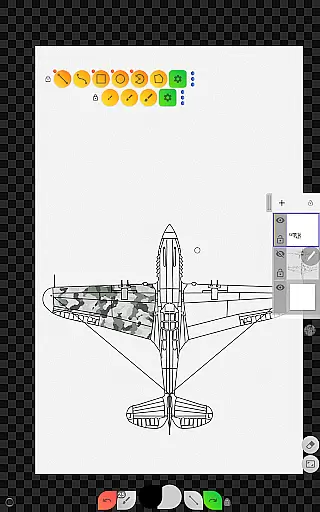
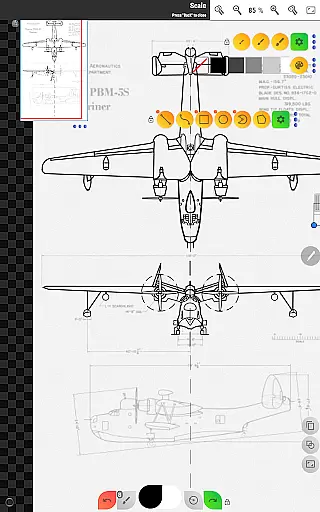
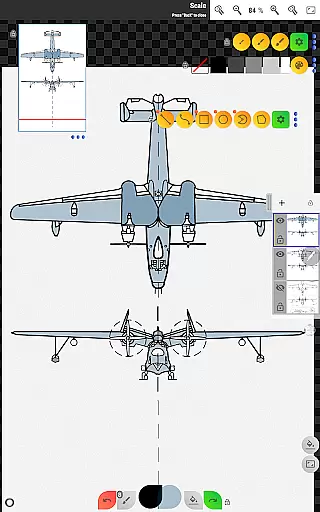
Sketch Box Pro is a versatile sketching and drawing application designed for both creative and technical purposes. This productivity tool serves as an alternative to traditional CAD systems while maintaining the simplicity of general drawing apps. Users can create detailed technical drawings, casual sketches, and even work with online maps through interactive tools. The app's standout feature is its ability to combine the precision of CAD with the fluidity of freehand drawing, making it suitable for engineers, designers, and artists alike.
The app supports project-based workflows, enabling users to start from scratch, import map snapshots, or use images from their device gallery. With layers, dimension tools, and customizable brushes, Sketch Box Pro ensures professional-grade outputs. Whether you're drafting blueprints or capturing spontaneous ideas, this app provides the flexibility and functionality needed for various tasks.
Sketch Box Pro is ideal for professionals who need a portable yet powerful solution for their design and planning needs. Its intuitive interface and advanced features like pencil customization, grid tools, and flood filling make it a valuable asset for anyone involved in creative or technical fields.
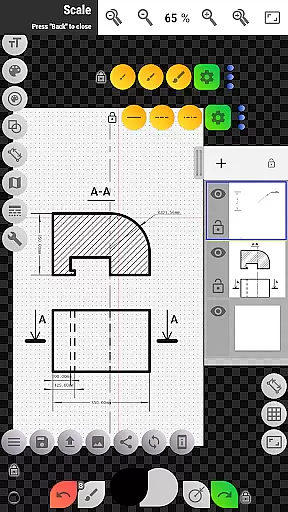
Sketch Box Pro offers a comprehensive set of features tailored for productivity and creativity. One of its key strengths is the support for up to six layers in the Pro version, allowing users to manage complex drawings with options like locking, opacity control, duplication, and merging layers. This layering system enhances workflow efficiency and precision, especially when working on intricate projects.
The app includes a variety of drawing tools such as basic shapes, predefined brushes, and a grid system for accurate technical sketches. Advanced functionalities like the dimension tool, scale ratio settings, and hatching tool provide quick and precise measurements. Additionally, the innovative copy tool allows users to duplicate parts of their drawing and paste them repeatedly, even supporting radial patterns. These features ensure that users can execute both simple and sophisticated designs effortlessly.
Another notable aspect is the Online Maps Support, which lets users integrate Google Maps into their projects. Interactive compass tools and vector tools enable users to mark locations, measure distances, and calculate areas directly on the map canvas. This integration makes Sketch Box Pro not only a drawing tool but also a practical utility for spatial planning and analysis.
Sketch Box Pro excels in core task management by offering a versatile platform for various drawing and sketching needs. The app supports technical drawings, general sketching, and even integrates with online maps to provide interactive tools.
With project-based functionality, users can initiate new projects from scratch, import snapshots from online maps, or use images from their device gallery. This flexibility ensures that every task, whether it's drafting detailed technical plans or quick sketches, is managed efficiently within the app.
The layers support feature allows users to work with up to six layers in the Pro version, providing options to lock, adjust opacity, duplicate, clear, delete, merge down, or merge all layers. These capabilities enhance task management by enabling complex drawing organization and easy editing.
Overall, Sketch Box Pro empowers users to handle multiple drawing tasks seamlessly, making it an essential tool for anyone needing reliable and adaptable task management in their creative workflow.
Cross-device synchronization is crucial for maintaining productivity, and Sketch Box Pro addresses this need effectively. By allowing users to create, duplicate, and share projects, the app ensures that work started on one device can be continued on another without any loss of data or functionality.
Projects created in Sketch Box Pro are stored with predefined themes such as Black and White, Dark, BluePrint, and REM. This consistency across devices means that users can rely on uniform settings and appearances, regardless of where they access their projects.
In addition to project sharing, the app offers export features that enable users to save their current drawings to the gallery or share them directly. This seamless integration between devices enhances collaboration and ensures that all team members have access to the latest versions of their work.
By focusing on reliable cross-device synchronization, Sketch Box Pro guarantees that users can maintain their productivity and creativity, no matter which device they choose to use.
User-friendly interface
Advanced drawing tools
Flexible layer management
Interactive map integration
Customizable workspace
Limited free version
Steep learning curve
Occasional bugs
High system requirements
Subscription cost

AI Video AI Image Private LLM AI Browser Llama Gemma Ollama Connect LLM Studio
 4.3
4.3
Android Wallet Password Manager
4.80
The Pro Version of Android's tiniest Notepad app. Just 0.3MB but feature-packed!
4.60
Mind Map and brainstorm, note taking and idea collection
4.80
Easiest event planning, volunteer signups & parent teacher conference scheduling
2.20
PDF scanner & converter for files, photos, lottery, QR codes. One swipe away!
4.50
To do list widget with a notebook organizer, checklist, simple shopping list
4.60
AI Chatbot and AI writing assistant powered by ChatGPT.
4.60
Note taking, handwriting, record audio, PDF annotation, planner & journal
4.20
Native client for Forgejo and Gitea
5.00
Protect and view your important info on your phone and tablet with eWallet®
4.80
Quickly and easily keep track of your work shifts
4.70
Client for Nextcloud Deck
4.60
Lightweight PDF, Word, Excel reader.
4.60
Send files, sync SMS, notifications & clipboard across devices via local network
4.40
Make apps & sites with natural language prompts
4.10
Font maker keyboard with your own handwriting
4.10
Unlock AutoNotification
4.00
Customizable calendar widget for seamless event sync, planning & scheduling.
4.00


User Reviews