
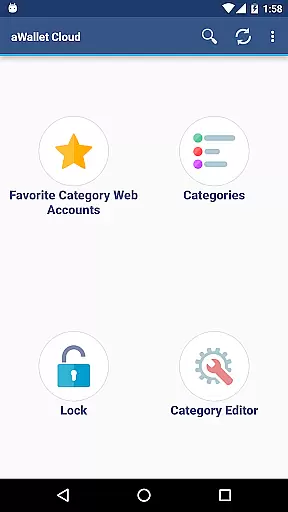
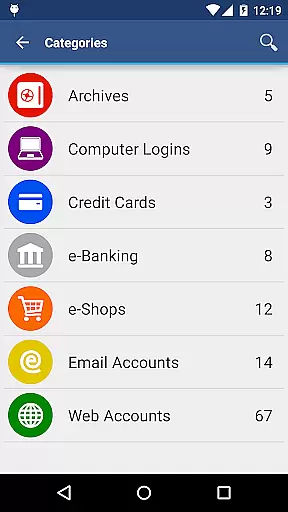
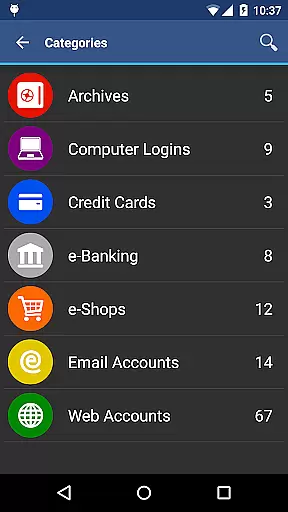
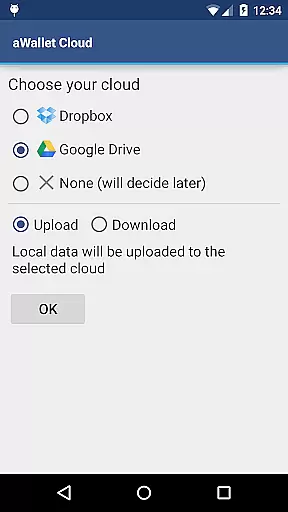
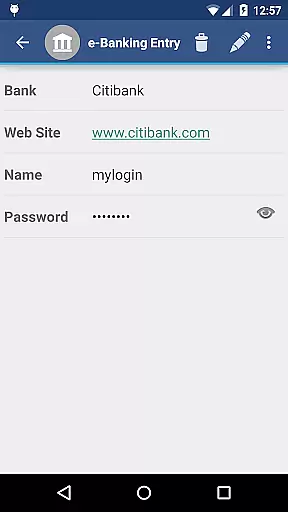
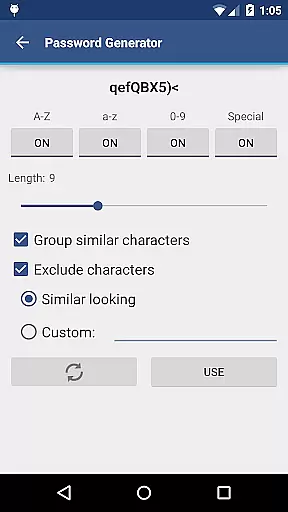
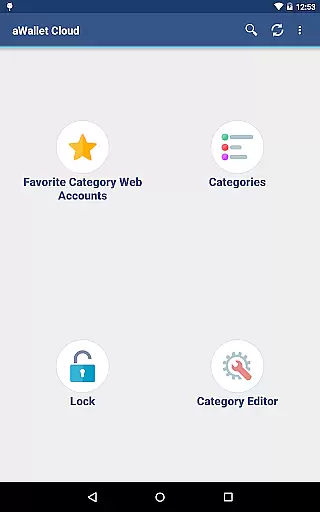
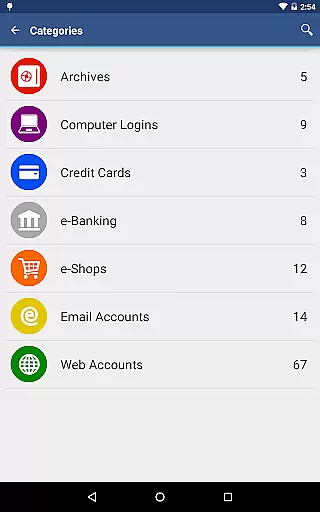
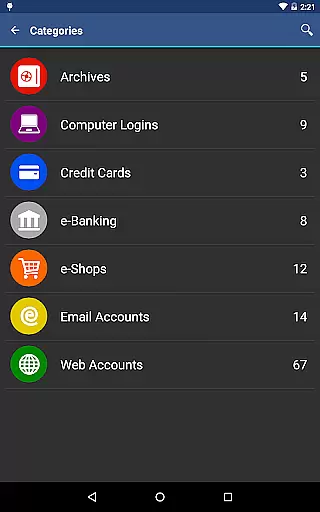
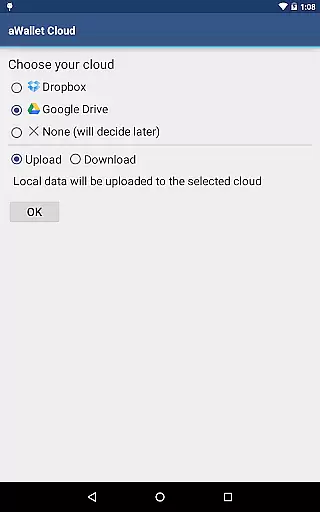
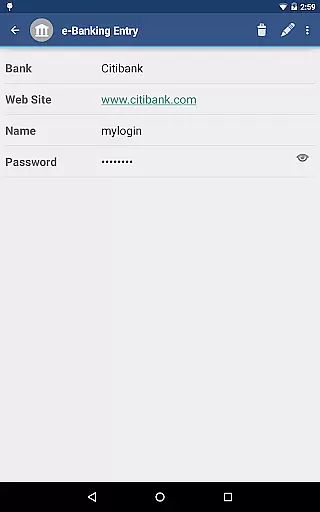
aWallet Cloud Password Manager is a robust productivity application designed to securely store sensitive information such as passwords, credit card details, and e-banking credentials. The app synchronizes encrypted data with your personal cloud storage accounts like Dropbox or Google Drive, ensuring that your information is accessible yet secure across all devices.
With features like a built-in editor for custom data categories, field search functionality, and an auto-lock feature, aWallet provides both flexibility and security. It also supports backup and restore functions to Android USB devices and offers unencrypted data export in CSV format. For users seeking additional convenience, the app includes pro features such as fingerprint and facial recognition unlock capabilities.
This password manager stands out due to its comprehensive security measures, including AES and Blowfish encryption algorithms, repetitive hashing, and protection against brute force and off-line dictionary attacks. These features make it an ideal choice for individuals who prioritize data security while managing their digital lives efficiently.
aWallet Cloud Password Manager boasts an array of features tailored for secure and efficient data management. One notable feature is its ability to synchronize encrypted data with personal cloud services such as Dropbox or Google Drive, allowing seamless access to critical information from any device.
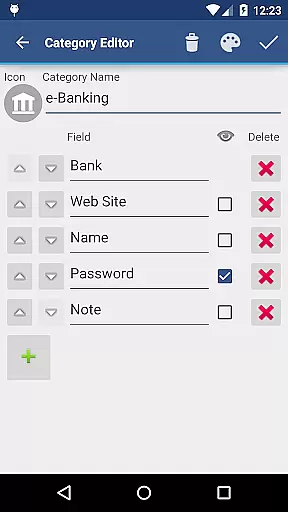
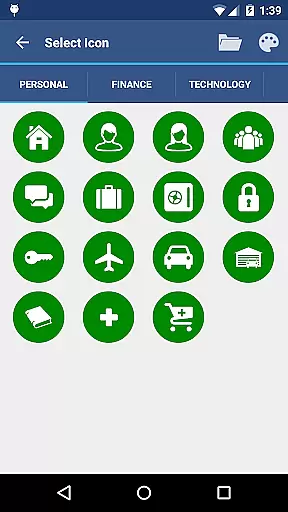
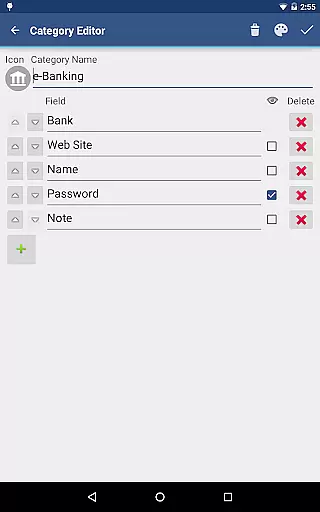
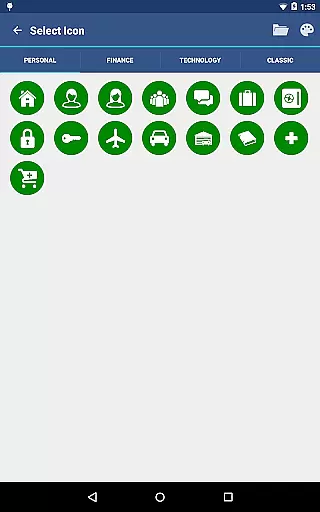
The app includes a built-in editor that enables users to modify existing categories or create new ones with custom icons, enhancing personalization. Its search functionality allows quick retrieval of specific entries, while the auto-lock feature ensures that your data remains protected even if you forget to manually secure the app.
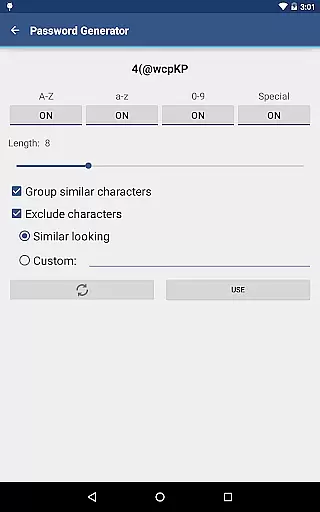
Security-wise, aWallet employs advanced encryption methods using AES or Blowfish algorithms with various key sizes. Additionally, it incorporates repetitive SHA-256 hashing combined with a randomly generated 'salt' to fortify the master password against brute force attacks. Such meticulous attention to security detail assures users that their confidential information is safeguarded at all times.
aWallet Cloud Password Manager excels in core task management by providing a comprehensive suite of features for securely handling sensitive information. The app allows users to store various types of data, including passwords, credit card details, and e-banking credentials, all within a structured and organized environment.
With its built-in Editor, users can customize categories with unique icons, ensuring that all stored data is systematically categorized for easy access. This level of organization extends to the search functionality, which permits searching within fields, thus streamlining the process of retrieving specific pieces of information.
The synchronization feature further enhances task management capabilities by enabling encrypted data to be synced with personal cloud accounts such as Dropbox or Google Drive. This ensures that users have access to their data across multiple devices without compromising security.
Additionally, the app supports backup and restore functions to an Android USB device, alongside exporting unencrypted data in CSV format. These features contribute to a robust system for managing digital credentials and other confidential data efficiently and effectively.
Cross-device synchronization is a pivotal feature of aWallet Cloud Password Manager, ensuring that users' encrypted data remains consistent and up-to-date across all their devices. By leveraging trusted cloud services like Dropbox and Google Drive, the app provides reliable and secure synchronization of sensitive information.
This synchronization process is not only about convenience but also maintains a high-security standard. All data synced between devices remains encrypted, preventing unauthorized access during transfer. Users are assured that their information, ranging from passwords to credit card details, is protected by strong encryption algorithms both at rest and in transit.
Furthermore, the app's ability to support backup and restore functions to an Android USB device complements its synchronization reliability. In scenarios where cloud services may not be accessible, users can still maintain data consistency through local backups.
Overall, aWallet Cloud Password Manager delivers dependable cross-device synchronization, empowering users to manage their digital lives seamlessly while upholding stringent security measures.
Advanced encryption
Cloud synchronization
Customizable categories
Auto-lock feature
No advertisements
Complex setup process
Limited free features
Requires cloud account
No iOS compatibility
Occasional sync issues

Create study competitions, track your hours, and stay consistent with friends
 4.3
4.3
A lightweight JSON & XML files creator, editor and viewer (Premium Version)
4.40
Mind Map and brainstorm, note taking and idea collection
4.80
Easiest event planning, volunteer signups & parent teacher conference scheduling
2.20
Find and delete junk files & block unwanted notifications & manage files
3.70
Activate Two Factor Authentication (2FA or Multi OTP), Password manager and more
4.10
* block pre-roll ads, pop-up and forced redirect ads * Samsung certification app
4.00
Best Tool for the professionals Electrician, Electrical contractors, etc.
4.90
Lightweight PDF, Word, Excel reader.
4.60
Multilingual translator for text, voice, and image translation!
4.90
QuickBooks Workforce lets teams view pay info and track time in one place.
4.70
The long-awaited modern gallery app for your Nextcloud server
4.70
App lock - lock apps with fingerprint, password, pin or pattern, protect privacy
4.70
A beautiful digital clock with autostart and many other functions
4.70
When you Focus, so will your Bean in this cozy focus timer
4.30
All in One PDF Reader: Manage, Read and Edit your Documents
4.20
Intelligent AI Assistant
4.10
Experience real multitasking on your Android!
4.00
The ultimate file manager for rooted devices. The original and still the best.
4.00


User Reviews