
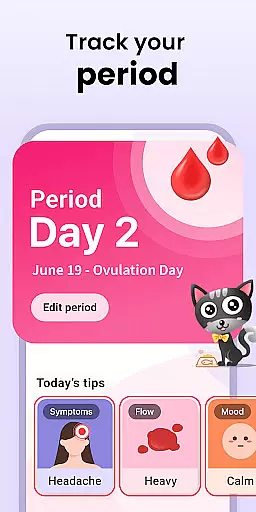
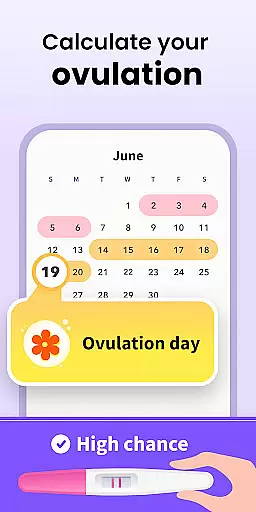
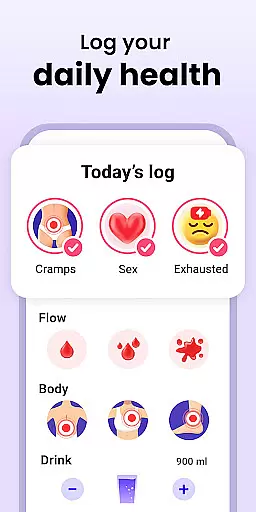
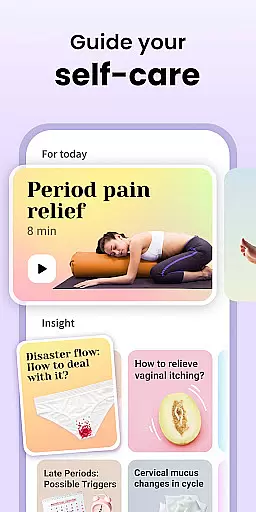
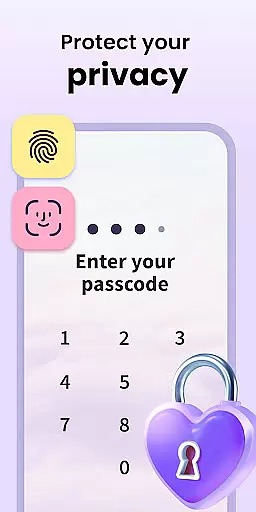
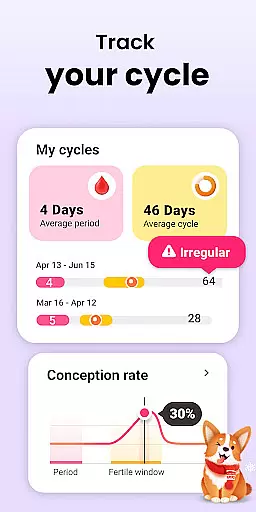
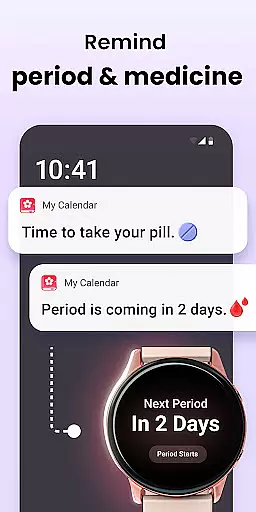
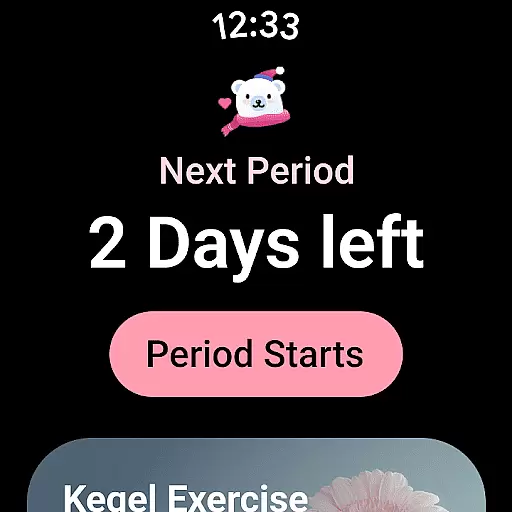
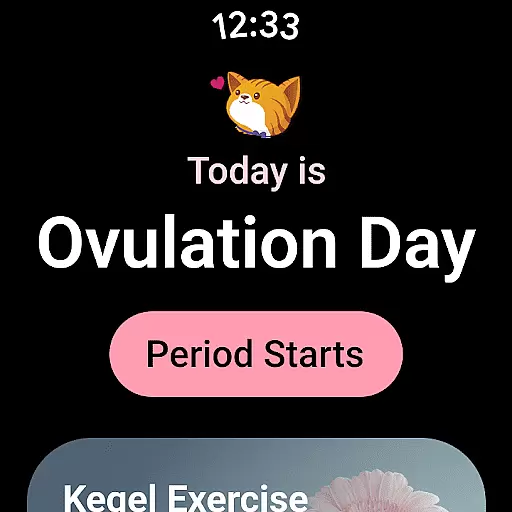
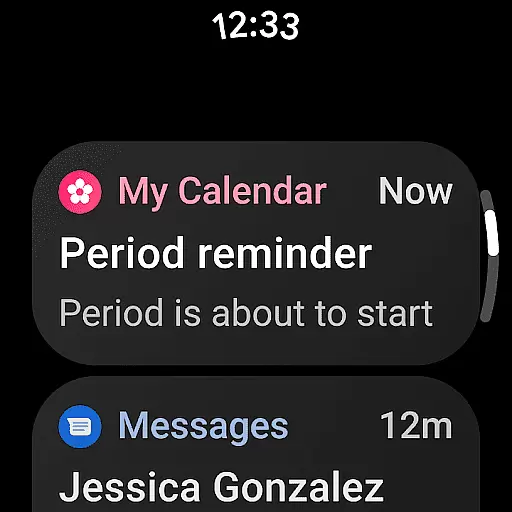
Period Calendar is a comprehensive menstrual cycle tracking application designed for Android Wear devices. This app allows users to monitor their periods, blood flow, cycles, ovulation, and conception probabilities with remarkable accuracy. Trusted by over 300 million users globally and popular in 63 countries, it serves as an essential tool for women whether they are trying to conceive or practicing birth control. The app provides discreet notifications and reminders for periods, fertility, ovulation, and contraceptive pills, ensuring privacy and convenience.
In addition to its core tracking features, Period Calendar offers advanced functionalities such as symptom and mood tracking, intimacy monitoring, and body temperature charting to help determine ovulation dates. It supports Google account data backup and restoration, multi-account management, and robust security protections. With support for Wear OS complications and tiles, users can access period and ovulation predictions directly from their smartwatches. The app emphasizes user privacy, allowing anonymous usage and encrypted data syncing without any collection or storage of personal information.
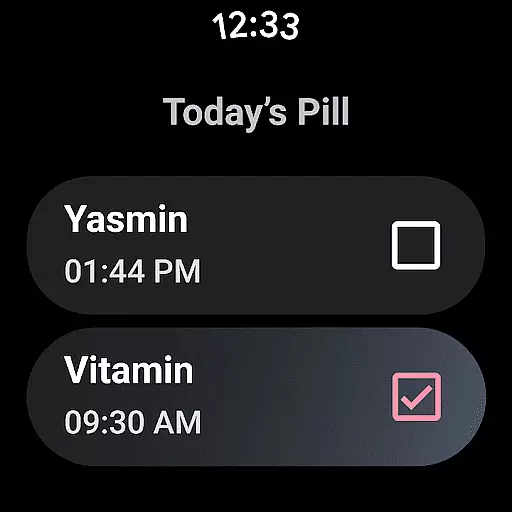
Period Calendar stands out with its extensive feature set tailored for menstrual and fertility tracking. One of its key features is the ability to predict menstruation, cycles, and ovulation with high precision using an ovulation calculator and tracker. Users can track fertile symptoms like cervical firmness, cervical mucus, and cervical opening, which aids in family planning by providing daily odds of conception. The app also includes pill reminders that can be customized to maintain discretion in public settings.
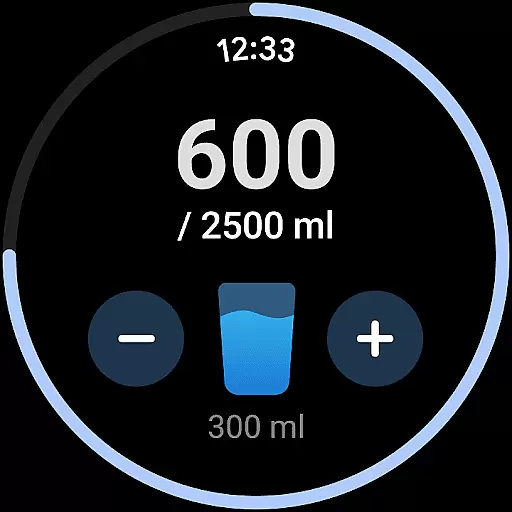
Another significant aspect is its capability to record various health metrics such as menstrual flow, cervical mucus, BMI, sexual activity, weight, temperature, symptoms, and moods. This makes it akin to a personal period diary. Additionally, the app supports Wear OS complications and tiles, enabling users to receive water drinking reminders and pill alerts on their smartwatches. Security is prioritized through encrypted data backup and restoration options, multi-account support, and the ability to delete all data with a single click, ensuring complete user control over personal information.
Period Calendar Period Tracker offers seamless companion app integration, ensuring that your data is always synchronized across devices. This feature allows users to effortlessly sync their menstrual cycle data between their mobile devices and Wear OS gadgets.
The synchronization process is automatic and reliable, providing real-time updates so you can access the most current information no matter which device you're using. Whether you're at home or on the go, your period, ovulation, and fertility tracking details are updated instantly.
This integration enhances user convenience by enabling discreet notifications directly to your wearable device. You'll receive timely reminders for periods, fertility windows, and contraceptive pill schedules without needing to check your phone constantly.
By leveraging Google account data backup and restoration, the app ensures that all your vital health information remains secure yet easily accessible. This robust companion app integration empowers users with continuous access to their personal health data ecosystem.
Designed with broad Wear OS and device compatibility in mind, Period Calendar Period Tracker extends its functionality seamlessly to various smartwatches and wearable devices. The app supports complications and tiles on Wear OS devices, bringing essential features like period prediction and pill reminders to your wrist.
Users can customize their wearable experience by adding complications for water drinking reminders and ovulation predictions directly to their watch face. These quick-access features ensure you never miss important health-related notifications while maintaining discretion in public settings.
The application's compatibility extends beyond just Wear OS devices, offering multi-account support and security protections across different platforms. This flexibility allows users to track their menstrual cycles securely from multiple devices without compromising data integrity.
With thoughtful design considerations for both mobile and wearable interfaces, this period tracker delivers a consistent user experience regardless of the device being used. The comprehensive Wear OS integration demonstrates the developer's commitment to providing versatile health tracking solutions for modern lifestyles.
User-friendly interface
Accurate ovulation prediction
Comprehensive health tracking
Robust privacy controls
Support for Wear OS
Limited third-party integrations
No web-based version
Premium features require subscription
Occasional sync issues
Notifications may be intrusive

Christmas - Festive - Christmas Village - Winter - Christmas lights
 5.00
5.00
Snowflake Rose Gold Watch Face - Digital, modern, & sleek with GYRO effect.
4.10
A full-featured Amazon Alexa voice assistant that can show you things.
3.70
3 Complications. All shadow on/off. 30 Themes color palette...
4.2
Hyperlocal rain alerts by MyRadar using patent-pending technology, radar & more
4.80
The #1 source of faces for your smartwatch!
4.00
Stylish, Energizing and Modern Watch Face crafted by Dominus Mathias.
4.50
Viewer for Wyze/Yi/Eufy/Arlo/ONVIF/RTSP/P2P IP cams w/ adv. features & DIY DVR
4.00
A white realistic classic analog watch face with many customization options.
4.40
Christmas Theme Watch Face for Wear Os
5.00
A modern premium sporty hybrid watch face for Wear OS by Ballozi
4.70
The most customizable minimal watch face. For Wear OS 5.0, API 34+ and later
4.70
Christmas watch face. For Wear OS devices.
4.30
Calming & relaxing sounds for sleeping and stress relief. Stay focused all day!
4.20
Connect, create, and collaborate with Gmail, part of Google Workspace.
4.10
Your local weather forecast, storm tracker, radar maps & live weather news
3.40
A watch face that fuses motorsport precision with contemporary smartwatch design
4.3
Simple Analog-Digital Watchface For Wear OS 3.0 and Up Smartwatches
4.1
Fitness interactive virtual pet super fighter boy watch face
4.5


User Reviews