
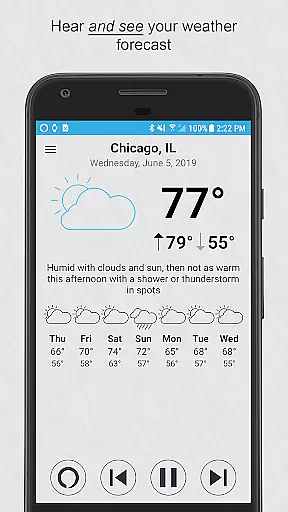
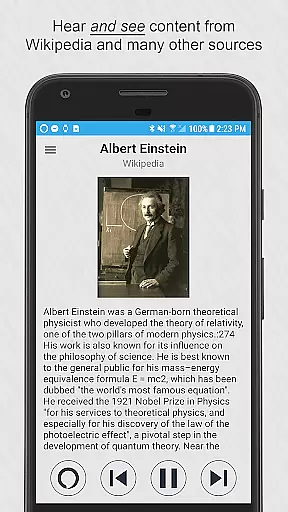



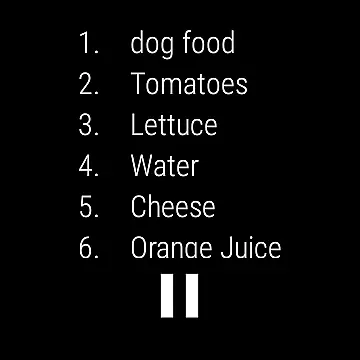
Ultimate Alexa Voice Assistant is a comprehensive voice assistant application that leverages Amazon Alexa's voice service, marking its presence as the pioneering app on Google Play to embrace Alexa’s Display Card technology akin to the Amazon Echo Show. This integration allows users to both hear and visually access weather forecasts, to-do lists, shopping lists, news headlines, Wikipedia entries, and more, enhancing user engagement through dual sensory inputs.
The app extends its support to both smartphones and Wear OS watches, ensuring versatility in usage. For devices without speakers, such as certain watches, the connected phone's speaker facilitates communication. With features like activating Alexa via wake word, notification area, widget, or even setting it as the default assistant, Ultimate Alexa offers flexible interaction modes tailored to user preferences.
This app transforms daily tasks and interactions with smart home devices, calendars, local information services, and entertainment options, making it an indispensable tool for users seeking seamless integration of voice command functionalities into their digital lives.
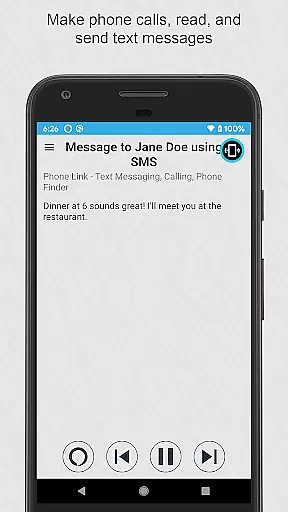
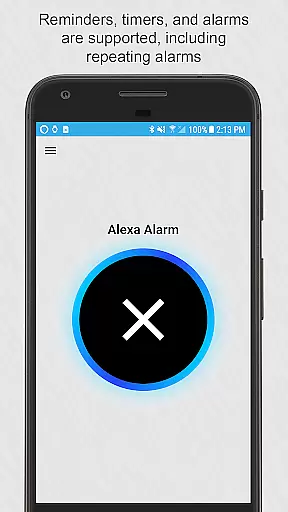
Ultimate Alexa stands out with its rich feature set designed to offer users an unparalleled voice assistant experience. The app supports every Alexa feature permitted by Amazon, including making phone calls, reading and sending text messages across various messaging platforms, playback of locally stored music, setting reminders, timers, alarms, and managing calendar entries.
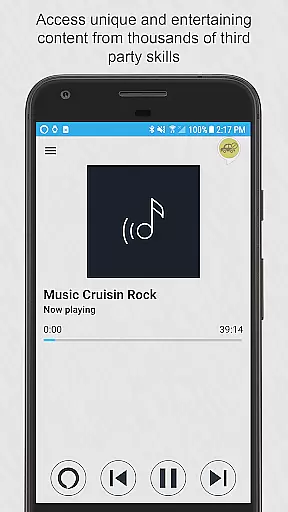
Unique capabilities such as controlling smart home devices, accessing localized information, engaging with news, weather updates, sports, traffic reports, fun activities, general knowledge inquiries, and shopping on Amazon underline its versatility. Additionally, users can explore thousands of third-party skills, further broadening the app's utility.
With customizable settings allowing choice over when the app listens and responds, along with selecting from different Alexa voices, Ultimate Alexa ensures personalized and controlled assistance. Its compatibility with Wear OS and innovative activation methods like shaking the phone or using the Bixby button on Samsung devices accentuates its adaptive nature, catering to diverse user needs and preferences.
Companion app integration is crucial for wearable devices as it ensures seamless synchronization between the phone and the watch. Ultimate Alexa Voice Assistant excels in this area by offering comprehensive support for both smartphones and Wear OS watches.
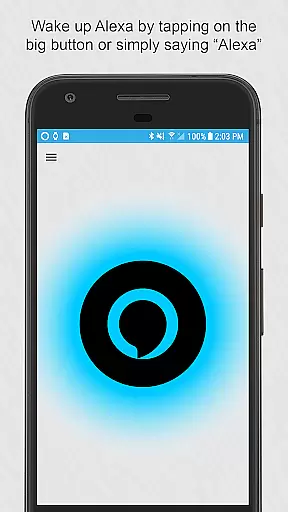
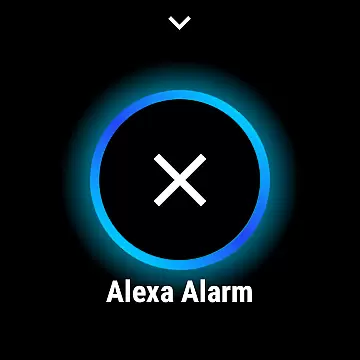
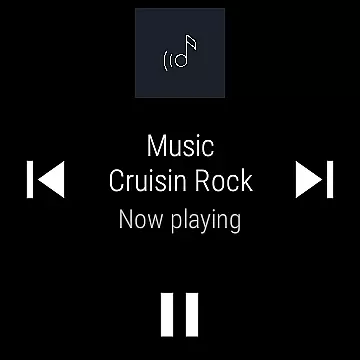
When using the app on a Wear OS device, users can simply tap the large button to start interacting with Alexa. The application also supports voice commands through the Wear OS tile, allowing immediate access to Alexa's functionalities without needing to open the app manually.
For devices without speakers, Ultimate Alexa cleverly uses the connected phoneu2019s speaker, ensuring that users never miss out on audible responses. This level of integration enhances user convenience and maintains consistent functionality across different devices.
The ability to activate Alexa from various entry pointsu2014be it the notification area, a resizable widget, or even via Google Assistantu2014demonstrates the app's commitment to providing a versatile and integrated user experience. Such features ensure that users can access Alexa's capabilities effortlessly, making daily tasks more manageable and efficient.
Ensuring compatibility with Wear OS and other devices is essential for any application targeting the smartwatch market. Ultimate Alexa Voice Assistant stands out by delivering robust support for both phones and Wear OS watches, maximizing its reach and utility.
Users can interact with Alexa on their Wear OS watches just as they would on their phones. By tapping the prominent button on the watch interface, users can initiate voice commands and receive visual and auditory feedback, thus maintaining continuity in user experience across devices.
The app addresses hardware limitations gracefully; for instance, if a watch lacks a speaker, the paired phoneu2019s speaker is utilized. This approach guarantees that all users, regardless of their device specifications, can enjoy a full-featured Alexa experience.
Furthermore, Ultimate Alexa extends its compatibility by allowing advanced features on specific devices. For example, Samsung users with a Bixby button can repurpose it to invoke Alexa, showcasing the app's adaptability and enhancing user interaction on a wide range of devices. This flexibility underscores the app's dedication to broad device compatibility and user-centric design.
User-friendly interface
Versatile device support
Comprehensive Alexa integration
Customizable listening modes
Extensive third-party skill access
Limited music streaming services
Calling feature geographical restrictions
Premium features require Pro version
Dependent on Amazon's ecosystem
Accessibility service permissions needed

Highly customizable hybrid watch face for Wear OS, perfect for everyday use.
 4.60
4.60
Christmas - Festive - Christmas Village - Winter - Christmas lights
5.00
Rose gold watch face with festive lights & customizable features.
4.60
Deck out your Wear OS Watch face with a beautifully decorated pine wreath!
4.50
Digital watch face. For Wear OS devices.
4.40
Hybrid Vibrant Health Watch Face for Wear OS
4.5
Fast and smart typing with Emojis, GIFs, and more
4.50
Back up your contacts & access them anywhere
4.30
Download full tracks, listen to music offline, make unlimited playlists.
4.80
Gym Log & Workout Tracker | Fitness Journal, Training & Weight Lifting Planner
4.90
Walking app for weight loss: walk & step tracker, pedometer, indoor treadmill
4.60
Gym & home workout plans with strength training, exercise tracking, HIIT & more.
4.60
"PER27 Galaxy Digital" is a digital Wear OS watch face designed by PERSONA
4.10
Connect, create, and collaborate with Gmail, part of Google Workspace.
4.10
Professional weather radar and more
3.90
Stay in touch with your friends and family using LINE!
3.40
A Wintery Snow Globe on Your Wrist; now celebrating Christmas!
4.3
A heartwarming Christmas scene featuring a cute image of Santa and Rudolf
4.5
3 Complications. All shadow on/off. 30 Themes color palette...
4.0


User Reviews