
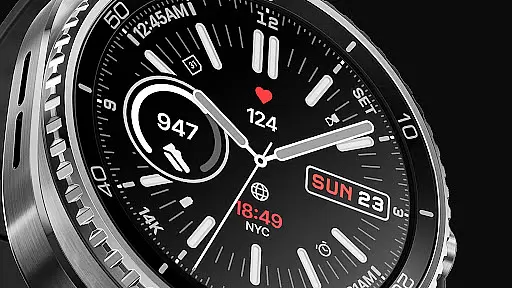
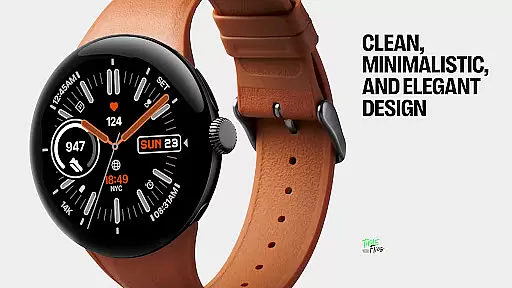
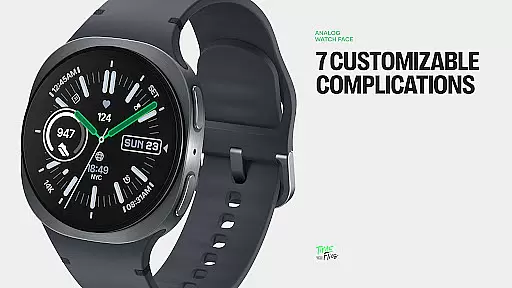
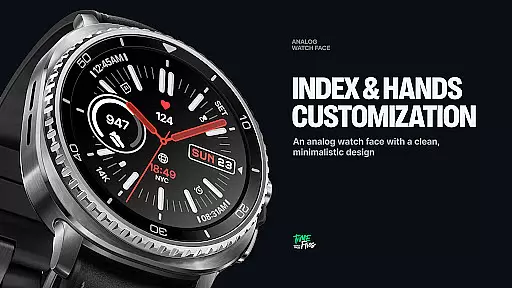
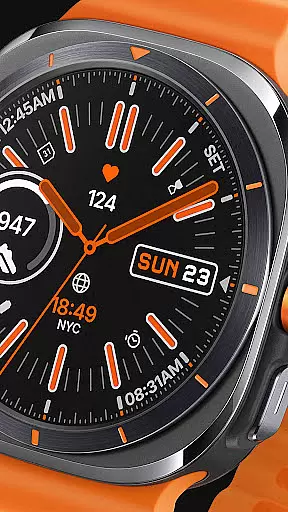
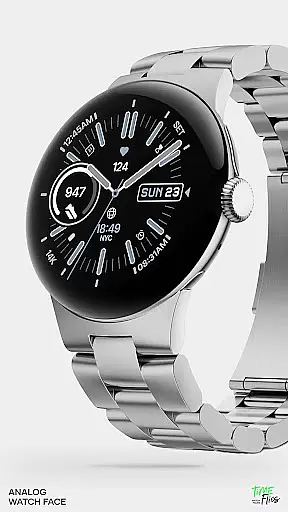
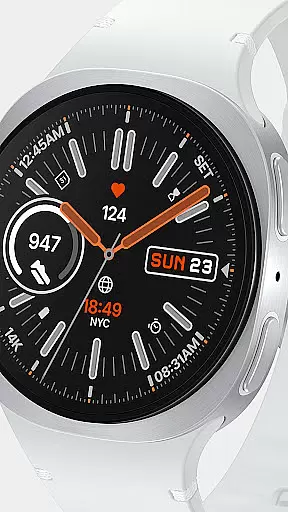
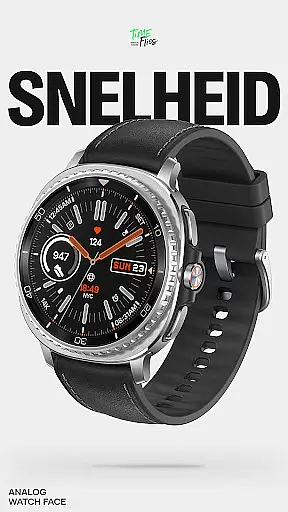
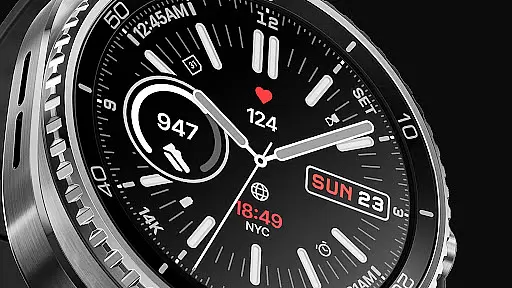
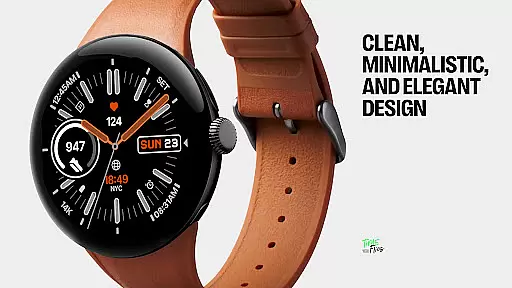
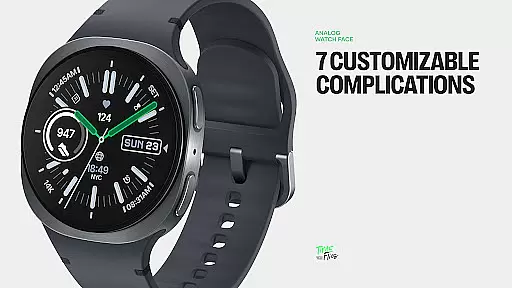
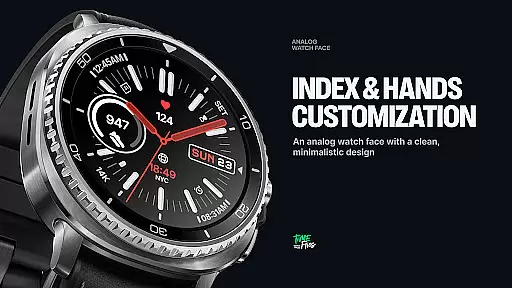
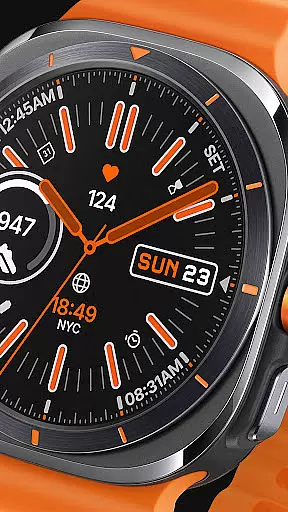
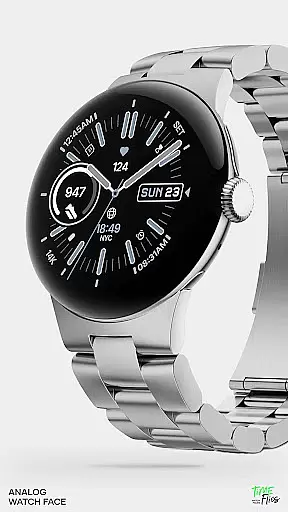
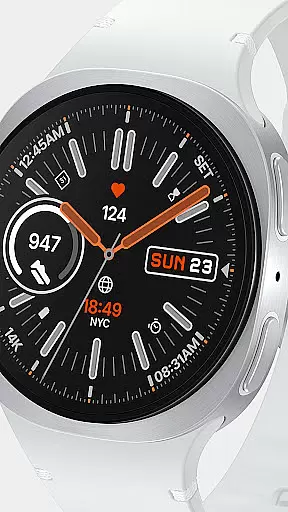
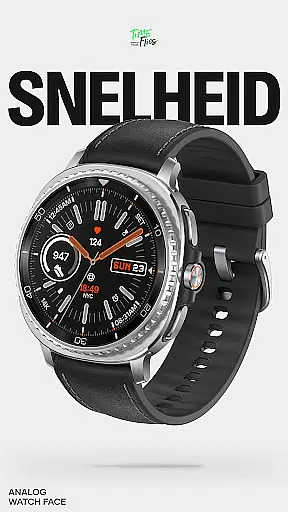
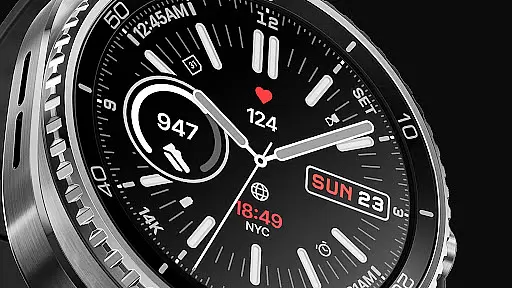
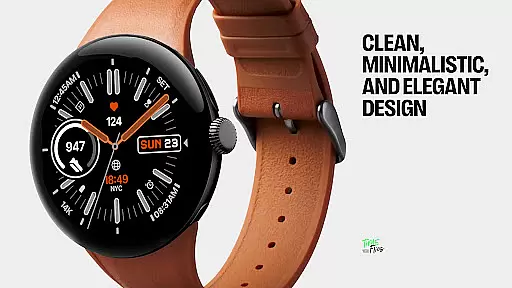
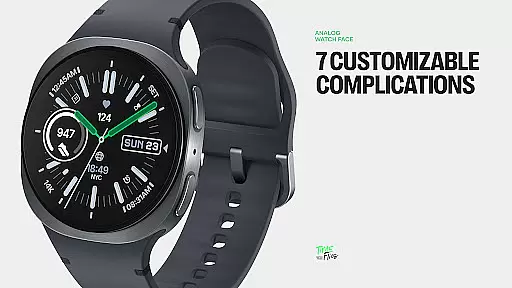
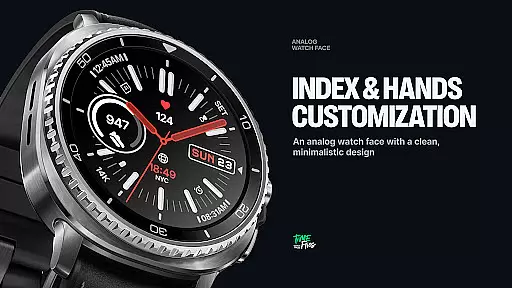
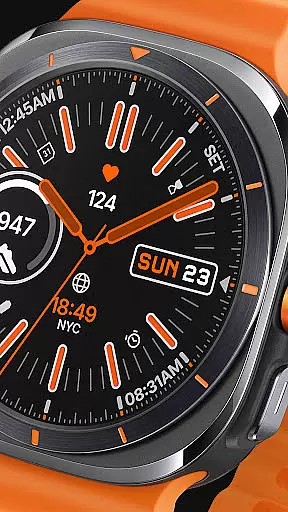
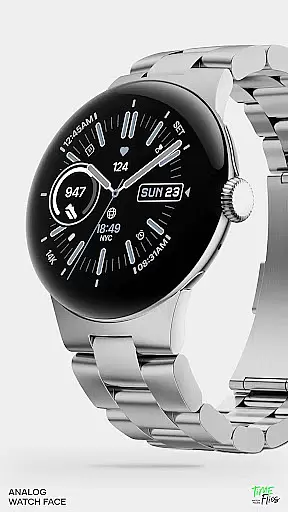
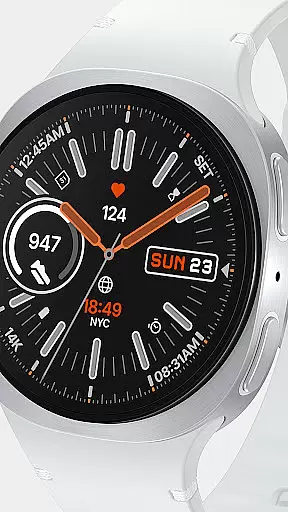
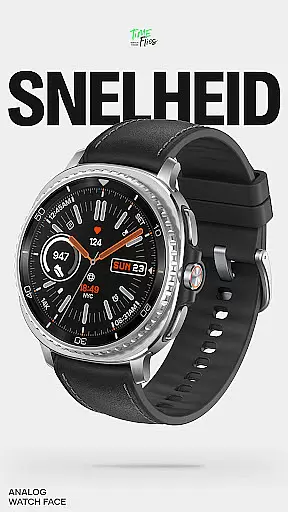
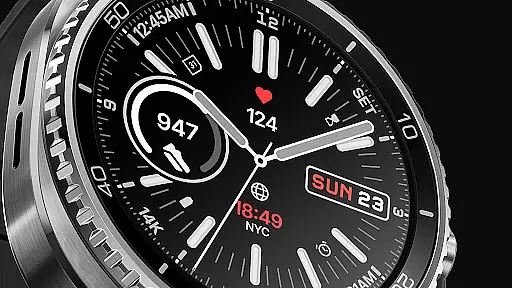
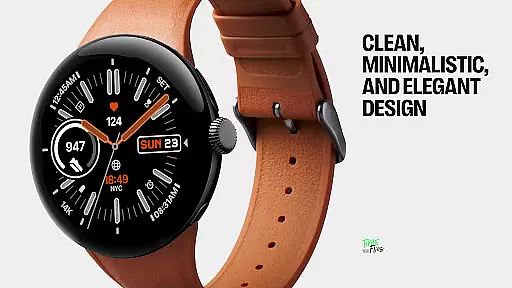
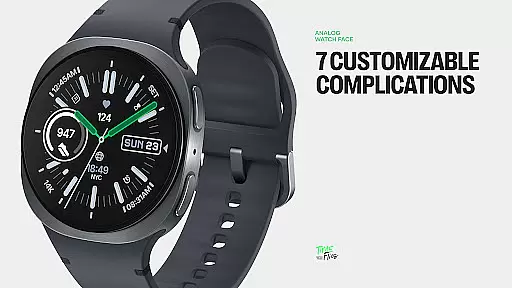
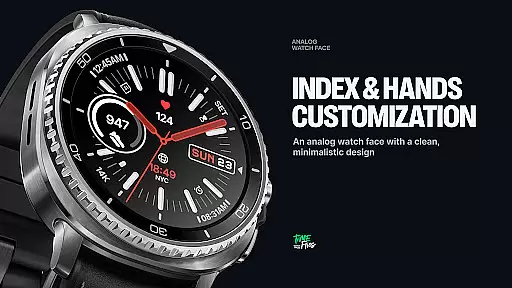
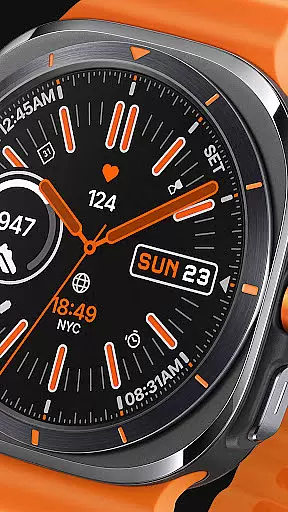
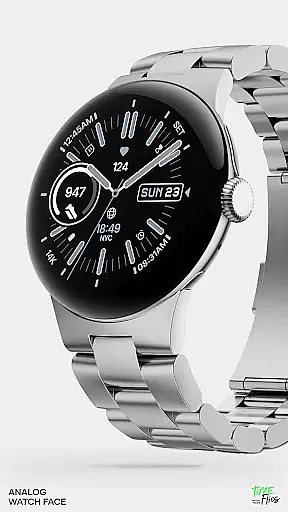
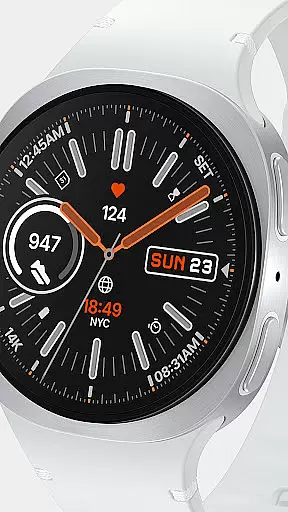
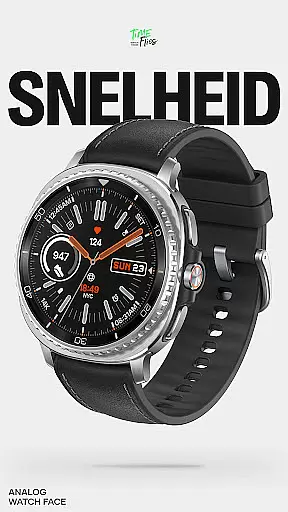
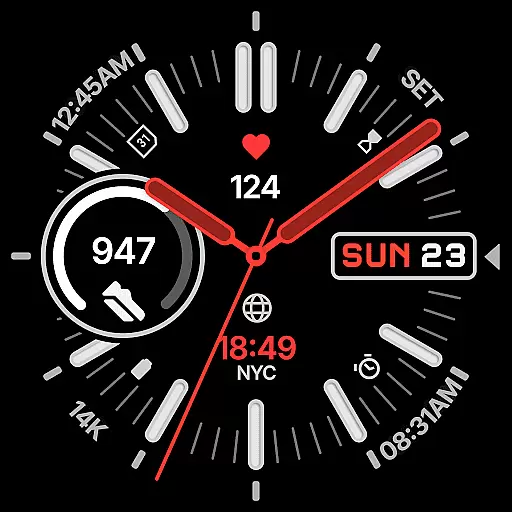
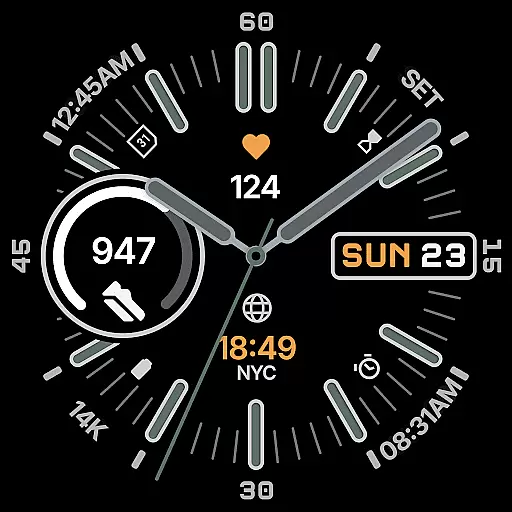
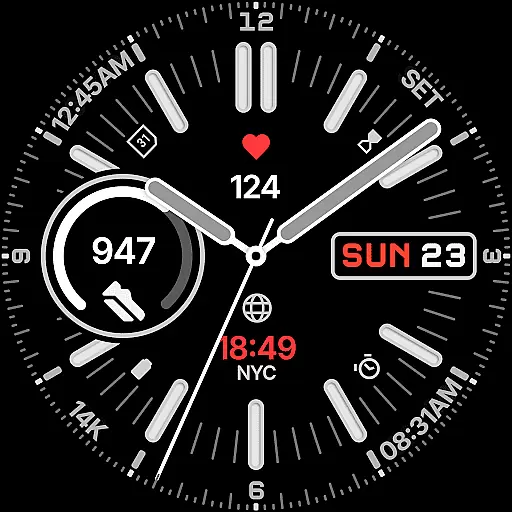
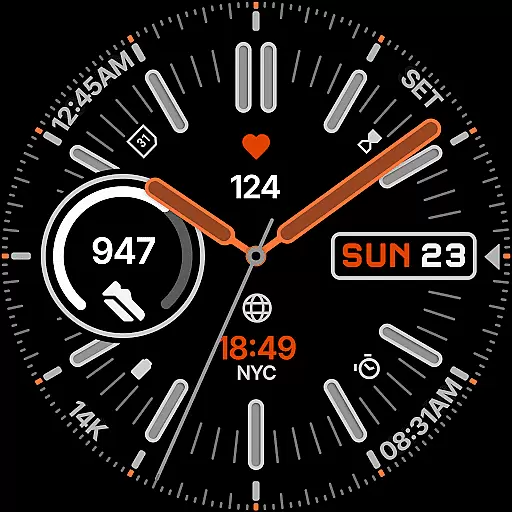
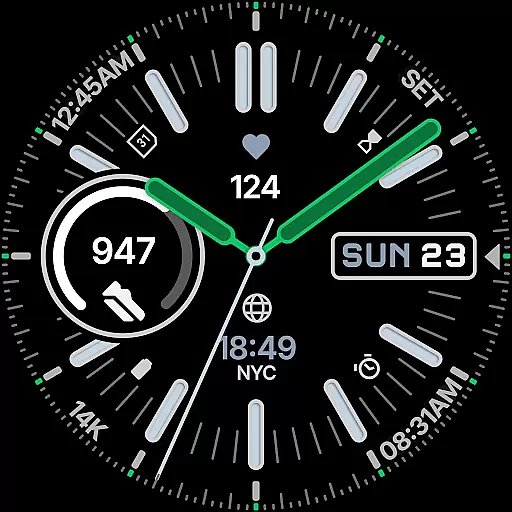
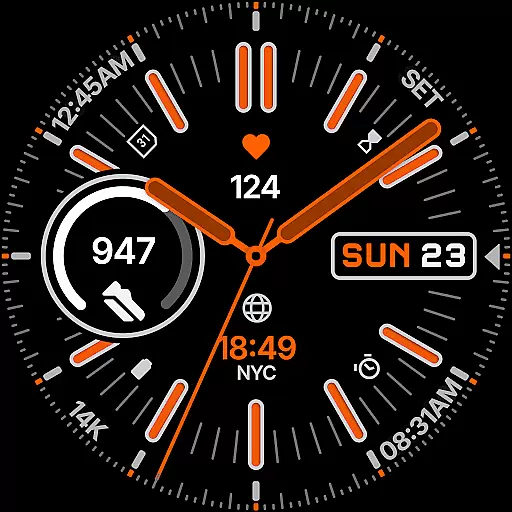
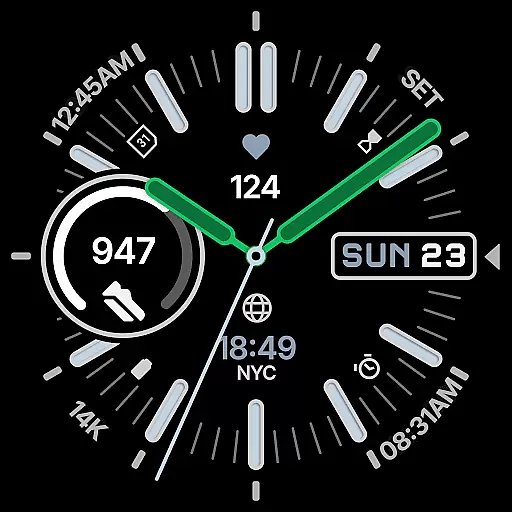
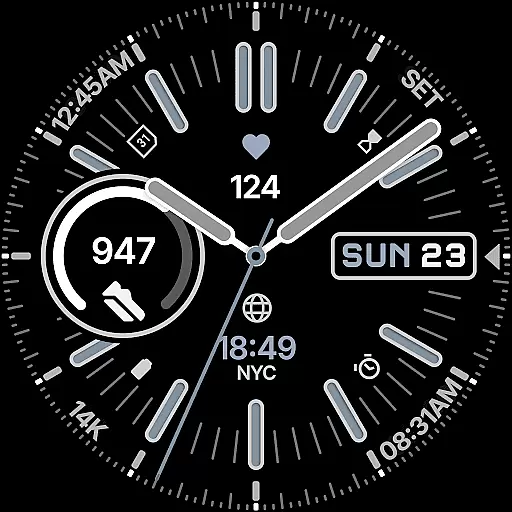
Snelheid Analog Watch Face is a premium Wear OS watch face that combines motorsport-inspired design with modern smartwatch functionality. Featuring bold indices, vibrant accents, and dashboard-style typography, it delivers both style and utility. The design balances analog timekeeping with digital intelligence, offering seven customizable complications for health metrics, weather, and more.
With 30 curated color schemes, multiple index styles, and battery-efficient Always-on Display modes, Snelheid adapts to various preferences and uses. Whether for professional settings or outdoor activities, this watch face maintains its dynamic yet elegant character while providing users quick access to essential information.
Snelheid stands out with its fusion of analog aesthetics and digital capabilities. The watch face includes seven fully customizable complications, allowing users to display preferred data such as activity stats, weather updates, or world time directly on the dial. Its motorsport-inspired design features bold indices and vibrant accents, ensuring readability without compromising style.
Customization is central to the experience. Users can choose from 30 curated color schemes, multiple index styles, and various dial options to personalize their watch face. Additionally, the Clean Always-on Display mode ensures battery efficiency while maintaining visibility. An optional Android companion app simplifies setup and customization, making it easier than ever to tailor the watch face to individual preferences.
Companion app integration is crucial for wearable devices as it enhances user experience by enabling seamless setup and customization. Snelheid offers an optional Android companion app that simplifies the configuration process, allowing users to personalize their watch face directly from their phone.
The companion app provides an intuitive interface where users can easily adjust settings such as color schemes, index styles, and dial options. This ensures that even those who are less tech-savvy can enjoy a tailored experience without needing to navigate complex menus on their smartwatch.
By bridging the gap between smartphone and wearable, Snelheid's companion app ensures that all preferences are synchronized across devices, providing a consistent and hassle-free experience. This level of integration not only saves time but also enhances the overall utility of the watch face.
Ensuring compatibility with various Wear OS devices and maintaining optimal performance is essential for any watch face. Snelheid is designed to work seamlessly across different smartwatch models, whether they feature a steel-bezel or a minimalist curved display.
The watch face supports seven customizable complications positioned within the dial, offering quick access to vital information like health metrics, activity data, weather updates, or world time. These features are optimized to function efficiently regardless of the specific device hardware.
Snelheid also includes Clean Always-on Display modes, which adapt to different battery capabilities of Wear OS devices. This flexibility guarantees that users can enjoy both style and functionality without compromising on battery life, making it suitable for everyday professional wear and active outdoor use alike.
Highly customizable
Vibrant and stylish design
Battery-efficient modes
Quick-access complications
Motorsport-inspired elegance
Limited to Wear OS
Companion app required
Premium cost
Complex setup
Fewer features on older devices

"PER27 Galaxy Digital" is a digital Wear OS watch face designed by PERSONA
 4.10
4.10
WTW M17 is a premium and luxurious hybrid watch face
4.70
Current temperature, weather hourly, weather radar by the weather forecast app
4.40
Embrace the festive spirit with our Christmas Countdown watchface for Wear OS
4.10
Fitness interactive virtual pet super fighter boy watch face
4.3
Structured watch face with seven complications and modular UI elements
3.90
Minimalistic design modern digital watch face.
4.4
A modern hybrid informative watch face for Wear OS designed by BALLOZI
4.80
Toyota app currently supports 2010 or newer vehicles (2018 or newer for Hawaii).
4.50
Diet tracker for weight loss - track calories, food and macros. Simple and easy!
4.70
The most customizable hybrid watch face. For Wear OS 5.0, API 34+ and later
4.70
Monitor health with the stress test and pulse checker in the heart rate app.
4.60
Retro digital watch face with customizable colors and a unique lighting effect
4.60
A realistic hybrid watch face with many customization options.
4.60
Bold weather Digital watchface with forecast & optional animated background
4.40
A white realistic classic analog watch face with many customization options.
4.40
Snowflake Rose Gold Watch Face - Digital, modern, & sleek with GYRO effect.
4.10
Viewer for Wyze/Yi/Eufy/Arlo/ONVIF/RTSP/P2P IP cams w/ adv. features & DIY DVR
4.00
Christmas is near, let's count together the days left until Santa comes
4.3


User Reviews