
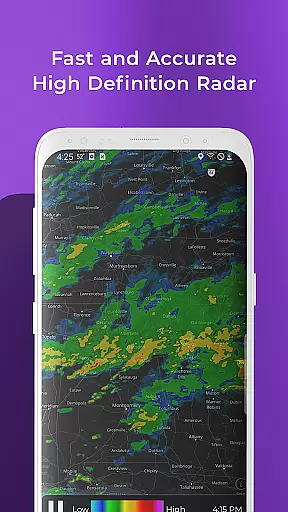
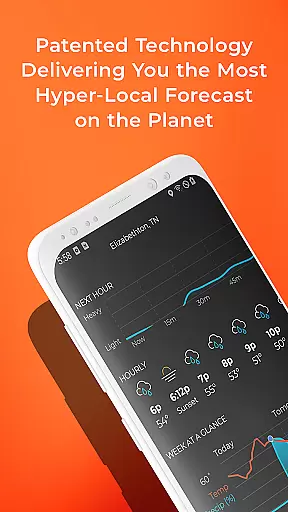
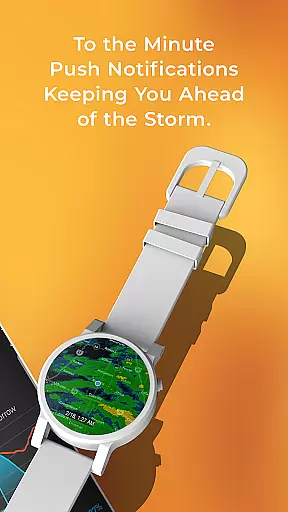
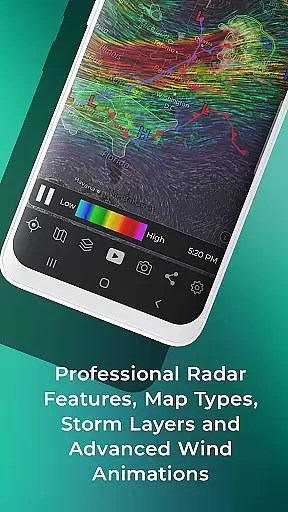
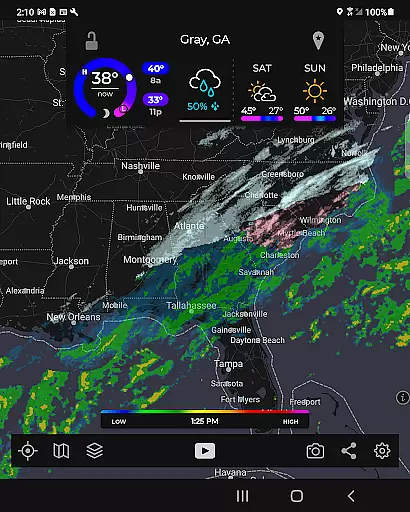
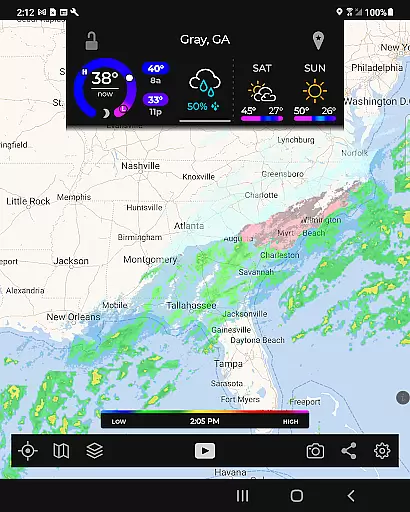
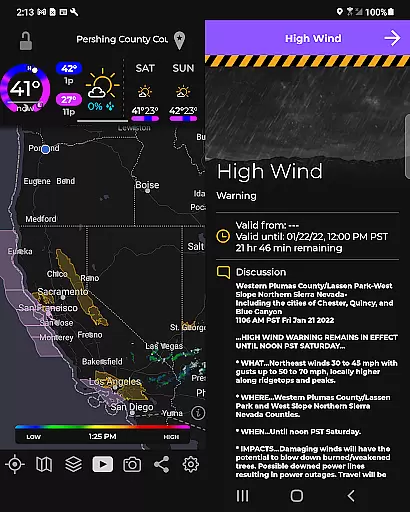
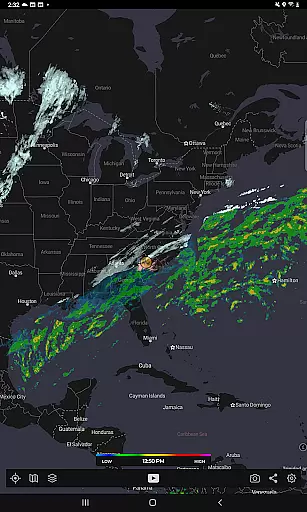
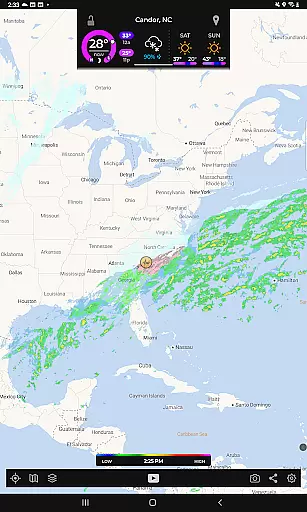
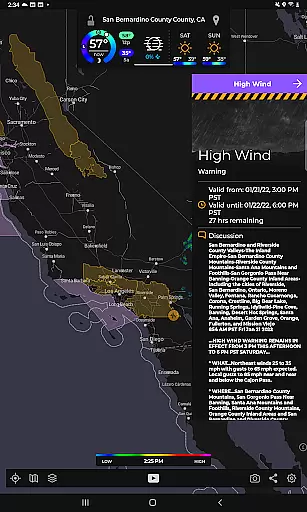
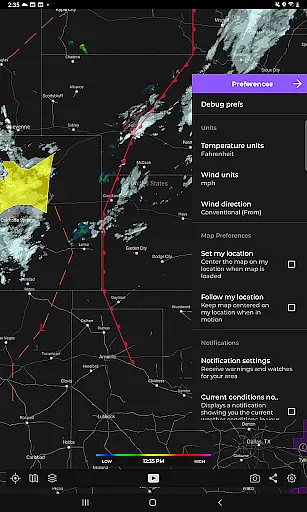
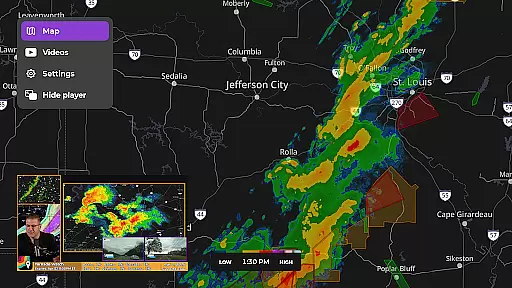
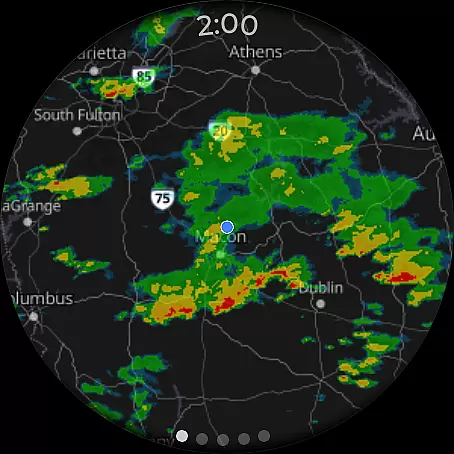
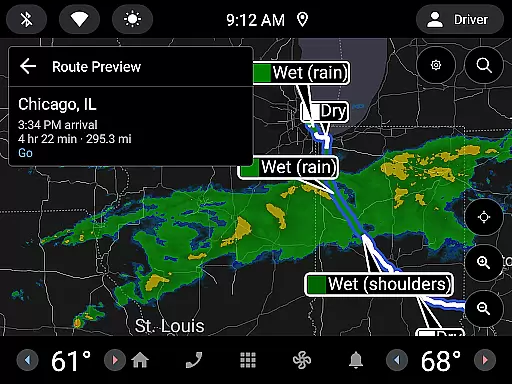
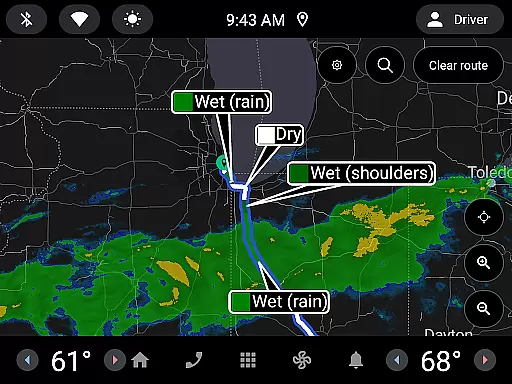
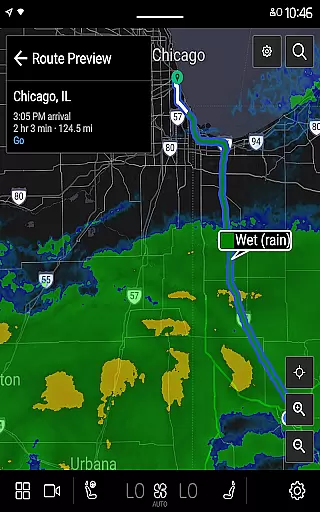
MyRadar Weather Radar is a premier weather application designed specifically for Android Wear devices, offering users instant access to crucial weather information directly from their smartwatch. The app's core functionality lies in its ability to display animated weather radar around your current location, providing a quick snapshot of approaching weather patterns. This innovative feature allows users to stay informed about weather changes without needing to take out their phone, making it an essential tool for those on-the-go.
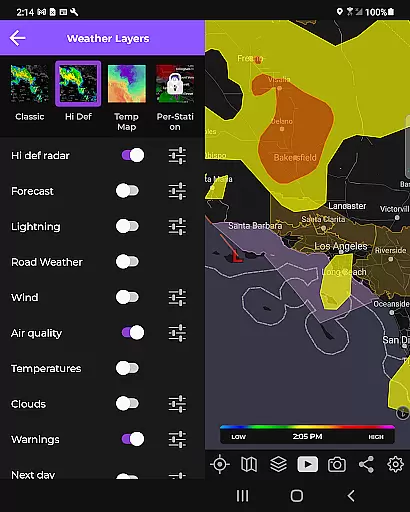
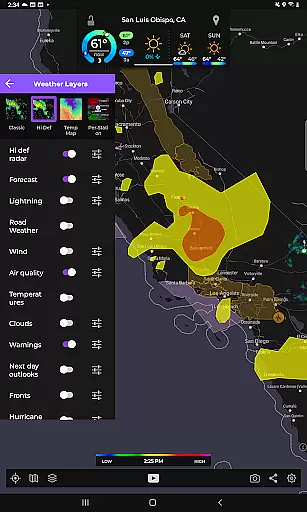
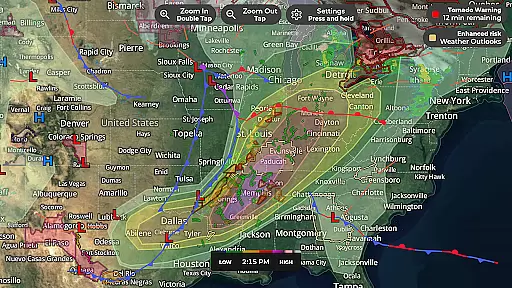
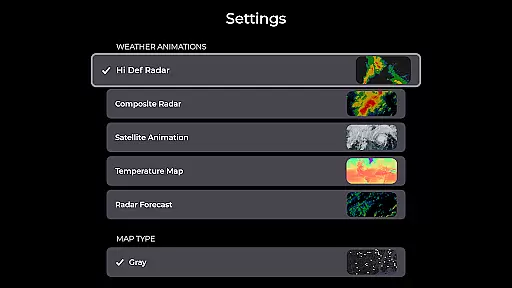
In addition to basic radar, MyRadar offers advanced data layers that can be overlaid on the map, including wind animations, earthquake updates, hurricane tracking, and wildfire alerts. These features are presented through a custom mapping system that utilizes the device's GPU for fast rendering and smooth zooming. With its premium upgrade, users gain access to real-time hurricane tracking and professional radar packs, delivering detailed insights into storm formations and weather phenomena. Whether you're commuting or engaging in outdoor activities, MyRadar ensures you're prepared for whatever weather comes your way.
MyRadar stands out with its rich set of features tailored for both casual users and weather enthusiasts. One of the most notable aspects is its advanced rain alert system, which uses a patent-pending process to predict hyper-local rainfall with industry-leading accuracy. Users receive alerts up to an hour in advance, detailing when rain will arrive at their location down to the minute, along with intensity and duration forecasts. This proactive approach saves users time and keeps them prepared during unexpected weather shifts.
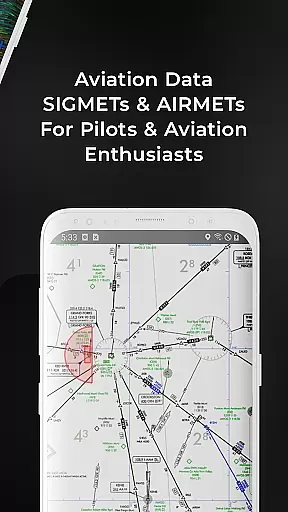
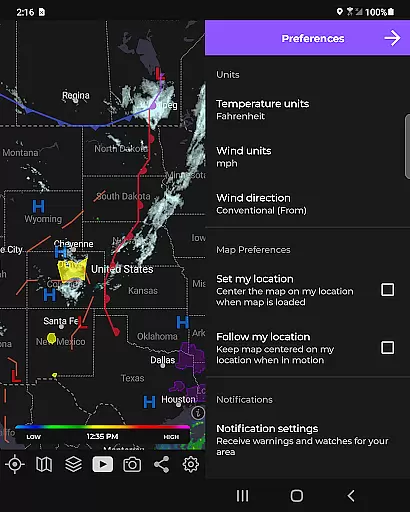
The app also excels in its customizable map overlays, allowing users to view various environmental data such as wind streams, seismic activity, and hurricane paths. For aviation buffs, MyRadar provides specialized layers like AIRMETs and SIGMETs, even enabling flight tracking with IFR plans. Additionally, the premium version unlocks exclusive features like the cone of probability for hurricane forecasting and high-detail radar products from individual stations. With its intuitive interface and robust feature set, MyRadar delivers an unparalleled weather tracking experience on Android Wear devices.
Companion app integration is essential for wearable devices to provide a seamless user experience. MyRadar Weather Radar excels in this area by offering a robust connection between its smartphone app and Wear OS devices.
The app ensures that all weather data viewed on your phone is accurately synchronized with your smartwatch. This includes live radar animations, current conditions, and even advanced rain alerts. Users can access crucial weather information right from their wrist without needing to reach for their phone.
This synchronization extends beyond just basic weather updates. With MyRadar's companion app integration, users can receive real-time notifications about severe weather alerts directly on their smartwatch. Whether it's an impending storm or a tornado warning, you'll be promptly informed no matter where you are.
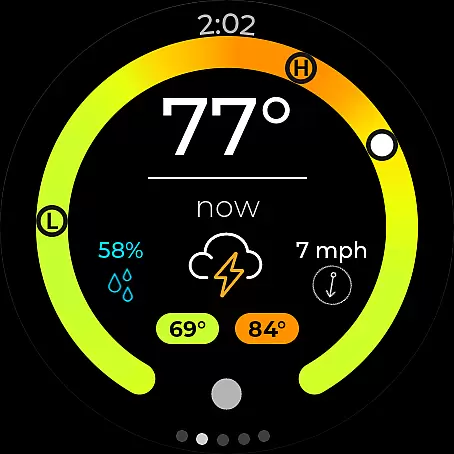
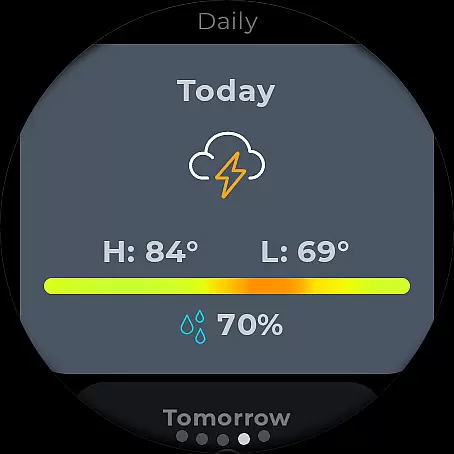
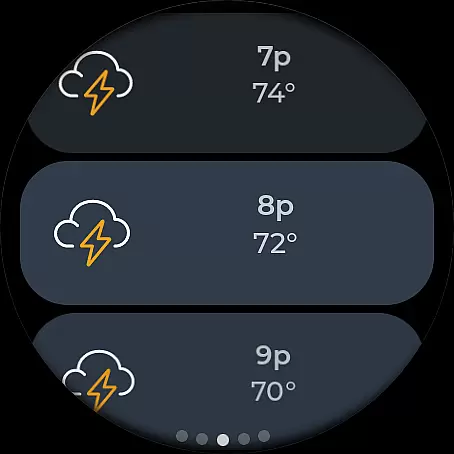
Furthermore, the Wear OS version of MyRadar offers dedicated tiles for both radar and current conditions. These tiles allow for quick glances at important weather details, ensuring that you're always prepared for what lies ahead. The tight integration between the mobile and wearable versions makes MyRadar a top choice for those seeking comprehensive weather tracking on multiple devices.
Ensuring broad device compatibility is crucial for any application targeting wearable technology. MyRadar Weather Radar stands out by providing extensive support for various Wear OS devices, making it accessible to a wide range of users.
The app is designed to work seamlessly across different smartwatches running Wear OS. Regardless of whether you own a popular brand or a lesser-known model, MyRadar guarantees smooth performance and accurate weather data display. This universality allows more people to benefit from its advanced features without worrying about hardware limitations.
MyRadar also takes advantage of each deviceu2019s unique capabilities. For instance, if a smartwatch has a high-resolution display, the app optimizes its graphical output to take full advantage of the screen quality. Similarly, it adapts to varying processing powers, ensuring that animations and updates remain fluid and responsive.
Moreover, the app supports diverse input methods available on Wear OS devices, such as touchscreens and physical buttons. This flexibility enhances user interaction, allowing individuals to customize how they access and interact with weather information. By prioritizing Wear OS/device compatibility, MyRadar ensures that every user enjoys a consistent and reliable experience regardless of their specific device.
Fast and easy-to-use interface
Accurate hyper-local rain alerts
Customizable map overlays
Advanced hurricane tracking
Smooth performance on Wear OS
Premium features come at a cost
Some data layers may overwhelm new users
Limited offline functionality
Notifications can be frequent
Highly detailed maps require good connectivity

Elegant animated Christmas tree with multiple customization options
 4.20
4.20
Contemporary digital watch face with five complications
4.3
Wear Os Watch Face - Animated Snow Effect & Magic Spark - 6 Scenes
4.10
Artistic Digital Watchface
4.3
Ideal for surviving in the wasteland left after nuclear fallout
4.50
Kia Access makes getting your vehicle information easier than ever
4.60
The ultimate destination for kids ages 3-8 to explore the Marvel Universe!
4.30
Connect, create, and collaborate with Gmail, part of Google Workspace.
4.10
Toyota app currently supports 2010 or newer vehicles (2018 or newer for Hawaii).
4.50
Christmas - Festive - Christmas Village - Winter - Christmas lights
5.00
Digital, flexibly customizable watch face. For Wear OS 5.0, API 34+ and later.
5.00
Period, ovulation & pregnancy tracker. Fertility insights & menstrual calendar.
4.90
The most customizable hybrid watch face. For Wear OS 5.0, API 34+ and later
4.70
Bold weather Digital watchface with forecast & optional animated background
4.40
Bold, Modern Hybrid Watch Face for Wear OS. 10 Colors, Rich Info Display.
4.30
Locate your family members by GPS phone location tracker everywhere and anytime
4.30
Professional weather radar and more
3.90
Christmas and New Year - Themed Watchface
4.2
Precision analog watch face with 7 complications and style options
4.5


User Reviews