
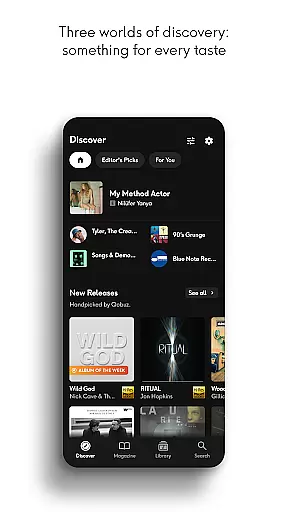
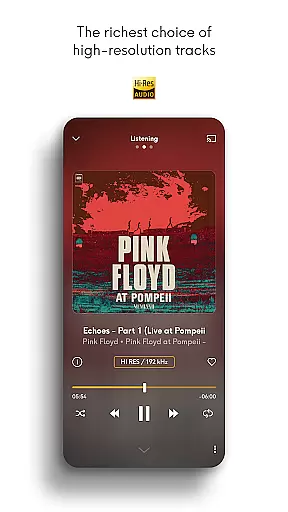
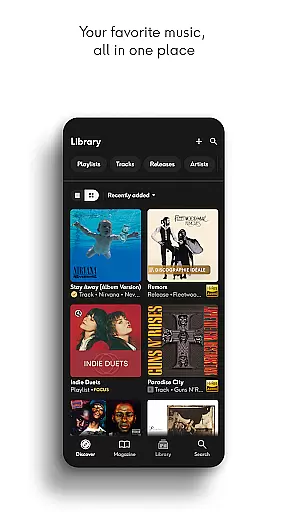
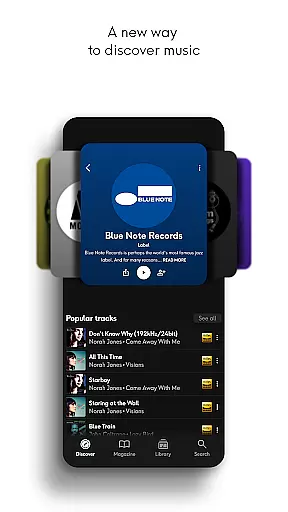
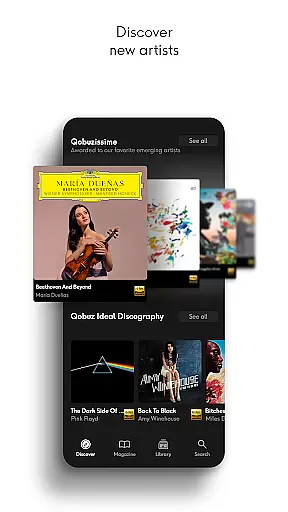
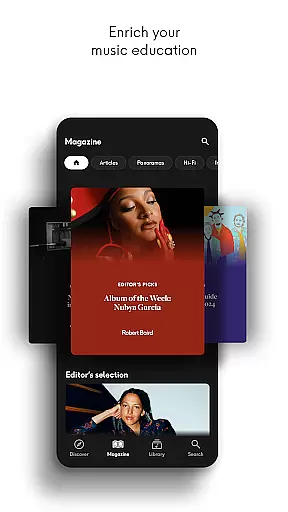
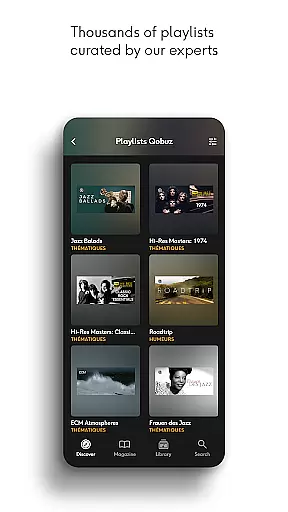
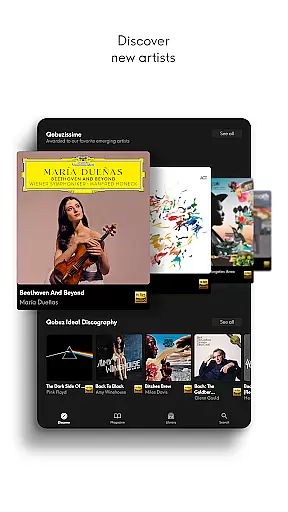
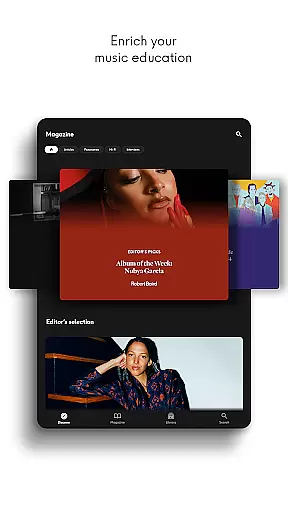
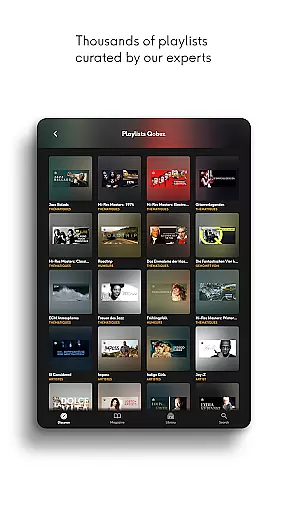
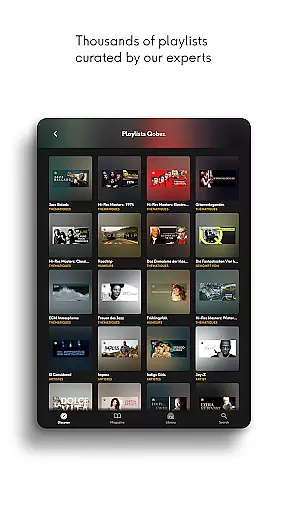
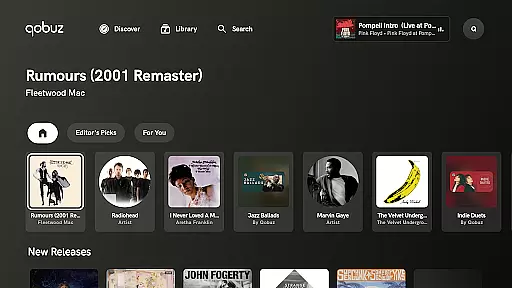

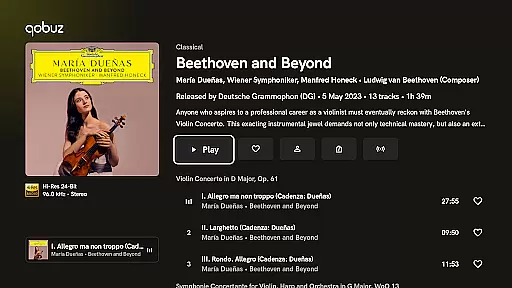
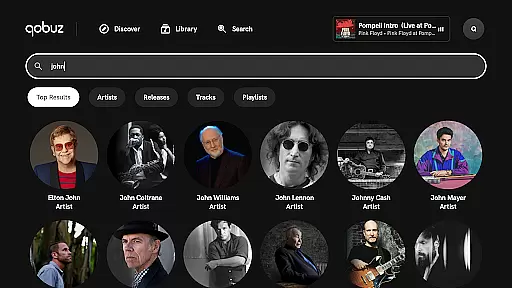
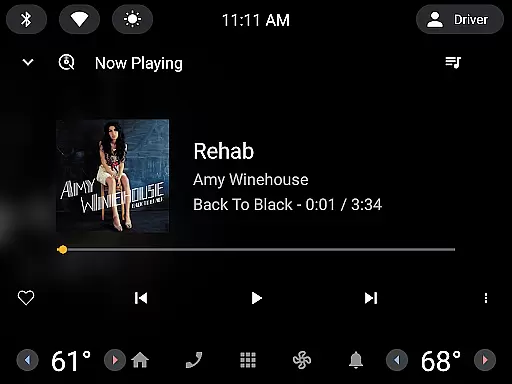
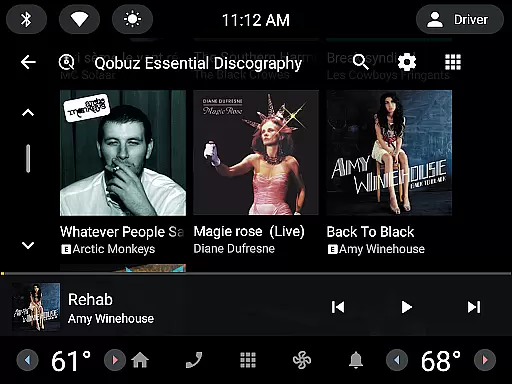
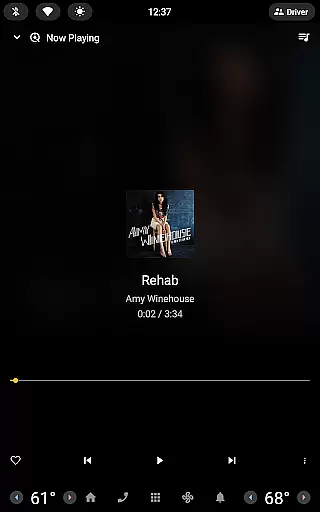
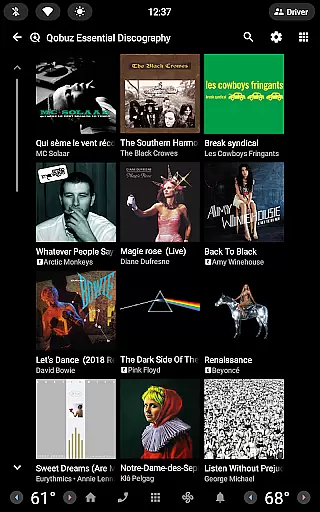
Qobuz is a premier music streaming and editorial platform that offers an unparalleled listening experience with over 100 million tracks in high resolution and CD quality. The app provides access to more than 500,000 expertly written articles and thousands of human-curated playlists spanning various genres such as rock, classical, jazz, and more. Available on all devices, Qobuz ensures uninterrupted playback even in offline mode, making it the only service that combines both streaming and Hi-Res downloads.
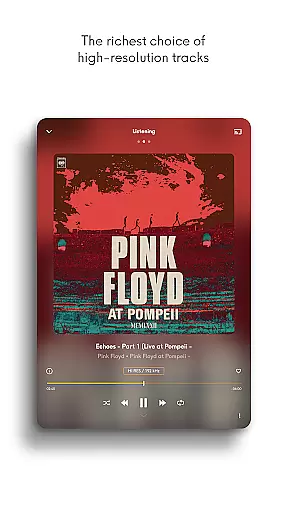
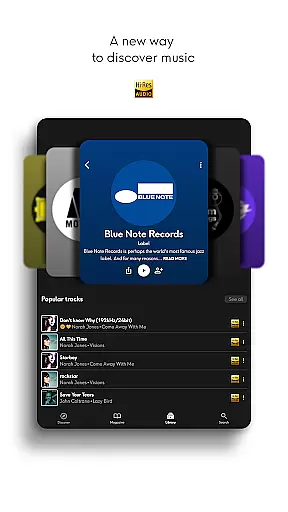
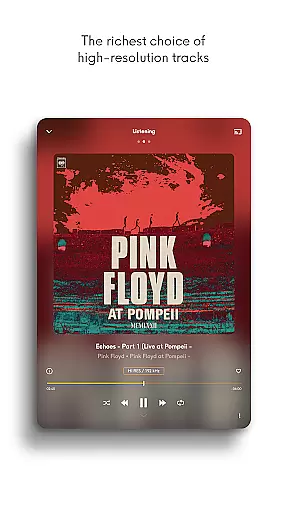
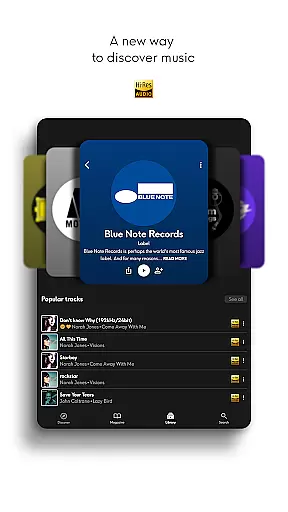
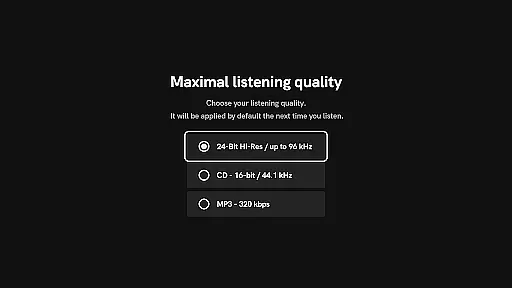
With its unique approach to online music, Qobuz stands out by offering lossless/CD quality (FLAC 16-Bit/44.1 kHz) and Hi-Res audio (24-Bit encoded sound up to 192 kHz). Music enthusiasts can explore new releases, reissues, and exclusive editorial content including news articles, artist interviews, and deep dives into specific genres or periods. The platform's commitment since 2007 has been to provide an authentic sound experience straight from the studio, ensuring users enjoy the highest sound quality available.
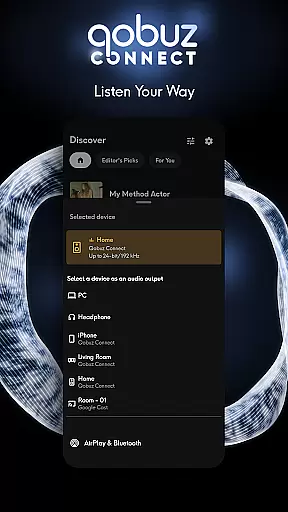
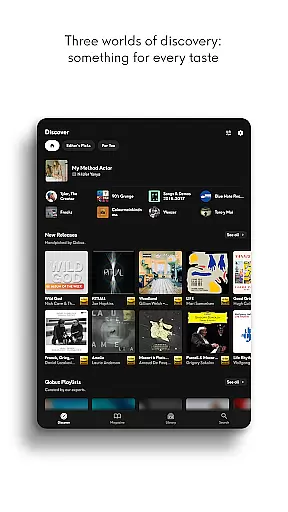
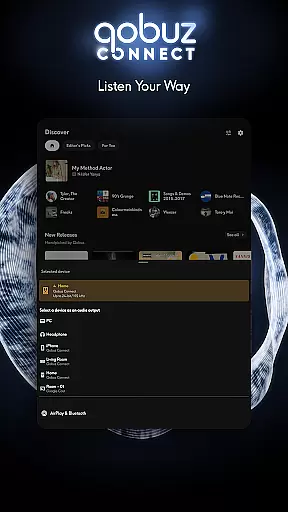
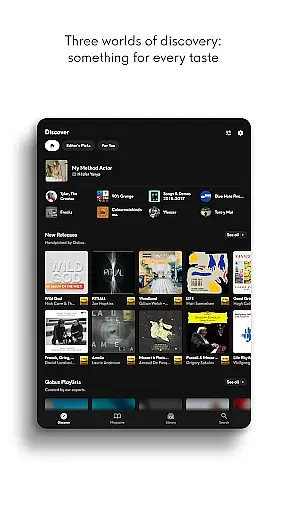
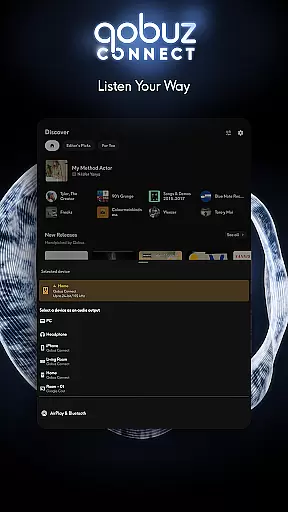
Qobuz boasts a range of features designed to enhance the user's musical journey. The Discover page simplifies exploration with a clean interface, dedicated search bar, and instant access to recent articles and listening sessions via Qobuz widgets. Users can benefit from Hi-Res compatibility, supporting main wireless listening devices like Chromecast, Airplay, and Roon, while being compatible with prestigious Hi-Fi brands for an optimal audio experience.
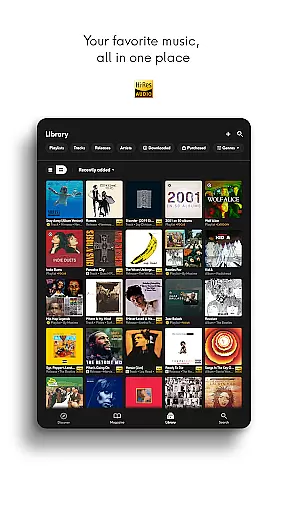
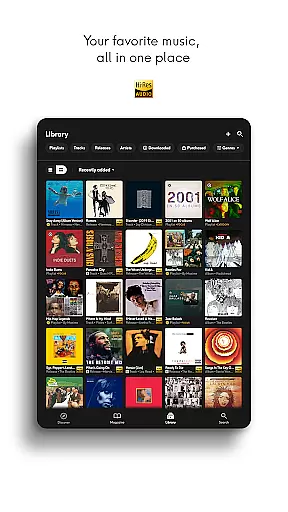
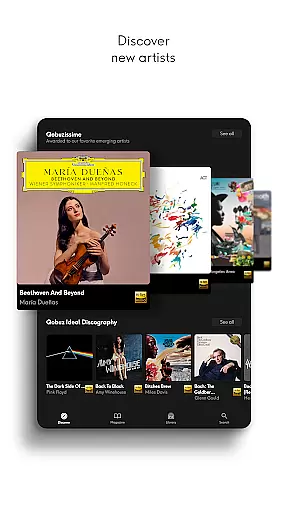
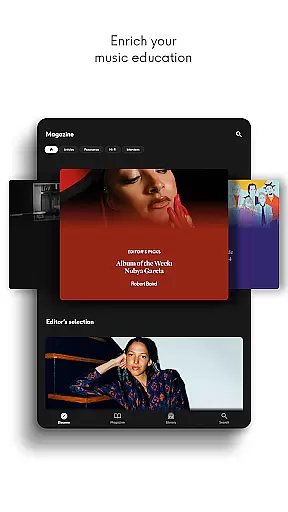
The app enriches music education through digital booklets with liner notes and detailed album information. It allows users to rediscover iconic artists and explore promising new talents with regularly updated playlists curated by music experts. Additionally, Qobuz Connect enables seamless integration with Hi-Fi partners' equipment without any loss in quality. Users can also transfer playlists and favorites from other platforms using Soundiiz, ensuring a comprehensive and customizable music library.
Qobuz offers an extensive music library with over 100 million tracks available in high resolution and CD quality. This vast collection ensures that users have access to a wide variety of music genres, from classical to contemporary hits.
The platform is committed to copyright authenticity, providing users with legally acquired music. Each track is sourced directly from the studio, ensuring that artists and rights holders are properly compensated for their work.
With Qobuz, users can enjoy exclusive editorial content including articles, interviews, and reviews written by experts. This not only enriches the listening experience but also supports the music industry by promoting accurate and authoritative information about artists and their works.
Experience authentic sound with Qobuz's high-quality music streaming. The service offers lossless/CD quality audio (FLAC 16-Bit/44.1 kHz) and Hi-Res quality (24-Bit encoded sound up to 192 kHz), delivering an exceptional listening experience straight from the studio.
Qobuz supports various high-end audio equipment, making it compatible with prestigious Hi-Fi brands. Whether using wireless listening devices like Chromecast and Airplay or traditional audio systems, users can expect uninterrupted playback with superior sound fidelity.
In addition to premium audio formats, Qobuz provides digital booklets with liner notes and detailed album information. This feature enhances the useru2019s music education by offering insights into the creation and context of their favorite albums, further enriching the overall auditory journey.
High-quality audio streaming
Extensive music library
Expert-curated content
Offline playback capability
Cross-device compatibility
Premium subscription required
Limited free trial period
Interface may overwhelm beginners
Advanced features need specific hardware
Some regions lack service availability

SqueezePlayer turns your Android phone or tablet into a SqueezeBox on its own!
 4.60
4.60
Offline and always ad-free - stream in the highest quality available.
4.10
Listen to live FM radio stations, sports, music and news on global radios online
4.70
Simple & Intuitive Metronome
4.70
A sleek, no-frills player designed for true music lovers.
4.20
No wifi music app. Mp3 offline. Tuner radio, young radio music. Music downloader
4.20
The original SP-1200 experience on your iPad
4.20
Powerful 10-Band equalizer pro with sound booster improves Android audio quality
4.30
Learn the notes on the guitar fretboard fast with this easy and fun app
4.60
24,000 free audio books and no ads!
4.90
Offline Music Player & MP3 Player.Powerful equalizer, Lyrics, Themes, Tag Editor
4.80
The best music and audio player, with beautiful UI, music search and equalizer.
4.60
Manage your Sonos system directly from your home-screen!
4.40
Full featured mp3 and audio player with Chromecast and Android Auto support.
4.40
Advanced 10-Band Audio Graphic Equalizer Sound Booster Pro
4.30
Smart piano keyboard, Classical to Pop, Real-time multiplayer connection!
4.20
The official Sonos app
4.10
Permanently backup Now Playing. Maps, filters & listening stats.
4.00
Simple mp3 and mp4 player with advanced features.
3.40


User Reviews