
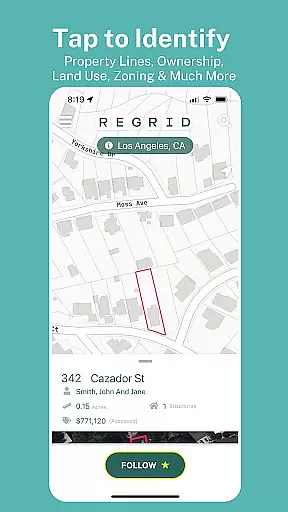
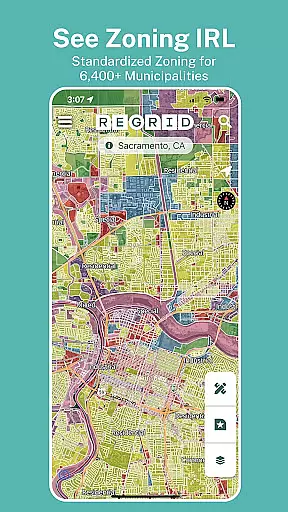
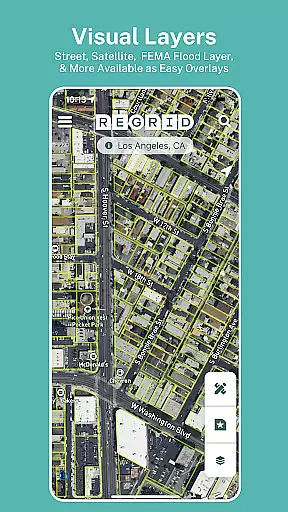
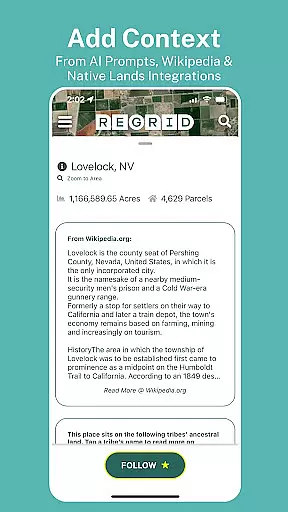
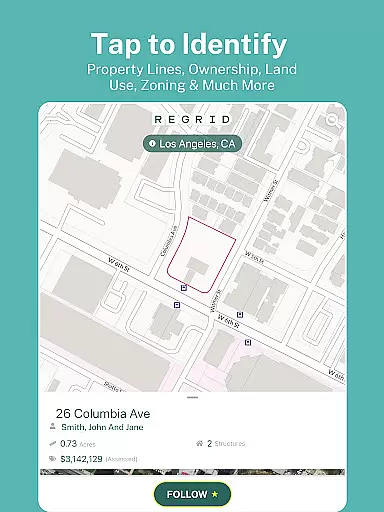
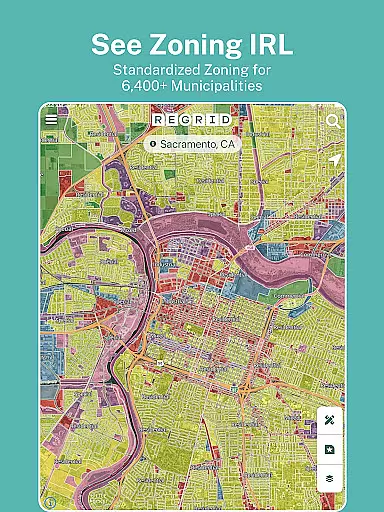
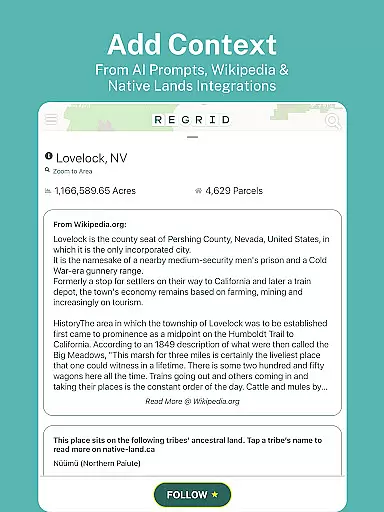
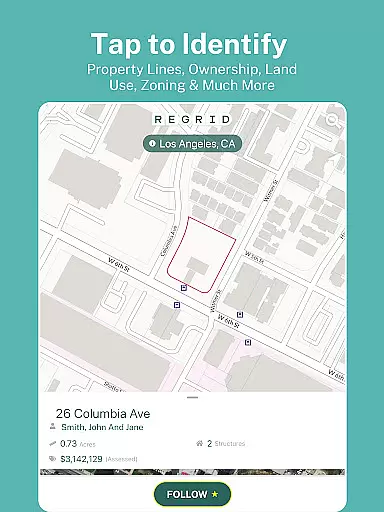
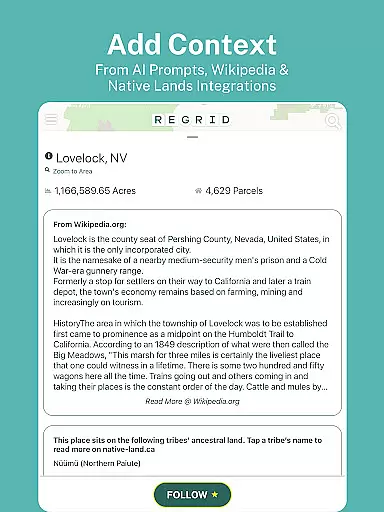
Regrid Property App is a leading map-based property information platform that provides comprehensive land and property data for over 157 million parcels across the United States. Designed for both casual users and professionals, this app offers detailed insights into property boundaries, ownership details, zoning information, and more. With its user-friendly interface, Regrid allows users to easily access critical property information through simple taps on an interactive map. Whether you're a real estate professional, a land developer, or simply someone interested in property research, Regrid's extensive database ensures you have all the necessary tools at your fingertips.
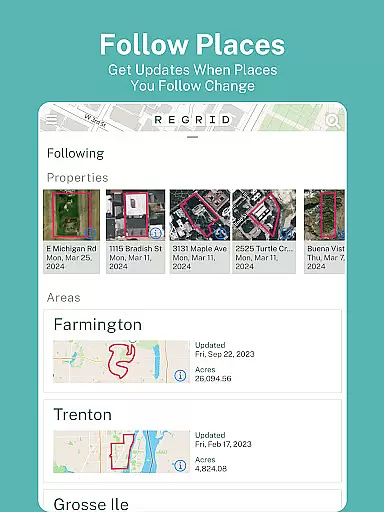
The app stands out with its free access model, offering unlimited nationwide property boundary data without time restrictions. For power users, the Pro subscription unlocks advanced features like automated property updates, additional mapping layers, and measurement tools. These capabilities make Regrid an essential tool for real estate analysis, land management, and even recreational uses such as hunting. Its integration with Regrid's web platform further enhances its value by providing seamless access to premium mapping tools and datasets.
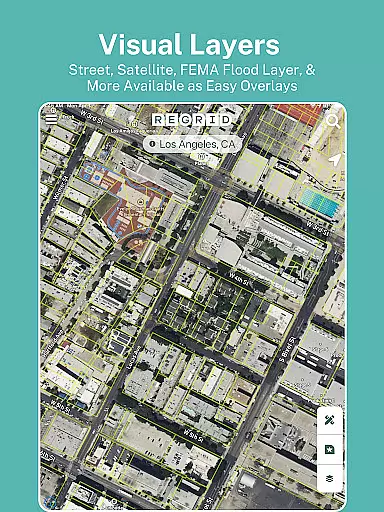
Regrid Property App boasts an impressive array of features designed to streamline property research and analysis. At its core, the app provides access to over 157 million parcel records, complete with property boundaries, owner information, sale history, and zoning data. The intuitive map interface allows users to toggle between street and satellite views, search properties by address, and share links to specific parcels of interest. This makes it an invaluable resource for real estate professionals, urban planners, and outdoor enthusiasts alike.
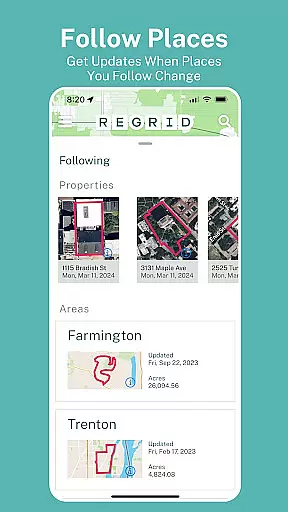
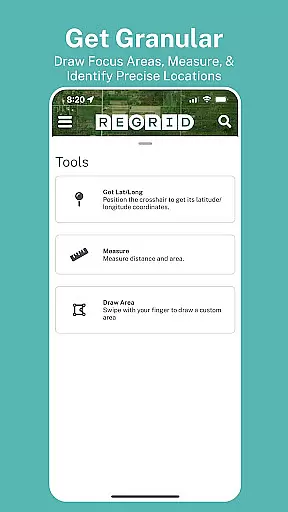
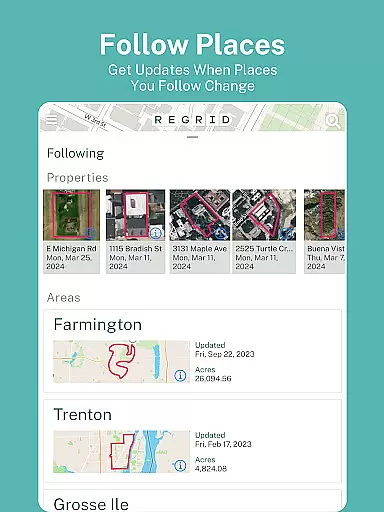
For users seeking more advanced functionality, the Pro plan offers enhanced capabilities such as automated property tracking, additional basemap layers including elevation contours and building footprints, and a powerful measurement tool for calculating area and distance. Premium data fields like vacancy indicators and land use classifications provide deeper insights into property characteristics. The app's seamless integration with Regrid's web platform ensures users can access these features across multiple devices, making it a versatile solution for comprehensive property analysis and decision-making.
Map accuracy is essential for any navigation or mapping application, and the Regrid Property App excels in this area. The app provides precise parcel boundaries and property data for over 157 million parcels, covering more than 99% of the US population. This extensive coverage ensures that users have access to reliable and detailed maps for virtually any location they might be interested in.
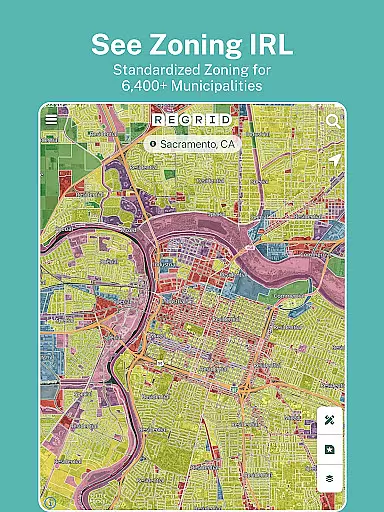
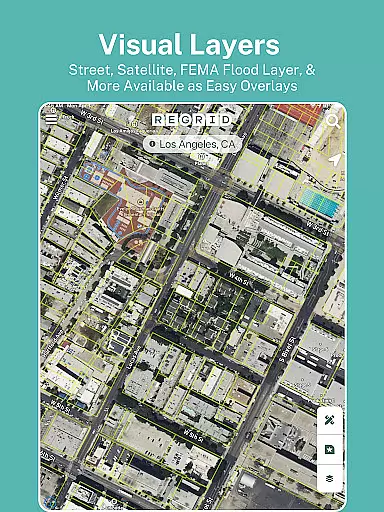
The app's map accuracy is further enhanced by its integration with standardized zoning data and land use information. Users can toggle between street and satellite basemaps, which aids in visual confirmation of property boundaries and structures. This dual-view capability allows for a comprehensive understanding of the property's geographical context, ensuring that users can make informed decisions based on accurate spatial data.
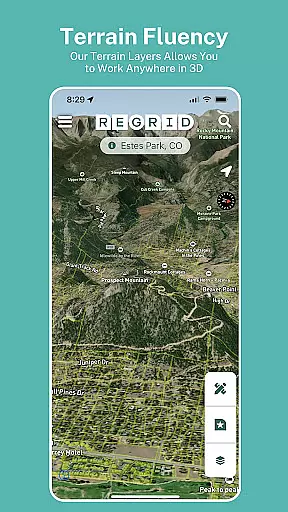
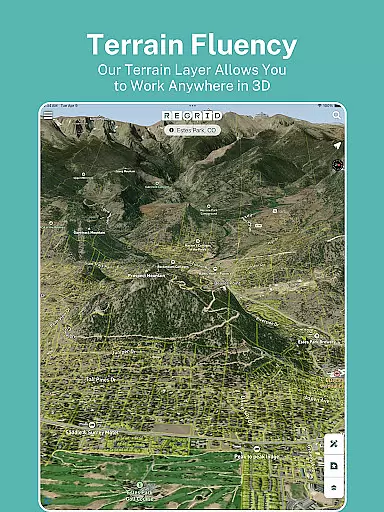
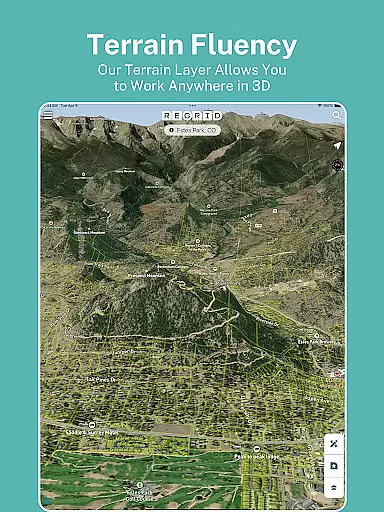
For those requiring even more precision, the Pro plan offers additional features such as building footprints and elevation contours overlaid on property boundaries. These advanced mapping tools provide an elevated level of detail, making it easier to assess complex terrains and large estates. With these capabilities, the Regrid Property App not only meets but exceeds the expectations for map accuracy in the Maps & Navigation category.
While the Regrid Property App focuses primarily on property data, it also offers valuable route planning features that enhance its utility beyond simple property viewing. The app's ability to search by address or place enables users to quickly locate properties of interest and understand their surrounding areas. This functionality is crucial for effective route planning, whether you're navigating urban landscapes or rural terrains.
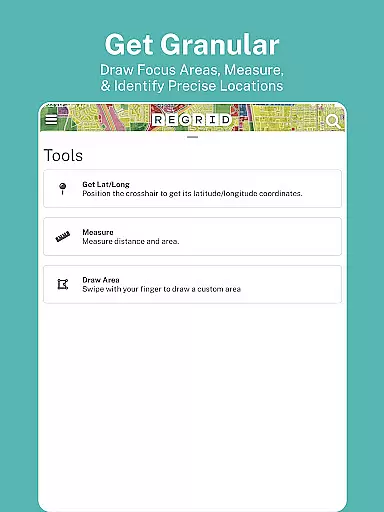
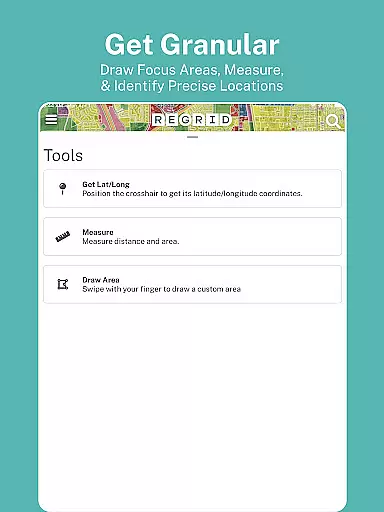
One of the standout features contributing to route planning is the measure tool available in the Pro plan. This tool allows users to calculate linear feet, acreage, and square footage of drawn areas, which can be invaluable when planning routes that involve specific spatial requirements. Additionally, the overlay of owner names and parcel IDs on the map helps users identify key waypoints and landmarks, streamlining the process of creating efficient travel paths.
Moreover, the app's easy-to-use interface and ability to share links to properties of interest facilitate collaborative route planning. Whether you're coordinating with real estate agents, surveyors, or fellow outdoor enthusiasts, these features ensure that everyone involved has access to the same accurate information. By integrating detailed property data with practical navigation tools, the Regrid Property App offers a comprehensive solution for both property exploration and route planning.
User-friendly interface
Extensive property database
Free access to basic features
Advanced Pro subscription options
Seamless web integration
Pro features require subscription
Some data may be outdated
Limited international coverage
Occasional performance issues
Steep learning curve for beginners

Explore the world with Live Satellite View, 3D Maps, GPS Navigation & Earth Map.
 2.90
2.90
Turn your Android device into a real off-road GPS using off-line topo maps!
4.40
Turn your tablet or Android powered unit into a full blow Android Auto headunit.
2.30
LIRR and Metro-North tickets and trips
4.80
Affordable rides and food delivery with incredible discounts in just one app.
4.50
Live Satellite view app for find GPS navigation Direction and live location map
3.70
Ride or drive at YOUR price
4.70
Get real-time bus and train schedules for easy, hassle-free city transportation.
3.90
Rideshare, taxi cabs, and more for your airport travels and everyday trips.
4.50
Offline maps & GPS for hiking, travel, fieldwork & outdoor adventures
4.70
Track accurate speed & distance with GPS Speedometer. Check speed limit & time.
4.50
Plan routes, share locations, and set custom alert zones
4.40
GPS navigation offers route finder, compass, translator, currency converter, etc
4.30
Route schedules, maps, and real-time tracking of MTA buses in New York City.
4.20
Phone Tracker and GPS Location Sharing
4.20
Navigation, weather, offline maps & tools for smarter, safer travel planning.
4.00
MapQuest is your go-to app for maps, GPS, voice navigation & live traffic.
3.80
Gas Station & Fuel Rewards Points
3.70
Your guide to the recreational opportunities of the Bureau of Land Management!
3.40


User Reviews