
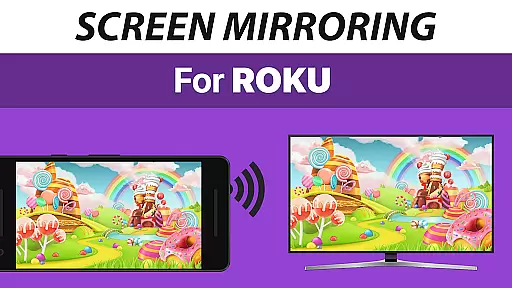
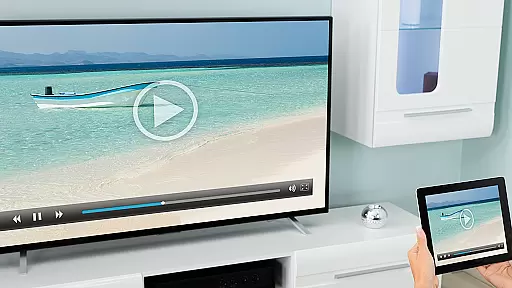
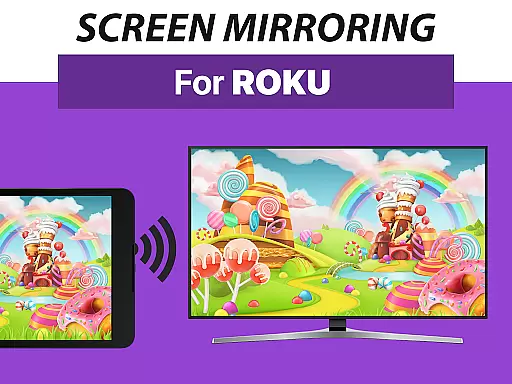
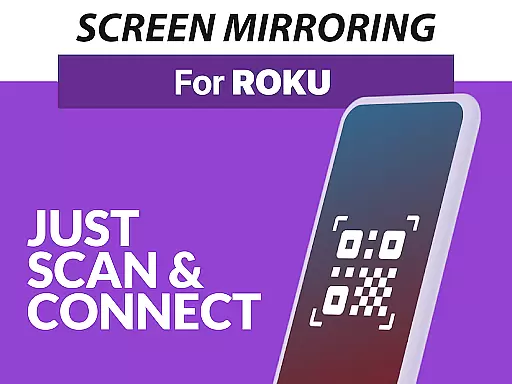
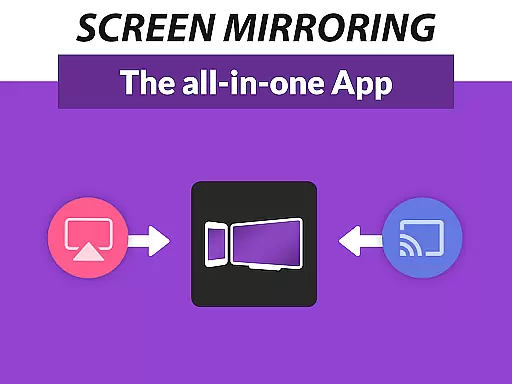
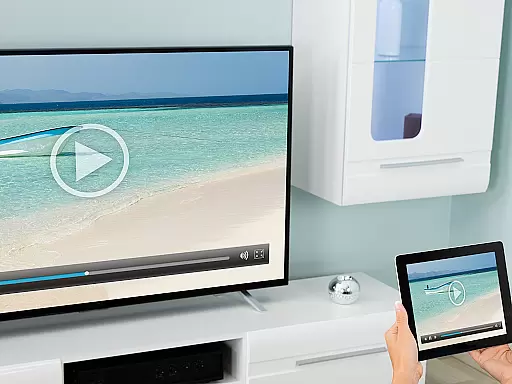
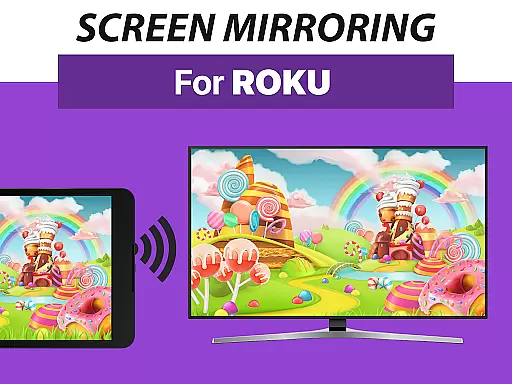
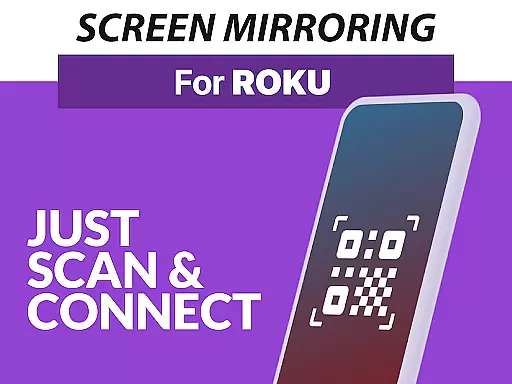
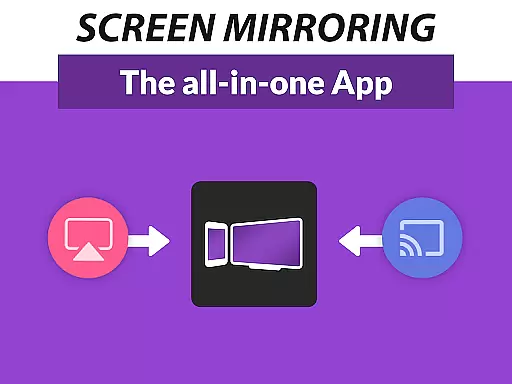
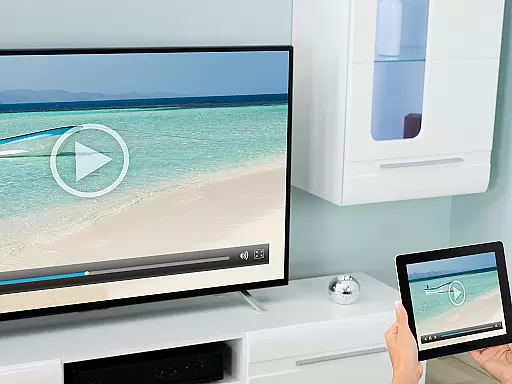
Screen Mirroring Pro for Roku is a powerful tool designed to mirror your screen onto any Roku device, including Roku Sticks, Boxes, and TVs. This application allows users to share their photos, videos, games, websites, apps, presentations, and documents in HD quality without the need for wires. The app stands out with its superior device support, catering to all Android devices running Android 5.0 and above, ensuring a seamless experience across different platforms.
One of the key features of Screen Mirroring Pro for Roku is its user-friendly setup process. Unlike other mirroring solutions, this app does not require changes to Android settings or Wi-Fi options, making it accessible even to non-tech-savvy individuals. To ensure optimal performance, both the Android device and Roku must be connected to the same Wi-Fi network, preferably a 5GHz network for the best results. Whether you're looking to entertain friends, engage with family, or conduct professional presentations, Screen Mirroring Pro for Roku offers a reliable and high-quality solution.
Screen Mirroring Pro for Roku boasts several standout features that enhance the user experience. Firstly, it supports a wide range of devices, ensuring compatibility with all Android devices (Android 5.0+) and Roku models, including Sticks, Boxes, TVs, and Roku Express 3700/3710. This broad support base eliminates the frustration often associated with device incompatibility, providing users with a smooth and hassle-free mirroring process.
Another notable feature is the app's streamlined setup process. Users can easily connect their devices without altering Android settings or Wi-Fi configurations, thanks to the app's intuitive design. Additionally, the performance of Screen Mirroring Pro for Roku is optimized when used on a robust Wi-Fi network, particularly those operating on the 5GHz frequency band. This ensures minimal lag and high-definition streaming, allowing users to enjoy their mirrored content without interruptions. For any support needs, users can reach out via email to info@screenmirroring.app, ensuring they receive timely assistance and feedback.
Screen Mirroring Pro for Roku delivers exceptional core functionality by enabling seamless screen mirroring from Android devices to any Roku device. This includes Roku Sticks, Boxes, and TVs, ensuring that users can share content effortlessly in high-definition quality.
The app supports all Android devices running version 5.0 and above, providing a broad compatibility range. Its optimized performance ensures minimal latency during screen sharing sessions, making it ideal for real-time presentations, gaming, or media streaming.
By utilizing a straightforward setup process, the app eliminates the need for complex configurations or additional hardware. Users simply connect their Android device and Roku to the same Wi-Fi network, and the app handles the rest, offering an intuitive user experience.
This ease of use, combined with reliable functionality, makes Screen Mirroring Pro for Roku a superior alternative to built-in Miracast options, enhancing both convenience and efficiency for personal and professional use.
Screen Mirroring Pro for Roku excels in delivering an interface that prioritizes simplicity and intuitiveness, ensuring users can operate the app without extensive technical knowledge. The design focuses on ease of navigation, allowing users to initiate screen mirroring with just a few taps.
Upon launching the app, users are greeted with clear instructions and a streamlined layout that guides them through the connection process. This approach minimizes confusion, making it accessible even for those unfamiliar with screen mirroring technology.
Additionally, the unified setup across all supported Android devices reduces the learning curve, as users do not need to adjust settings or toggle Wi-Fi options manually. This consistency enhances the overall user experience, fostering confidence in using the app regularly.
By maintaining a clean and organized interface, Screen Mirroring Pro for Roku ensures that users can focus on sharing their content rather than troubleshooting connectivity issues, ultimately saving time and effort.
User-friendly interface
Wide device compatibility
High-definition streaming
Seamless connectivity
Reliable customer support
Requires same Wi-Fi network
No VPN support
Limited to Roku devices
Performance varies with Wi-Fi
Premium version needed for full features

PDF Reader - Document Viewer: Read, Manage & Organize Your Documents
 3.10
3.10
Create your own live wallpaper or check out thousands already made presets
3.90
Making emulation easy for everyone!
4.30
WiFi Signal Strength Meter help you detect WiFi Signal Strength in real time.
4.80
Quickly check the frequency of the Earth
4.30
The ultimate tool for network analysis, wifi scanning and problem detection.
4.90
Introducing Smart Printer, your ultimate destination for printing solutions!
4.00
Mobile Security with Scam Protection | Malware & Virus Cleaner | Safe Browser
4.70
Enjoy a smooth mobile reading experience!
3.60
Small and simple app to Verify Root Access and BusyBox Install!
4.70
HD Video player and downloader for all formats, fast & smooth 4K video playback.
4.60
Planner and Tracker for Stardew Valley
4.60
Head tracking for PC sim games such as MSFS 2024 or Elite:Dangerous. No headset!
4.50
Just one-tap to easy translate in any language after calls within seconds.
4.20
MS-DOS in your pocket. Play old DOS games anywhere you are ;)
4.10
A simple app to back up and restore SMS & MMS messages and call logs.
4.10
1-Click close all background apps on Android TV
3.90
Family Locator, Share location, StayConnect with your family in real time
3.90
Transfer Files, APK from Phone to Watch & Install.
4.0


User Reviews