
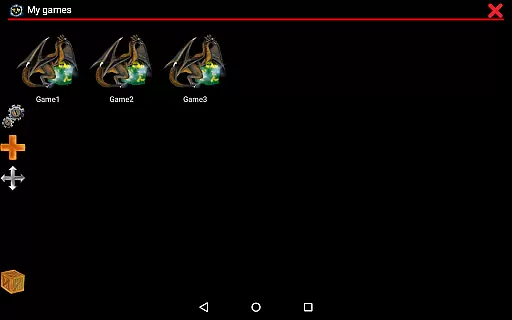
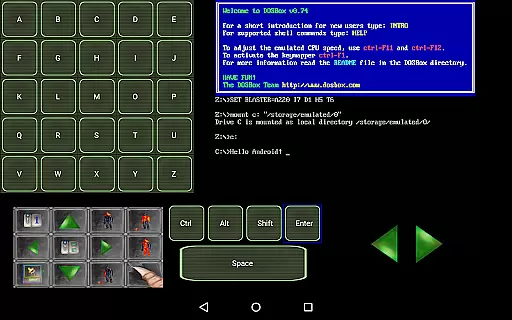
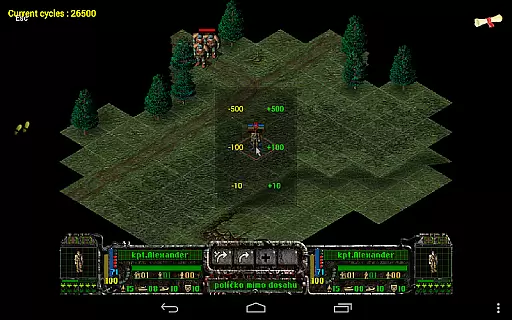
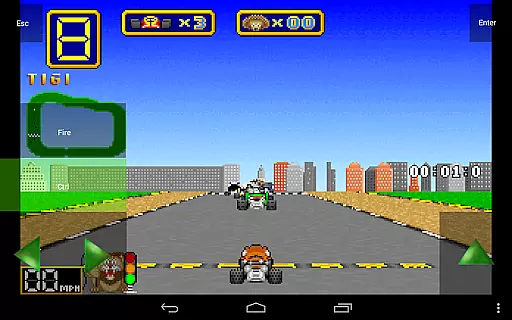
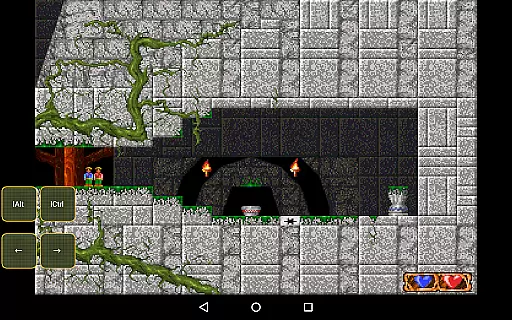
Magic DosBox is a highly optimized and fast DOSBox emulator for Android, designed to bring your favorite DOS and Windows games to your mobile device. With full support for mouse, keyboard, sound, and gamepad controls, this app allows you to play classic games anywhere without the need for external hardware.
The app features a unique control system specifically optimized for touch devices, making it easy to enjoy gaming on the go. Whether you're reliving nostalgic memories or discovering classic games for the first time, Magic DosBox provides an authentic experience with advanced customization options.
Perfect for retro gaming enthusiasts, this app supports IPX networking for multiplayer fun and includes a game collection manager for organizing your library. The donated version offers unlimited game profiles and widgets, giving you complete control over your gaming setup.
Magic DosBox stands out with its extensive feature set tailored for both casual and hardcore gamers. The app's game collection functionality allows users to create highly customizable game profiles, each with its own settings and configurations. This ensures optimal performance and personalized controls for different games.
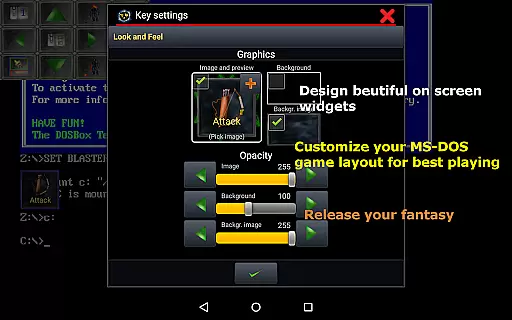
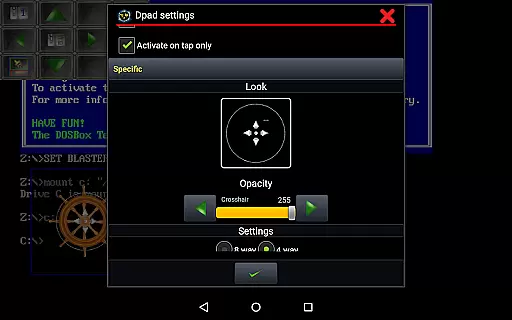
One of the key innovations is the ability to design and customize on-screen widgets and buttons. Users can create up to 10 different types of widgets in the free version, with even more options available in the donated version. These include virtual D-pads, keyboard keys, and mouse controls that can be precisely positioned and styled.
The app supports various input methods including Samsung stylus, X360 controllers, NVIDIA Shield controllers, and physical mice. Advanced features like gesture mapping, swipe controls, and multi-touch gestures provide additional flexibility. With support for different screen orientations, resizable screens, and custom positioning, Magic DosBox delivers a truly adaptable gaming experience.
Magic DosBox delivers exceptional core function accuracy by providing a highly optimized DOSBox port for Android. This ensures that users can run their favorite DOS and Windows games with precision, maintaining the integrity of the original gaming experience.
The app supports full mouse, keyboard, sound, and gamepad functionalities, making it versatile for various types of games. With added support for external controllers like x360 joystick and NVIDIA Shield, Magic DosBox guarantees an effective and responsive control system.
One of the standout features is its fast emulation capabilities, which are crucial for delivering a seamless gaming experience. The numerous optimizations ensure that even older games run smoothly on modern devices, preserving the authenticity of classic gameplay.
Users benefit from the app's ability to emulate sound blaster and PC speaker audio, adding another layer of accuracy to the gaming sessions. These meticulous implementations make Magic DosBox a reliable tool for nostalgic and timeless gaming experiences on the go.
Magic DosBox excels in offering an interface that balances simplicity with powerful customization options. The design focuses on enabling users to play their cherished games without the need for external hardware, thus simplifying the overall user experience.
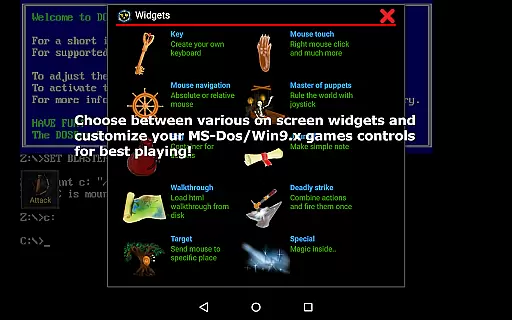
With multi-language support and intuitive modes such as design mode and play mode, users can effortlessly tailor their gaming environment. The availability of on-screen widgets like Key, Mouse, Dpad, and others further enhances the intuitiveness of the interface.
The app allows for unlimited on-screen widgets and buttons, which users can customize with unique images, texts, and positions. This flexibility ensures that even novice users can create an interface that suits their preferences without a steep learning curve.
Additionally, Magic DosBox provides extensive documentation and community support through its website and forum, aiding users in navigating its features. This combination of straightforward controls and robust support makes the app accessible and user-friendly for gamers of all levels.
Highly optimized emulation
Extensive customization options
Multiplayer support through IPX
Wide range of input methods
Regular updates and improvements
Complex setup for beginners
Requires manual game sourcing
Some features locked behind paywall
Occasional compatibility issues
Steep learning curve for advanced features

HD Camera captures every special moment.
 4.60
4.60
This app unlocks the Pro features of the Central for DayZ app
3.60
ADB support Android 4.X-Android 13(Support wireless pair mode).No root required!
4.70
Best leveling tool for your Android device. Hang paintings like a pro.
4.90
A non-root local ADB shell client. READ BELOW!
3.40
The Ultimate Bluetooth Keyboard & Mouse. Securely control your PC, Mac, and more
4.50
Support Fossify apps with a warm thank you!
5.00
Fast VPN USA for any country. Super secure VPN for calls, streaming, games, TV.
4.40
Your personal health butler
3.60
Connect wirelessly to your computer to watch movies, browse the web, play games
5.00
Navigate with Ease and Style
4.90
Remote Play with FSR upscaling, low latency & full controller support
4.80
Optimize your WiFi network, turn your phone into Wifi Analyzer
4.70
HD Video player and downloader for all formats, fast & smooth 4K video playback.
4.60
With videos, electrical calculators, and built-in ebook, Ugly’s has your answer.
4.50
Quickly check the frequency of the Earth
4.30
Just one-tap to easy translate in any language after calls within seconds.
4.20
App that Recover your pictures, videos or files after you delete them.
4.20
Automate everything from settings to photos, SMS to speech. ADC2 prize winner.
4.10


User Reviews