
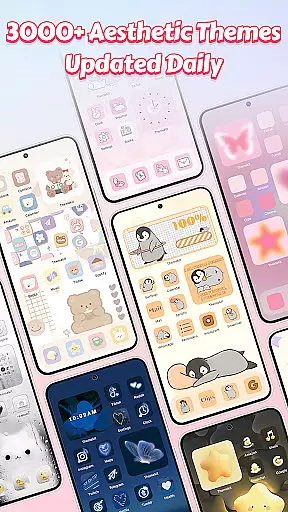
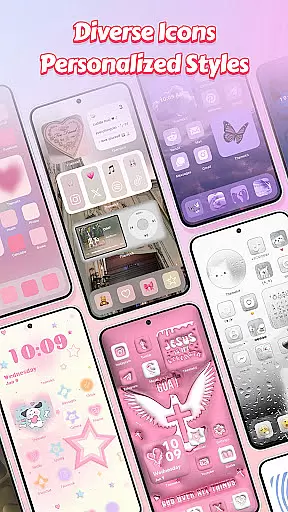
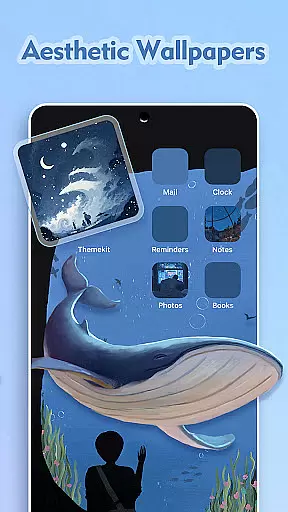
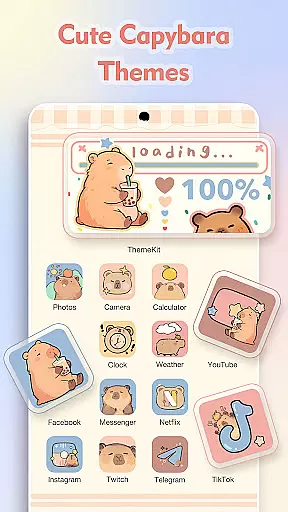
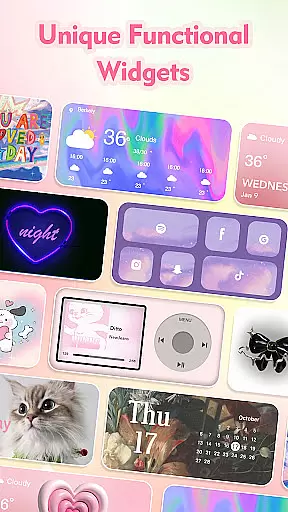
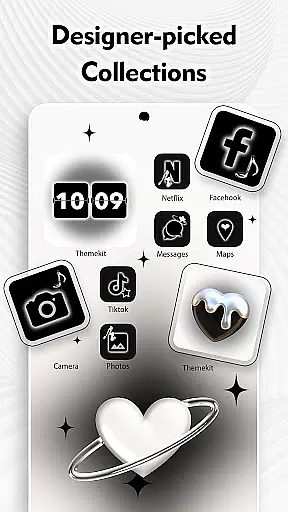
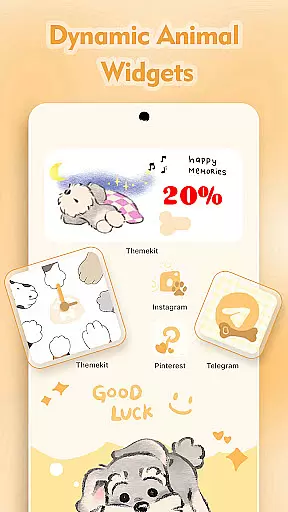
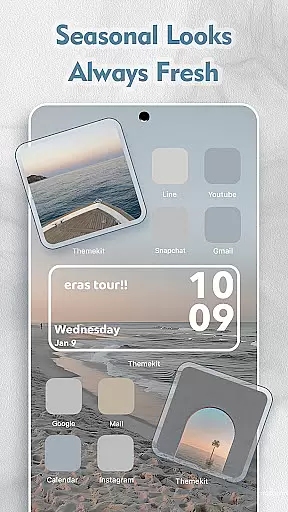
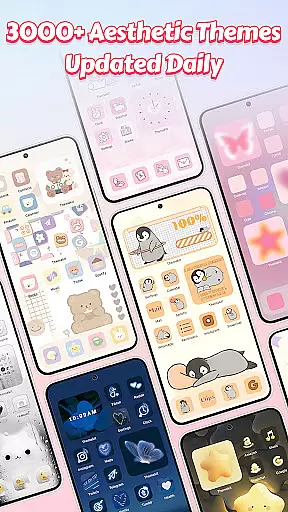
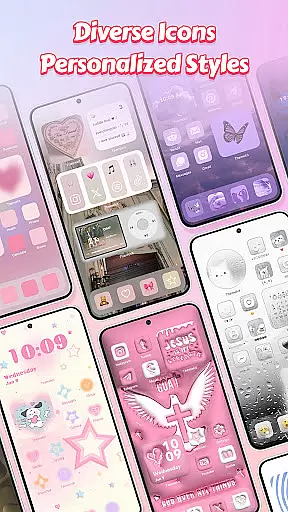
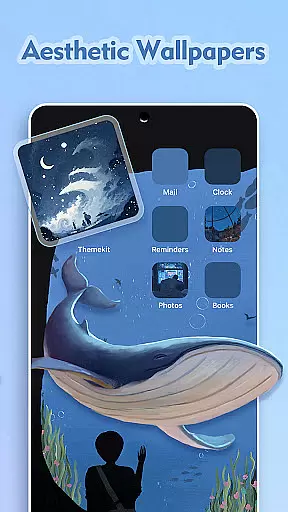
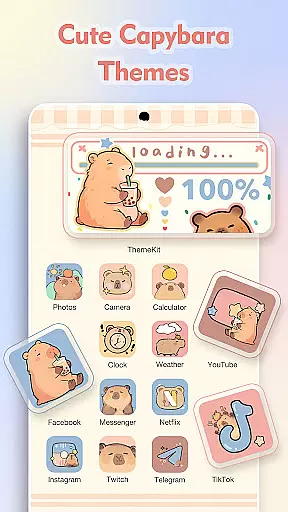
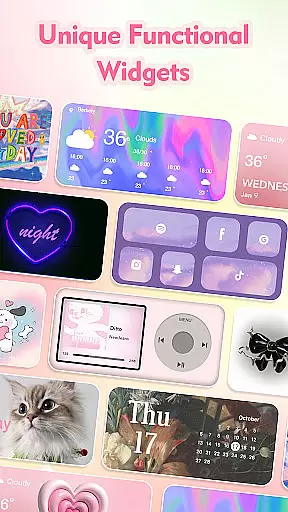
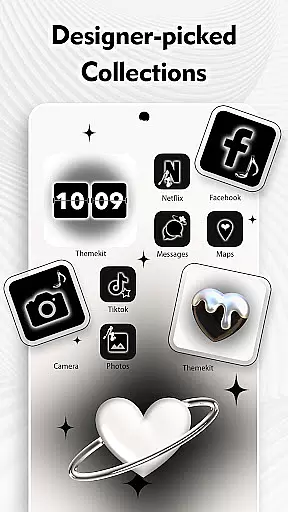
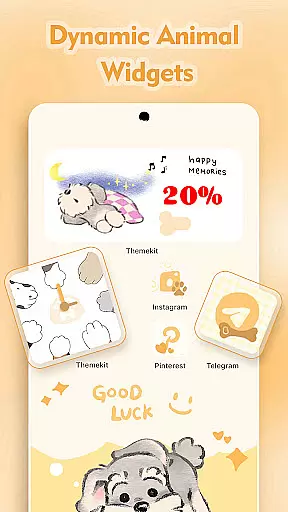
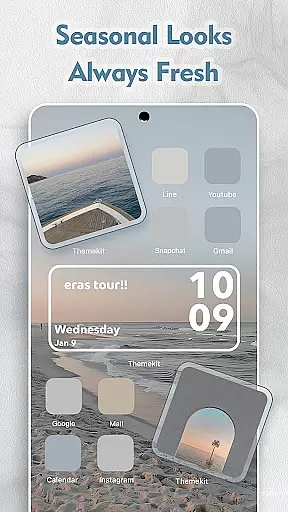
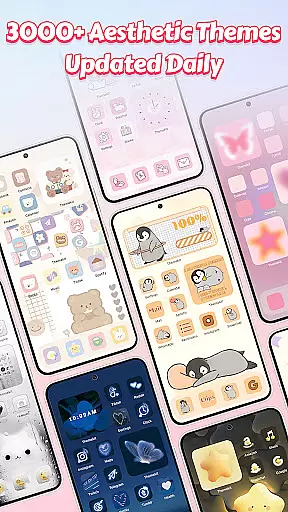
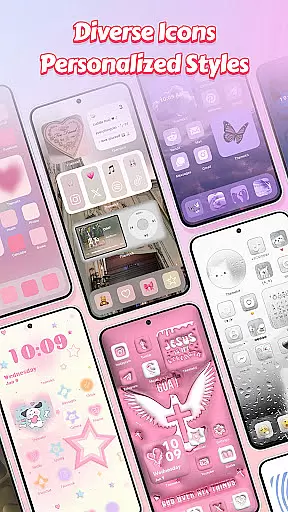
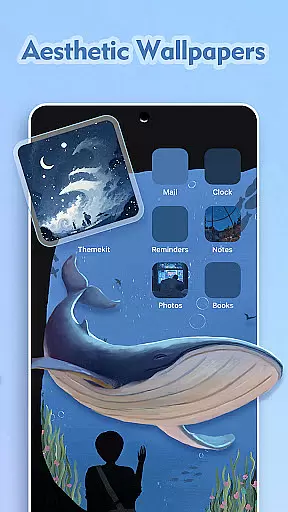
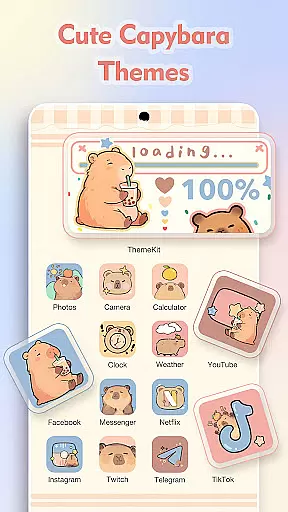
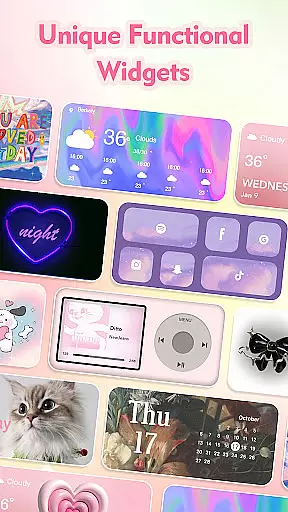
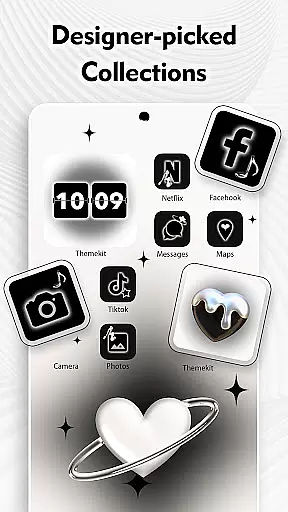
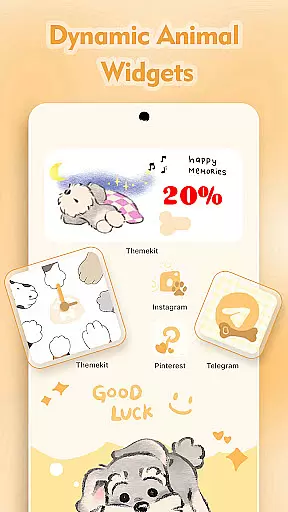
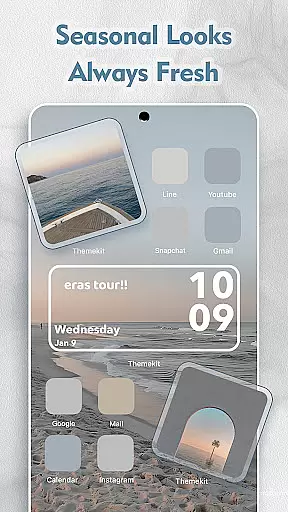
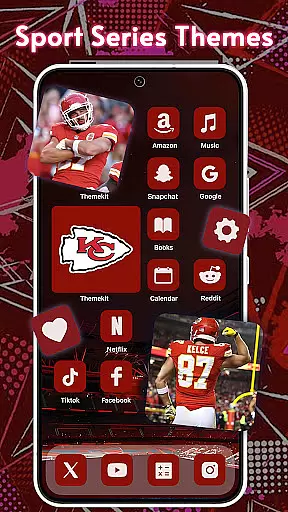
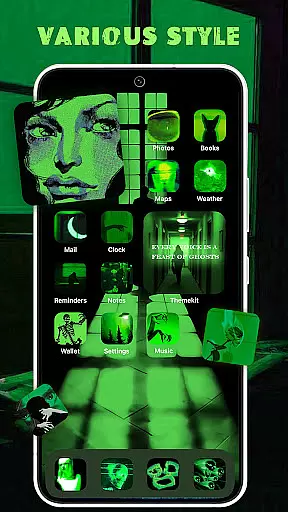
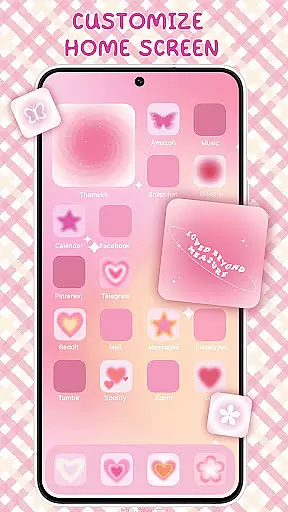
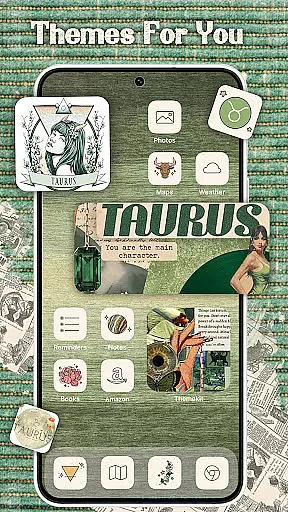
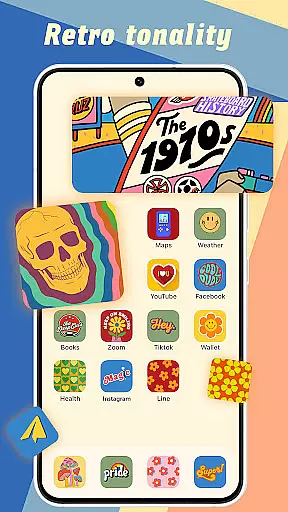
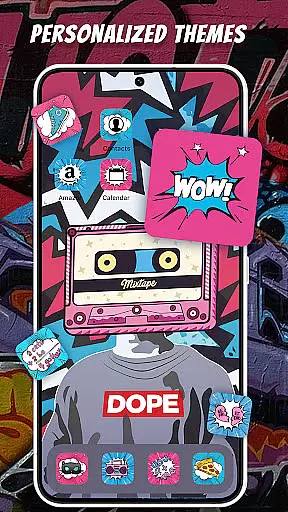
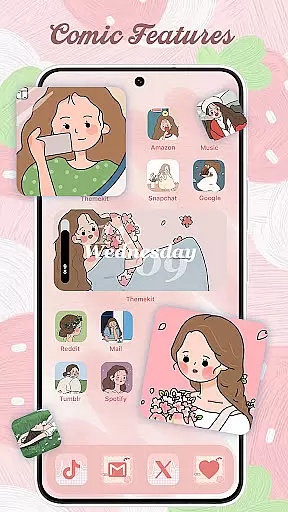
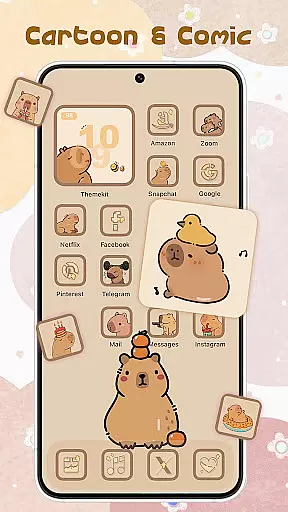
ThemePro is a comprehensive personalization app designed to transform your Android device's appearance with unique themes, stylish icons, and customizable widgets. The app offers an extensive collection of over 5000 icons, 3000 themes, 9000 widgets, and thousands of wallpapers, ensuring users can find the perfect match for their personal style. With daily updates and new content releases, such as winter-themed designs and anime-inspired visuals, ThemePro keeps pace with current trends and seasonal moods.
Beyond its vast content library, ThemePro provides practical tools like an icon changer that works without requiring a separate launcher app, a 4K wallpaper changer with daily updates, and a free widget kit offering hundreds of styles. Whether you're looking to refresh your home screen with cute girly aesthetics or sleek minimalist designs, ThemePro caters to diverse tastes and preferences. Its user-friendly interface and compatibility with various Android devices make it accessible to a wide audience.
The app also features advanced functionalities such as dynamic widgets and AI-art wallpapers, allowing for deeper customization options. Users can easily search for specific themes or explore categories ranging from Christmas vibes to K-pop aesthetics. By integrating accessibility services, ThemePro ensures smooth operation while maintaining privacy standards. This combination of aesthetic appeal, functional versatility, and commitment to user satisfaction makes ThemePro a go-to solution for anyone seeking to personalize their smartphone experience.
ThemePro stands out in the personalization category due to its rich feature set tailored to enhance the visual appeal and usability of Android devices. One of its key highlights is the icon changer functionality, which allows users to modify app icons directly without needing a third-party launcher. This feature simplifies the process of creating personalized shortcuts and enhances the overall look of the home screen.
In addition to icon customization, ThemePro boasts a robust widget kit comprising hundreds of styles, including weather, calendar, clock, and battery indicators. These widgets not only serve practical purposes but also contribute to the aesthetic coherence of the device's interface. The app further enriches user experience through its 4K wallpaper changer, which delivers high-quality images updated daily. From serene nature scenes to vibrant anime illustrations, the variety ensures there's something for everyone.
Another notable aspect of ThemePro is its powerful search function, enabling users to quickly locate desired themes among thousands of options. The app covers numerous categories, including trending anime themes, festive designs, and popular culture references like Grinch and Sonic the Hedgehog. Moreover, ThemePro supports accessibility services to facilitate features like music and volume control, all while safeguarding user data. This blend of creative freedom, technical innovation, and privacy-conscious design underscores ThemePro's position as a leading choice in mobile personalization tools.
ThemePro stands out in the personalisation category by offering an extensive array of customization options that cater to diverse user preferences. With over 5000 icons, 3000 themes, and 9000 widgets, it ensures that every user can find something that resonates with their personal style.
The app provides daily updates to keep up with the latest trends, ensuring users always have fresh content to explore. From anime wallpapers to 3D widgets, ThemePro's featured search function makes it effortless to discover and apply new looks to your device.
Users benefit from the app's compatibility with Android devices, including popular brands like Samsung, Vivo, OPPO, and Xiaomi. This wide-ranging support allows more people to enjoy a personalized home screen experience regardless of their device type.
By integrating various elements such as icon changers, widget kits, and 4K wallpapers, ThemePro offers a comprehensive solution for personalizing your phone. The intuitive interface and practical features make it easy for anyone to transform their device into a reflection of their unique personality.
Theme compatibility is a crucial aspect of any personalisation app, and ThemePro excels in this area by ensuring its themes work seamlessly across different devices and screen sizes. This compatibility ensures that users can enjoy a consistent and high-quality experience regardless of their device specifications.
The app supports a wide range of themes inspired by popular culture, including TV series and movies like Grinch, Snoopy, and Sonic The Hedgehog. These themes are designed to be visually appealing and functional, providing users with both aesthetic pleasure and practical utility.
ThemePro also emphasizes user-friendly interaction by accepting user suggestions and designing exclusive themes based on feedback. This approach not only enhances theme compatibility but also fosters a community-driven development process that keeps the app relevant and engaging.
With dedicated customer support and continuous updates, ThemePro maintains its commitment to delivering top-notch personalisation options. Users can trust that their chosen themes will display correctly and enhance their device's usability while reflecting their individual tastes.
User-friendly interface
Extensive content library
Daily updates
Customizable widgets
Cross-device compatibility
Occasional bugs
Ads present
Advanced features locked
Heavy on storage
Learning curve

Prank your friends with realistic broken screen and cracked HD effects!
 4.2
4.2
Try creating your own keyboard with "Keyboard theme for android" app now!
4.50
Customizable screen pets that play, climb, and keep you company.
4.50
Customize your home screen with stunning themes, blur, widgets & icons.
4.60
300+ Stunning and well-designed widgets inspired by NOTHING.
4.70
Handcrafted pixel art icons, widgets & wallpapers
4.60
400+ Beautifully crafted widgets inspired by NOTHING.
4.70
Transform your device in a game console
4.40
Install amazing sticker packs: endless styles, always cool.
4.70
Only for Wear OS devices!
4.90
Vertically oriented rectangular icons
4.70
Personalize your phone with stunning HD and 4K wallpapers!
4.70
A retro cartoon style watch face and a punch right in the face of the copyright
4.60
Over 28,000 high quality icons to bring color & homogeneity to your phone.
4.60
Want to make your phone more special than ever?
4.60
Ultimate Gallery Lock App - Hide Pictures, Videos and Lock Apps Instantly!
4.60
Color phone with cool effects for call screen, flash alert & ringtones music
4.50
Romantic Kiss Stickers App. Start romantic messaging now!
4.30
Adaptive Dot Style IconPack with Light & Dark Theme.
3.70


User Reviews