
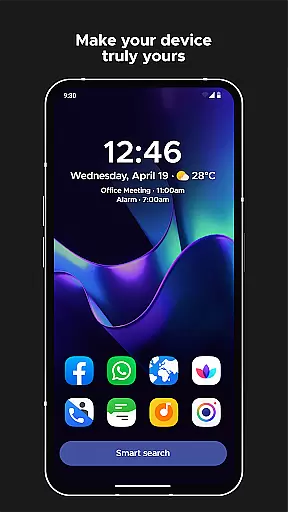
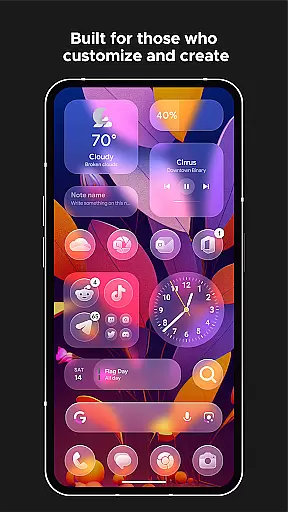
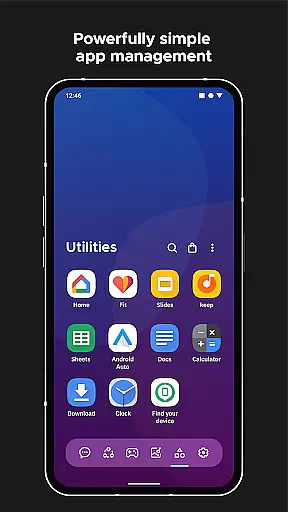
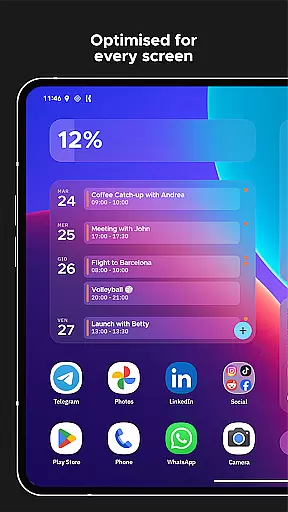
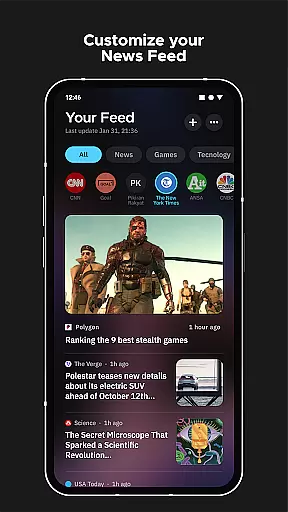
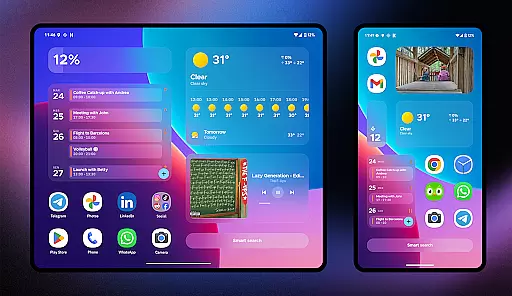
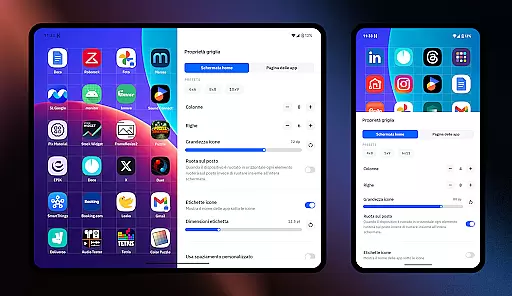
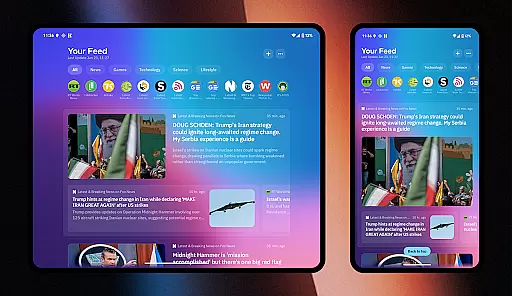
Smart Launcher 6 is a cutting-edge home screen replacement app designed to enhance the Android experience. It introduces an innovative interface that automatically organizes apps into categories, saving users from the hassle of manual sorting. The app's adaptive design ensures optimal usability with one-hand operation and offers responsive widgets for quick access to essential functions.
This launcher stands out with its ambient theme engine that dynamically adjusts colors to match your wallpaper, creating a visually cohesive experience. With powerful customization options, users can modify every aspect of the interface, from theme colors to fonts. The inclusion of advanced features like smart search, gestures, hotkeys, and on-screen notifications makes it a versatile tool for streamlining daily device usage.
Ideal for users seeking efficiency and personalization, Smart Launcher 6 transforms the Android home screen into an intelligent hub tailored to individual preferences and workflows.
Smart Launcher 6 distinguishes itself through its comprehensive feature set designed to optimize Android device usage. The automatic app sorting system intelligently categorizes applications, eliminating the need for manual organization while maintaining logical groupings. This functionality, coupled with the ambient theme engine, creates a dynamic interface that adapts both structurally and visually to user preferences.
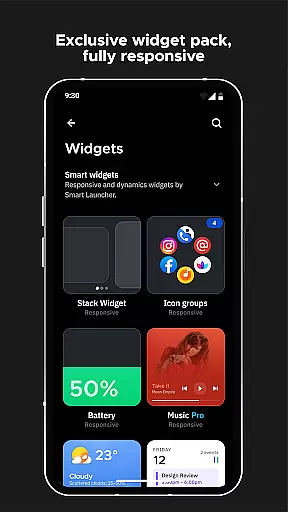
The launcher's customization capabilities are extensive, allowing modification of theme colors, font selections from Google Fonts, and adaptive icon shapes. These features work in tandem with practical tools like smart search, which enables rapid access to apps and contacts, and gesture controls for efficient navigation. The responsive built-in widgets provide instant information without cluttering the home screen.
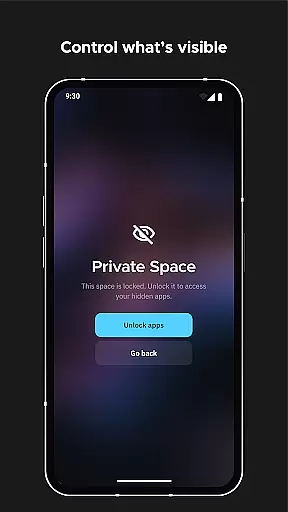
Advanced security features include app protection with PIN codes, while productivity enhancements come through ultra-immersive mode and notification management. These elements combine to create a personalized yet functional home screen experience that caters to both aesthetic preferences and practical requirements.
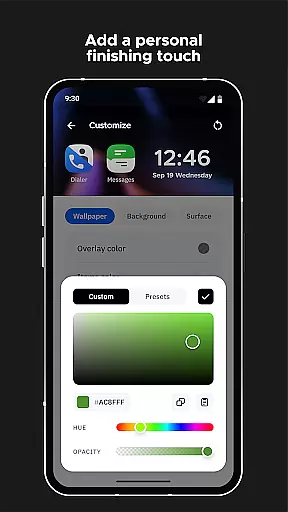
Smart Launcher 6 offers an extensive range of customization options that allow users to tailor their home screen to their personal preferences. This includes the ability to modify every single color within the theme, unlocking infinite possibilities for color combinations.
The level of customization extends to fonts as well, with users being able to choose from thousands of fonts available through Google Fonts. This ensures that your home screen not only functions efficiently but also reflects your personal style and aesthetic.
In addition to colors and fonts, Smart Launcher supports adaptive icons. These icons offer not just customizable shapes but are also optimized for beauty and visibility, making your apps easily identifiable at a glance.
This vast array of customization options empowers users to create a personalized and visually appealing home screen environment that enhances both usability and enjoyment.
Theme compatibility in Smart Launcher 6 ensures that all visual elements on your home screen maintain consistency and harmony. The launcher automatically adjusts its theme colors to match your chosen wallpaper, creating a cohesive look that is both pleasing and functional.
This ambient theme feature means you no longer have to manually adjust settings when changing wallpapers; the system intuitively adapts to maintain visual continuity. This seamless integration between wallpaper and theme enriches the overall user experience by providing a polished and professional appearance.
Furthermore, responsive built-in widgets are designed to complement the theme, ensuring they blend seamlessly into the interface. This attention to detail in maintaining theme compatibility across all elements underscores Smart Launcher's commitment to delivering a smart and intuitive home screen solution.
By prioritizing theme compatibility, Smart Launcher 6 guarantees that users enjoy a unified and aesthetically consistent interface, enhancing both the functionality and visual appeal of their devices.
Automatic app sorting
Ambient theme engine
Extensive customization
Smart search functionality
Responsive widgets
Requires accessibility access
Some features need premium
Occasional beta bugs
Steeper learning curve
Performance varies by device

A launcher for Samsung Good Lock and Good Guardians modules without ads
 4.70
4.70
Try creating your own keyboard with "Keyboard theme for android" app now!
4.50
Run multiple accounts of the same app on a single device
4.10
Ultimate Gallery Lock App - Hide Pictures, Videos and Lock Apps Instantly!
4.60
Adaptive Dot Style IconPack with Light & Dark Theme.
3.70
Organize and manage your photos and videos effortlessly with Photo Gallery
4.20
Launcher OS™ Pro without ads help make your phone simple and pretty
4.30
Magic fluids wallpaper 4D: Relax with stunning fluid simulation wallpaper app
4.20
Emoji Maker app - Design custom emojis and effortlessly blend them with Mixer
3.80
Wallpaper HD 4K Live - Thousands of high-quality Anime backgrounds for you.
4.80
Customizable Glass widgets. Over 360+ stunning widgets and more!
4.70
A Colorful and Minimal icon pack in an Outline Style - Over 13,600 icons!
4.70
Vertically oriented rectangular icons
4.70
Stunningly Different look with Line Icons and Neon Colors
4.60
3D, live, and moving wallpapers & themes in 4K and HD for your device.
4.50
Aesthetic Widgets, HD Wallpapers, Themes in Mico Widget for Home and Lock Screen
4.50
Realistic animated snow on your wrist, with 10 images landscapes to choose from
4.00
Transfer your live wallpapers from Windows to Android using Wallpaper Engine!
4.00
Transform your phone with stunning video wallpapers and a unique, personal touch
3.80


User Reviews