
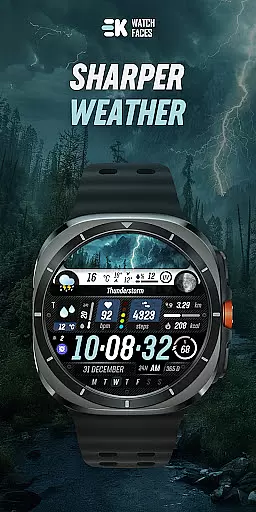
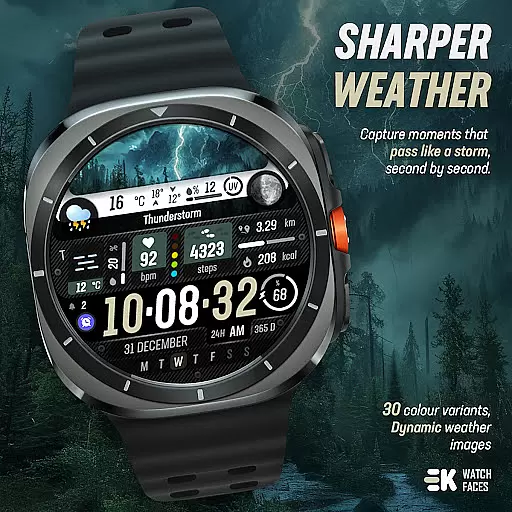
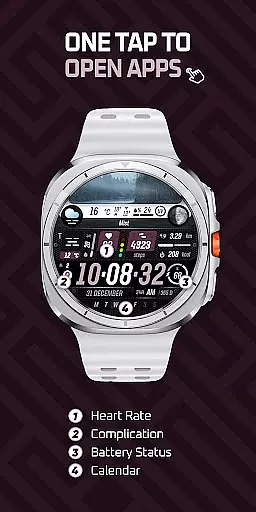
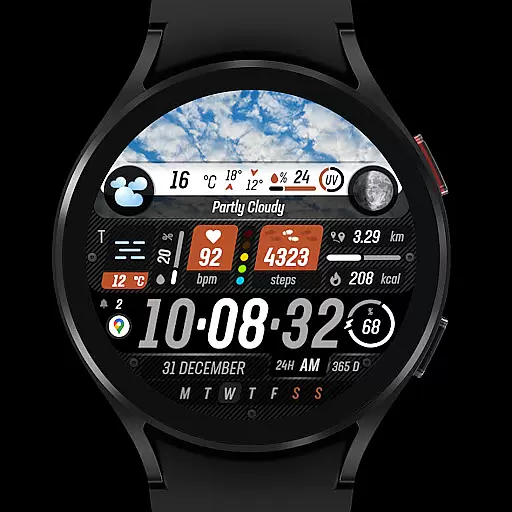
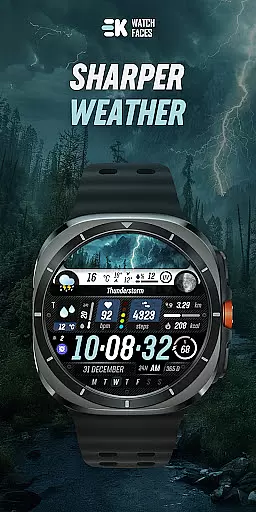
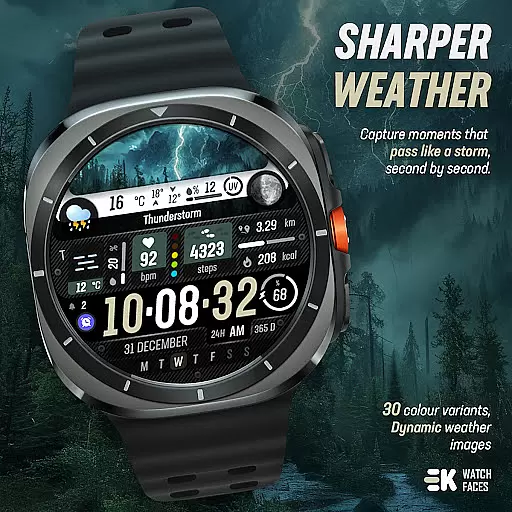
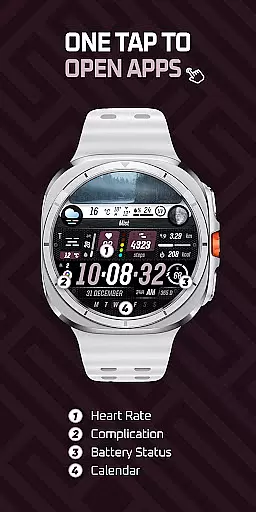
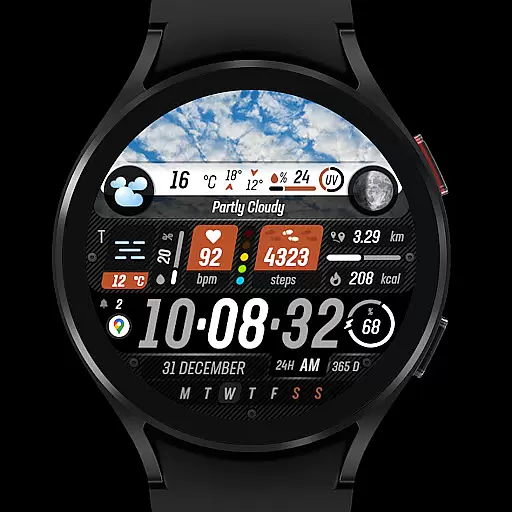
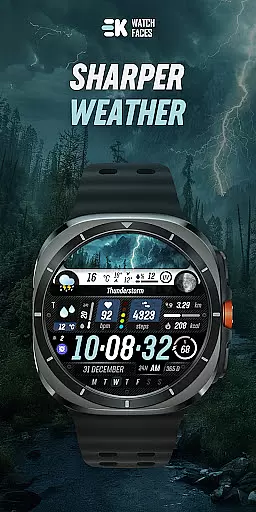
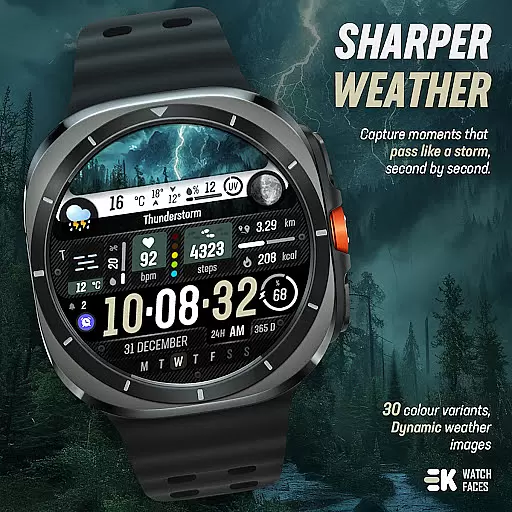
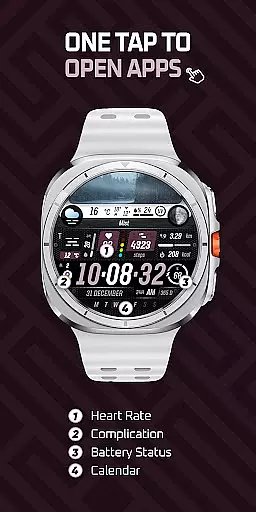
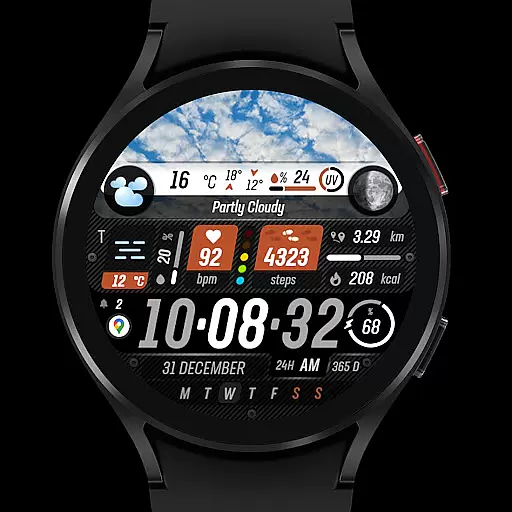
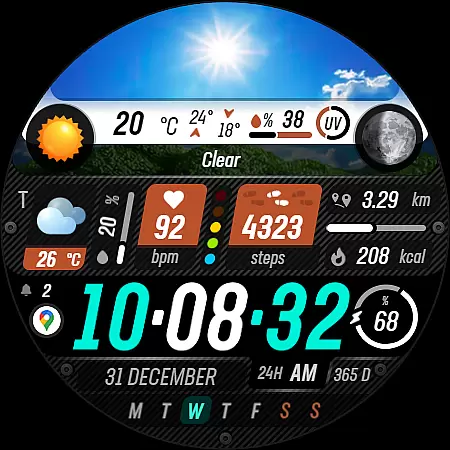
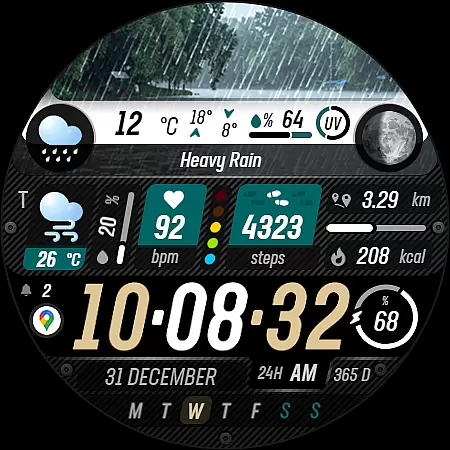
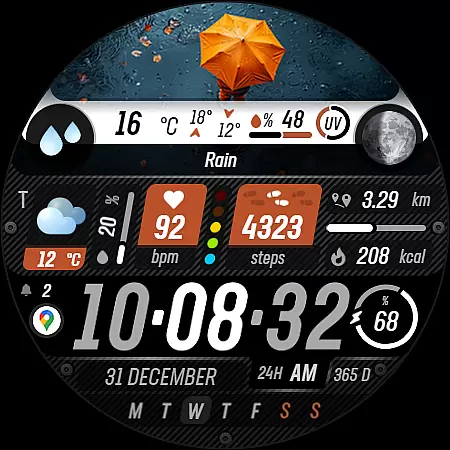
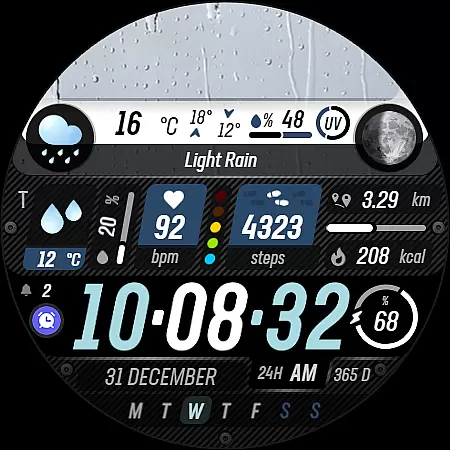
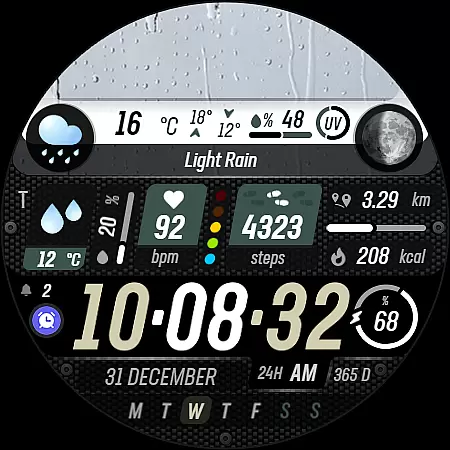
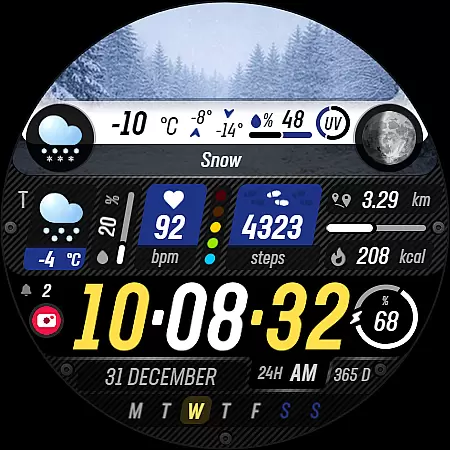
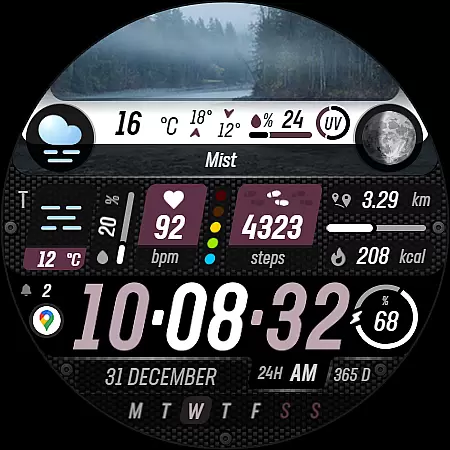
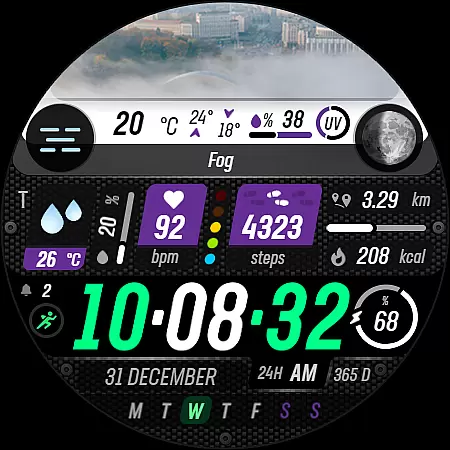
Sharper Weather is a feature-rich watch face designed exclusively for Wear OS devices, offering users an enhanced and personalized timekeeping experience. This application transforms your smartwatch into a dynamic weather station, providing real-time meteorological updates directly on your wrist.
The app stands out with its ability to display vivid weather images that change based on current conditions and time of day. It also offers comprehensive health tracking features such as step counting, distance measurement, calorie tracking, heart rate monitoring, and more. The inclusion of animated icons, multiple color options, and customizable shortcuts makes it a versatile choice for tech-savvy individuals seeking both functionality and style in their wearable technology.
Ideal for outdoor enthusiasts and professionals who need quick access to weather information, Sharper Weather ensures you're always prepared for changing conditions while maintaining an elegant appearance on your smartwatch.
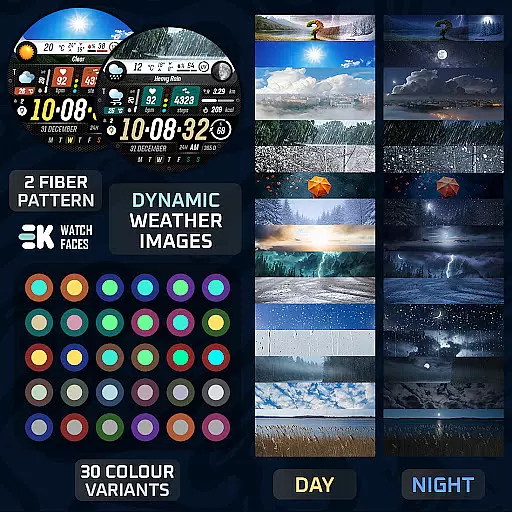
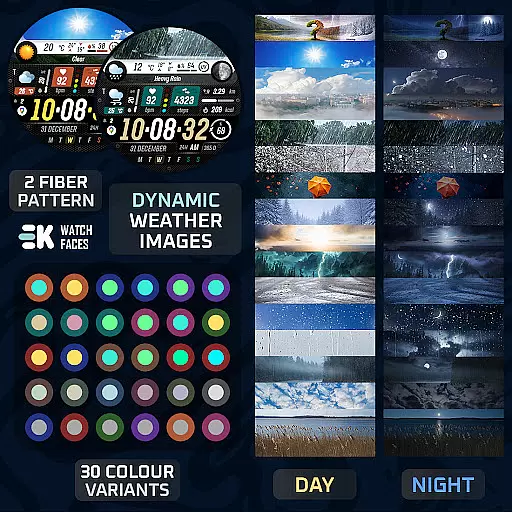
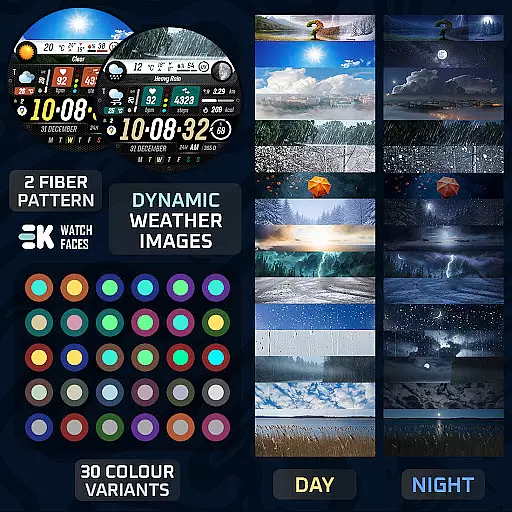
Sharper Weather distinguishes itself through a robust set of features tailored for both practicality and aesthetics. The application provides dynamic weather imagery that adapts to different weather conditions and times of day, ensuring users have relevant visual cues at a glance.
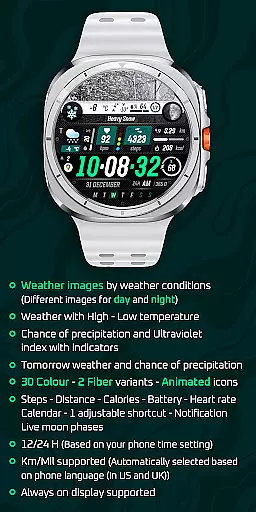
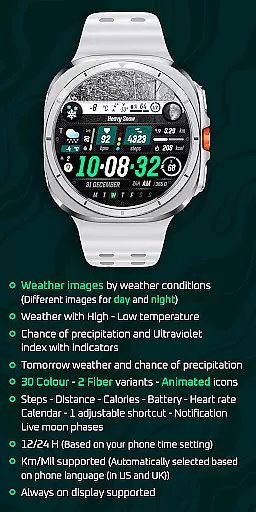
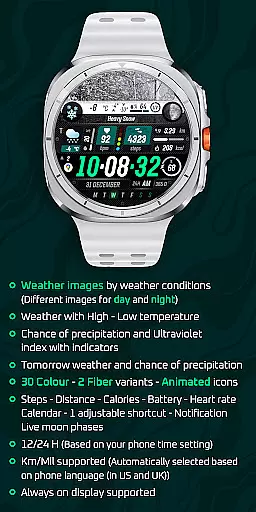
One of the standout capabilities is its comprehensive health and activity tracking system. Users can monitor their daily steps, track distances traveled, calculate calories burned, check their heart rate, and even view battery status - all from their watch face. Additionally, the app supports calendar notifications, live moon phases, and adjustable shortcuts for quick access to frequently used functions.
The customization options are extensive, with thirty color variants and two fiber styles available. The app automatically adjusts between 12-hour and 24-hour formats based on phone settings and supports both metric and imperial units depending on the user's location. These features collectively create a highly personalized and functional watch face that caters to diverse user preferences and needs.
Sharper Weather - Watch Face offers a wide array of customization options that cater to personal preferences and needs. With 30 color choices and 2 fiber variants, users can tailor the appearance of their watch face to match their style. The inclusion of animated icons adds a dynamic element to the personalization, ensuring that each user's watch face is unique.
In addition to aesthetic customizations, the watch face provides practical personalization features. Users can adjust a shortcut, allowing quick access to frequently used functions. It also supports notifications, which means you can stay updated on important alerts without having to check your phone constantly. This level of customization ensures that the watch face is not only visually appealing but also functionally tailored to the user's lifestyle.
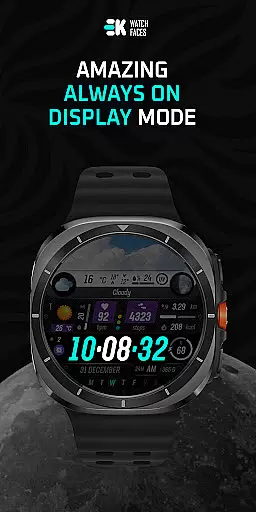
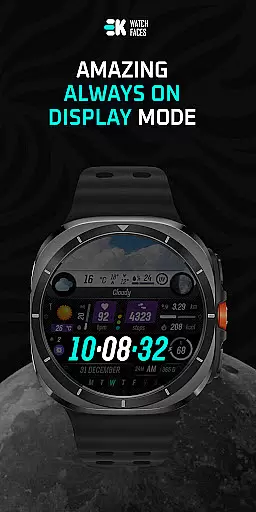
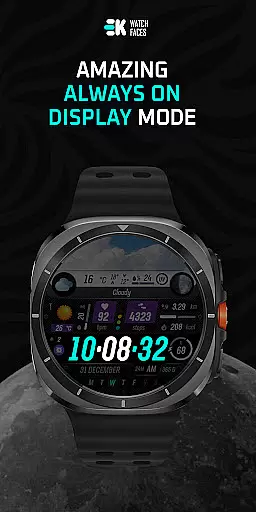
The personalization extends to health and fitness tracking, with displays for steps, distance, calories burned, and heart rate. This integration allows users to monitor their wellness goals directly from their watch face. Furthermore, the always-on display feature is supported, offering convenience and accessibility, making sure that critical information is available at a glance, thus enhancing the overall user experience.
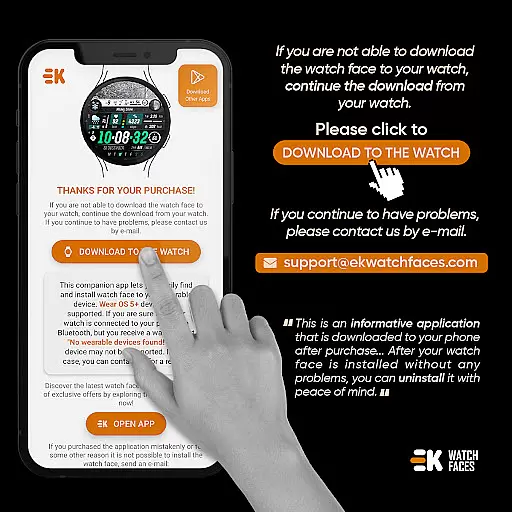
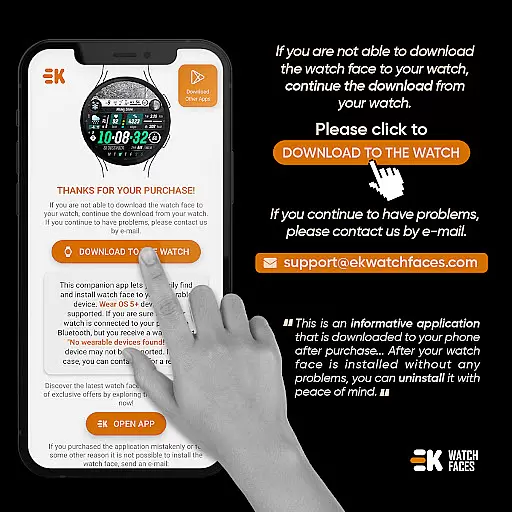
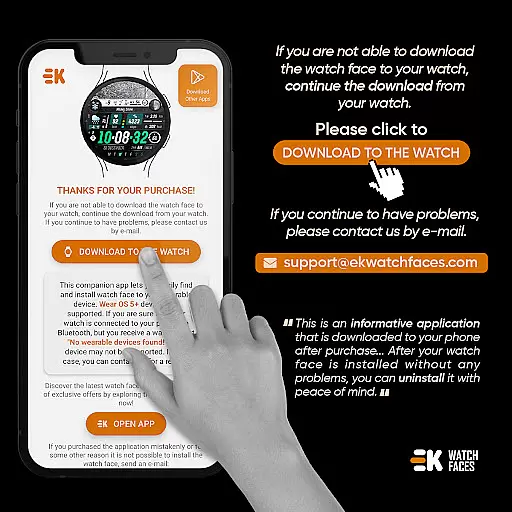
Theme compatibility is a crucial aspect of Sharper Weather - Watch Face, ensuring that it works seamlessly with various Wear OS devices. As the watch face is built specifically for Wear OS 5+ devices (API 34+), it leverages the advanced capabilities of these systems to deliver a smooth and integrated experience. This compatibility ensures that users can enjoy the full range of features without worrying about system inconsistencies or performance issues.
To maximize theme compatibility, users are encouraged to manually enable Sensors & receive complication data permissions. These permissions allow the watch face to display complex data such as weather conditions, high-low temperatures, chance of precipitation, ultraviolet index, and tomorrow's forecast. By granting these permissions, users ensure that all elements of the watch face operate correctly and maintain visual and functional harmony across different devices and settings.
Moreover, the watch face automatically adjusts based on the phone's language and time settings, supporting both 12/24-hour formats and Km/Mil units. This automatic adaptation enhances the compatibility with individual device configurations, providing a personalized and hassle-free setup process. Such attention to compatibility details guarantees that users receive an optimal experience, regardless of their specific device or regional settings.
User-friendly interface
Comprehensive weather data
Health tracking integration
Customizable design options
Seamless device synchronization
Limited to Wear OS
Requires API 34+
Potential installation issues
Advanced features need permissions
Occasional sync delays

Classic analogue watch face. For wear os devices.
 4.60
4.60
A launcher for Samsung Good Lock and Good Guardians modules without ads
4.70
Interactive Miniature Painting Catalogue
3.30
100+ Stylish Fonts, Emojis, Symbols keyboard for Instagram & TikTok!
4.80
Custom edge gestures for volume control, brightness, apps, and shortcuts.
4.1
Design your screen with unique, vibrant clocks
3.80
Your go to Weather App & Home Screen. Get your weather at a swipe of a finger!
3.80
Transform your device in a game console
4.40
Fast SMS & group chat - use GIFs and emojis from your home screen launcher.
4.50
Enjoy a variety of amazing live wallpapers and colorful EDGE lighting borders!
4.80
Sparkle your screen with Glitter Wallpapers For Girls and Cute Backgrounds!
4.80
Unique Android Launcher
4.60
Customize your home screen with stunning themes, blur, widgets & icons.
4.60
Aesthetic Widgets, HD Wallpapers, Themes in Mico Widget for Home and Lock Screen
4.50 4.50
4.50
200+ Material Inspired Widgets
4.50
Your home screen, just the way you like it.
4.30
Crystal-clear, square icon provides a sleek and sophisticated visual upgrade
4.00
Transform your phone with stunning video wallpapers and a unique, personal touch
3.80


User Reviews