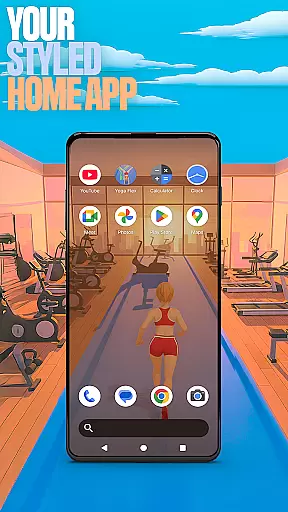

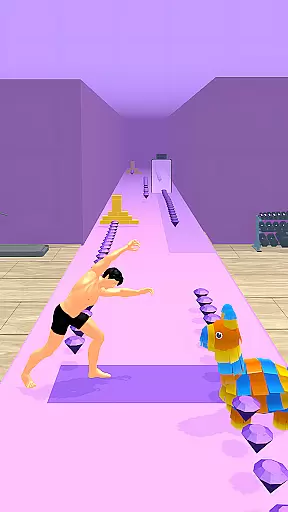
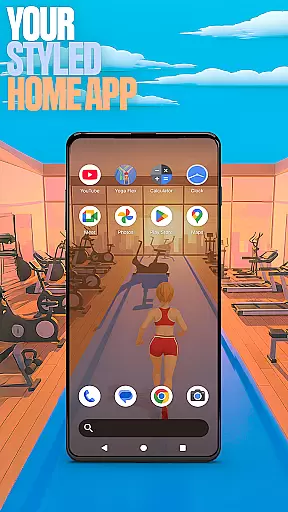

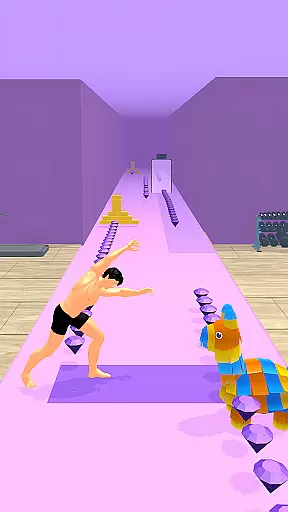
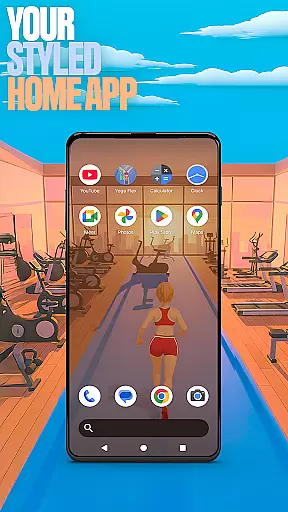

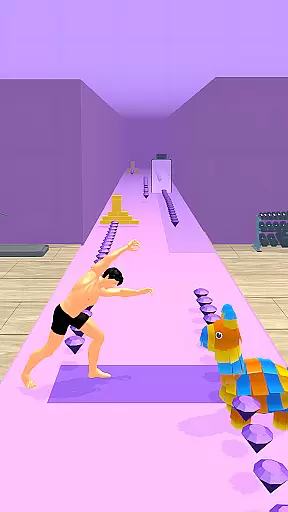
Yoga Flex Home App is a dynamic personalization tool that transforms your device's home screen into a unique, game-inspired interface. This launcher allows users to customize layouts, choose from yoga-themed wallpapers, and implement intuitive gestures for seamless navigation. With its playful design and customizable features, it offers both aesthetic appeal and functional convenience.
The app also integrates gamification elements through Yoga Flex Game, where users can engage with challenging yoga poses while collecting rewards. Whether you're looking to enhance productivity or simply enjoy a personalized experience, this app caters to diverse user preferences by combining utility with entertainment value.
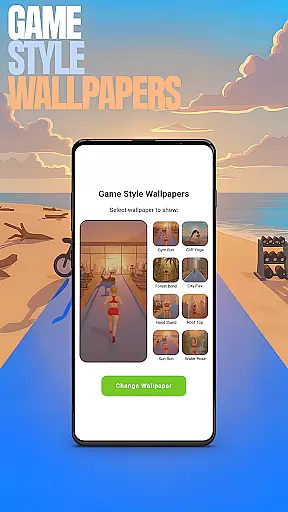
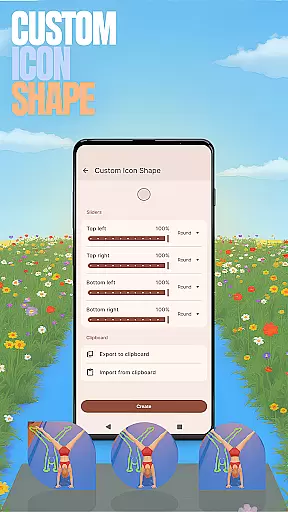
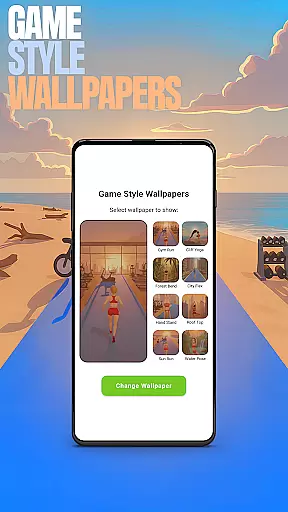
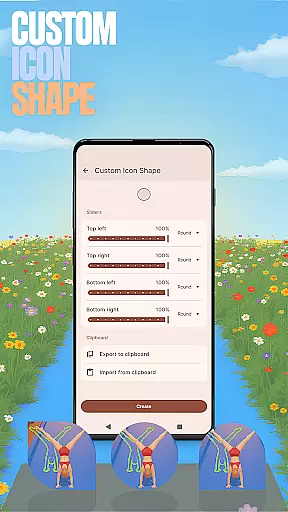
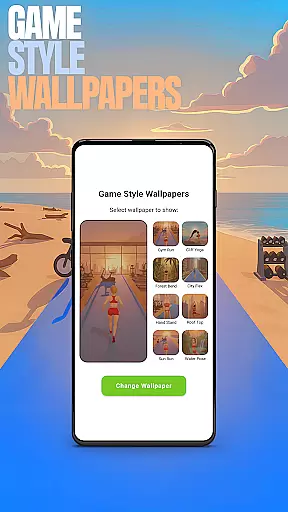
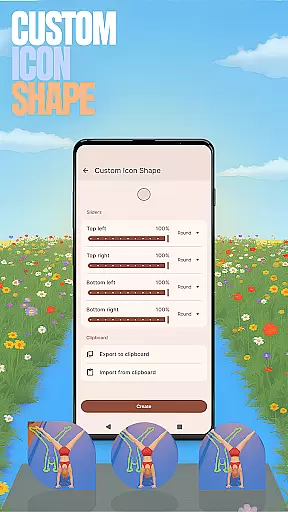
Yoga Flex Home App stands out with its array of innovative features designed to elevate user interaction. The Game Style Wallpapers bring a touch of creativity, allowing users to select visually appealing backgrounds inspired by the Yoga Flex game. Custom Icon Shapes enable further personalization, letting users modify their app icons' appearance according to their style.
Custom Gestures streamline navigation by assigning specific actions to swipes or taps, enhancing accessibility. Additionally, the Hide Apps feature ensures privacy by concealing selected applications from view. Users can also adjust the Accent Color to match their preferred aesthetics, creating a cohesive look across their device. These thoughtful functionalities make daily interactions more engaging and tailored to individual needs.
Customization is at the heart of the Yoga Flex Home App, offering users a wide array of options to tailor their device's interface to their personal taste. With features like Game Style Wallpapers, Custom Icon Shapes, and Accent Color settings, the app allows for an unprecedented level of personal expression.
The app provides intuitive controls for users to modify their home screen aesthetics easily. By simply long-pressing on an empty area of the home screen, users can access a pop-up menu that leads them to various customization features. This seamless accessibility ensures that personalizing your device is not only comprehensive but also user-friendly.
By integrating unique elements such as yoga-inspired wallpapers and customizable gestures, the app enhances the overall user experience. These personalized adjustments are not merely cosmetic; they allow for improved navigation and interaction with the device, making daily usage more enjoyable and efficient.
Theme compatibility in the Yoga Flex Home App ensures that any custom theme you create or choose will work harmoniously across your device. Whether it's through vibrant accent colors or bespoke icon shapes, the app guarantees a consistent look and feel throughout the user interface.
Users have the freedom to experiment with different themes without worrying about functionality issues. The app supports presets for quick changes or offers the tools to craft a signature style, ensuring that every visual element from wallpapers to icons aligns perfectly with the chosen theme.
This cohesion in design does more than please the eye; it simplifies the cognitive load on users by providing an interface where each component feels naturally connected. As a result, one can switch between applications and menus with ease, enjoying both form and function in their fully customized home screen environment.
Highly customizable
Intuitive gesture controls
Unique game-style themes
Enhanced privacy options
Vibrant color settings
May overwhelm new users
Limited default themes
Occasional performance lags
Ads in free version
Complex setup process

Classic analogue watch face. For wear os devices.
 4.60
4.60
Ninja Turtles Cowabunga SE watch face for Wear OS
4.50
Art & Emoji Keyboard with Cool Fonts, Cute Themes and Custom Designs.
4.40
Dark icon pack based on One 8
4.80
Ultimate widget creator. Design custom widgets for a truly unique home screen!
3.90
Nothing Icon pack with more than 3750+ highly crafted icons.
4.70
300+ widgets inspired by Material You and Material 3 expressive design.
4.60
Amazing letter fonts in your messages and social statuses
4.70
Fast SMS & group chat - use GIFs and emojis from your home screen launcher.
4.50
Wallpaper HD 4K Live - Thousands of high-quality Anime backgrounds for you.
4.80
A minimalist productivity launcher. One-hand-friendly. Zero ads.
4.70
Unique Android Launcher
4.60
Add cute Shimeji pets to screen, interact with them and relax with cute motions
4.60
Vibrant Adaptive Icons with Material You and Enhanced Monet Colors.
4.50
AI-powered Copilot. Personalized keyboard with gifs, stickers & themes
4.40
Customizable flower power digital watch face for Wear OS watches.
4.00
Your go to Weather App & Home Screen. Get your weather at a swipe of a finger!
3.80
Adaptive Dot Style IconPack with Light & Dark Theme.
3.70
Modern Glass Icon Pack with glossy icons, clean minimal theme & aesthetic style
4.3


User Reviews