
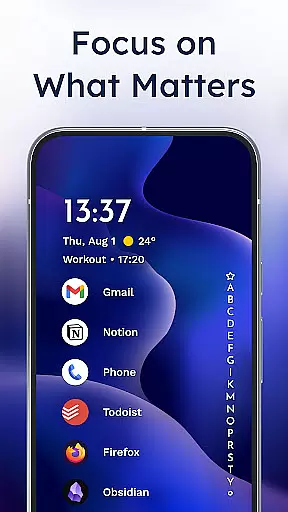
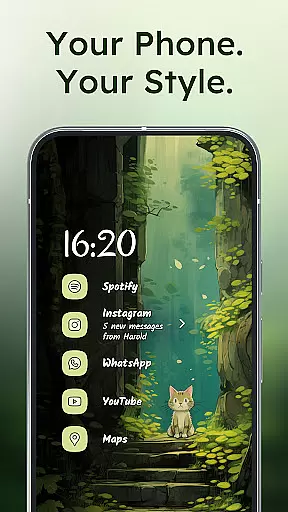
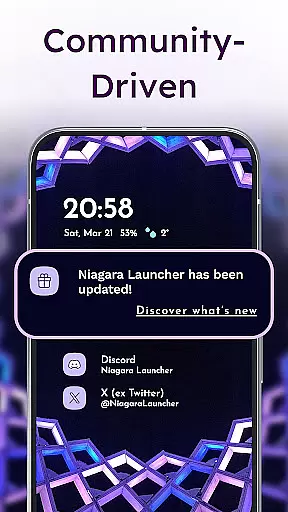
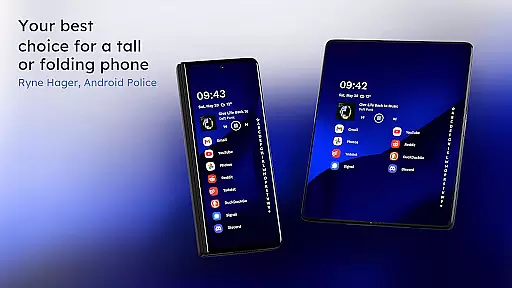
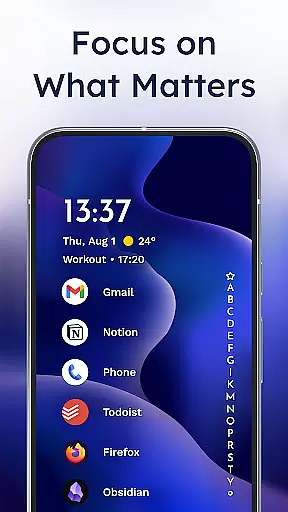
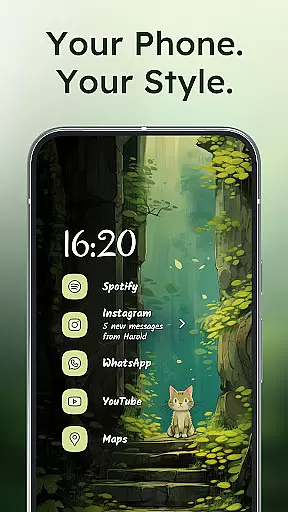
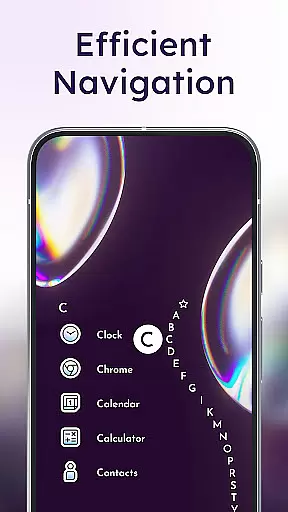
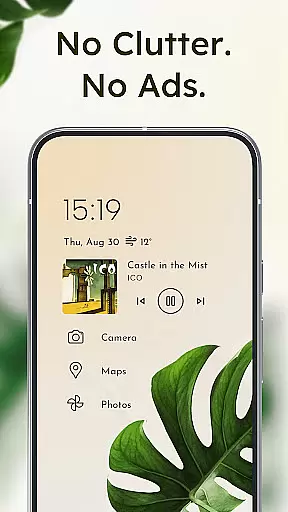
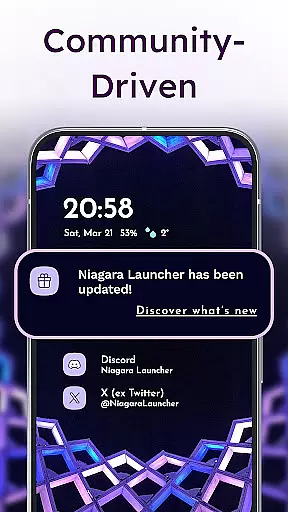
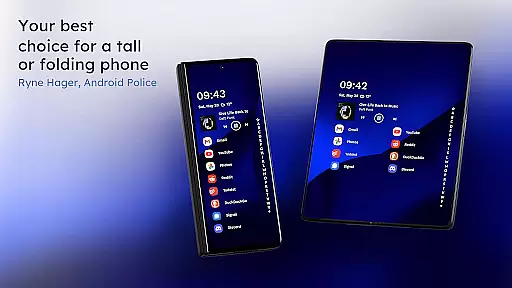
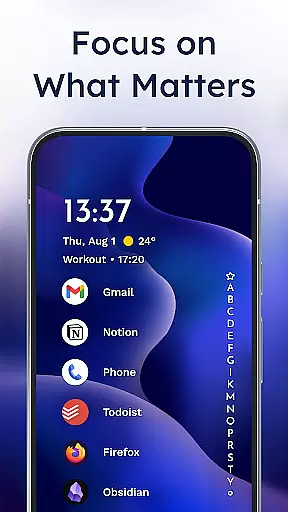
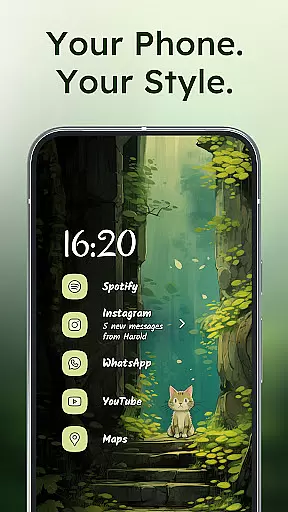
Niagara Launcher is a minimalist home screen replacement app designed to optimize one-handed usage on modern smartphones. Unlike traditional launchers that rely on grid layouts, Niagara offers an adaptive list interface that brings essential functions to your fingertips.
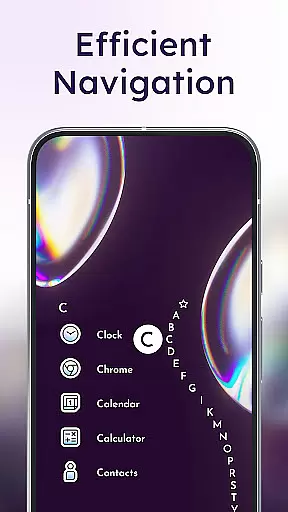
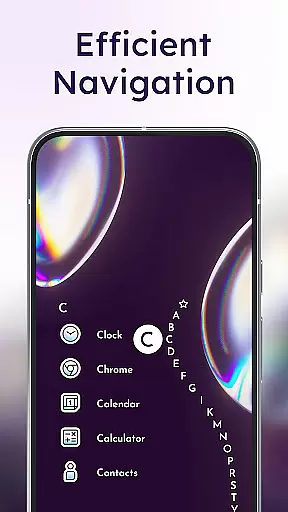
Key features include an ergonomic design that ensures all elements are reachable with one hand, embedded notifications for direct interaction, and a unique wave alphabet navigation system. The app also supports Material You theming, allowing users to personalize their home screens while maintaining a clean and focused experience.
This launcher is particularly useful for users with larger phones who struggle to reach the top corners of their devices. By decluttering the interface and providing smart shortcuts, Niagara Launcher helps improve productivity and streamline daily phone interactions.
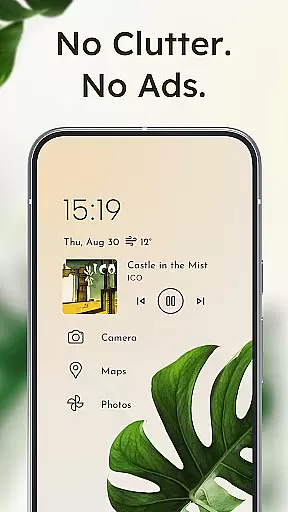
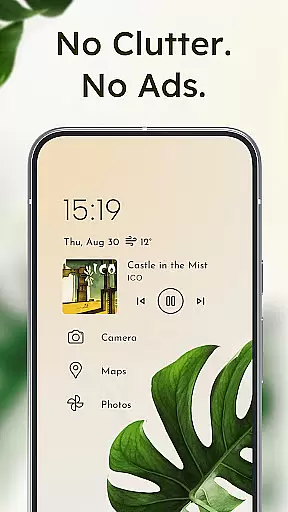
Niagara Launcher stands out with its innovative approach to home screen organization. The adaptive list layout dynamically adjusts based on user needs, displaying relevant information such as media controls, messages, and calendar events when needed.
The launcher's wave alphabet feature provides intuitive navigation through installed applications without requiring an app drawer. This animation not only enhances usability but also adds a satisfying visual element to the user experience. Additionally, the embedded notification system goes beyond simple notification dots by enabling users to read and respond directly from the home screen.
Performance-wise, Niagara Launcher is designed to be lightweight and fast, occupying minimal storage space while maintaining smooth operation across all devices. Its active development cycle and strong community support ensure regular updates and feature enhancements, making it a reliable choice for Android users seeking a modern, customizable home screen solution.
Niagara Launcher offers a wide array of customization options that allow users to tailor their home screen experience according to their preferences. This includes the ability to personalize with integrated icon packs, fonts, and wallpapers or even use custom ones.
The launcher adopts Material You, Android's expressive design system, enabling users to theme their home screen around any wallpaper they choose. This feature brings a personalized touch to every user's device, making it not just functional but also expressive.
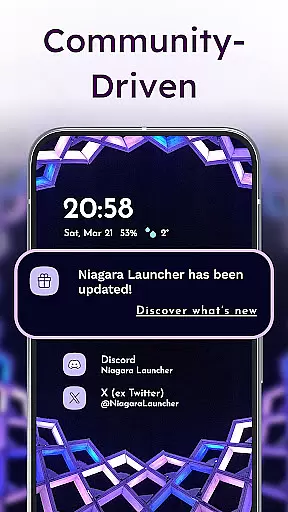
With active development and community support, users can suggest and potentially see new customization features implemented over time. This ensures that the launcher stays up-to-date with the latest trends in personalization.
Overall, Niagara Launcher's commitment to customization empowers users to create an interface that is both unique to their style and optimized for their usage patterns, enhancing overall satisfaction and productivity.
Theme compatibility in Niagara Launcher is exceptional due to its adoption of Material You, which allows seamless integration with Androidu2019s latest theming capabilities. Users can enjoy a cohesive look across their devices by simply selecting a wallpaper, prompting Niagara Launcher to automatically adjust colors and themes accordingly.
This level of theme compatibility extends beyond standard offerings as it is backported to all Android versions, ensuring that users with older devices do not miss out on modern personalization features. The adaptive nature of themes means changes are dynamic and responsive to user inputs.
Moreover, the minimalist design philosophy reduces visual clutter while maintaining flexibility in theming options. This approach keeps the focus on usability without sacrificing aesthetic appeal, providing a balanced user experience.
By prioritizing theme compatibility, Niagara Launcher ensures that users have a harmonious and visually pleasing interface that aligns with their personal tastes and enhances their daily interactions with their device.
One-handed accessibility
Adaptive interface design
Embedded notifications
Material You theming
Lightweight performance
Limited widget support
No traditional grid view
Steeper learning curve
Fewer customization options
Requires Android 5.0+

Vertically oriented rectangular icons
 4.70
4.70
Unique Android Launcher
4.60
Try creating your own keyboard with "Keyboard theme for android" app now!
4.50
The definitive Icon pack maker and editor
4.30
Want to make your phone more special than ever?
4.60
Unique Fonts, typefaces and stylish text. Fonts for Instagram, Whatsapp & others
4.20
Design your screen with unique, vibrant clocks
3.80
Yandex Browser — stylish and secure, with voice search and data compression
4.40
Transform your phone with stylish zipper lock themes and 4D live wallpaper
4.10
A Colorful and Minimal icon pack in an Outline Style - Over 13,600 icons!
4.70
Glass style colourful icons with a One UI look and feel
4.60
Ultra realistic high quality analog watch face for Wear OS.
4.60
Ultra realistic gold analog watch face with lots of customization options.
4.50
Color phone with cool effects for call screen, flash alert & ringtones music
4.50
AI-powered Copilot. Personalized keyboard with gifs, stickers & themes
4.40
Art & Emoji Keyboard with Cool Fonts, Cute Themes and Custom Designs.
4.40
Themes - Widget & Wallpaper: Customize home screen, icon changer w unique themes
4.30
Your go to Weather App & Home Screen. Get your weather at a swipe of a finger!
3.80
Interactive Miniature Painting Catalogue
3.30


User Reviews