
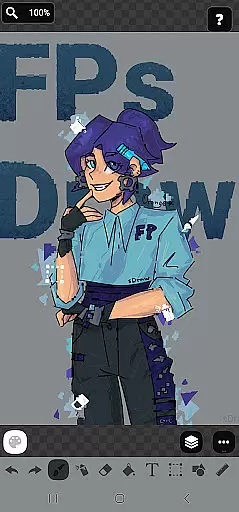
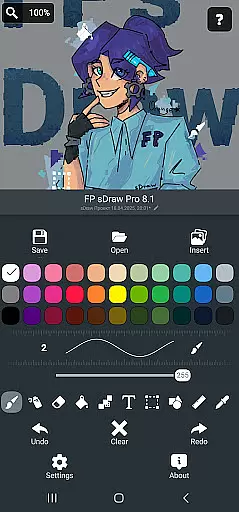
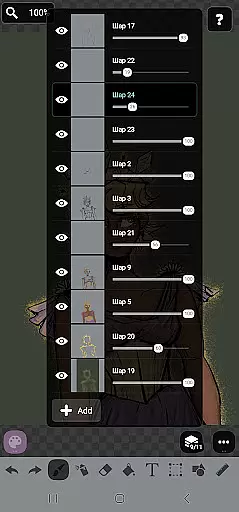
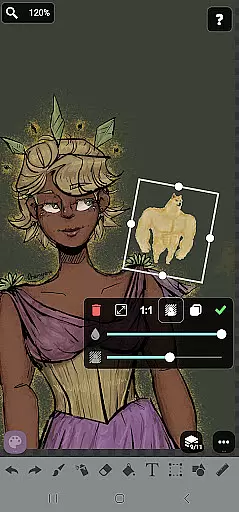
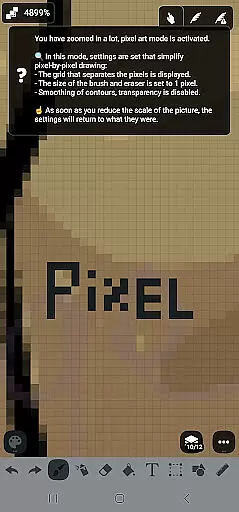
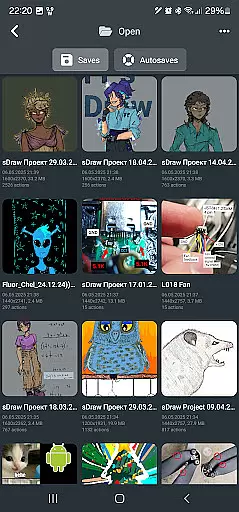
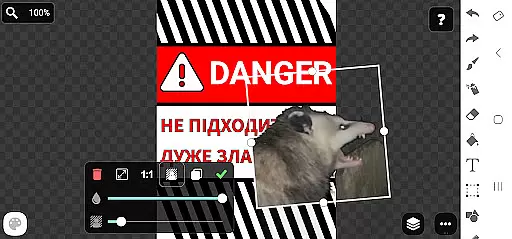
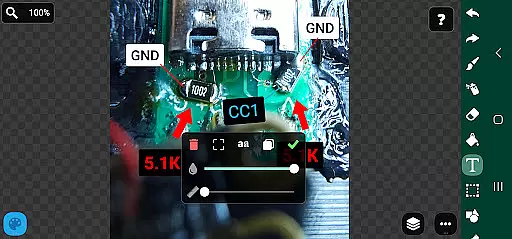
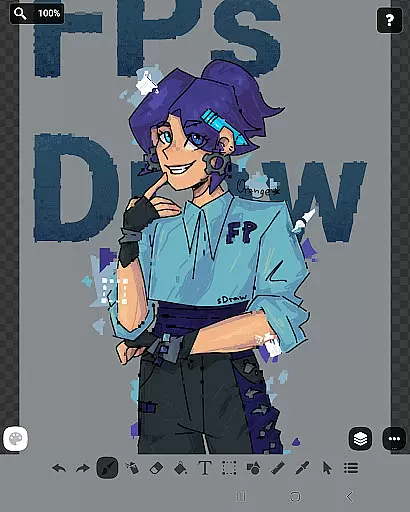
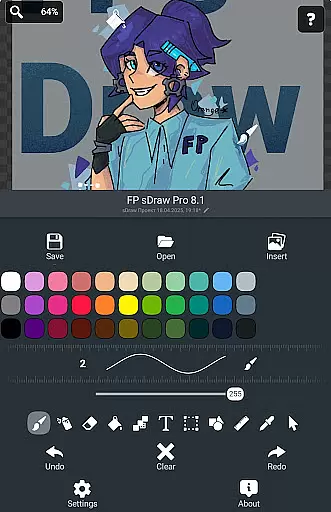
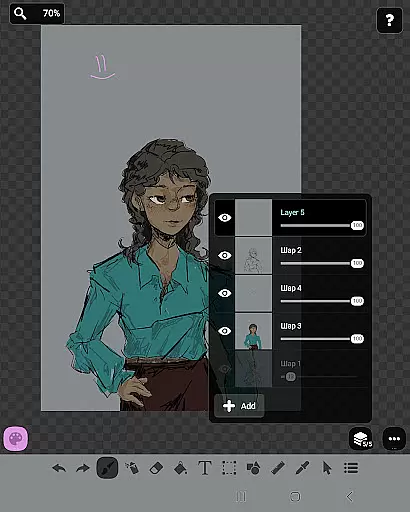
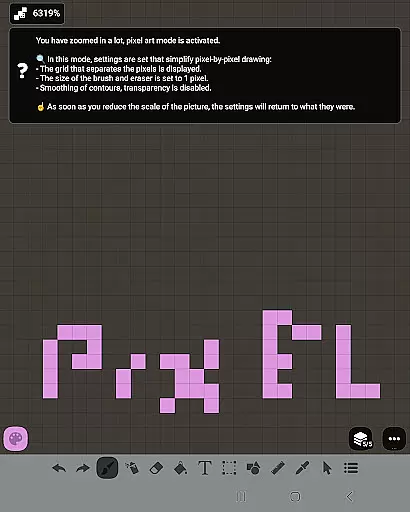
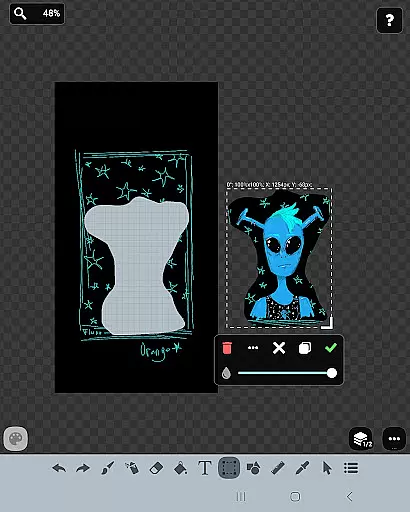
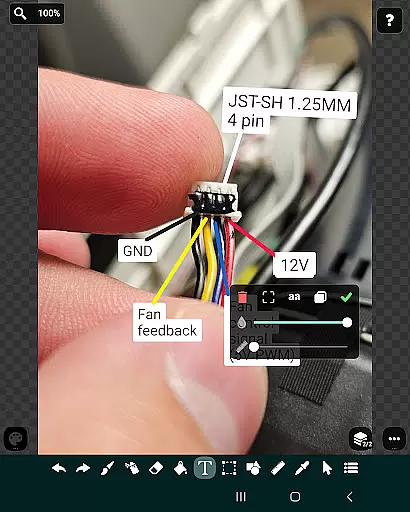
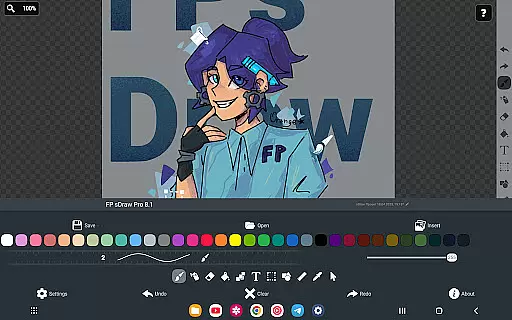
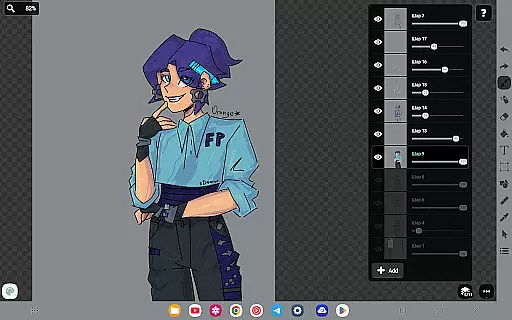
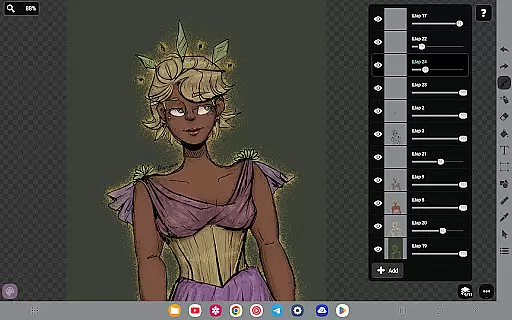
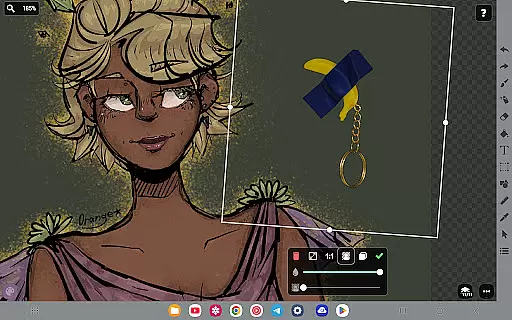
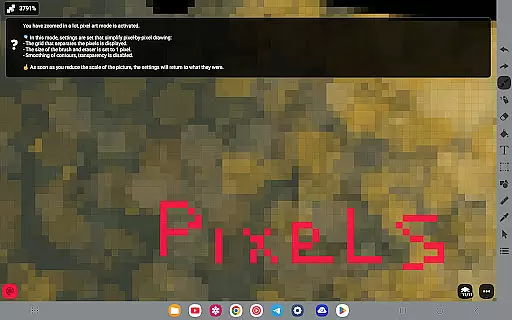
FP sDraw Pro is a streamlined drawing application tailored for users seeking simplicity and efficiency in their creative tasks. This app provides essential drawing tools without any distracting advertisements or unnecessary features, making it an ideal choice for quick sketches, adding text to images, or experimenting with various artistic styles. With support for layers, airbrush effects, text insertion, and shape creation, FP sDraw Pro caters to both casual doodlers and those needing to highlight or mark images effectively.
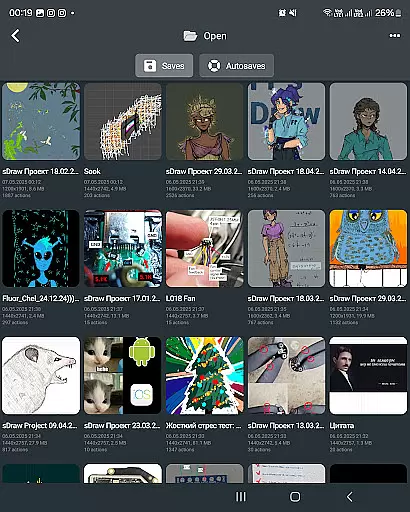
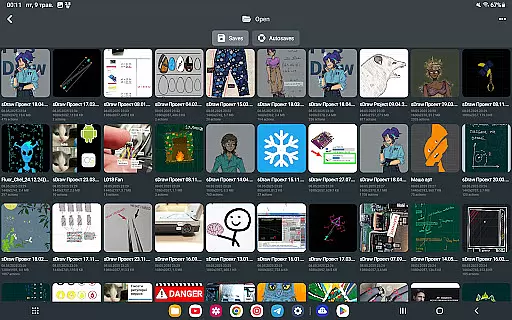
The app's lightweight design ensures it occupies minimal space on your device, installs quickly, and operates smoothly even on older smartphones. Its customizable user interface and stylus compatibility enhance the drawing experience, while automatic backups safeguard your work. The free version offers full functionality, allowing users to explore all core features, with the option to upgrade to the Pro version for additional benefits such as supporting the developer and removing branding from saved images.
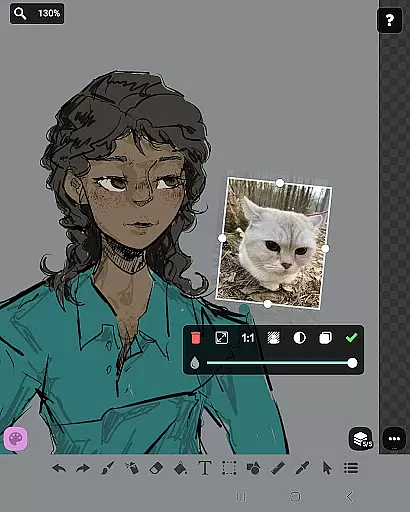
FP sDraw Pro stands out with its comprehensive yet straightforward set of drawing tools. Users can create complex sketches using layers, insert images from their gallery, and utilize brushes, erasers, airbrushes, and fill tools with precision. The inclusion of text, shapes, rulers, eyedroppers, mosaics, and precision brushes ensures that every artistic need is met without overwhelming the user.
One of the app's key strengths is its performance optimization. Designed to be less than 1MB in size, FP sDraw Pro installs swiftly and runs efficiently without consuming excessive resources. It supports styluses like sPen and Active Pen, providing a natural drawing feel. Additionally, helpful tips appear contextually, ensuring a distraction-free environment. Automatic backups and volume button shortcuts further enhance usability, making FP sDraw Pro a reliable tool for both spontaneous and planned creative sessions.
In the realm of digital art, having a comprehensive set of creative tools is paramount. FP sDraw Pro offers an extensive array of features that cater to both amateur doodlers and professional artists alike. The application includes layers for organizing complex sketches, a brush and eraser for traditional drawing techniques, and an airbrush for smooth shading effects.
Additionally, users can insert images from their gallery, apply text, fill areas with color, and even use a ruler for precision lines. With specialized tools like the eyedropper for color selection, mosaic for unique texture effects, and precision brush for minute details, FP sDraw Pro ensures every artistic vision can be realized without compromise.
The availability of these diverse tools means that creators are only limited by their imagination. Whether it's sketching a quick diagram or meticulously crafting a detailed artwork, FP sDraw Pro stands as a robust companion in bringing ideas to life on your mobile device.
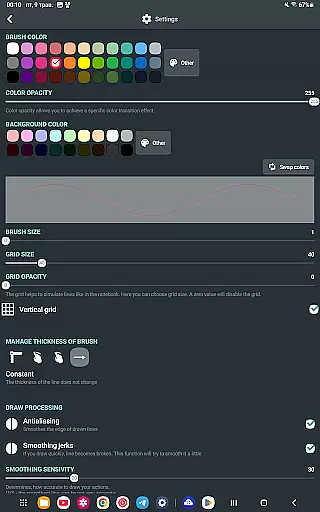
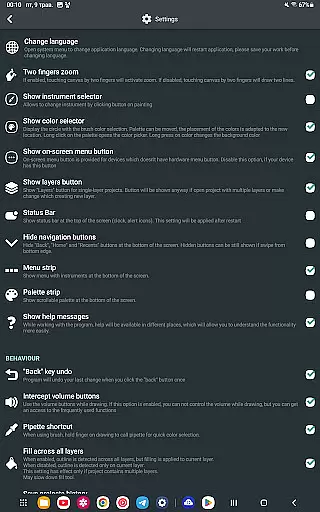
Flexibility in canvas size and format options is crucial for accommodating various project requirements and artist preferences. FP sDraw Pro excels in this area by providing a customizable interface where even the shapes of buttons can be altered to suit individual workflows. This level of personalization empowers artists to create an environment that best suits their style and needs.
Moreover, FP sDraw Pro supports different stylus inputs such as sPen and Active Pen, enhancing control and accuracy when creating digital masterpieces. The app also facilitates automatic backups, ensuring that all work is saved securely regardless of the chosen canvas dimensions or formats.
With its ability to adapt to very old phones while maintaining functionality, FP sDraw Pro demonstrates exceptional versatility across devices. Artists can seamlessly transition between projects with varying specifications, confident in the knowledge that their work will remain uncompromised by technical limitations.
User-friendly interface
No ads or clutter
Lightweight and fast
Fully functional free version
Customizable UI elements
Limited advanced features
Basic UI design
No cloud sync
Small user community
Minimal learning resources

Vidu is an AI video generator made for creators and aspiring makers.
 3.30
3.30
The ultimate tool for creating animations
4.60
Custom Character Creator & PFP Maker!
4.20
Meet the magic aı 3d photo generator and smart AI video generator app.
3.20
AI Face Swap, Video Effects Editor, Realtime Morph, Funny Video FX,AI Filters
3.70
Photo blender app to create overlay photos & double exposure.
4.40
Convert image to JPG PNG HEIC PDF, support almost all kinds of image formats
4.70
Create stunning art with AI.
4.80
Resize photos and print photos in exact size with our powerful photo printer!
3.80
Digital, Abstract, Classic - all types of color wheels in one app!
4.60
Create color palette from Image, RGB & RYB Color wheel harmonies, Color Scheme
4.50
Share the joy of painting with ibis Paint! Drawing anime and manga art.
4.50
AI generated images & photos, turn your words into drawing, painting & pictures.
4.30
Sketch, plan, take notes and illustrate on an infinite canvas.
4.20
AR Anime Drawing: How to draw anime with AR drawing & sketching apps!
4.00
Sketch, trace and master AR drawing with awesome anime art!
3.30
Pose and morph realistic male and female models! 3D poser app
3.00
Art of Combination Wear OS Watch Faces
4.0
A luxurious gold watch face for an elegant and refined look.
4.3


User Reviews