
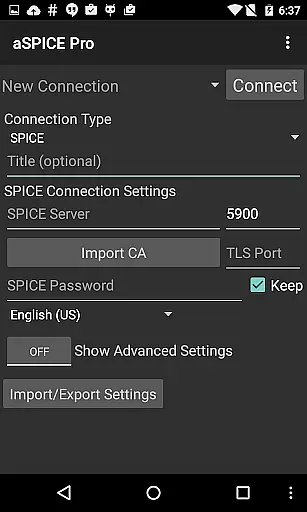
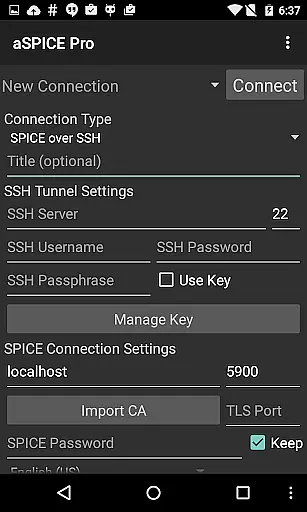
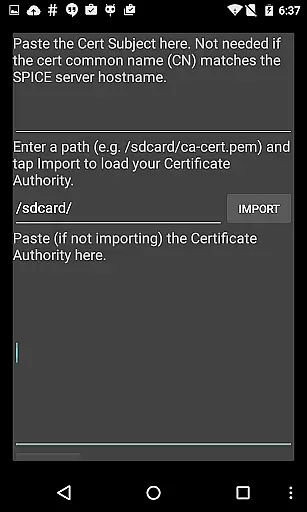
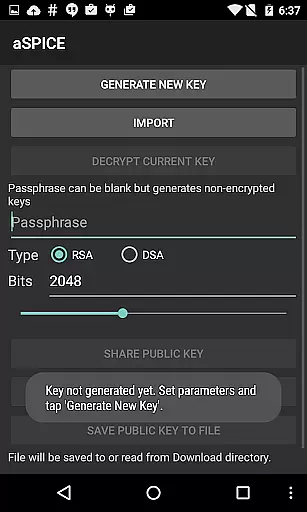
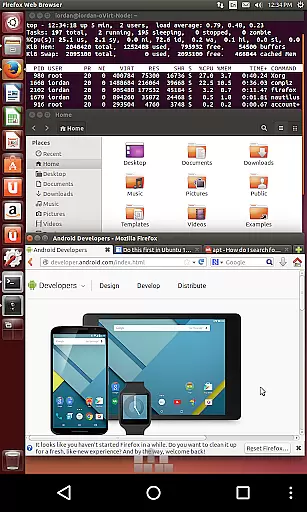
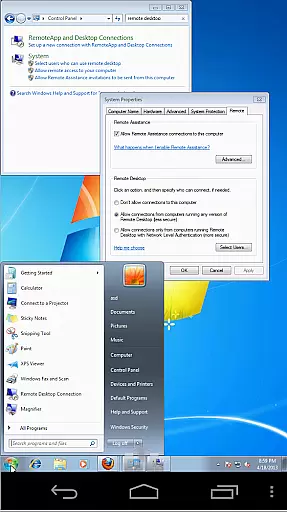
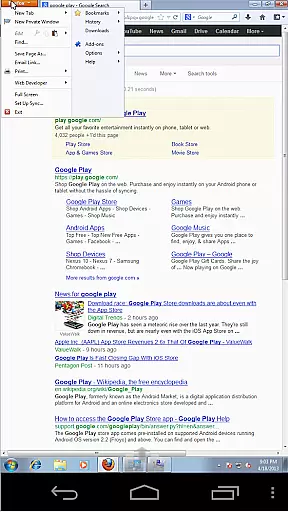

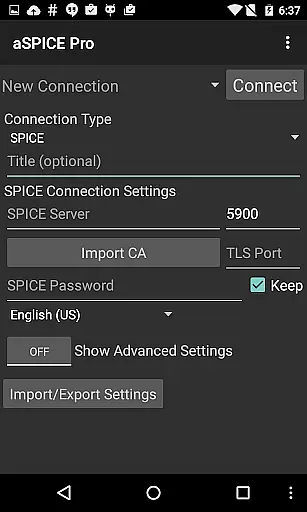
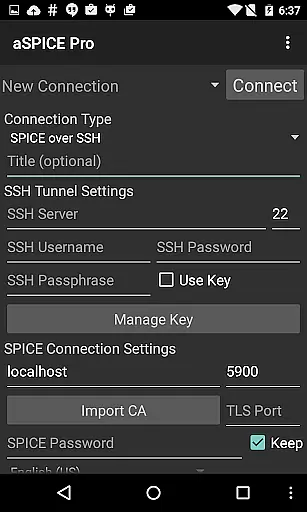
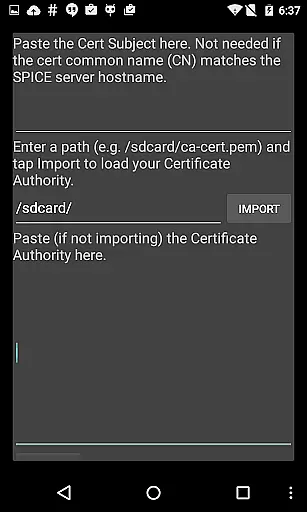
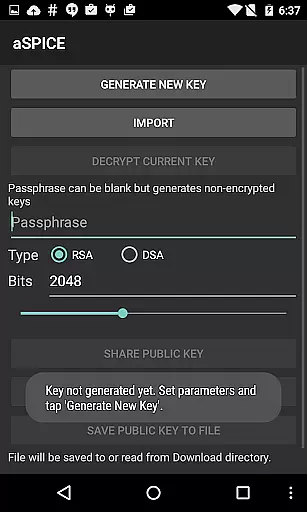
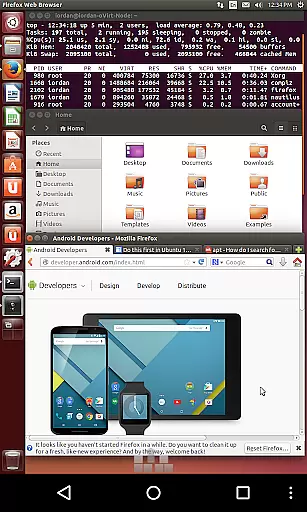
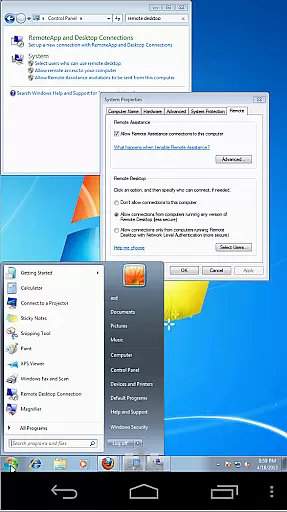
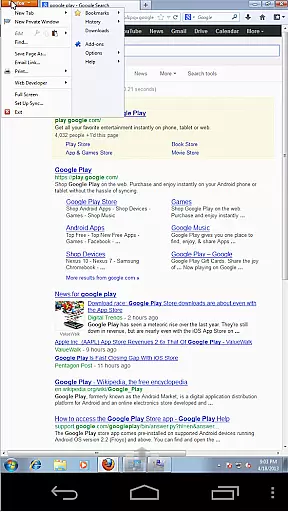

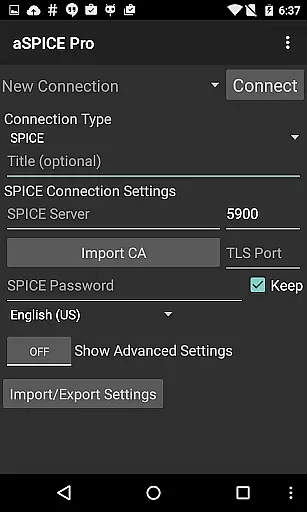
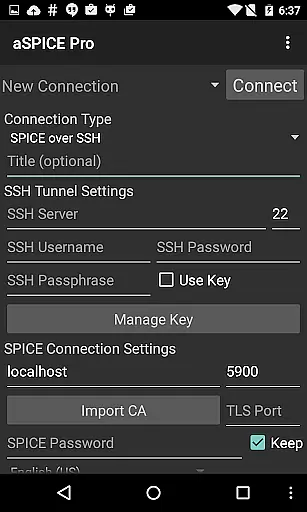
aSPICE Pro Secure SPICE Client is a powerful productivity tool designed for users who need secure and versatile remote desktop access. This application supports the SPICE protocol, enabling control of any SPICE-enabled virtual machine regardless of the guest operating system. With features like Master password support, MFA/2FA SSH authentication, and USB redirection, it ensures both security and functionality.
The app provides an extensive set of capabilities including multi-touch control, sound support, dynamic resolution changes, and full rotation support. These features make it suitable for various devices and screen sizes, ensuring optimal performance on both tablets and smartphones. Additionally, its SSH tunneling feature adds an extra layer of security, making it ideal for reaching machines behind firewalls.
aSPICE Pro stands out with its comprehensive feature set tailored for productivity. One of its key highlights is the support for multi-touch gestures, allowing users to perform actions such as left-clicks, right-clicks, scrolling, and pinch-zooming with simple finger taps. The inclusion of sound support and dynamic resolution changes enhances the user experience by providing flexibility and control over virtual environments.
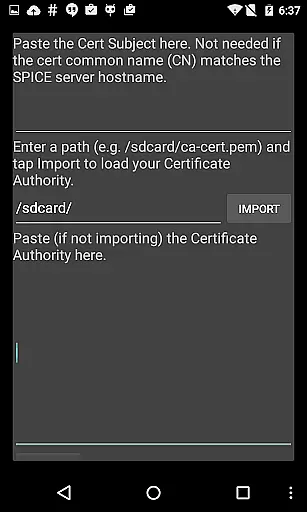
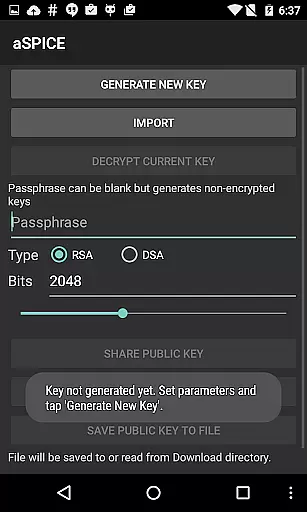
Security is a top priority, and aSPICE Pro addresses this with robust options like SSH tunneling, MFA/2FA SSH authentication, and master password support. Furthermore, the app offers UI optimizations for different screen sizes, Samsung multi-window support, and various input modes including Direct, Simulated Touchpad, and Single-handed modes. These features collectively ensure that users can efficiently manage their remote desktops while maintaining high security standards.
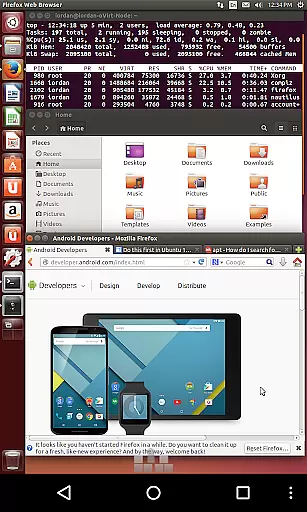
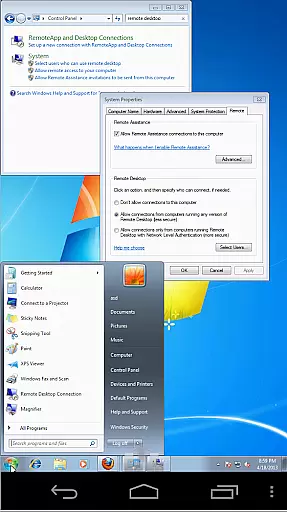
In the realm of productivity, aSPICE Pro Secure SPICE Client excels in core task management by offering users comprehensive control over their virtual environments. This application allows for the manipulation of any SPICE-enabled QEMU virtual machine, regardless of the guest operating system, providing an unparalleled level of versatility.
With features such as multi-touch control, sound support, and dynamic resolution changes, users can seamlessly interact with their desktops from BIOS to OS. The inclusion of SSH tunneling adds a layer of security, making it possible to safely reach machines behind firewalls, ensuring that your work remains private and protected.
The app's ability to save automatic connection sessions means that users can pick up right where they left off, streamlining workflow and eliminating the need to constantly reconfigure settings. This functionality is crucial for maintaining productivity, especially when managing multiple virtual machines across different platforms.
Cross-device synchronization is a critical component of modern productivity tools, and aSPICE Pro Secure SPICE Client delivers reliable performance in this area. By supporting a wide array of input methods, including USB redirection, audio support, and multi-touch controls, the app ensures that user interactions are accurately mirrored across devices.
Whether using a simulated touchpad or engaging with the remote mouse through taps and gestures, users will find that their actions are faithfully reproduced, providing a consistent experience whether they're on a smartphone, tablet, or desktop computer. This reliability extends to the stowable on-screen keys, which allow for efficient navigation without sacrificing screen real estate.
Furthermore, the app's optimization for various screen sizes and its Samsung multi-window support make it an ideal choice for those who frequently switch between devices or require a flexible workspace. With these robust synchronization capabilities, aSPICE Pro enables users to maintain a high level of productivity regardless of their physical location or the device they are using.
Secure SSH connections
Multi-touch gestures
Dynamic resolution
Master password
USB redirection
Complex setup required
Limited clipboard
No iOS version
Advanced features
Costly

 4.20
4.20
Experience real multitasking on your Android!
4.00
Remotely view listen control and record cameras.
3.70
All document reader, all in one file viewer read PDF, DOCX, XLS, PPT, TXT files.
4.60
Best Tool for the professionals Electrician, Electrical contractors, etc.
4.90
Scientific calculator for Android - looks and operates like the real thing!
4.90
Lightweight PDF, Word, Excel reader.
4.60
AI Chatbot and AI writing assistant powered by ChatGPT.
4.60
Seamlessly read, manage, and organize all your PDF files solution in one place
4.40
8 custom complications. Custom Time Fonts. Beautiful color schemes. A++ Design.
5.00
Simple notepad & memo. Take notes, to-do list, shopping list with reminders.
4.80
aCalendar+ makes your day, week and month
4.70
A simple Whisper AI keyboard for reliable speech transcription and rewording
4.60
This small app MUST BE INSTALLED after purchase, else license won't work
4.40
Pwnagotchi companion app
4.20
Todo reminder
4.10
* block pre-roll ads, pop-up and forced redirect ads * Samsung certification app
4.00
The ultimate file manager for rooted devices. The original and still the best.
4.00
ID.me Authenticator is a simple and free Two Factor Authentication solution
3.50


User Reviews