
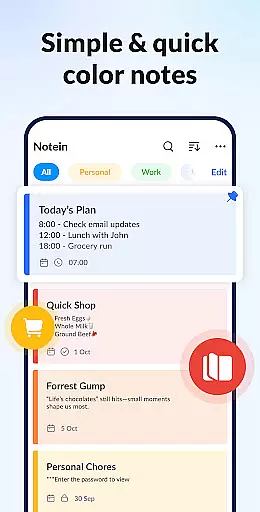
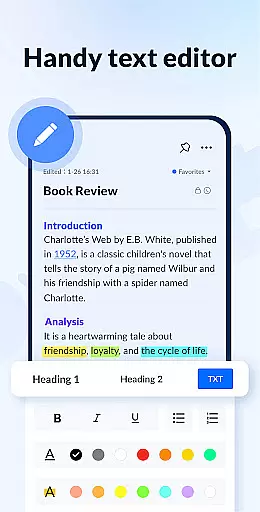
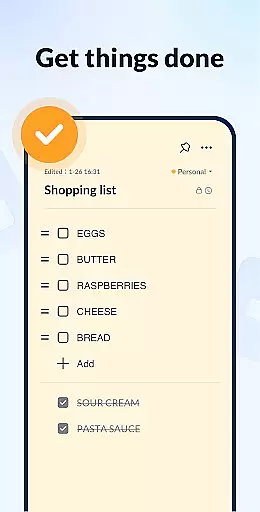
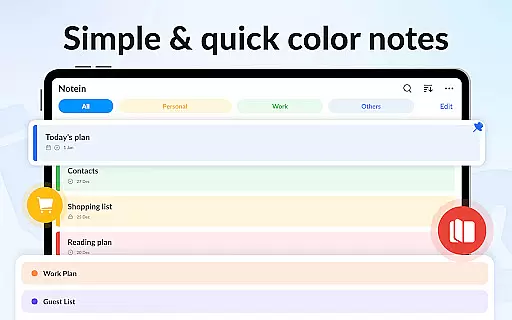
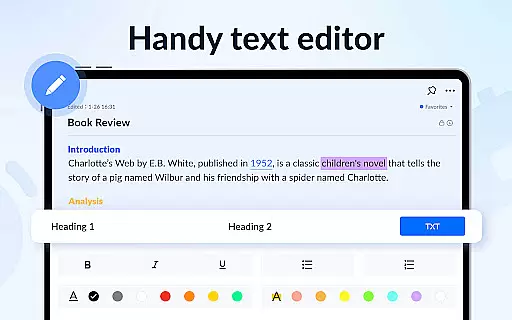
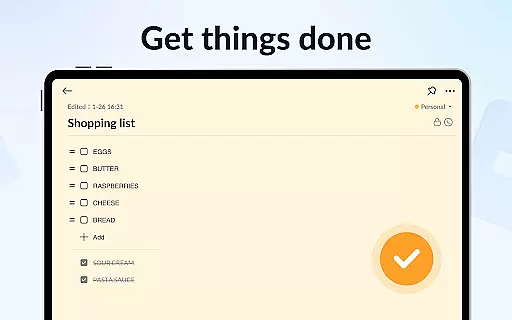
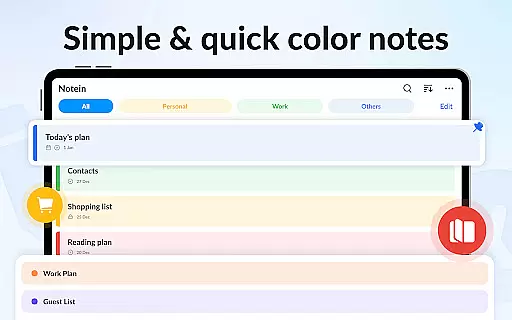
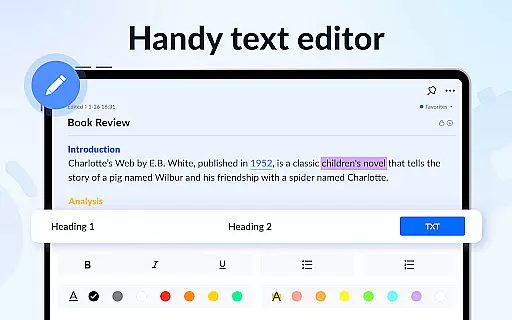
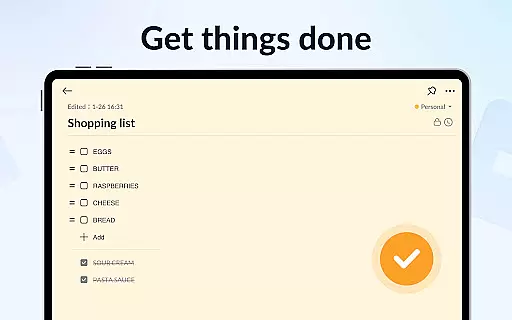
Notein - Notepad, Notes, Lists is a versatile productivity app designed to streamline note-taking and task management. This free notepad app offers multiple note-taking modes including text and checklist formats, automatic saving, and an intuitive interface for creating quick notes, meeting notes, or organizing tasks.
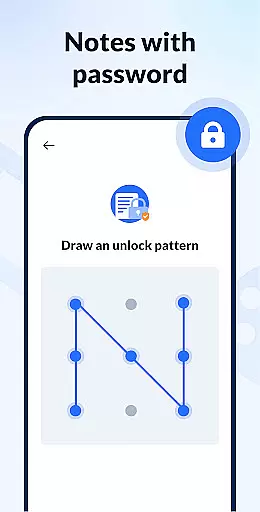
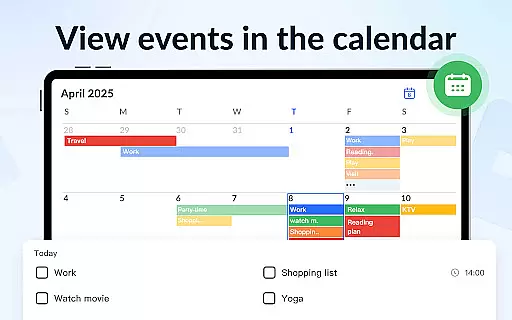
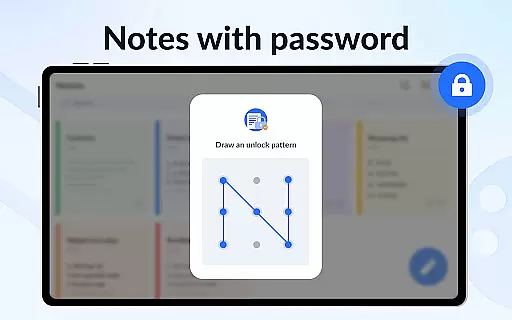
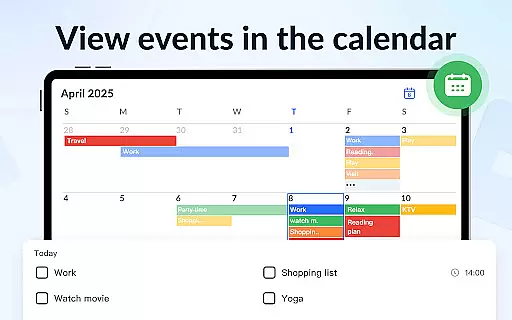
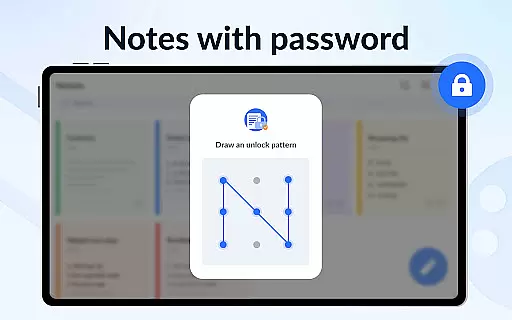
With features like calendar integration, reminders, sticky notes widgets, and color-coded organization, the app ensures users can efficiently manage their schedules and never miss important deadlines. The ability to lock notes with passwords and back up data to the cloud adds an extra layer of security and reliability, making it ideal for both personal and professional use.
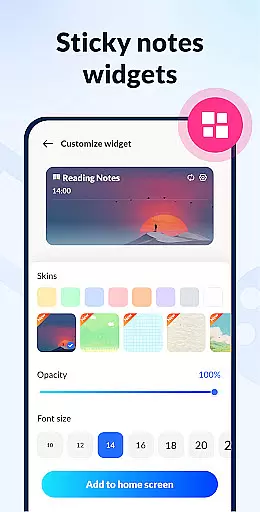
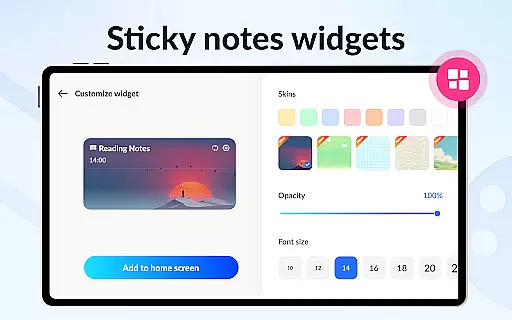
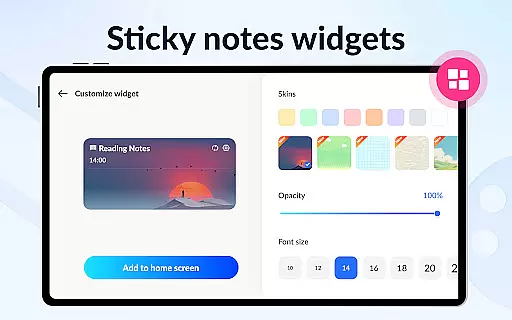
Notein stands out with its comprehensive feature set tailored for productivity enthusiasts. The app provides colorful sticky notes widgets that can be placed directly on the home screen for instant access to critical information. Its powerful notebook functionality allows users to create various types of notes such as class notes, book notes, and text notes.
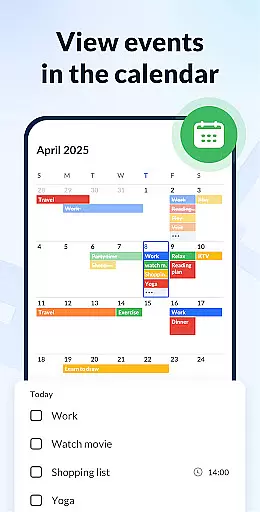
One of the key highlights is the calendar mode which helps in scheduling and managing time effectively. Users can pin important notes, sort them by time or color, and even share notes via multiple platforms like Twitter, SMS, Email, etc. The GTD (Get Things Done) methodology support and notification bar reminders further enhance the user experience by keeping them on track with their tasks.
Effective task management is essential for productivity applications, serving as the backbone for organizing and tracking responsibilities. Notein - Notepad, Notes, Lists excels in this area by offering versatile tools tailored to various note-taking needs.
The application provides multiple modes for task entry, including text-based notes and checklist formats. This flexibility allows users to adapt their note-taking style according to specific scenarios, whether it's for meeting summaries, academic purposes, or personal organization.
One standout feature is the automatic saving function, which ensures no information is lost during the note creation process. Additionally, the ability to pin crucial notes and access them through home screen widgets enhances visibility and retrieval speed.
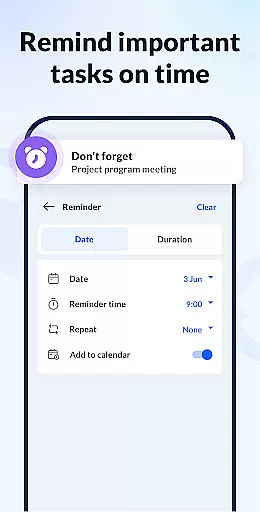
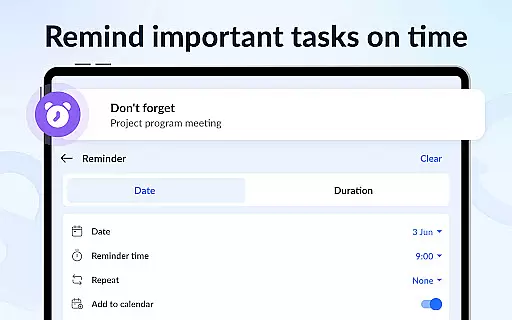
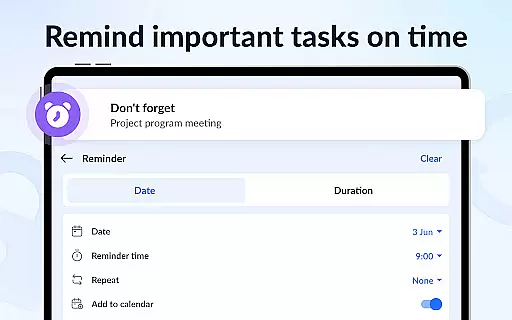
Users benefit from an integrated calendar system that supports scheduling and deadline setting. The reminder functionality further reinforces commitment to tasks by providing timely notifications, ensuring important deadlines and events are not overlooked.
In today's interconnected world, reliable cross-device synchronization is vital for maintaining workflow continuity. Notein addresses this need by implementing a robust cloud backup system that secures user data across different platforms.
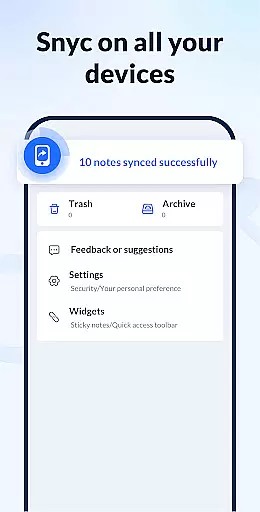
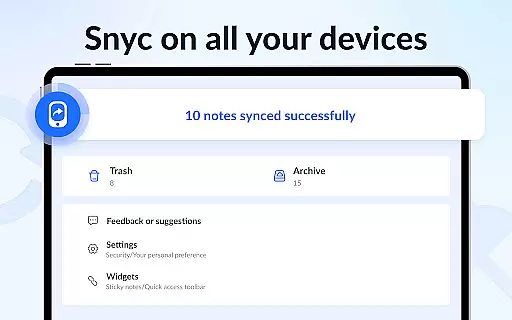
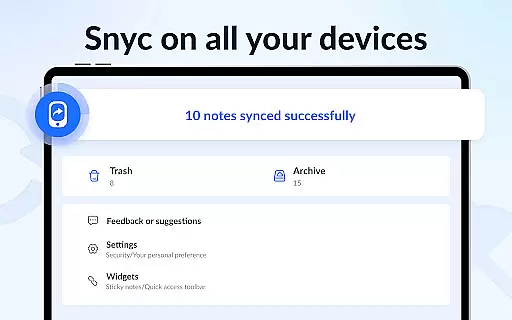
All notes created within the application can be securely stored in the cloud, preventing data loss due to device malfunctions or replacements. This feature guarantees that users can retrieve their information whenever necessary, regardless of the device they are using.
The synchronization process operates seamlessly in the background, allowing users to focus on their tasks without worrying about manual backups or data transfers. This automatic operation ensures that the latest versions of notes are always available on every connected device.
Furthermore, the ability to share notes via various communication channels enhances collaboration possibilities. Whether it's through email, social media, or messaging apps, users can distribute information quickly and efficiently, knowing that the data remains consistent across all platforms.
User-friendly interface
Automatic note saving
Color-coded organization
Secure note locking
Cloud backup functionality
Limited collaboration features
No real-time syncing
Basic drawing tools
Occasional bugs reported
Ads in free version

When you Focus, so will your Bean in this cozy focus timer
 4.30
4.30
All in one sketching tool. Technical and General drawing. Online Maps support.
3.70
The upgraded version of Name Wheel with AI and the power to add your own wheels.
4.1
⏰ Finally a timer app which can run multiple timers simultaneously on your watch
3.90
All in One PDF Reader: Manage, Read and Edit your Documents
4.20
Font maker keyboard with your own handwriting
4.10
Docker, Kubernetes management over Portainer Mobile
4.40
QuickEdit is a fast, stable and full featured text and code editor.
4.20
Note taking, handwriting, record audio, PDF annotation, planner & journal
4.20
We're working to become the best machining app on the market! www.cncdirt.com
4.80
Understand anything with a personalized AI research assistant
4.80
aCalendar+ makes your day, week and month
4.70
A beautiful digital clock with autostart and many other functions
4.70
App Lock with fingerprint, password: Lock apps & hide photos with lock screens
4.60
A lightweight JSON & XML files creator, editor and viewer (Premium Version)
4.40 4.20
4.20
A customizable calendar for your Wear OS watch
4.20
Todo reminder
4.10
Smart PDF reader & editor to view, organize and manage PDF documents easily.
3.70


User Reviews