
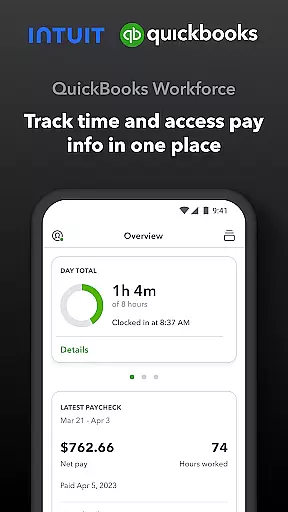
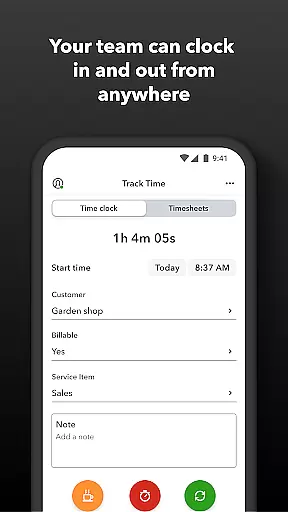
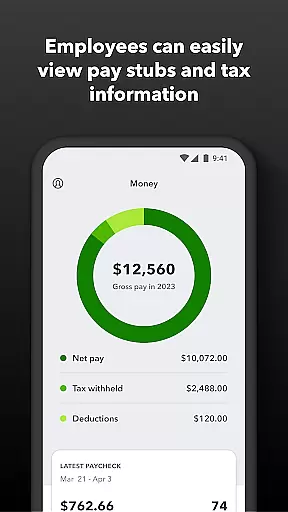
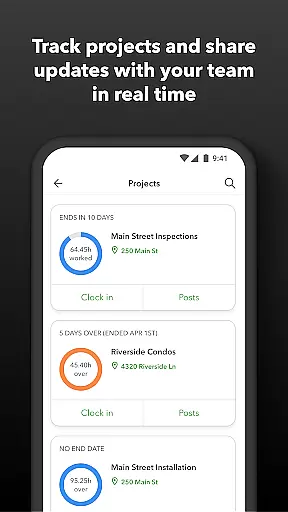
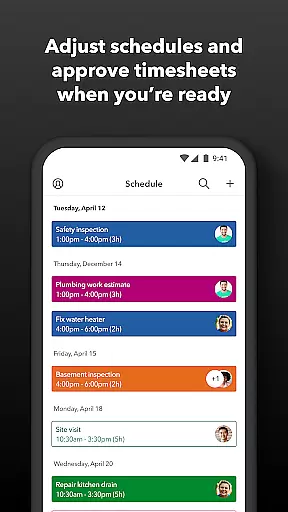
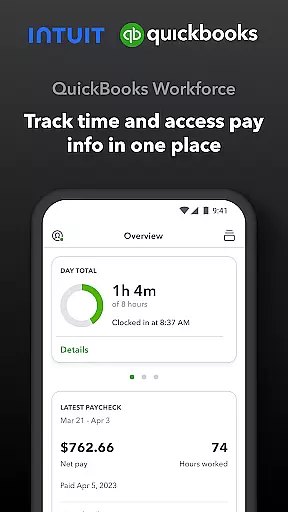
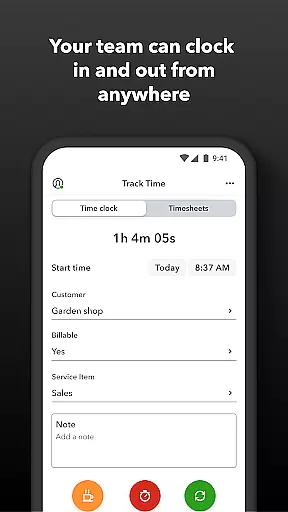
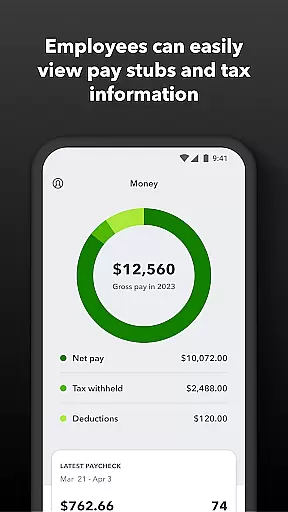
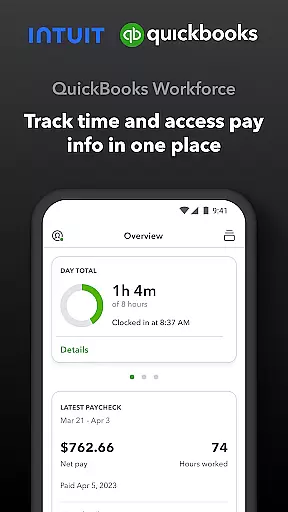
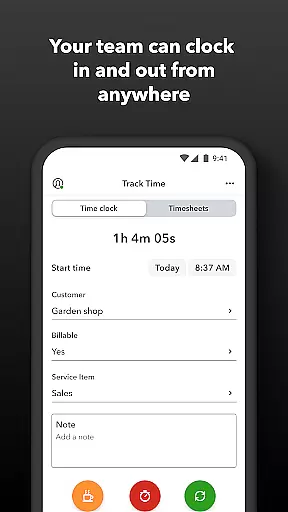
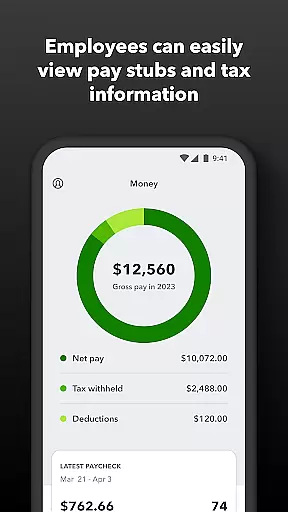
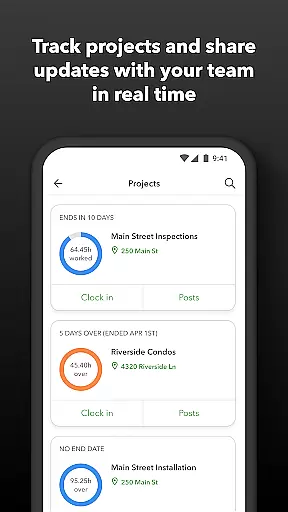
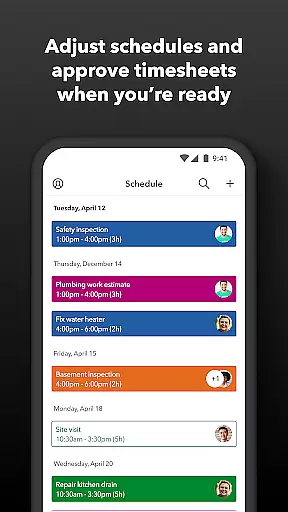
QuickBooks Workforce is a comprehensive productivity app designed for businesses using QuickBooks Payroll and QuickBooks Time. It allows teams to view pay information and track time seamlessly in one place. Employees can access pay stubs, W-2s, and other pay-related data anytime, anywhere, while also managing their timesheets and job schedules efficiently.
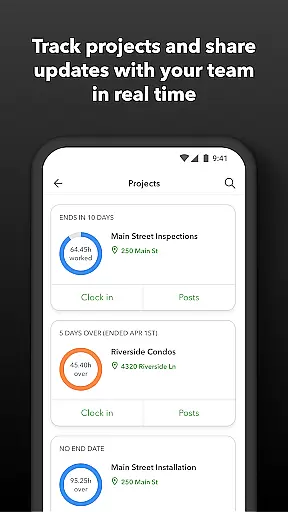
The app offers advanced features such as GPS location-based time tracking, geofencing, and real-time reporting. Employers benefit from tools that help oversee team productivity, manage project status, and adjust budgets or deadlines as needed. With seamless integration into QuickBooks Online and Desktop Payroll, the app eliminates manual data entry, saving on payroll costs and enhancing accuracy.
Whether you're an employer needing detailed oversight of your workforce or an employee requiring flexible time management, QuickBooks Workforce provides essential functionalities that streamline operations and improve overall efficiency.
QuickBooks Workforce stands out with its robust feature set tailored for both employers and employees. For employees, it offers convenient access to pay stubs, W-2s, and the ability to clock in and out even without Wi-Fi. The app supports submitting and tracking paid time off, sick days, and holidays, along with editing timesheets and managing job schedules.
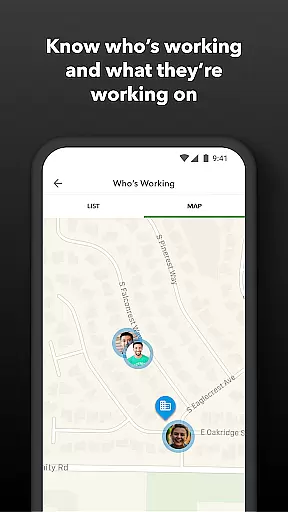
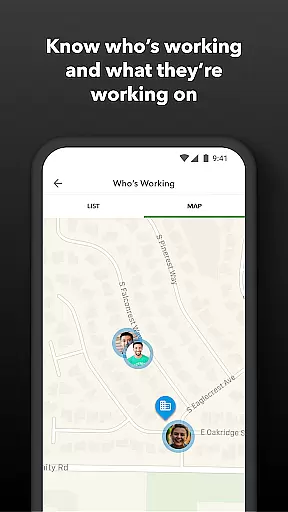
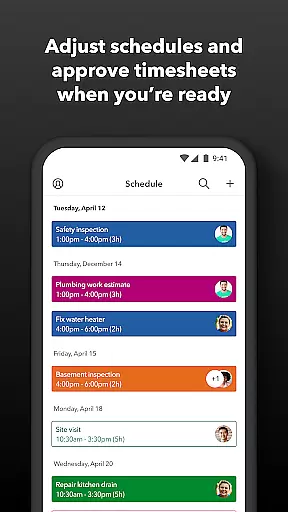
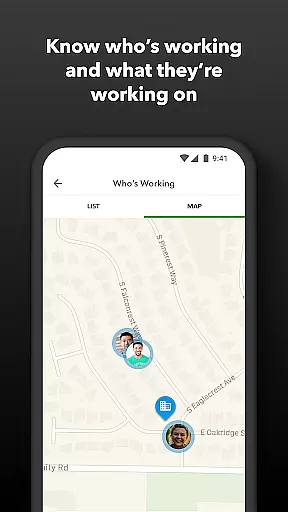
For employers, the app provides powerful administrative controls. They can approve, edit, or delete timesheets, schedule by job or shift, and monitor who's working and where in real time. Advanced features include setting up geofences for automatic clock-ins/outs, creating or modifying schedules, and receiving alerts if employees don't clock in as planned or approach overtime.
Additional benefits encompass saving on payroll costs through automated processes, generating real-time reports in multiple formats (PDF, CSV, HTML), and integrating smoothly with various payroll, accounting, and invoicing software. This ensures accurate time data replaces traditional paper timesheets, making payroll faster and more cost-effective.
Task management is a cornerstone of productivity applications, and QuickBooks Workforce excels in this area by offering comprehensive tools for both employees and employers. The app allows team members to clock in and out, edit timesheets, and manage job schedules seamlessly. These features ensure that time tracking is accurate and efficient, eliminating the need for manual entry and reducing errors.
For employers and admins, QuickBooks Workforce provides advanced capabilities such as approving, editing, or deleting timesheets, scheduling by job or shift, and creating or modifying schedules. This functionality supports better workforce management by giving administrators real-time insights into who is working and where, which helps in making informed decisions quickly. Additionally, features like geofencing remind teams to clock in or out when entering or leaving a job site, further streamlining operations.
The benefits of these robust task management features are manifold. Employers can track vacation, sick, or holiday accruals for employees and view day and week totals along with other time reports at a glance. This visibility not only aids in overseeing team productivity but also assists in adjusting budgets, deadlines, and resources as needed. Ultimately, QuickBooks Workforce empowers businesses to enhance operational efficiency through precise and automated task management.
Cross-device synchronization is vital for ensuring that all team members have access to the most up-to-date information regardless of the device they use. QuickBooks Workforce offers reliable synchronization across multiple platforms, allowing users to access pay stubs, W-2s, and other pay info anytime, anywhere. This ensures that critical financial data is always available, enhancing transparency and trust within the team.
The app's ability to function even without Wi-Fi or service is another significant advantage. Employees can clock in and out, submit and track paid time off, sick days, and holidays, and switch jobs, pause tracking, or take breaksu2014all while offline. Once connectivity is restored, the app synchronizes the data automatically, ensuring consistency and accuracy across devices.
This reliable cross-device synchronization extends beyond just time tracking. It includes integration with various payroll, accounting, and invoicing software, providing a seamless experience for businesses. By protecting against labor disputes and audits with detailed time logs, QuickBooks Workforce ensures that companies save on payroll costs and eliminate manual data entry. Overall, the appu2019s synchronization reliability significantly boosts productivity and operational efficiency.
User-friendly interface
Comprehensive time tracking
Seamless QuickBooks integration
Real-time reporting
Advanced geofencing options
Premium features require subscription
Limited offline functionality
Occasional sync issues
Higher pricing tiers
Complex setup process

A customizable calendar for your Wear OS watch
 4.20
4.20
Take control of your clipboard with Clipper!
3.90
A simple, portable logger for POTA, SOTA, Field Day, and more
4.5
Absolutely the best CNC machinist speed and feed calculator around. fswizard.com
4.60
Todo reminder
4.10
Best Tool for the professionals Electrician, Electrical contractors, etc.
4.90
Share files & memories safely. Keep your photos and videos secure.
4.40
Understand anything with a personalized AI research assistant
4.80
AI Chatbot and AI writing assistant powered by ChatGPT.
4.60
Great calculator for Android named one of USA TODAY's "25 Essential Apps".
4.90
Scientific calculator for Android - looks and operates like the real thing!
4.90
App Lock with fingerprint, password: Lock apps & hide photos with lock screens
4.60
Calendar 2023 widget for Android. Appointment scheduler, planner, and reminder
4.60
Fill, sign & send docs, forms, agreements & contracts via electronic signature.
4.50
Tally and goal counter for Wear OS & mobile
4.50
Docker, Kubernetes management over Portainer Mobile
4.40
All in One PDF Reader: Manage, Read and Edit your Documents
4.20
Auto-shutoff Alarm with Sunrise, Sunset & Fixed Options.
3.50
Easiest event planning, volunteer signups & parent teacher conference scheduling
2.20


User Reviews