
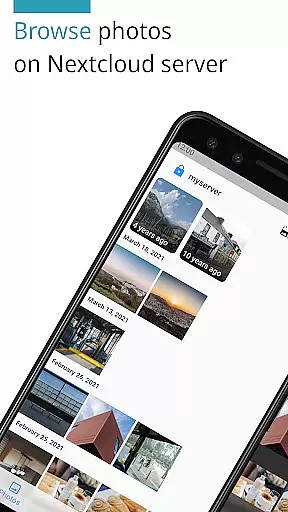
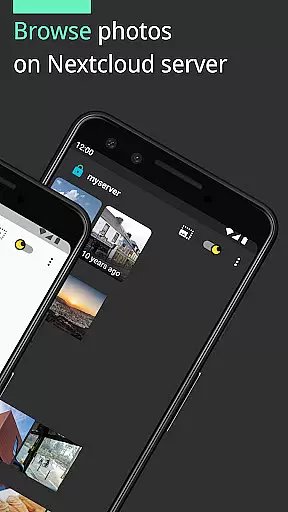
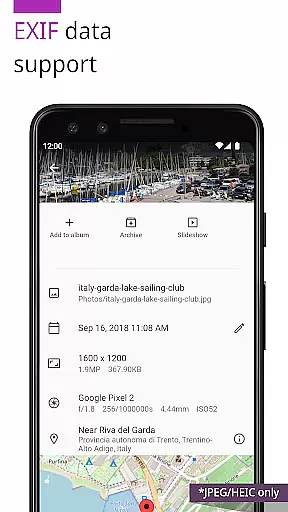
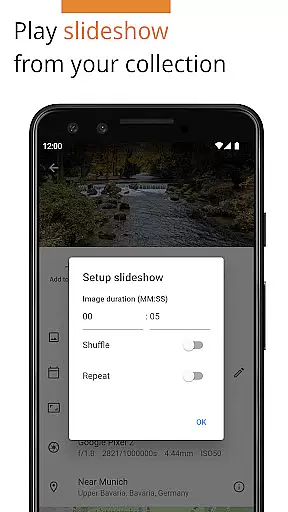

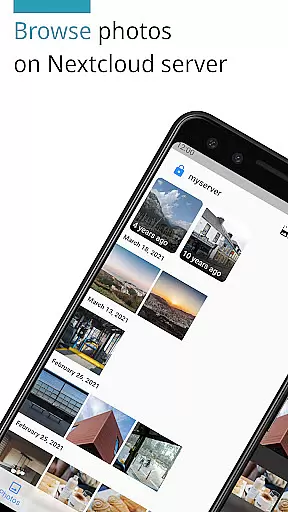
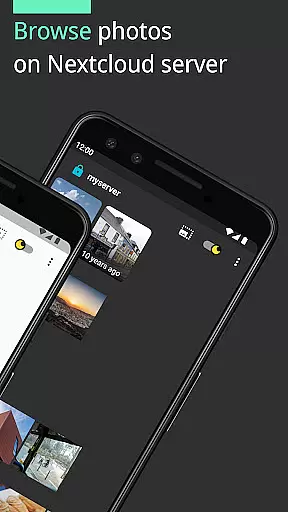
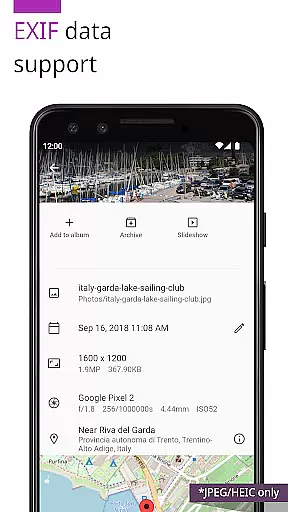
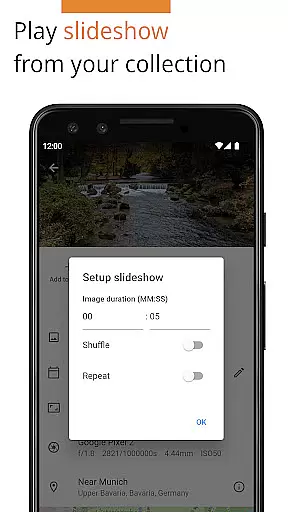
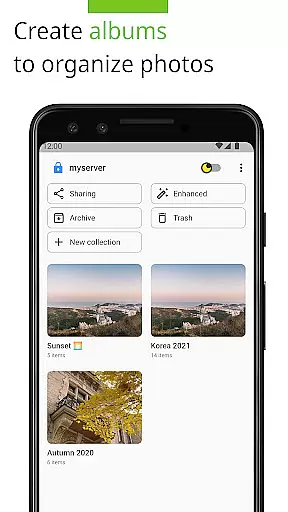
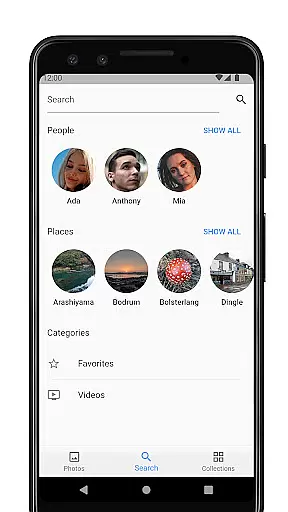
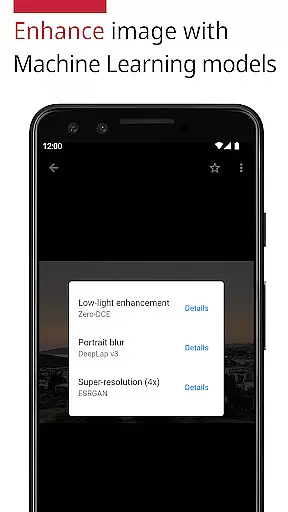
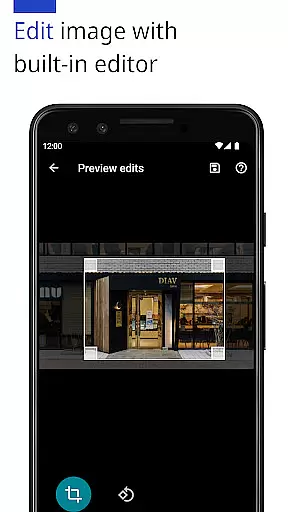
Photos for Nextcloud is a powerful productivity app designed to enhance photo management within the Nextcloud ecosystem. This app offers advanced features such as JPEG XL support, client-side EXIF extraction, and machine learning-based photo enhancement. Users can edit photos with the built-in editor and create flexible albums while enjoying seamless integration with Nextcloud servers.
The app supports multiple sign-in options, reverse geocoding, and experimental shared albums with users on the same server. With its open-source nature, Photos for Nextcloud ensures transparency and community-driven improvements. It is ideal for individuals and teams seeking efficient photo organization and editing capabilities without compromising privacy or control.
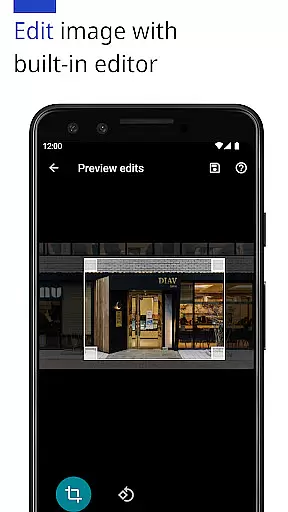
One of the standout features of Photos for Nextcloud is its extensive format support, including JPEG, PNG, WebP, HEIC, GIF, JPEG XL, MP4, and WebM. The app also integrates with the Nextcloud Face Recognition app, enhancing photo categorization through advanced algorithms. Its built-in photo editor allows users to make quick adjustments, while machine learning models provide intelligent photo enhancements.
Additionally, the app supports signing in to multiple servers, making it versatile for users managing various Nextcloud instances. Experimental shared albums enable collaboration with others on the same server, adding a social dimension to photo management. The app's open-source framework and active community contributions ensure regular updates and new feature additions, keeping it at the forefront of productivity tools for Nextcloud users.
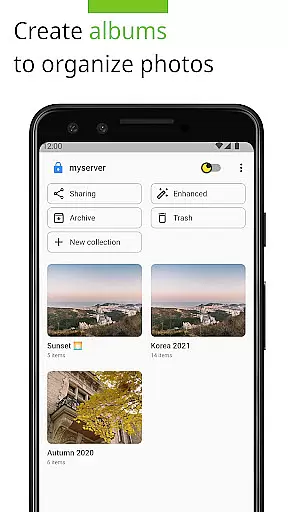
Task management is a cornerstone of productivity applications, and Photos for Nextcloud excels in this area by offering users robust tools to organize their digital assets efficiently. The app supports the creation and management of albums, enabling users to categorize photos effortlessly.
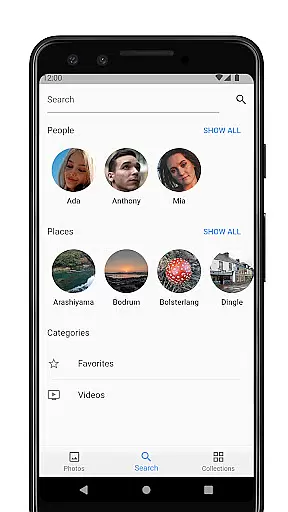
With features like reverse geocoding, users can tag photos based on location data, making it easier to search and manage large collections. This functionality not only enhances organization but also provides an additional layer of context to each photo, enriching the user's experience.
The app's support for multiple server sign-ins allows users to manage tasks across different accounts seamlessly. This flexibility ensures that whether you're handling personal or work-related images, you can maintain a clear and organized workflow without switching between apps.
Furthermore, the experimental feature of creating shared albums with other users on the same server introduces collaborative task management. This means teams can work together on projects, ensuring everyone has access to the latest updates and resources, thus improving overall productivity.
Cross-device synchronization is vital for maintaining consistency and accessibility of your data. Photos for Nextcloud ensures reliable synchronization across all your devices, providing peace of mind that your photos are always up-to-date and accessible wherever you are.
The app supports a wide range of formats including JPEG, PNG, WebP, HEIC, GIF, JPEG XL, MP4, and WebM, ensuring compatibility and seamless integration regardless of the device or platform you use. This extensive format support guarantees that no matter what type of media you capture, it will sync correctly and be available on all your devices.
Additionally, the app's open-source nature means that any issues related to synchronization can be quickly identified and resolved by the community. This collaborative approach ensures continuous improvement and reliability, giving users confidence in their data management processes.
For those concerned about privacy and control over their data, Photos for Nextcloud offers self-hosted solutions. By keeping your data within your infrastructure, you ensure maximum security and compliance with data protection regulations, while still enjoying the benefits of cross-device synchronization.
Advanced photo editing
Multiple server support
Machine learning enhancements
Open-source flexibility
Active community contributions
Experimental shared albums
Limited codec support
No offline mode
Paid version only
Complex setup

Client for Nextcloud Deck
 4.60
4.60
All in one sketching tool. Technical and General drawing. Online Maps support.
3.70
Easily read and manage all your PDF files
4.10
Send files, sync SMS, notifications & clipboard across devices via local network
4.40
Automates browsing any website and notifies you of important changes or events
4.30
All in One PDF Reader: Manage, Read and Edit your Documents
4.20
Docker, Kubernetes management over Portainer Mobile
4.40
Use powerful, industry-leading AI tools to generate visual charts from any data
4.80
Set up, print, and get support—in one place
4.20
Scientific calculator for Android - looks and operates like the real thing!
4.90
Seamlessly integrate data and reports to build your presentation to impress
4.80
We're working to become the best machining app on the market! www.cncdirt.com
4.80
Understand anything with a personalized AI research assistant
4.80
A beautiful digital clock with autostart and many other functions
4.70
Absolutely the best CNC machinist speed and feed calculator around. fswizard.com
4.60
Calendar 2023 widget for Android. Appointment scheduler, planner, and reminder
4.60
Make apps & sites with natural language prompts
4.10
Ultimate Virtual AI Character for immersive Roleplay Chat. Perfect Companion
3.90
Simple and reliable communication between inmates, friends and family
3.20


User Reviews