
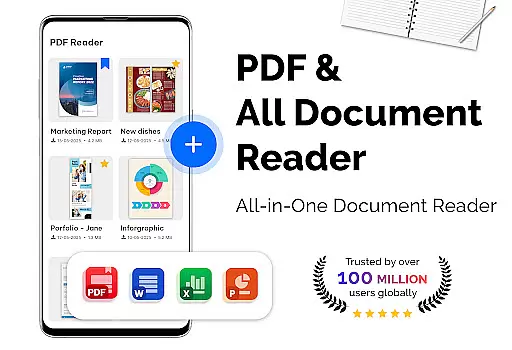
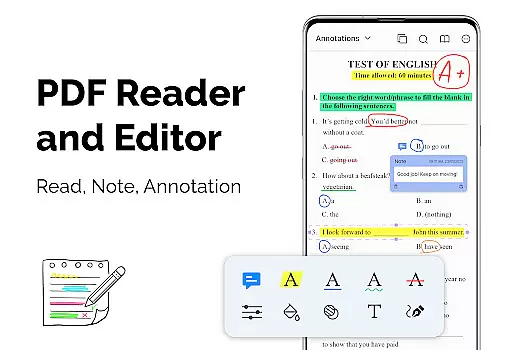
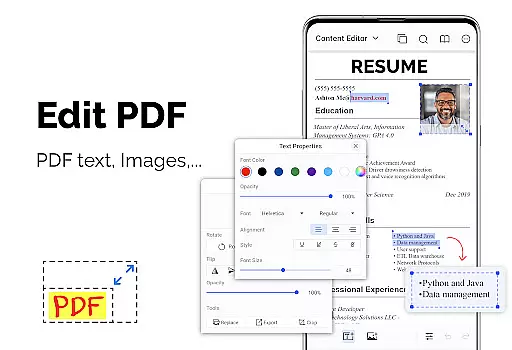
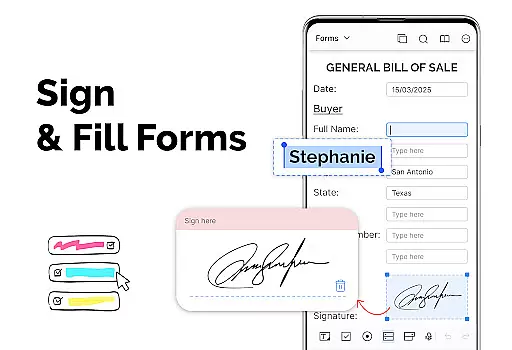
PDF Reader - PDF Viewer is a versatile productivity app designed for seamless document management. This application allows users to read, manage, and convert PDF files with ease. The core functionality includes advanced PDF viewing options such as multiple display modes, customizable themes, and intuitive navigation features.
The app stands out with its ability to handle large PDF files quickly while supporting password-protected documents. Users can enjoy smooth reading experiences through various page navigation tools and bookmarking capabilities. Whether you need to view complex reports or simple documents, this app provides a comprehensive solution for all your PDF needs.
Ideal for professionals and students alike, the app's powerful features make it perfect for managing academic papers, business documents, or personal files. The ability to switch between light and dark themes ensures comfortable reading in any environment, making it an essential tool for productive work on the go.
PDF Reader - PDF Viewer offers an impressive array of features that enhance document handling. The app's quick display technology ensures rapid loading of even large PDF files, providing instant access to important information. Users can choose from various display modes including single page, two-page spread, book mode, and full-screen viewing for optimal reading comfort.
Advanced navigation tools allow precise control over PDF documents. The app supports both vertical and horizontal orientations, bookmarks for easy reference points, and quick page movement functions. These features enable users to efficiently manage complex documents without losing their place.
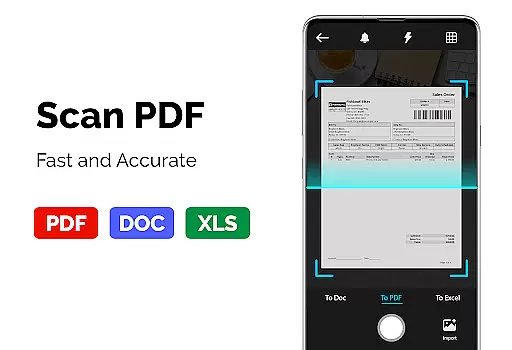
Additional productivity-enhancing capabilities include PDF conversion tools. Users can transform images into PDF format, convert PDFs to JPG files, and create new PDF documents from multiple image formats. This comprehensive feature set makes the app suitable for various professional and personal document management tasks.
In the realm of productivity, managing tasks efficiently is paramount. PDF Reader u2013 PDF Viewer excels in organizing and handling PDF documents, which are often integral to task management. The app's ability to swiftly open large filesu2014up to 300MBu2014ensures that users can manage their document-based tasks without delay.
The application provides various features that contribute to effective task management. With support for bookmarks, users can mark important pages for quick access later, streamlining the workflow. Additionally, its advanced display options, including single page, two-page, book mode, or full-screen, allow users to customize their reading experience according to the task at hand.
PDF Reader u2013 PDF Viewer also offers theme customization with dark and light themes, reducing eye strain during prolonged useu2014a common scenario in task management. This feature ensures that users maintain productivity without discomfort. Moreover, the quick page-moving functionality enables users to navigate through lengthy documents effortlessly, enhancing overall efficiency.
For professionals and students alike, having reliable cross-device synchronization is a significant advantage. While PDF Reader u2013 PDF Viewer focuses primarily on providing an exceptional reading experience, it indirectly supports synchronization by ensuring that all features work seamlessly across different devices where the app is installed.
Although direct cloud sync features aren't highlighted, the appu2019s robust performance implies that once a PDF is downloaded onto a device, it will perform consistently regardless of the hardware specifics. This consistency across devices means users can expect the same high-quality interaction whether they're on a phone or tablet.
Furthermore, because the app handles large files with ease and provides uniform features such as bookmarks, customizable themes, and flexible display modes, users can depend on PDF Reader u2013 PDF Viewer to deliver a dependable experience. This reliability is crucial when managing documents across multiple devices, ensuring that no matter where you are, your productivity remains uninterrupted.
User-friendly interface
Fast file loading
Multiple display modes
Advanced navigation tools
Comprehensive PDF support
Limited collaboration features
No cloud integration
Basic editing capabilities
Occasional performance issues
Ads in free version

Wake up & get tasks done! Add alarms & reminders on the Clock Launcher.
 4.00
4.00
Planet Free VPN - The best Fast Unlimited and Secure VPN Without Logs
4.50
Smart PDF reader & editor to view, organize and manage PDF documents easily.
3.70
Pwnagotchi companion app
4.20
The AI assistant that thinks with you - write, code, and solve complex tasks
4.60
To do list widget with a notebook organizer, checklist, simple shopping list
4.60
Scan paperwork into PDF/JPG, generate your own e-signature and send fax or email
4.70
Browse and view your photos and videos from the phone with photo & video hide.
4.10
Note taking, handwriting, record audio, PDF annotation, planner & journal
4.20
Multilingual translator for text, voice, and image translation!
4.90
Great calculator for Android named one of USA TODAY's "25 Essential Apps".
4.90
We're working to become the best machining app on the market! www.cncdirt.com
4.80
Client for Nextcloud Deck
4.60
Calendar 2023 widget for Android. Appointment scheduler, planner, and reminder
4.60
A lightweight JSON & XML files creator, editor and viewer (Premium Version)
4.40
Access, manage and transfer files on Android, PC, Mac, NAS and cloud storages.
4.30
Experience real multitasking on your Android!
4.00
Create and edit presentations with Google Slides, part of Google Workspace.
4.00
ID.me Authenticator is a simple and free Two Factor Authentication solution
3.50


User Reviews