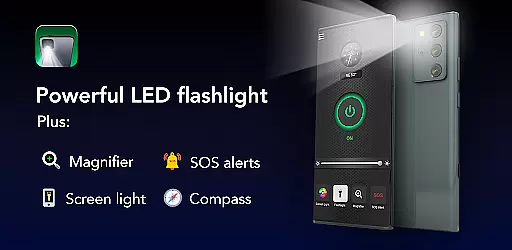
Brightest Flashlight Launcher is an innovative utility app designed to transform your smartphone into a multifunctional lighting and safety tool. This app offers users a combination of essential features including a high-powered flashlight, a magnifying glass with adjustable zoom, and critical safety tools such as a built-in compass, SOS alert system, and screen light.
Whether you're navigating dark environments, reading small print, or requiring emergency assistance, this app provides quick and reliable access to necessary tools. Its intuitive design ensures that all features are readily available from your home screen, making it an indispensable companion for both everyday use and unexpected situations.
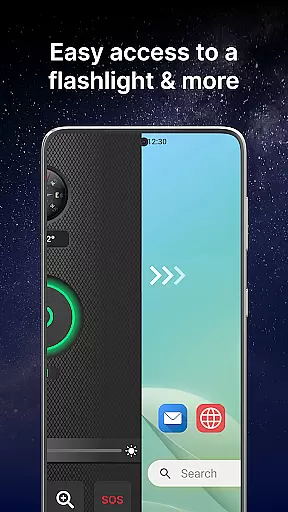
The application's ability to integrate seamlessly with your device's hardware maximizes its effectiveness while maintaining ease of use. By simply swiping right, users can activate the flashlight or magnifier, check their location with the compass, or send out an SOS signal when needed most.
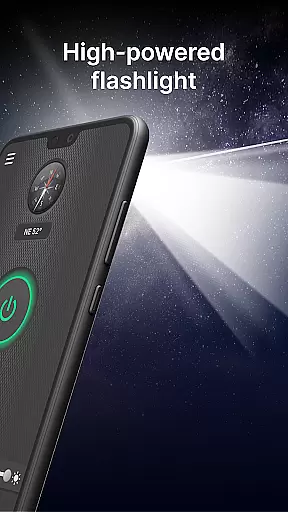
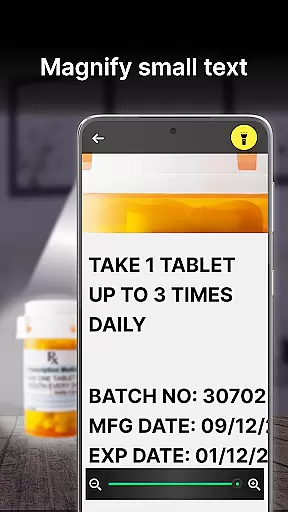
This app stands out with its comprehensive suite of features tailored for diverse scenarios. The brightest flashlight function utilizes your phone's LED to produce intense illumination, perfect for nighttime navigation or searching in dimly lit areas. Additionally, the magnifier tool incorporates a zoom capability and optional torch light, ideal for examining fine details or reading small text.
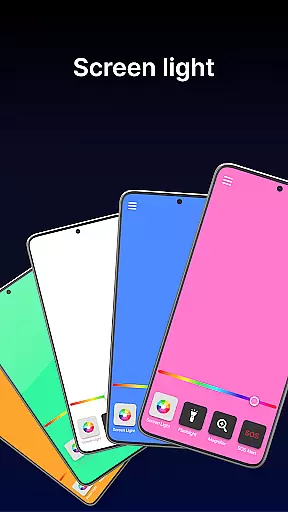
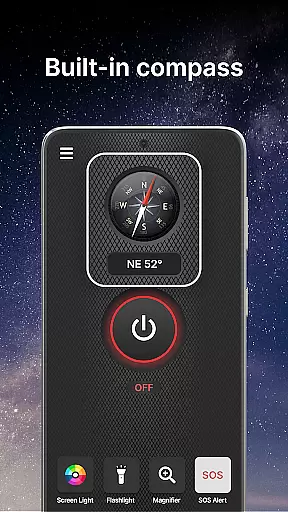
Safety is prioritized with the inclusion of a digital compass for orientation and an SOS alert system that flashes distress signals visible from afar. These features are complemented by the screen light option, which turns the entire display into a luminous surface for enhanced visibility in low-light conditions.
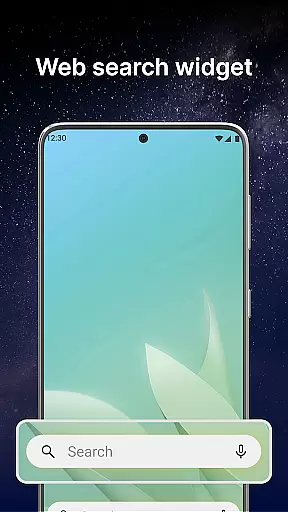
Furthermore, the app enhances user convenience with customizable widgets displaying time and weather, themed wallpapers for personalization, and multi-touchpoint search functionality powered by Yahoo. Such innovations not only improve accessibility but also enrich the overall user experience by providing practical utilities beyond basic flashlight capabilities.
Flashlight Launcher excels in delivering core functionalities with precision and reliability. The app transforms your smartphone into a versatile tool, offering a super bright flashlight, magnifier, compass, SOS alerts, and screen light. Each feature is designed to provide maximum utility - the flashlight illuminates dark environments instantly, while the magnifier combines lighting with zoom functionality for detailed viewing.
The implementation of these features demonstrates technical excellence. The flashlight uses the phone's LED capabilities to produce the brightest possible light, ensuring visibility in complete darkness. The magnifier incorporates both zoom and brightness control, making it suitable for reading fine print or examining objects closely. Meanwhile, the built-in compass delivers accurate directional information, which proves invaluable during outdoor activities.
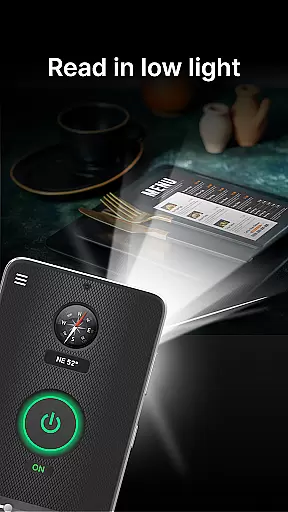
Users benefit significantly from these well-executed features. Whether you're navigating unfamiliar terrain, searching for lost items, or need emergency signaling through SOS alerts, Flashlight Launcher provides essential tools at your fingertips. The screen light feature further enhances usability by turning the entire display into a luminous surface, perfect for low-light conditions.
This application's value lies in its ability to consolidate multiple practical functions into one accessible platform. By focusing on accuracy and effectiveness, Flashlight Launcher ensures that users can rely on their smartphones as indispensable everyday tools, particularly in situations where quick access to light and magnification is crucial.
Flashlight Launcher stands out for its commitment to interface simplicity and intuitive design. As a launcher app, it reorganizes the home screen to prioritize essential tools like the flashlight, magnifier, and safety features. This redesign ensures that critical functions are only a swipe away, eliminating unnecessary complexity and making the user experience seamless and straightforward.
The app employs several strategies to enhance usability. A single swipe grants instant access to key features such as the flashlight and magnifier, while customizable widgets display time, weather, and other relevant information directly on the home screen. Additionally, personalized wallpapers allow users to maintain aesthetic preferences without compromising functionality. These thoughtful design choices contribute to an environment where tools are easily accessible yet unobtrusive.
For users, this approach translates into significant convenience. The intuitive layout means even those unfamiliar with advanced smartphone features can operate the app effortlessly. Quick access points reduce the time needed to activate essential functions, which is particularly beneficial in urgent situations like power outages or emergencies when immediate illumination or signaling might be required.
Ultimately, Flashlight Launcher's emphasis on simplicity does not detract from its sophistication; rather, it enhances overall effectiveness. By streamlining interactions and focusing on user-centric design principles, the app successfully balances comprehensive functionality with ease of use, ensuring that all individuals - regardless of technical proficiency - can utilize their devices to their full potential.
User-friendly interface
Comprehensive safety tools
Instant access to features
Customizable home screen
Multi-functional utility
May alter home screen layout
Requires several permissions
Some features need internet
Drains battery faster
Limited without hardware support

Remote for Roku, Fire TV, Samsung TV, LG TV, Android TV, Chromecast and VIZIO TV
 4.20
4.20
Universal TV remote control all TVs, Roku, LG, Samsung, Fire, Vizio, Sony, TCL.
4.40
ADB support Android 4.X-Android 13(Support wireless pair mode).No root required!
4.70
A non-root local ADB shell client. READ BELOW!
3.40
Bedrock Together: Join any bedrock server on Xbox/PS
4.80
Mirror your screen to Fire TV - Super fast and simple
4.40
Download any file easily and quickly with Downloader
4.3
A clean app.
4.50
Fast VPN USA for any country. Super secure VPN for calls, streaming, games, TV.
4.40
HD Camera captures every special moment.
4.60
App to pay for FUTO Keyboard
4.60 4.50
4.50
With videos, electrical calculators, and built-in ebook, Ugly’s has your answer.
4.50
Button mapper, mouse toggle, sleep timer and a lot of another features
4.50
Use your phone as a webcam on your computer over WiFi or USB.
4.40
Pro Emulator is an easy to use game console emulator for a range of consoles.
4.40
MS-DOS in your pocket. Play old DOS games anywhere you are ;)
4.10
PDF Reader - Document Viewer: Read, Manage & Organize Your Documents
3.10
card-reader app
2.20


User Reviews