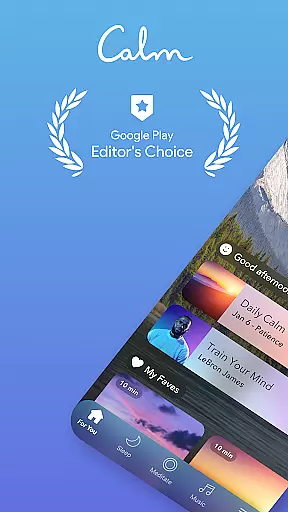
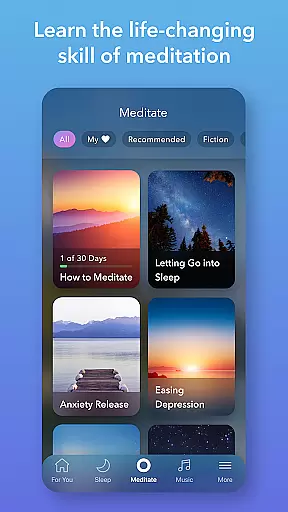
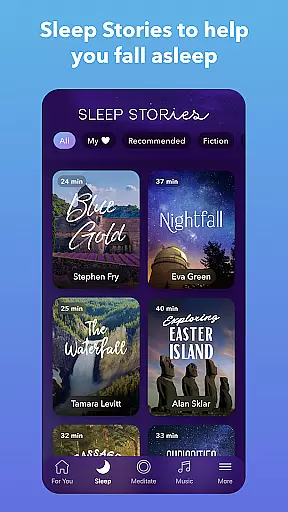
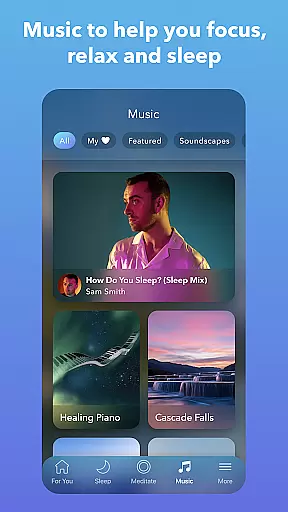
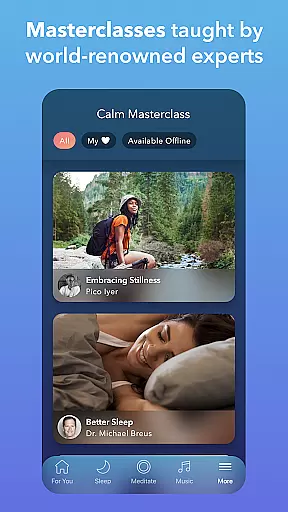

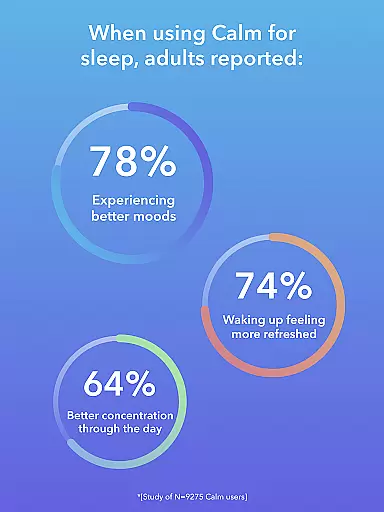
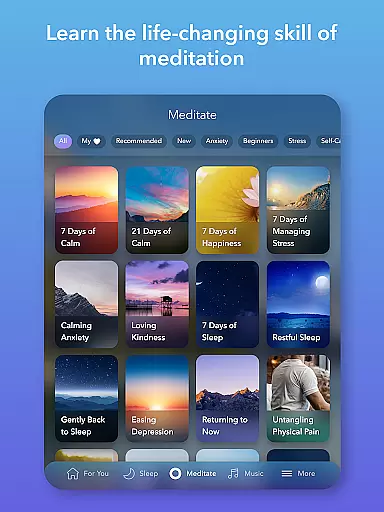
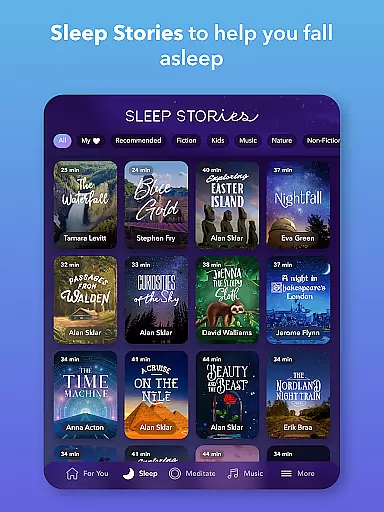
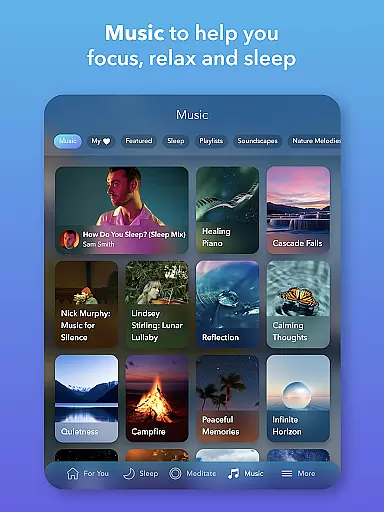

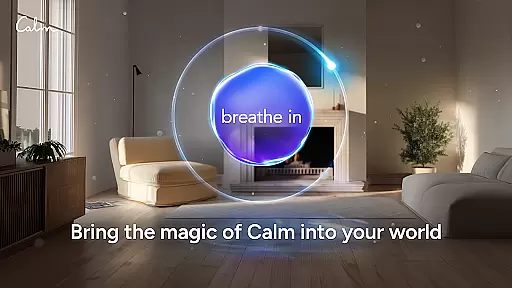
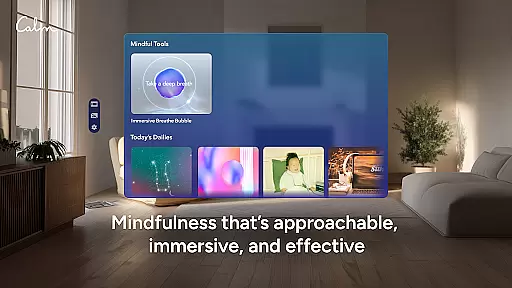
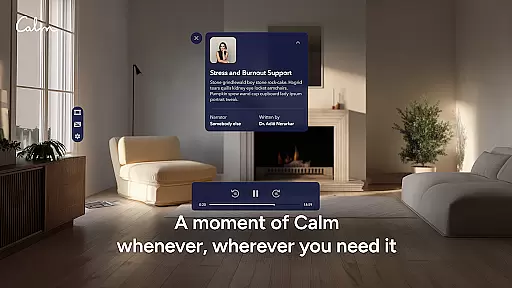
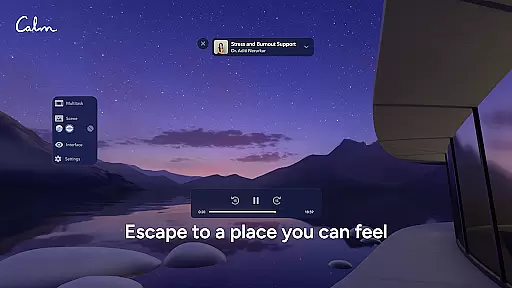
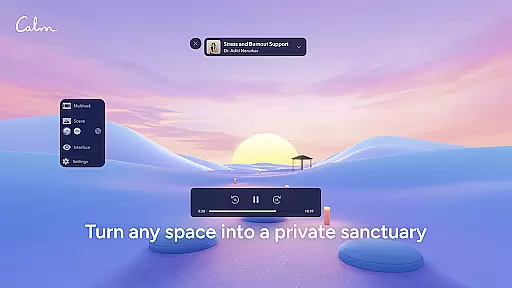
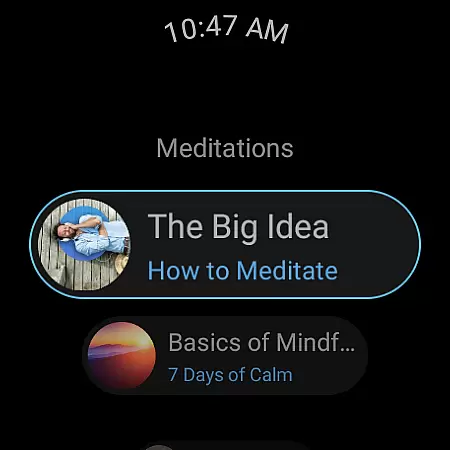
Calm is the leading application for sleep improvement, meditation, and relaxation on Android Wear. This app helps users manage stress, stabilize moods, enhance sleep quality, and refocus attention through a rich library of guided meditations, Sleep Stories, soundscapes, breathwork, and stretching exercises. Whether you're new to meditation or an experienced practitioner, Calm offers tools that cater to your mindfulness journey while promoting better sleep and stress reduction.
Available on wearable devices, Calm allows users to practice mindfulness and access relaxation resources at any time. The integration with Android Wear makes it convenient to start a breathing exercise or track meditation streaks directly from your wrist. With features like Sleep Stories narrated by well-known voices and soothing soundscapes, this app supports both mental clarity and restful nights, making it ideal for busy lifestyles where self-care is essential.
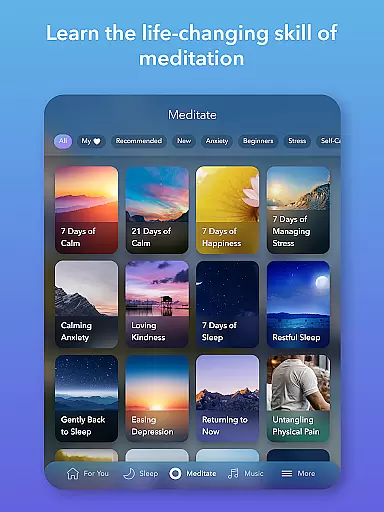
Calm stands out with its comprehensive suite of features tailored for relaxation and mindfulness. One key feature is the extensive collection of guided meditations designed for all experience levels, covering topics such as deep sleep, anxiety relief, focus enhancement, and breaking bad habits. These sessions help users incorporate mindfulness into their daily routines seamlessly.
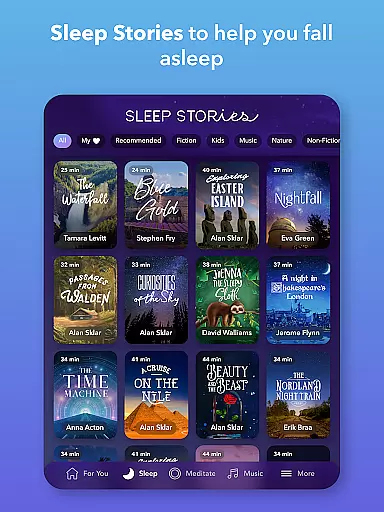
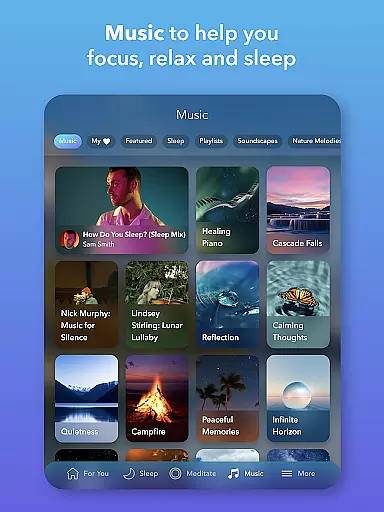
In addition to meditation, Calm provides exclusive Sleep Stories that lull users into restful slumber—these are akin to bedtime stories for adults, voiced by celebrities like Cillian Murphy and Rosé. The app also includes calming music, white noise, and nature-inspired soundscapes that aid in concentration, relaxation, and falling asleep faster. Furthermore, personalized programs like the Daily Calm and Daily Trip offer structured content aimed at reducing anxiety and fostering personal growth over time.
For those focused on physical wellness, Calm offers mindful movement exercises and breathing techniques accessible via Android Wear. This ensures users can engage in quick yet effective practices throughout the day without needing their phones nearby. Overall, these robust features make Calm a versatile tool for holistic well-being.
Companion app integration is essential for users who want a seamless experience between their mobile devices and wearable technology. Calm ensures that its Android Wear app works in harmony with its main application, providing users with uninterrupted access to mindfulness exercises, sleep stories, and meditation sessions.
The Calm Wear OS app features tiles that allow users to quickly start breathing exercises, ensuring that stress relief is just a tap away. This immediate access to essential features enhances the user experience by reducing the need to navigate through the phone app, making mindfulness practices more accessible throughout the day.
Furthermore, complications on the watch face help users track their meditation streaks and mindful minutes. This tracking encourages consistent use of the app by providing visual reminders of progress, which can be motivating for users committed to improving their mental well-being.
By integrating these companion app features, Calm offers a comprehensive solution for managing stress and enhancing relaxation, whether at home or on the go. The synchronization between devices ensures that users have the tools they need to maintain a balanced lifestyle, wherever they are.
Device compatibility is crucial for apps designed to work across multiple platforms, including Wear OS devices. Calm's compatibility with Wear OS ensures that users can enjoy its features without worrying about device limitations, offering a versatile solution for mindfulness and relaxation.
Calm's Wear OS app is optimized to function smoothly on various smartwatches, providing users with the flexibility to choose a device that suits their preferences. This broad compatibility means that whether you own a Samsung, Fossil, or any other Wear OS smartwatch, you can rely on Calm to deliver its content effectively.
In addition to supporting a wide range of devices, Calm also ensures that its app maintains high performance standards. Users can expect quick loading times and responsive interactions, which are vital for maintaining engagement during mindfulness exercises and sleep sessions.
Ultimately, Calm's commitment to Wear OS/device compatibility demonstrates its dedication to accessibility and user convenience. By ensuring that its app functions reliably across different devices, Calm empowers users to prioritize their mental health and well-being, regardless of their choice of wearable technology.
User-friendly interface
Extensive meditation library
Celebrity-narrated Sleep Stories
Daily mindfulness programs
Integration with Android Wear
Premium subscription required
Limited free content
Occasional app crashes
High cost for full access
Some features locked behind paywall

Christmas Theme Watch Face for Wear Os
 5.00
5.00
A Wintery Snow Globe on Your Wrist; now celebrating Christmas!
4.5
Embrace the festive spirit with our Christmas Countdown watchface for Wear OS
4.10
Simple Analog-Digital Watchface For Wear OS 3.0 and Up Smartwatches
4.5
Watch face for Wear OS.
4.20
Reliable phone calls with spam protection, caller ID and more helpful features
4.40
Viewer for Wyze/Yi/Eufy/Arlo/ONVIF/RTSP/P2P IP cams w/ adv. features & DIY DVR
4.00
Fast and smart typing with Emojis, GIFs, and more
4.50
Spam call blocker and caller ID for automatic call protection!
4.40
Diet tracker for weight loss - track calories, food and macros. Simple and easy!
4.70
A modern premium sporty hybrid watch face for Wear OS by Ballozi
4.70
The most customizable minimal watch face. For Wear OS 5.0, API 34+ and later
4.70
The most customizable hybrid watch face. For Wear OS 5.0, API 34+ and later
4.70
Digital watch face with big numbers and many customization for Wear OS devices
4.40
The ultimate destination for kids ages 3-8 to explore the Marvel Universe!
4.30
"PER27 Galaxy Digital" is a digital Wear OS watch face designed by PERSONA
4.10
The #1 source of faces for your smartwatch!
4.00
Structured watch face with seven complications and modular UI elements
3.90
Minimalistic design modern digital watch face.
4.3


User Reviews