
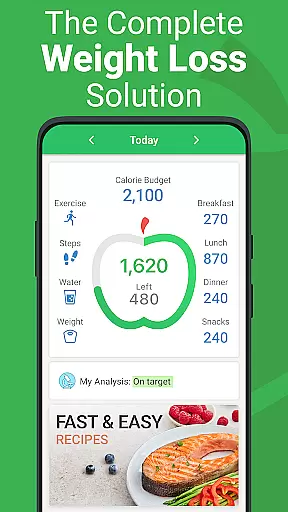
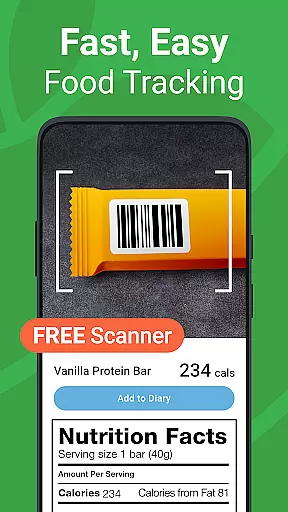
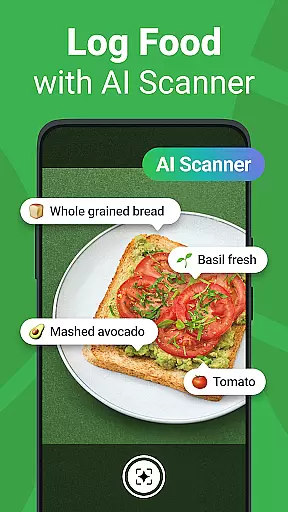
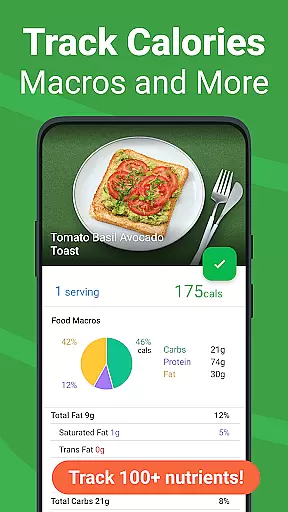
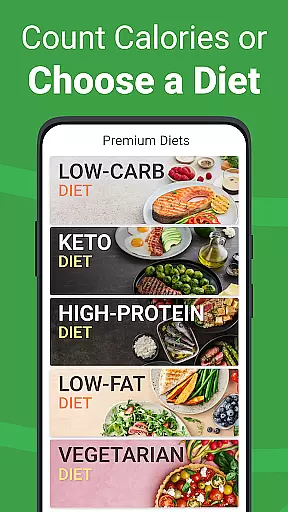
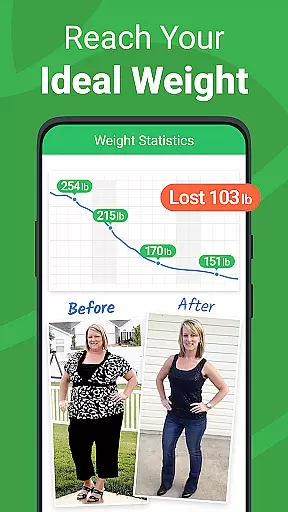
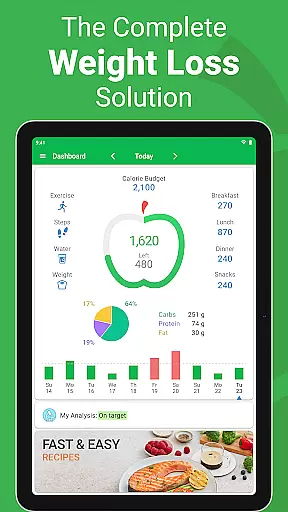
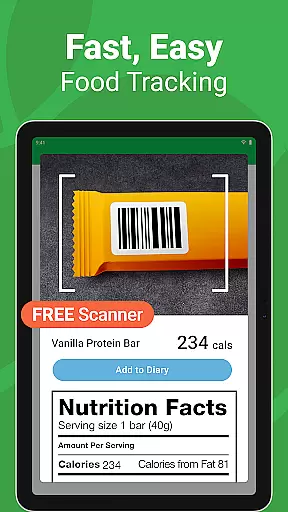
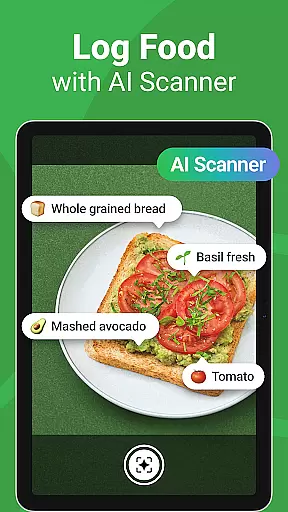
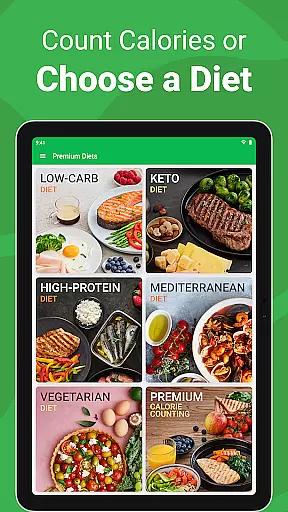
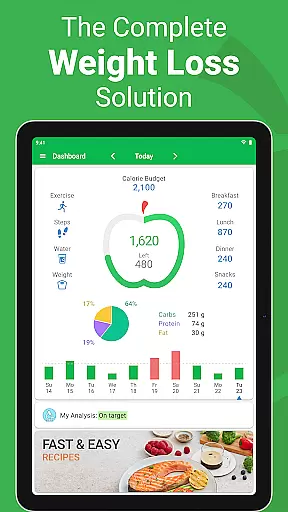
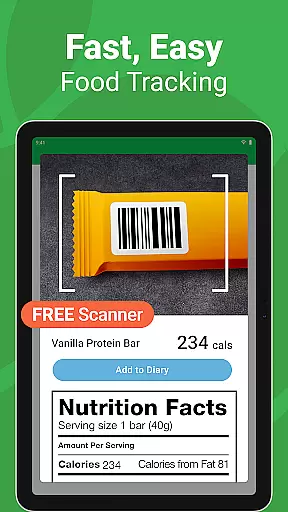
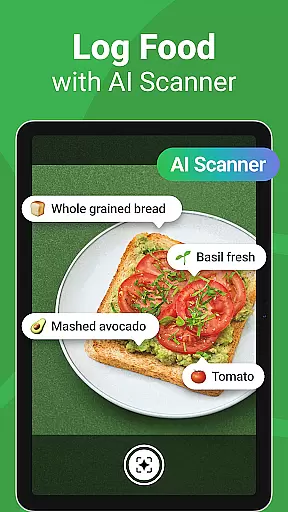
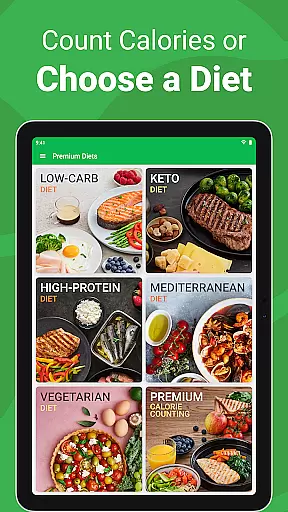
Calorie Counter - MyNetDiary is a comprehensive health and fitness application designed for effortless tracking of calories, food, and macronutrients. This app stands out with its free barcode scanner, personalized diet plans, and AI Meal Scan feature that allows instant logging. Ranked #1 by Forbes Health in 2025 and acclaimed by The American Journal of Preventive Medicine, it offers an intuitive user experience across smartphones and smartwatches.
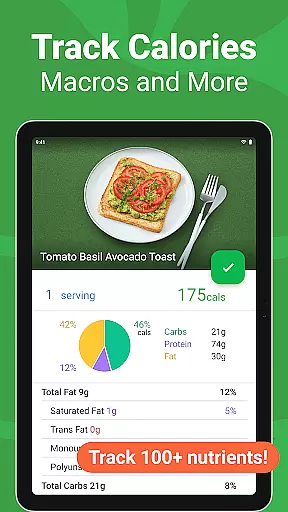
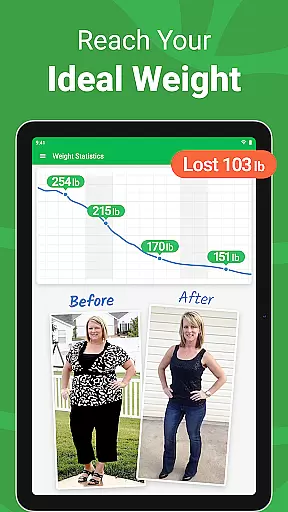
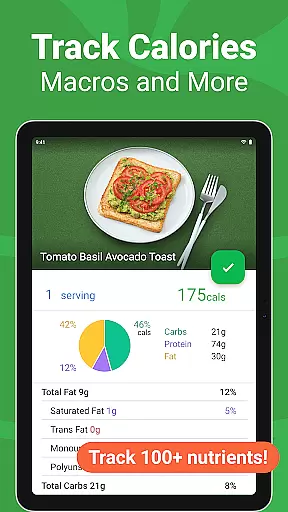
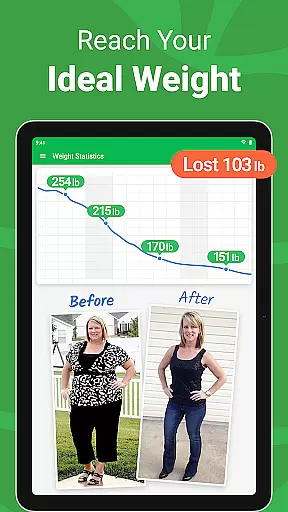
The app boasts the largest verified food database, containing over 1.7 million items and detailing 107 nutrients, ensuring precise nutritional tracking. Users can expect features like exercise tracking, daily coaching advice, and integration with platforms such as Google Fit. Whether you're managing weight or monitoring health metrics, MyNetDiary provides all the tools necessary for maintaining a healthy lifestyle.
MyNetDiary shines with its extensive feature set tailored to enhance your calorie counting and health tracking experience. The app's lightning-fast food journal incorporates a barcode scanner, instant search, and AI-powered voice logging, making food entry quick and easy. With support for over 500 types of exercises and customizable dashboards, users have complete control over their fitness journey.
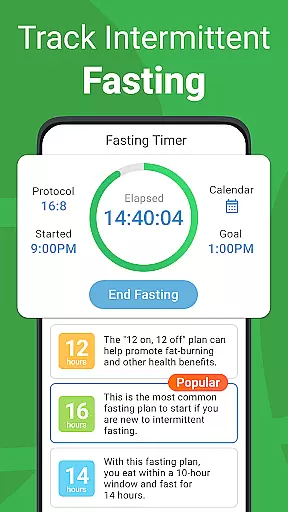
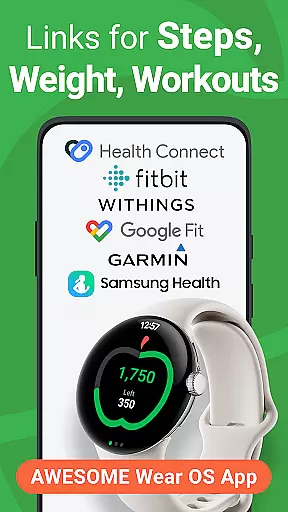
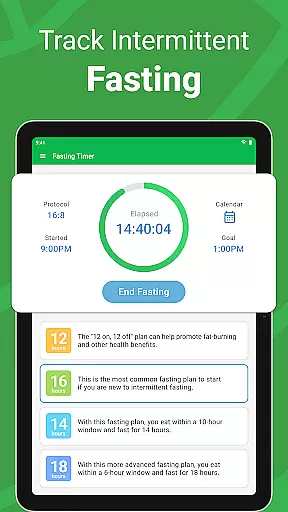
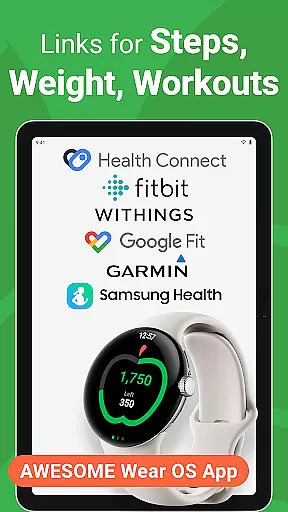
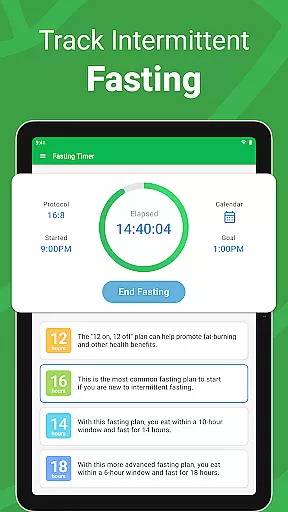
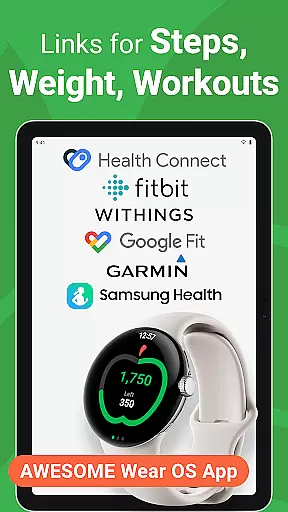
Premium members enjoy advanced functionalities including intermittent fasting trackers, autopilot calorie adjustments, and up to 50 health trackers for metrics like blood pressure and glucose levels. Additionally, the app offers professional dietitian-developed recipes and meal plans. Integration capabilities extend to Fitbit, Garmin, and more, ensuring a seamless connection to other health devices and services.
For users seeking a seamless experience between their mobile devices and wearables, Calorie Counter - MyNetDiary offers robust companion app integration. This feature ensures that all data entered on one device is automatically synced across all others, providing real-time updates to your calorie tracking and health monitoring.
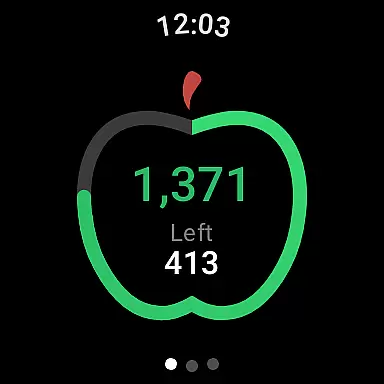
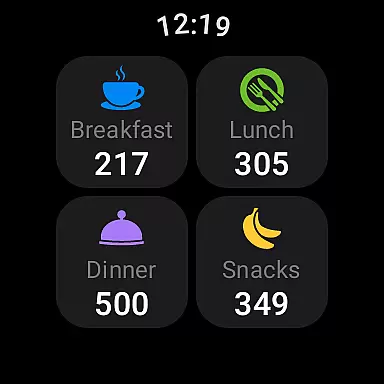
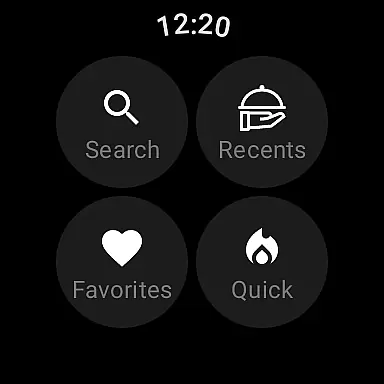
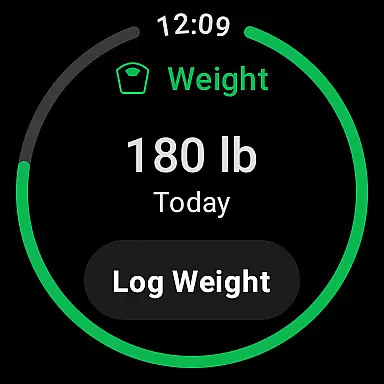
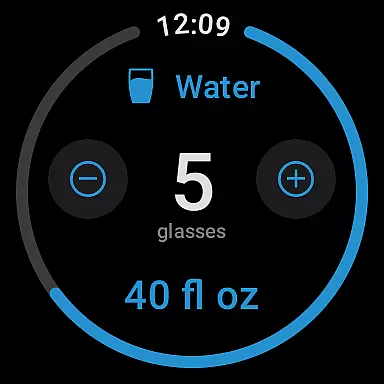
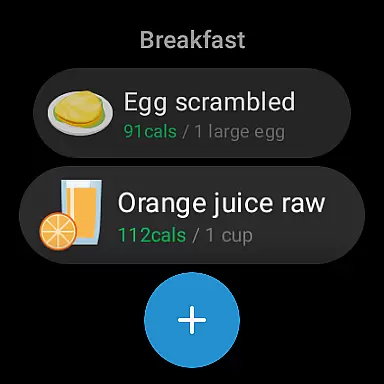
The app's Wear OS compatibility allows for effortless logging of food intake and exercise directly from your smartwatch. With intuitive tiles and complications, you can easily input what you've eaten, track water consumption, and monitor body weight without needing to reach for your phone.
This synchronization empowers users with the flexibility to manage their diet and fitness routines from any device at hand, ensuring they never miss an entry or update. The result is a cohesive ecosystem where your health data is always up-to-date and accessible, no matter which device you choose to use.
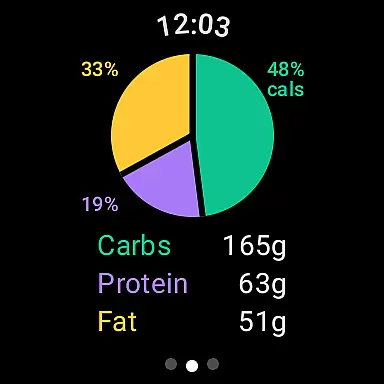
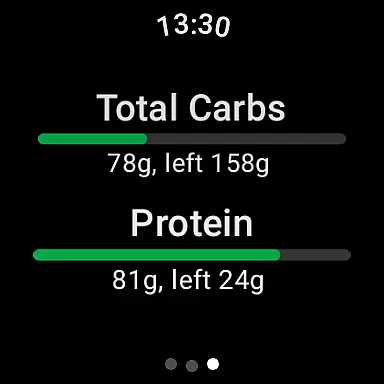
Calorie Counter - MyNetDiary stands out in its exceptional compatibility with Wear OS devices, offering users an integrated and efficient way to manage their nutrition on the go. Designed specifically for smartwatches, this compatibility allows users to log meals, track water intake, and monitor daily macronutrient breakdowns directly from their wrists.
The app supports voice commands for food logging, making it quicker than ever to record meals without interrupting your day. Additionally, customizable watch faces provide at-a-glance summaries of your progress towards dietary goals, keeping motivation high throughout the day.
With full support for Health Connect, Google Fit, and Samsung Health integrations, MyNetDiary ensures that all wearable data is harmonized with mobile entries. This comprehensive approach not only simplifies personal health management but also enhances accuracy by reducing manual input errors.
User-friendly interface
Comprehensive nutrient tracking
Free version available
No advertisements
Extensive food database
Premium features costly
Occasional syncing issues
Limited offline functionality
Requires account creation
Some features complex for beginners

A customizable Christmas watch face for Wear OS with a countdown.
 4.20
4.20
Wear Os Watch Face - Animated Snow - Sesonal for Christmas & Winter
4.2
Christmas is near, let's count together the days left until Santa comes
4.5
Wear Os Watch Face - Animated Snow Effect & Magic Spark - 6 Scenes
4.10
Fitness interactive virtual pet super fighter boy watch face
4.0
Monitor health with the stress test and pulse checker in the heart rate app.
4.60
Viewer for Wyze/Yi/Eufy/Arlo/ONVIF/RTSP/P2P IP cams w/ adv. features & DIY DVR
4.00
A realistic hybrid watch face with many customization options.
4.60
Control your Samsung Smart TVs, appliances, and SmartThings-compatible devices
4.60
Period, ovulation & pregnancy tracker. Fertility insights & menstrual calendar.
4.90
Hyperlocal rain alerts by MyRadar using patent-pending technology, radar & more
4.80
The most customizable hybrid watch face. For Wear OS 5.0, API 34+ and later
4.70
Walking app for weight loss: walk & step tracker, pedometer, indoor treadmill
4.60
Retro digital watch face with customizable colors and a unique lighting effect
4.60
Digital watch face. For Wear OS devices.
4.40
Get helpful reminders, take progress photos and find answers to your questions.
3.90
Stay in touch with your friends and family using LINE!
3.40
Precision analog watch face with 7 complications and style options
4.4
A Wintery Snow Globe on Your Wrist; now celebrating Christmas!
4.3


User Reviews