
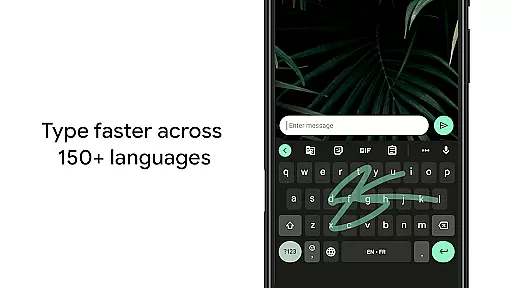
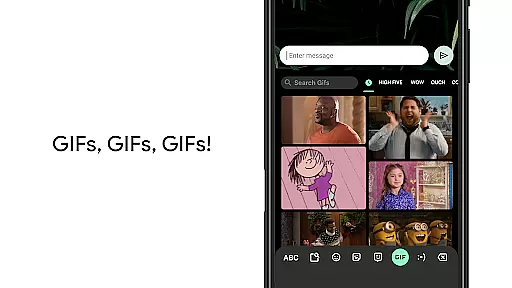
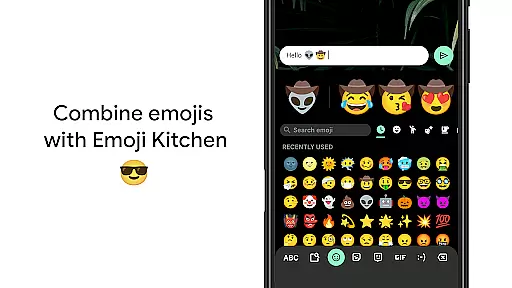
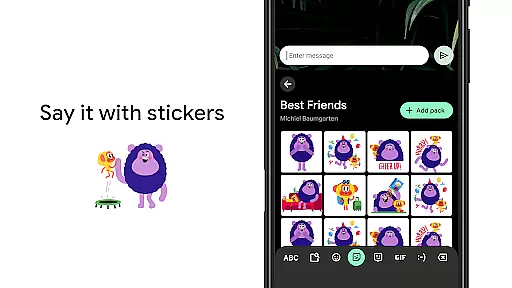
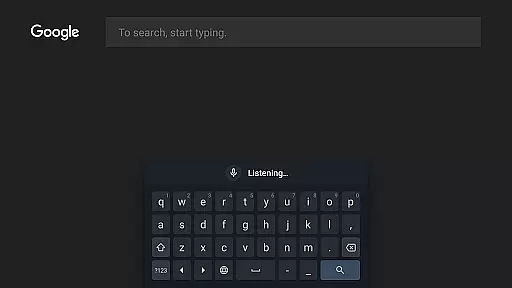
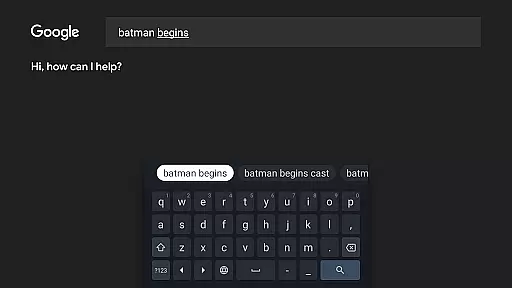
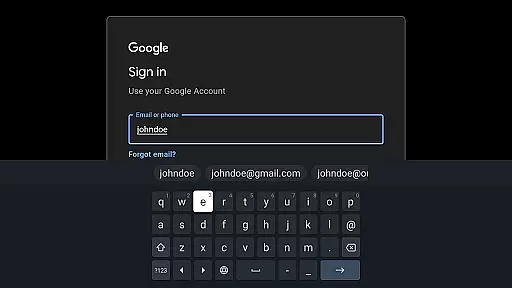
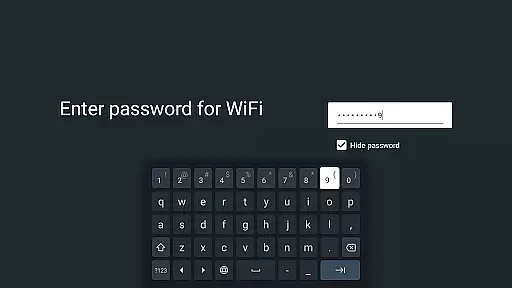
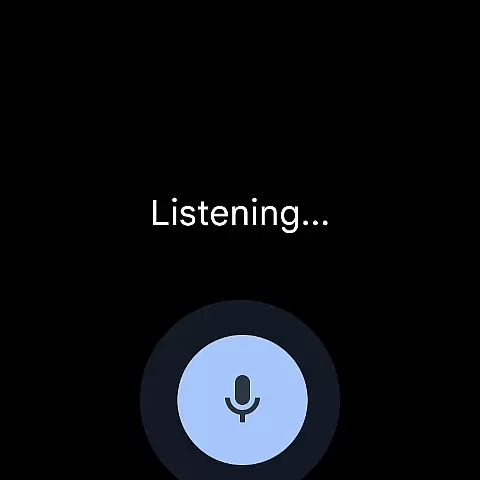
Gboard is a versatile keyboard app designed for Android devices, offering an array of powerful typing features. It combines speed and reliability with innovative input methods such as Glide Typing, voice typing, and handwriting recognition. The app supports hundreds of languages and includes unique tools like Google Translate integration and emoji search, making it ideal for multilingual users and those seeking efficient communication.
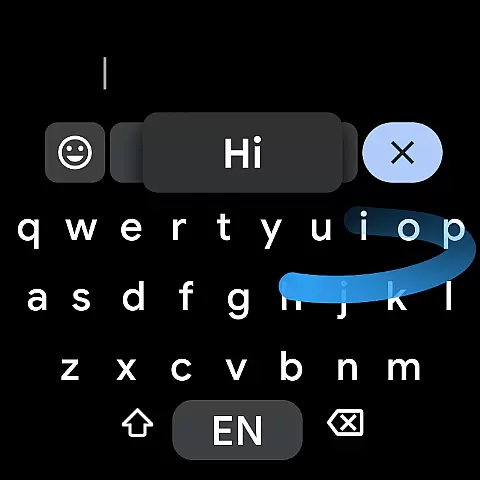
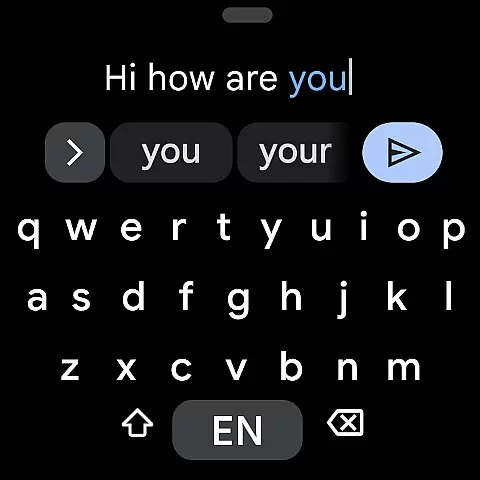
One standout feature is its support for Wear OS, bringing the full functionality of Gboard to smartwatches. Users can enjoy Glide Typing, voice input, and emoji selection directly from their wrists. With advanced functionalities like gesture cursor control and one-handed mode, Gboard ensures a seamless typing experience across both smartphones and wearable devices.
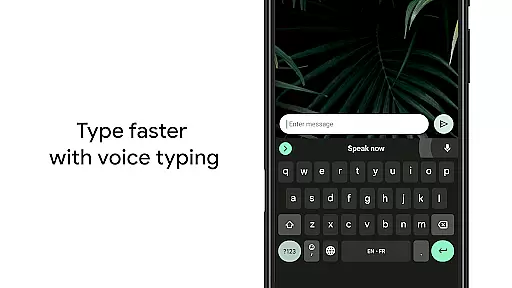
Gboard stands out with its comprehensive set of typing features tailored for modern communication needs. The Glide Typing function allows users to type faster by sliding their finger across the keyboard, while voice typing provides hands-free text input. Handwriting recognition supports both cursive and printed letters, catering to users who prefer this traditional input method.
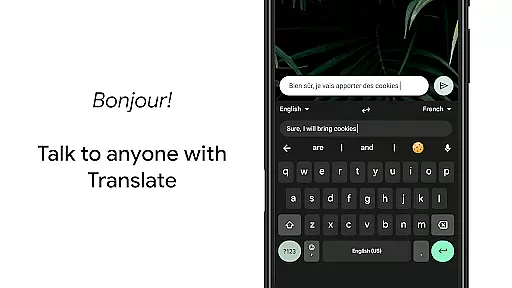
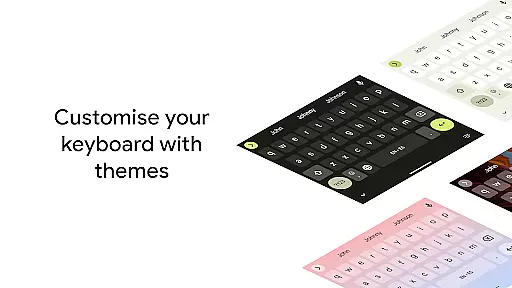
The app's multilingual typing capability automatically corrects and suggests words from multiple enabled languages, eliminating the need for manual switching. Additional features include GIF search, emoji suggestions, and Google Translate integration, which translates text in real-time as you type. Advanced customization options like gesture controls, symbol hints, and adjustable themes make Gboard a highly adaptable keyboard solution for diverse user preferences.
Gboard offers seamless companion app integration, ensuring that your typing experience is consistent across all devices. By connecting with the main Google Keyboard application, Gboard provides real-time synchronization of user preferences, learned words, and personalized settings.
This integration allows users to maintain their unique typing style, whether they are using a smartphone, tablet, or Wear OS device. The synchronized data includes everything from language preferences to custom dictionary entries, making transitions between devices smooth and efficient.
With this feature, users can enjoy the full benefits of Gboard's advanced functionalities such as Glide Typing, voice typing, and multilingual support without needing to reconfigure settings on each device. This ensures a reliable and familiar typing experience regardless of the platform being used.
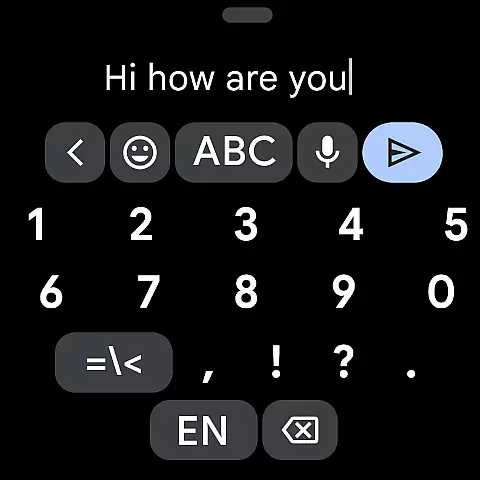
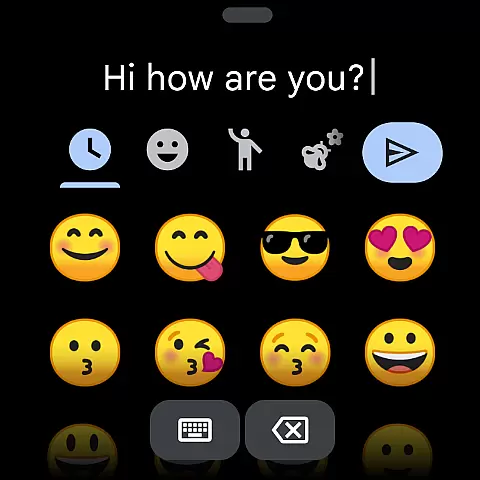
Gboard is fully optimized for Wear OS, offering comprehensive compatibility with Android wearable devices. The keyboard supports all essential features including Glide Typing, voice typing, and emoji selection, specifically adapted for smaller screens and wrist-based interaction.
The application ensures that users can type efficiently even on smartwatches, maintaining high accuracy and speed. Its adaptive design makes it easy to use in various scenarios, whether you're responding to messages on the go or composing quick notes during meetings.
Beyond basic functionality, Gboard on Wear OS maintains consistency with its mobile counterpart by supporting multiple languages and providing access to favorite emojis. This compatibility enhances productivity and convenience, allowing users to stay connected without compromising on typing quality or comfort.
Fast and reliable typing experience
Extensive language support
Innovative Glide Typing feature
Real-time translation capability
Customizable keyboard settings
Some features unavailable on Android Go
Occasional voice recognition errors
Handwriting recognition limitations
Complex settings for beginners
High storage requirements

Snowflake Rose Gold Watch Face - Digital, modern, & sleek with GYRO effect.
 4.10
4.10
A heartwarming Christmas scene featuring a cute image of Santa and Rudolf
4.2
Bold, Modern Hybrid Watch Face for Wear OS. 10 Colors, Rich Info Display.
4.30
Stylish digital watch face for Wear OS devices with customizable features
4.1
Monitor health with the stress test and pulse checker in the heart rate app.
4.60
Find EV charging stations
4.30
Get helpful reminders, take progress photos and find answers to your questions.
3.90
Bold weather Digital watchface with forecast & optional animated background
4.40
Download full tracks, listen to music offline, make unlimited playlists.
4.80
The most customizable minimal watch face. For Wear OS 5.0, API 34+ and later
4.70
Hybrid watch face for Wear OS with customizable complications by Matteo Dini MD
4.70
Connect to your Bluelink equipped Hyundai vehicle from your smartphone.
4.50
Beautiful artistic animated digital watch face, with a customizable layout!
4.40
Digital watch face with big numbers and many customization for Wear OS devices
4.40
Digital watch face. For Wear OS devices.
4.40
Reliable phone calls with spam protection, caller ID and more helpful features
4.40
A full-featured Amazon Alexa voice assistant that can show you things.
3.70
an Analog Watch Face for winter season with freeze winter background for Wear OS
4.0
Christmas is near, let's count together the days left until Santa comes
4.5


User Reviews