
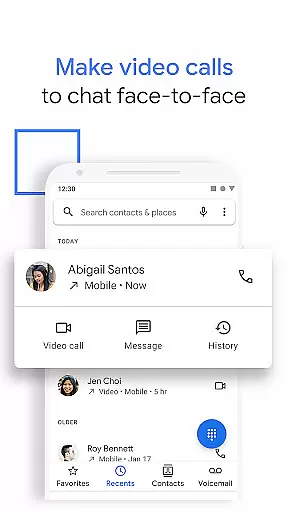
Phone by Google is the official calling app designed to simplify communication while offering advanced features for an enhanced user experience. The app allows users to connect with contacts effortlessly, provides robust spam protection, and offers innovative functionalities like Hold for Me and Call Screen.
With its intuitive design and powerful capabilities, Phone by Google is optimized for Android devices running Android 9.0 and above. It also extends support to Wear OS, making it versatile for various device types. Whether you're looking to block unwanted calls or access visual voicemail, this app delivers essential tools in a user-friendly interface.
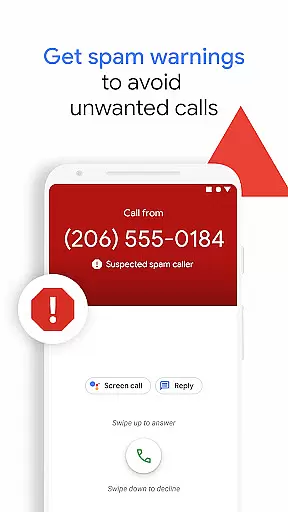
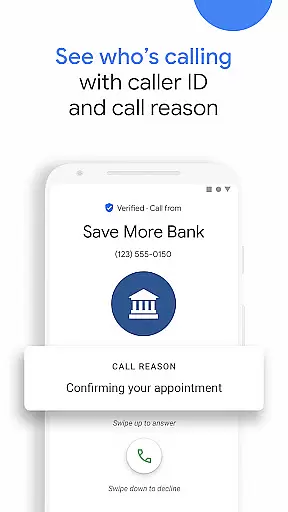
Phone by Google stands out with its comprehensive feature set tailored to modern communication needs. The app's spam protection system warns users about suspicious callers, helping them avoid telemarketers and scammers. Additionally, the extensive caller ID functionality ensures users know who's calling before they answer.
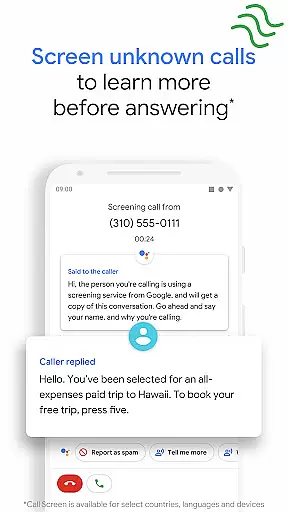
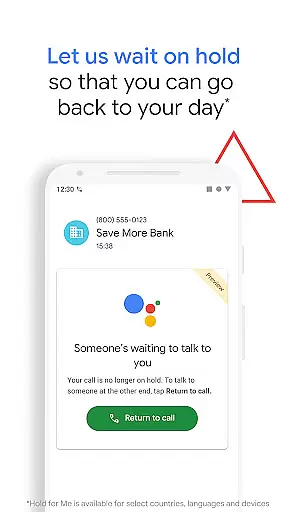
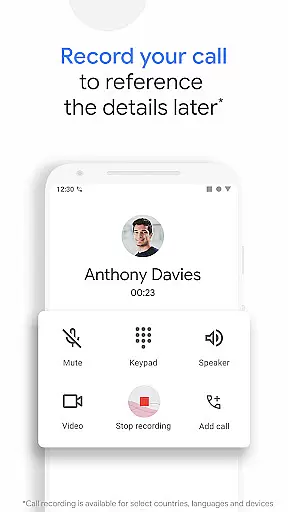
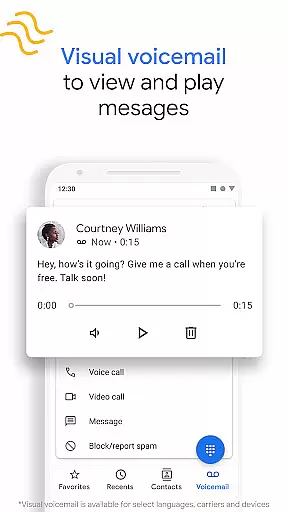
Innovative features like Hold for Me and Call Screen further enhance convenience. Hold for Me lets Google Assistant wait on hold during business calls, while Call Screen filters unknown callers and provides transcriptions. Visual voicemail and call recording add practicality, allowing users to manage messages and capture important information efficiently.
Google's Phone app offers seamless companion app integration, ensuring that users can enjoy a cohesive experience across multiple devices. This means you can access your call history, voicemail, and spam protection features from different platforms without missing a beat.
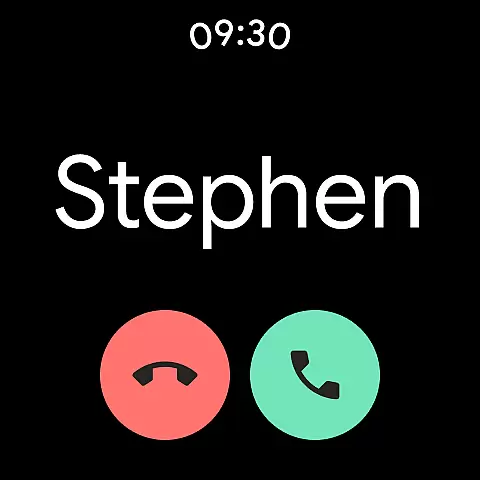
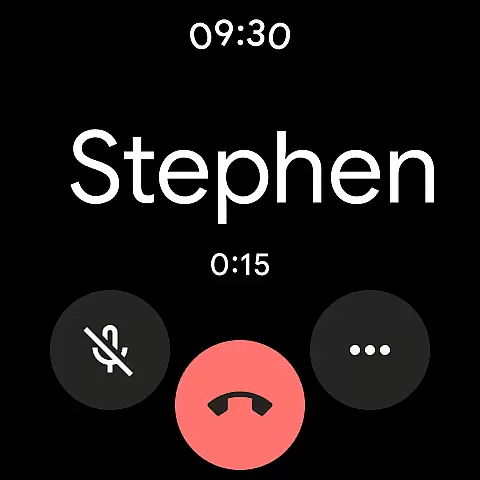
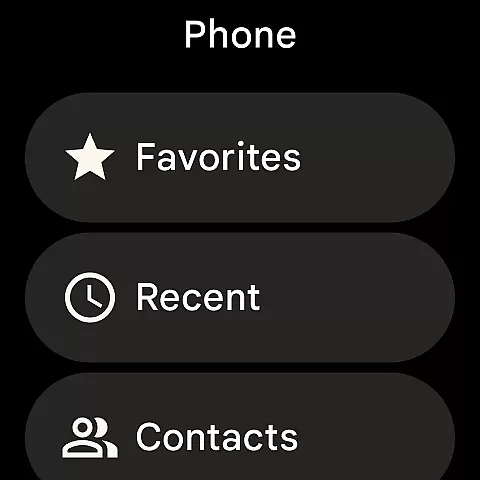
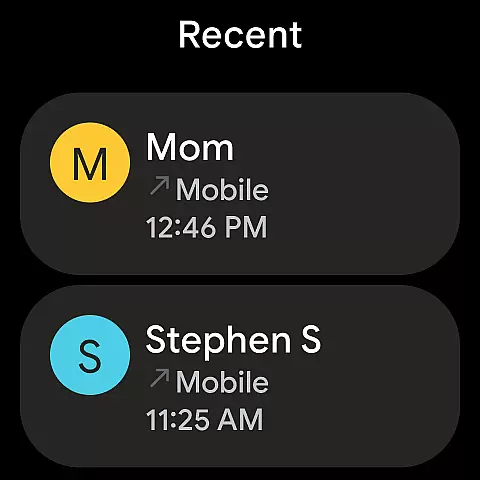
The synchronization between the Phone app and Wear OS allows users to manage calls directly from their smartwatches. This feature provides convenience and saves time as wearers can screen or even respond to incoming calls without needing to reach for their phones.
Furthermore, the intuitive design of the Phone app ensures that all functionalities are mirrored on the wearable device with equal simplicity and effectiveness. Users will appreciate the ability to maintain their communication flow without interruption, regardless of which device they are interacting with at any given moment.
Designed to be compatible with Wear OS, Google's Phone app extends its powerful features to smartwatches, enhancing user accessibility and control over their communications. The compatibility ensures that whether you're using an Android phone or a Wear OS device, your calling experience remains consistent and reliable.
This broad device compatibility means that users with different types of Android devices can take advantage of the Phone app's capabilities such as spam protection, caller ID, and call screening. Such inclusivity makes it easier for everyone to benefit from Googleu2019s advanced telecommunication tools.
Moreover, by supporting a wide range of devices running Android 9.0 and above, the Phone app maintains high performance standards while offering flexibility in terms of hardware choices. This commitment to compatibility underscores Google's dedication to providing a versatile and user-friendly calling solution across its ecosystem.
Advanced spam protection
Comprehensive caller ID
Hold for Me feature
Call recording option
Intuitive user interface
Limited device compatibility
Region-restricted features
Language limitations
Dependent on Google services
Requires Android 9.0+

Watch the sharpness of the sky on your wrist..
 3.70
3.70
Animated Watch Face and Customizable with 24 Backgrounds. Perfect for Christmas!
3.90
Analog watch face with 8 complications and expedition styling
4.0
Professional weather radar and more
3.90
The most customizable hybrid watch face. For Wear OS 5.0, API 34+ and later
4.70
Hybrid Vibrant Health Watch Face for Wear OS
4.0
Animated video-game inspired “secret agent” simulation, right on your wrist!
4.20
Fast and smart typing with Emojis, GIFs, and more
4.50
Fitbit is dedicated to helping people lead healthier, more active lives.
4.10
The most customizable minimal watch face. For Wear OS 5.0, API 34+ and later
4.70
Nutrition, Macro tracker: Food, fitness & healthy diet tracking for weight loss
4.60
Embrace the holiday spirit with this magical animated watch face!
4.40
Connect, create, and collaborate with Gmail, part of Google Workspace.
4.10
The #1 source of faces for your smartwatch!
4.00
A digital watch face that celebrates Christmas.
4.00
Wear Os Watch Face - Animated Snow - Sesonal for Christmas & Winter
4.3
Simple Analog-Digital Watchface For Wear OS 3.0 and Up Smartwatches
4.2
Stylish digital watch face for Wear OS devices with customizable features
4.1
Fitness interactive virtual pet super fighter boy watch face
4.5


User Reviews