
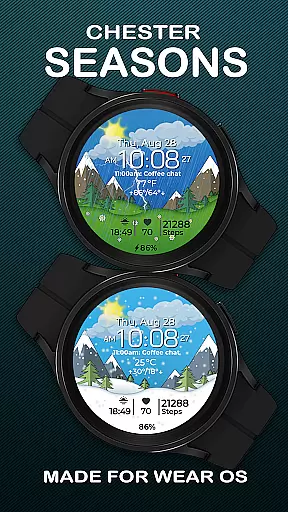
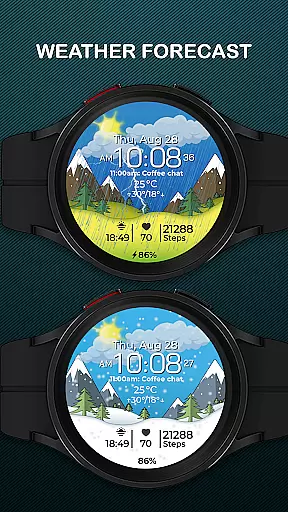
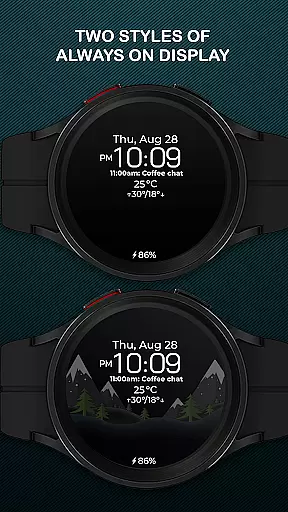
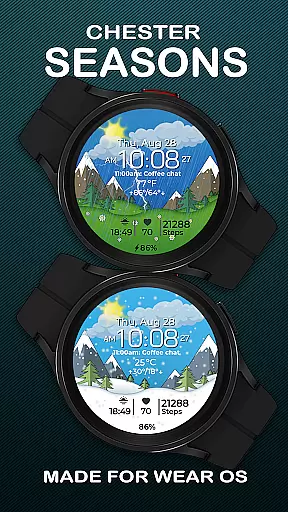
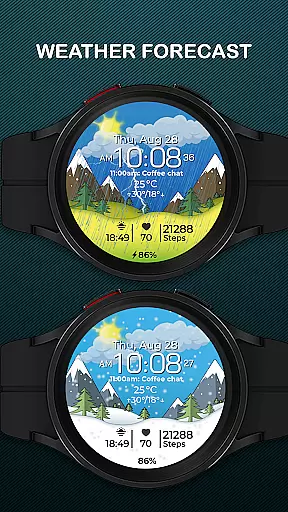
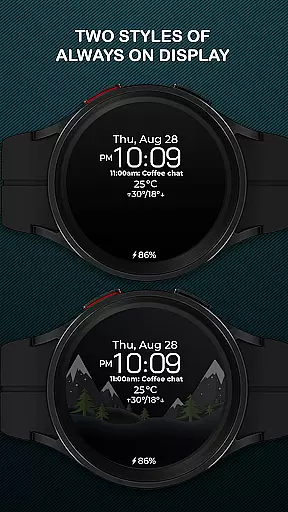
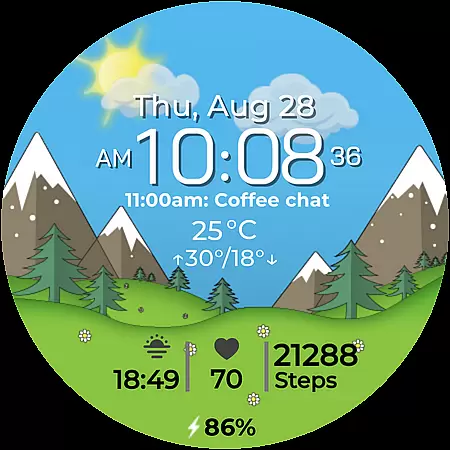
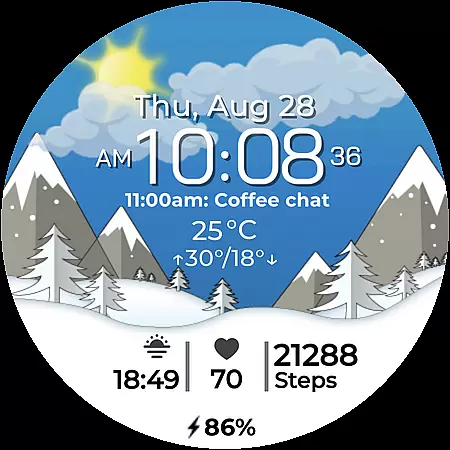
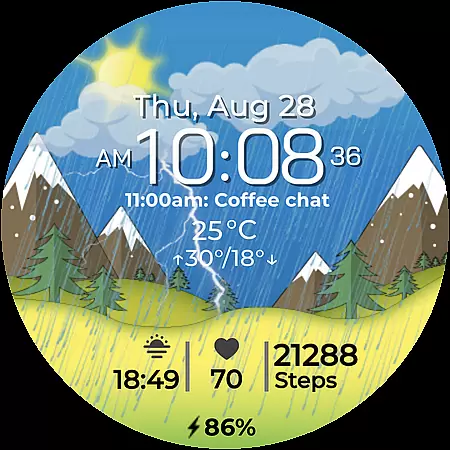
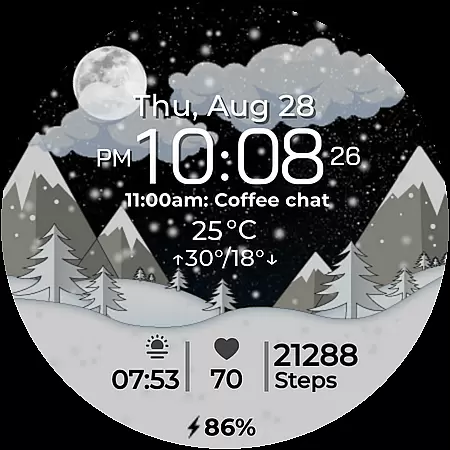
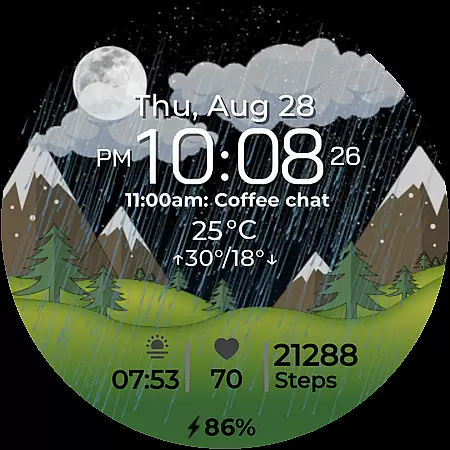
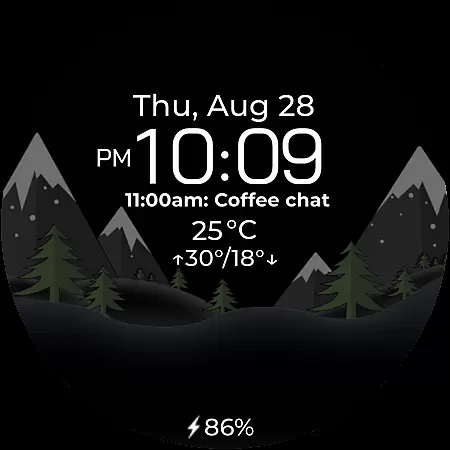
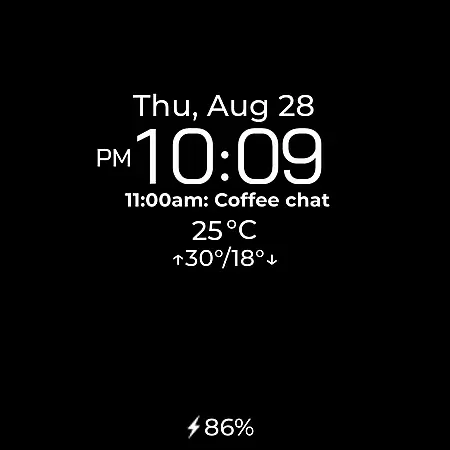
Chester Seasons is a sophisticated watch face designed for Wear OS, offering both aesthetic appeal and practical functionality. This application transforms your smartwatch into a dynamic accessory that evolves with the seasons while providing essential information at a glance.
The watch face features an array of customizable options including time, date, battery level, and weather conditions. With interactive tap zones, smooth day & night transitions, and seasonal animations, it ensures your smartwatch remains not only informative but also visually captivating throughout the year.
Designed for users seeking to maximize their wearable experience, Chester Seasons supports devices running Wear OS API 30+ such as Google Pixel Watch and Samsung Galaxy Watches. Whether you're monitoring your daily schedule or tracking weather patterns, this app brings convenience and style directly to your wrist.
Chester Seasons stands out with its rich feature set tailored for both utility and personalization. The watch face displays time alongside date, month, and day of the week, ensuring you stay informed about more than just the hour.
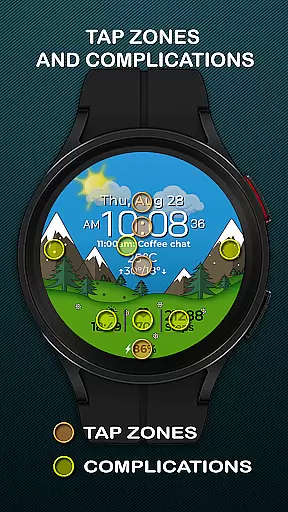
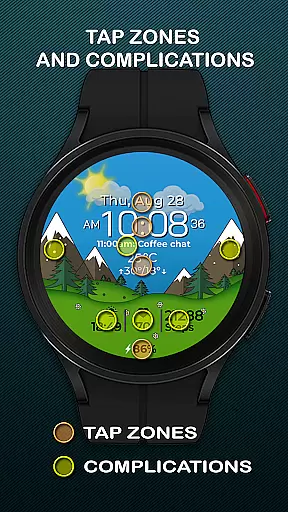
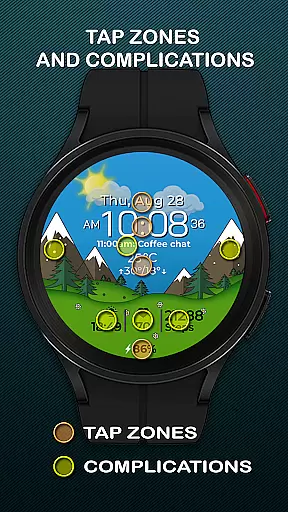
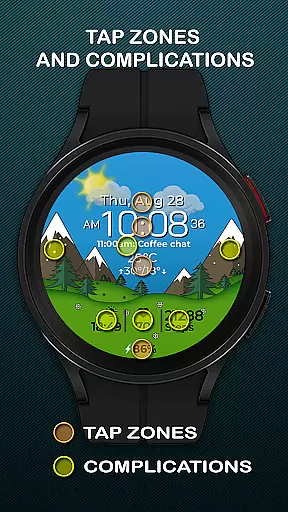
One of the key highlights is its support for up to four complications, allowing users to choose what additional information they want on display. These could range from heart rate monitors to upcoming calendar events. Additionally, three quick access zones enable swift navigation to preferred apps or workouts.
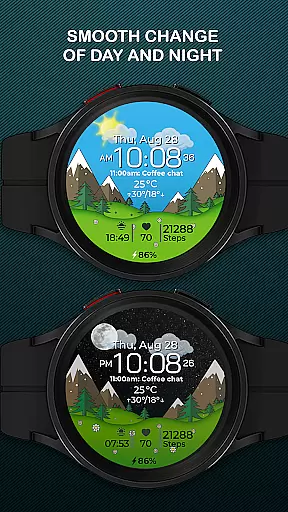
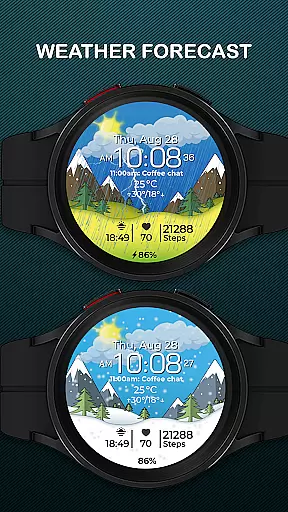
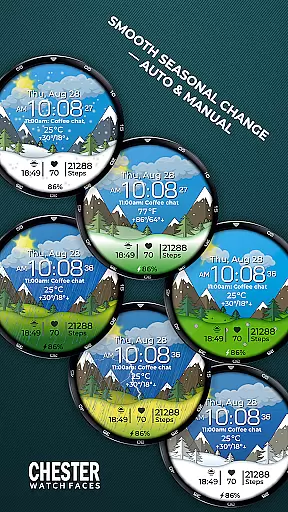
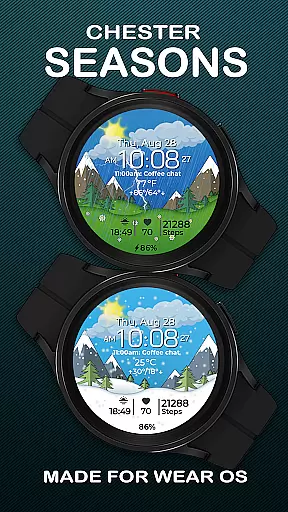
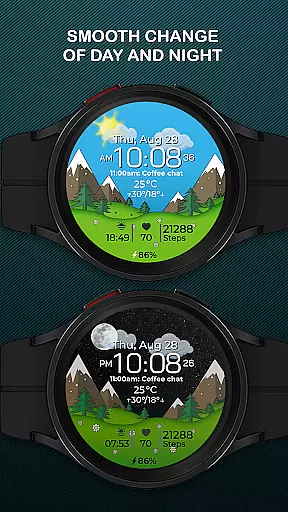
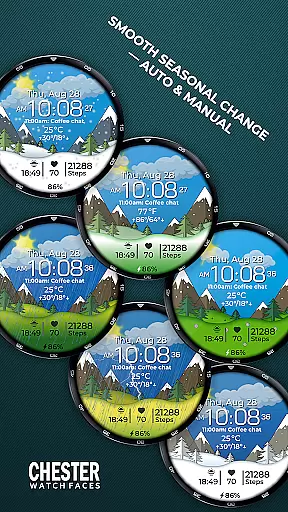
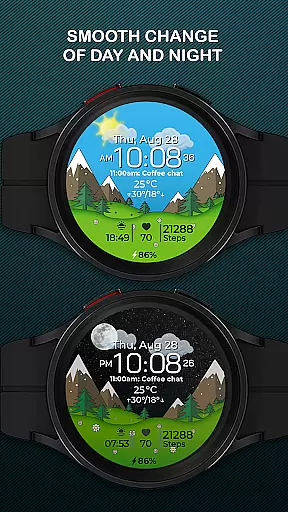
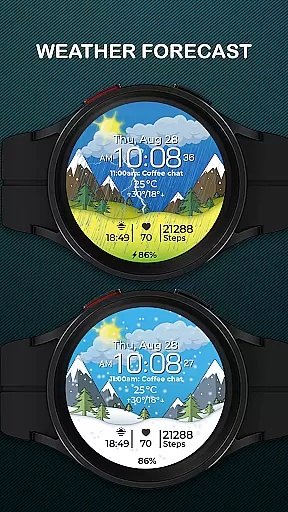
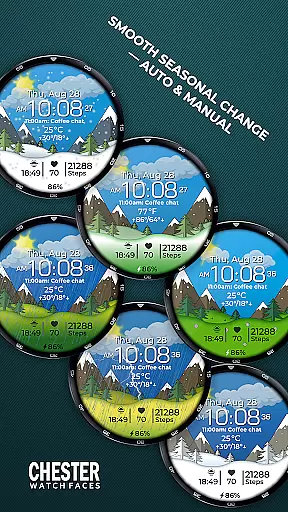
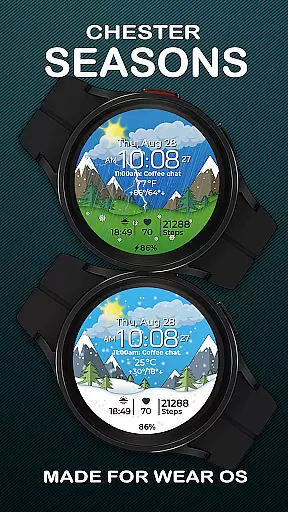
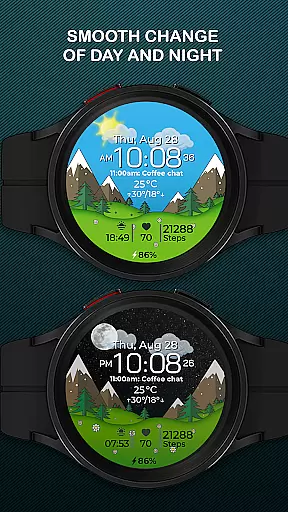
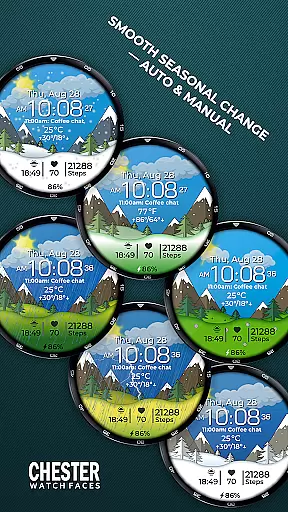
Seasonal changes are depicted through beautiful animations that transition smoothly between day and night cycles. Users can opt for automatic seasonal adjustments based on the calendar month or manually select their preference in settings. Weather integration provides current conditions along with max and min temperatures in either Celsius or Fahrenheit, making it versatile for global audiences.
Companion app integration is essential for a seamless smartwatch experience. Chester Seasons watch face ensures that all your necessary information is synchronized effortlessly between your smartphone and Wear OS device.
This watch face supports real-time data syncing, allowing users to receive updates on weather, battery status, and other complications directly on their wrist. The synchronization process is smooth and reliable, ensuring that you never miss important notifications or updates.
By integrating with the companion app, Chester Seasons offers extended customization options. Users can personalize their watch face settings, choose which information to display, and even manually adjust seasonal backgrounds according to their preferences.
The result is an enhanced user experience where your smartwatch becomes a true extension of your smartphone, delivering both style and functionality while maintaining performance and reliability.
Ensuring broad device compatibility is crucial for any Wear OS application. Chester Seasons is designed to work seamlessly with all Wear OS API 30+ devices, including popular models like Google Pixel Watch and Samsung Galaxy Watch series.
This compatibility extends to various functionalities such as displaying time, date, weather conditions, and more. However, certain advanced features like weather display and manual seasonal background changes require Wear OS API 34 or higher.
Users can enjoy a rich set of features across different devices without worrying about performance issues. Whether you have a round-faced smartwatch, Chester Seasons adapts beautifully to provide an optimal viewing experience.
With this wide-ranging compatibility, Chester Seasons transforms your Wear OS device into a dynamic accessory that fits perfectly into your lifestyle while offering stunning visuals and practical utilities.
Stylish design
Customizable features
Interactive zones
Smooth animations
Weather integration
No weather on older OS
Limited to round watches
Manual season setting
Battery usage concern
Premium feel costs

Christmas and New Year - Themed Watchface
 4.1
4.1
Embrace the festive spirit with our Christmas Countdown watchface for Wear OS
4.10
A watch face that fuses motorsport precision with contemporary smartwatch design
4.4
Easy Voice Recorder is your everyday companion to record important moments.
4.70
sleep, alarm, snoring, stress, healing, focus, sound therapy, circadian rhythm
4.10
Hyperlocal rain alerts by MyRadar using patent-pending technology, radar & more
4.80
Premium hybrid watch face with many customizations for Wear OS devices.
4.40
Track your active life in one place and share the journey with friends.
4.40
Track airplanes and follow flights with our real-time flight tracker
4.50
The most customizable minimal watch face. For Wear OS 5.0, API 34+ and later
4.70
Your second brain for organizing your life: to-do, calendar, reminder.
4.70
To-Do List: daily schedule planner, task organizer, to do reminder app, calendar
4.60
Reliable phone calls with spam protection, caller ID and more helpful features
4.40
A white realistic classic analog watch face with many customization options.
4.40
The ultimate destination for kids ages 3-8 to explore the Marvel Universe!
4.30
Daily Weather forecast with 15 weather images for Day & Night plus Big Bold time
4.10
The #1 source of faces for your smartwatch!
4.00
Watch face designed for Thanksgiving Day. 7 Background Styles included.
3.20
3 Complications. All shadow on/off. 30 Themes color palette...
4.0


User Reviews