
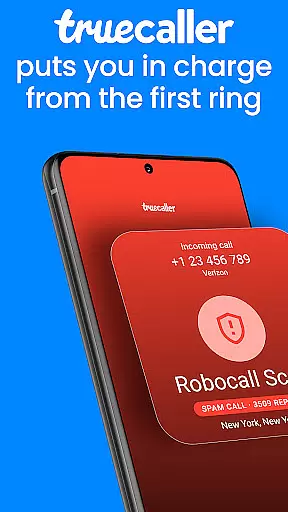



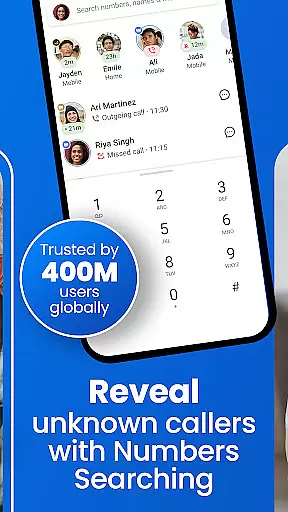

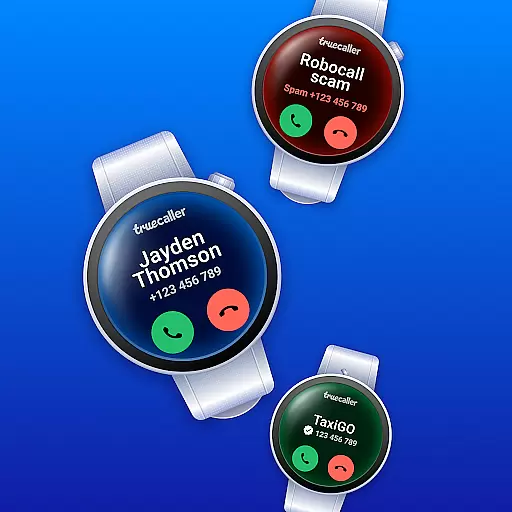
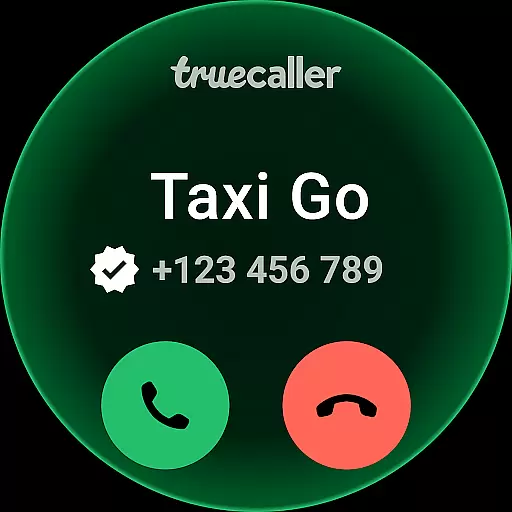
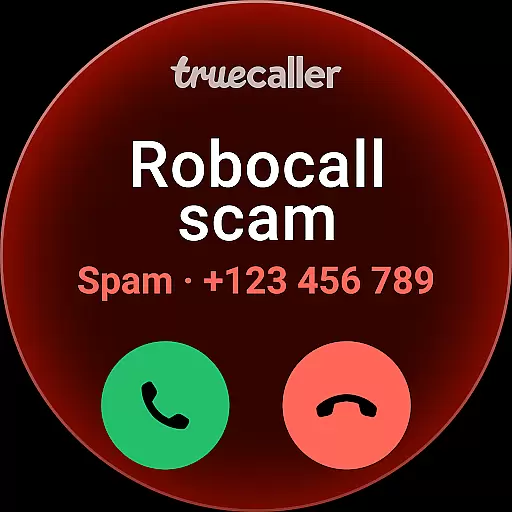

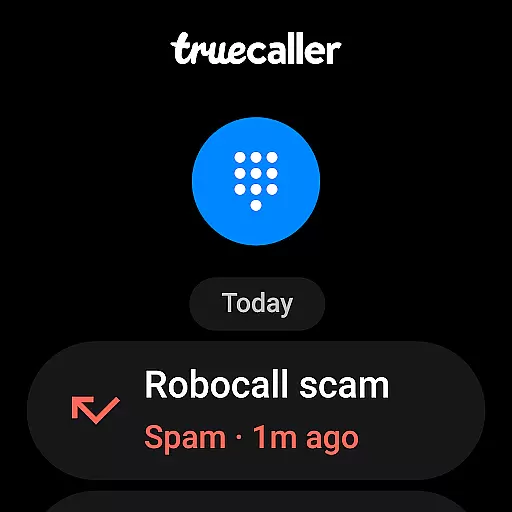
Truecaller is a comprehensive communication app designed for Android Wear, offering advanced Caller ID and call-blocking features. The app instantly identifies incoming calls, empowering users to block spam, scam, and unwanted calls effectively. With built-in tools like reverse number lookup and call recording, Truecaller ensures you are always in control of your phone communications.
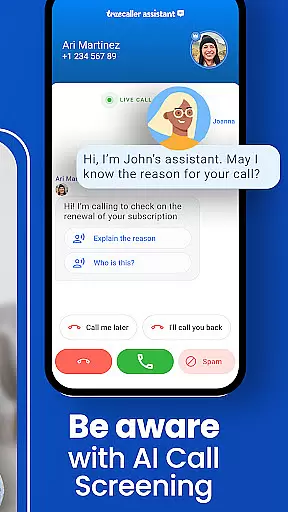
One of the standout features is the AI Call Scanner, which differentiates between human and AI-synthesized voices, adding an extra layer of security against potential scams. Additionally, the Truecaller Assistant uses machine learning to screen calls, providing over 90% accuracy in detecting spam or fraudulent calls. This makes it an essential tool for anyone looking to enhance their call management on wearable devices.
Truecaller offers a robust set of features tailored for Android Wear users. The World-Class Spam Call Blocker & Detector automatically blocks telemarketers, robocallers, and scammers, ensuring that only important calls get through. The app's Caller ID function identifies numbers not saved in your contacts, while the reverse number lookup helps you discover who's calling.
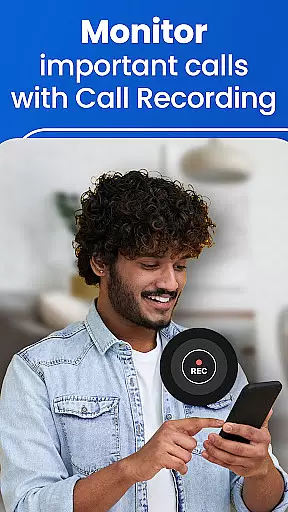
The Call Recorder feature allows users to record both incoming and outgoing calls, with AI-generated call subjects and automatic summaries for better organization. Users can also enjoy Truecaller Voice (VOIP) calling for free conversations with friends. Moreover, the Video Caller ID adds a personal touch by letting you send short selfie videos to callers, enhancing the overall communication experience.
Truecaller offers seamless companion app integration, ensuring that your wearable devices stay connected with your smartphone. This feature allows users to receive real-time call notifications and identify callers directly on their Android Wear devices.
The synchronization between the Truecaller mobile app and its wearable counterpart is automatic and reliable. Users can enjoy core functionalities such as spam detection, call blocking, and caller identification without needing to reach for their phones.
This integration enhances user convenience by providing instant access to essential features. Whether you're in a meeting or engaged in physical activity, you remain informed about incoming calls and messages.
By extending its advanced call management capabilities to wearable platforms, Truecaller ensures a consistent and efficient user experience across all devices. This makes it easier for users to manage communications effectively while on the go.
Truecaller excels in Wear OS and device compatibility, offering a versatile solution for various smartwatches. The application supports a wide range of devices, ensuring that users can leverage Truecaller's robust features regardless of their chosen wearable technology.
With optimized performance on Wear OS, Truecaller delivers smooth and responsive interactions. Users benefit from quick access to caller ID, spam blocking, and other vital functions, all tailored for optimal display and usability on smaller screens.
This broad compatibility underscores Truecaller's commitment to accessibility and user-centric design. By accommodating different hardware specifications, the app provides a reliable and cohesive experience across multiple platforms.
Ultimately, Truecalleru2019s dedication to maintaining high standards of device integration means users enjoy uninterrupted service and functionality, enhancing their overall communication management on any supported device.
Advanced spam detection
AI-powered call screening
Free VOIP calling
Video Caller ID
Reverse number lookup
Premium subscription required
Limited free features
Occasional false positives
Privacy concerns
Resource intensive

an Analog Watch Face for winter season with freeze winter background for Wear OS
 4.0
4.0
A heartwarming Christmas scene featuring a cute image of Santa and Rudolf
4.4
Deck out your Wear OS Watch face with a beautifully decorated pine wreath!
4.50
Nutrition, Macro tracker: Food, fitness & healthy diet tracking for weight loss
4.60
Find EV charging stations
4.30
Daily Weather forecast with 15 weather images for Day & Night plus Big Bold time
4.10
Simple, helpful messaging by Google
4.60
Toyota app currently supports 2010 or newer vehicles (2018 or newer for Hawaii).
4.50
Download full tracks, listen to music offline, make unlimited playlists.
4.80
Period, ovulation & pregnancy tracker. Fertility insights & menstrual calendar.
4.90
Easy Voice Recorder is your everyday companion to record important moments.
4.70
The most customizable minimal watch face. For Wear OS 5.0, API 34+ and later
4.70
A white realistic classic analog watch face with many customization options.
4.40
Christmas watch face. For Wear OS devices.
4.30
Structured watch face with seven complications and modular UI elements
3.90
Your local weather forecast, storm tracker, radar maps & live weather news
3.40
Christmas and New Year - Themed Watchface
4.3
Stylish digital watch face for Wear OS devices with customizable features
4.0
Hybrid Vibrant Health Watch Face for Wear OS
4.4


User Reviews