
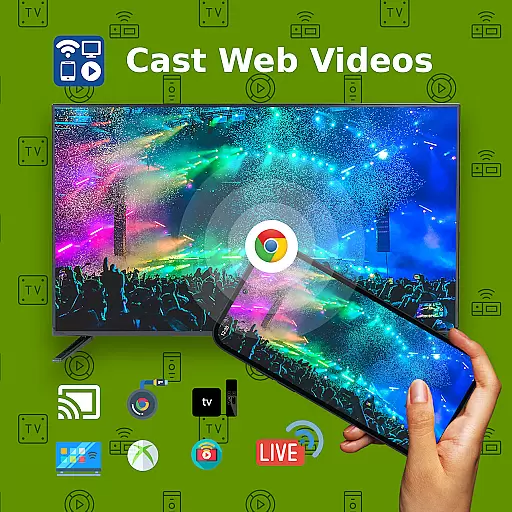
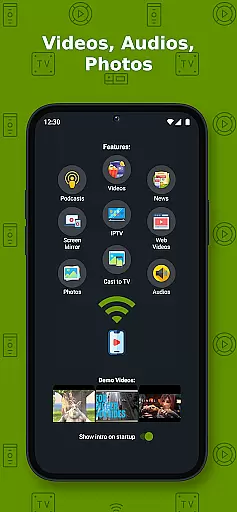
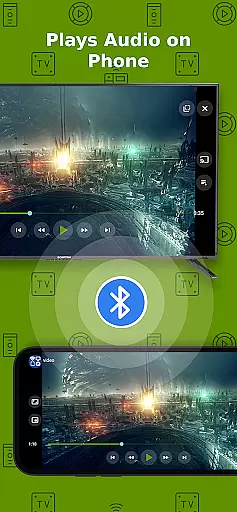
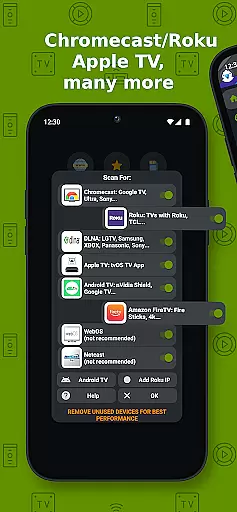
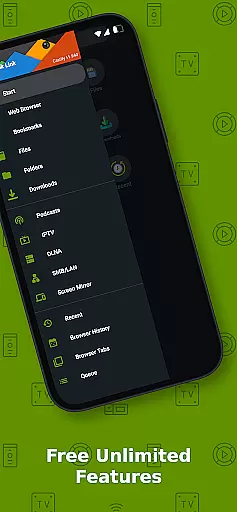
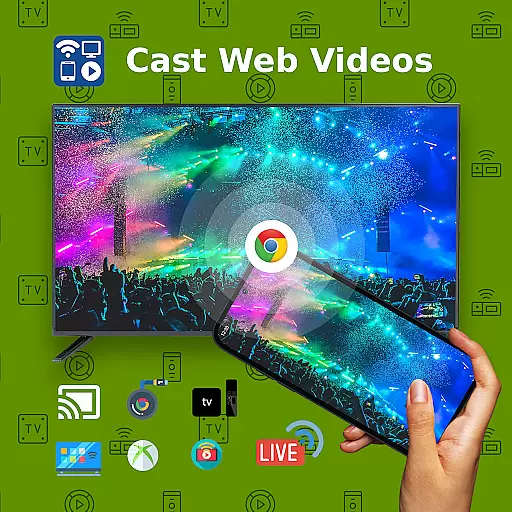
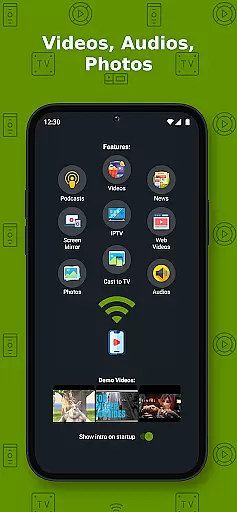
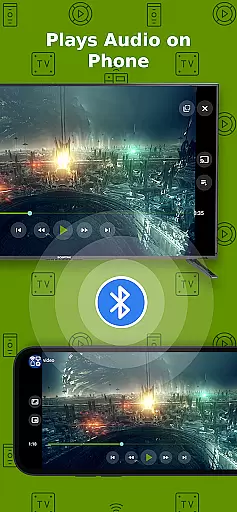
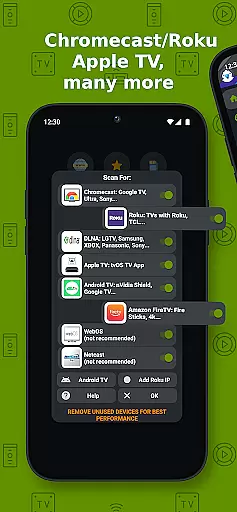
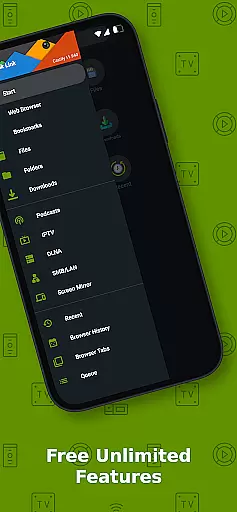
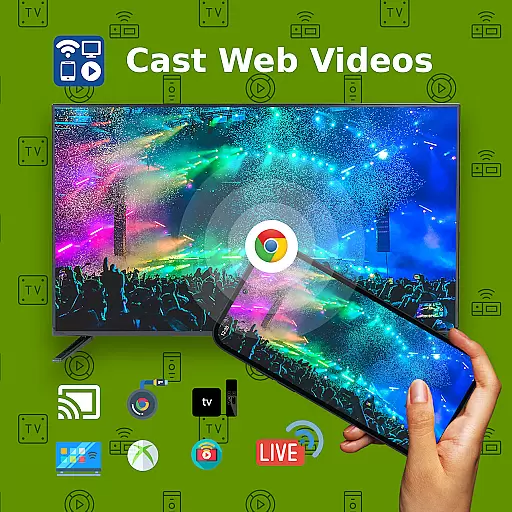
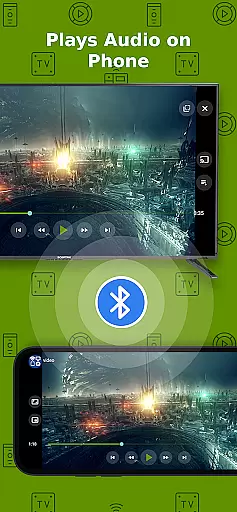
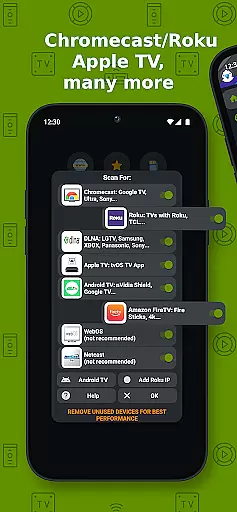
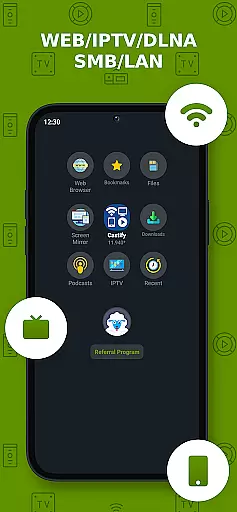
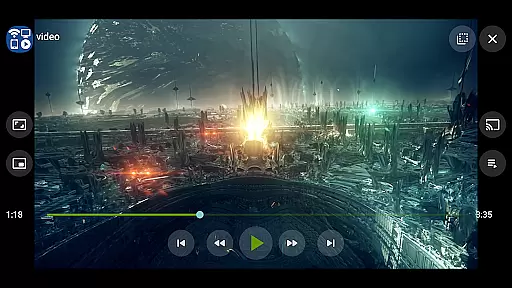
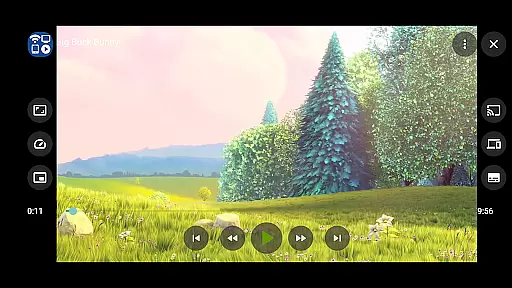
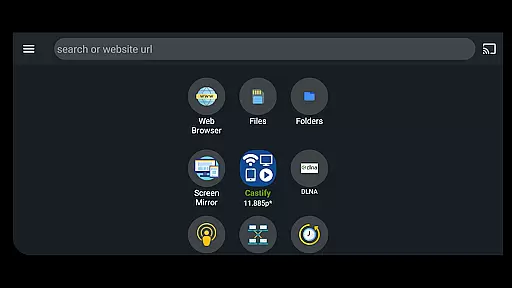
Cast to TV+ Chromecast Roku TV is a versatile streaming application that allows users to cast videos, music, photos, and more from their mobile devices to various streaming devices. The app supports a wide range of streaming devices including Chromecast, Roku, Fire TV, DLNA receivers, Xbox consoles, and smart TVs from brands like LG, TCL, Phillips, Sony Bravia, Samsung, Sharp, Panasonic, and others. It also enables casting to any web browser such as Chrome, Firefox, Amazon Silk, or even browsers on TV and PlayStation 4.
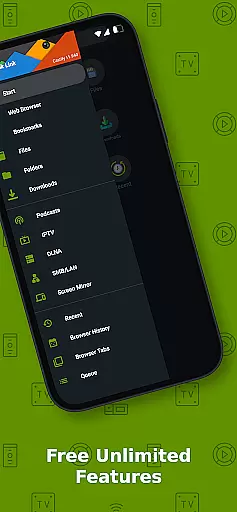
In addition to its core casting functionality, the app offers advanced features like AI Subtitle Generation and Translation, Universal Remote Controls for different TV brands, Popup Blocker, Screen Mirroring, IPTV support, and Picture in Picture (PiP). These features make it an all-in-one solution for seamless media streaming across multiple platforms. Whether you want to stream local files, IPTV content, or web videos, this app provides a comprehensive solution for all your casting needs.
The app's ability to cast subtitles and support various formats like MP4, MKV, MP3, JPG, PNG, HTML5 video, HLS Live Streaming, and IPTV m3u files makes it highly versatile. While it works best with Roku and Google Chromecast, users may experience limited functionalities with other casting receivers. This app is particularly valuable for users who want to enjoy their favorite content on a bigger screen without compatibility issues.
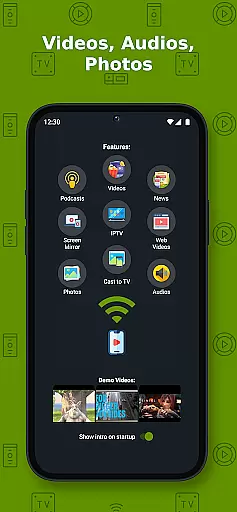
Cast to TV+ Chromecast Roku TV stands out with its extensive feature set tailored for diverse streaming needs. One of its key features is the AI Subtitle Generation and Translation, which allows users to create and translate subtitles for any given video. This ensures accessibility and enhances the viewing experience for users who rely on subtitles. Additionally, the app provides Universal Remote Controls for Roku, Android TV, Samsung, LGTV, and FireTV, making it easy to control various devices from a single interface.
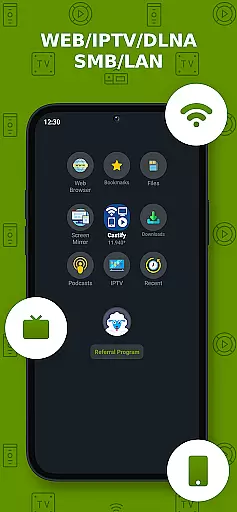
The app also supports Screen Mirroring on newer Android devices, enabling users to mirror their phone screens directly to their TVs. With IPTV support, users can stream live TV channels using m3u playlists. Moreover, the app includes advanced functionalities like Popup Blocker, Picture in Picture (PiP), and Roku Channel TV App integration. These features collectively enhance user convenience and provide a richer streaming experience.
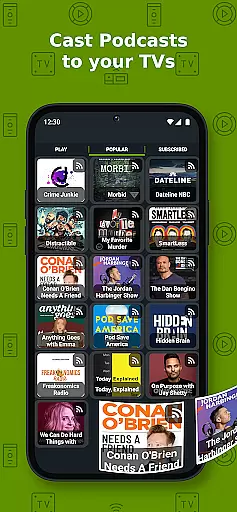
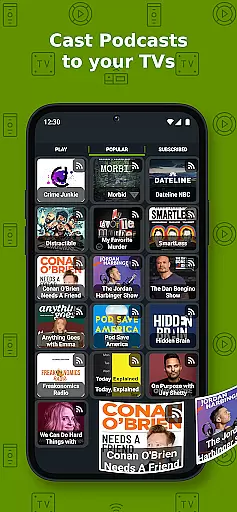
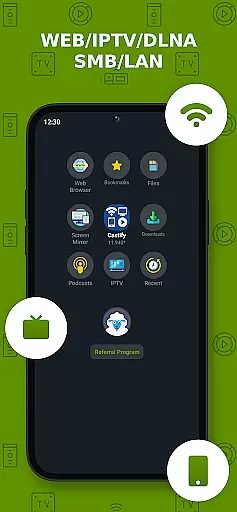
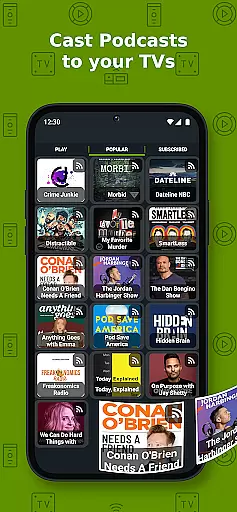
Another notable aspect is its broad format compatibility, supporting MP4, MKV, MP3, JPG, PNG, HTML5 video, HLS Live Streaming, and IPTV m3u files. This versatility ensures that users can cast almost any type of media content without worrying about format restrictions. The app's ability to cast from various sources like phone files, browser websites, IPTV, podcasts, and DLNA servers further adds to its appeal, making it a comprehensive solution for all media casting requirements.
Video format compatibility is a crucial feature for any video player, ensuring that users can enjoy content in various formats without technical barriers. Cast to TV+ Chromecast Roku TV supports an extensive range of video formats, making it versatile for different user needs.
This application facilitates casting and streaming of MP4 movies, MKV files, MP3 music & podcasts, JPG, PNG images, HTML5 videos, HLS live streaming, and IPTV m3u files or URLs. The inclusion of 4K and HD support where available enhances the viewing experience, providing crisp and clear visuals.
However, it's important to note that proprietary video & movie formats are not supported for casting to TV. This limitation ensures that the app remains compliant with digital rights management while offering broad format support. Users benefit from this wide compatibility as they can stream content from multiple sources without worrying about format restrictions.
The app does not modify video sources but sends the original source to streaming receivers. Therefore, the compatibility and availability of videos depend on the source websites themselves. This approach respects the integrity of the original content while delivering a seamless streaming experience across supported devices.
AI-powered editing features represent a significant advancement in video player applications, enabling users to enhance their content effortlessly. Cast to TV+ Chromecast Roku TV incorporates innovative AI functionalities that elevate the user experience beyond traditional playback capabilities.
One standout feature is AI Subtitle Generation, which allows users to create subtitles for any given video automatically. This functionality is particularly beneficial for viewers who prefer or require subtitles, enhancing accessibility and comprehension. Additionally, the AI Subtitle Translation feature translates SRT subtitles into different languages, breaking language barriers and expanding the audience reach.
These AI-driven tools streamline the process of adding and translating subtitles, saving users time and effort. By automating these tasks, the app empowers creators to focus more on content production rather than post-production edits. Moreover, the accuracy and efficiency of AI processing ensure high-quality subtitle generation and translation.
Overall, the integration of AI-powered editing features in Cast to TV+ Chromecast Roku TV sets it apart from conventional video players. Users gain access to advanced tools that simplify content enhancement, making multimedia sharing more inclusive and engaging across diverse audiences.
User-friendly interface
Wide device compatibility
Advanced subtitle options
Versatile format support
Comprehensive remote controls
Limited functionality on older devices
Some formats not supported
Dependent on stable internet
Occasional connectivity issues
Ads in free version

Client application for NextPVR software
 3.00
3.00
An easy-to-use and all-round screen recorder with audio
4.80
Add date and time watermark to photos and videos
4.50
Manage your IPTV live channels and VOD playlists (no playlist included)
3.80
Connect EasyCap or UVC devices for recording and broadcast video/audio stream
3.60
Browser + Remote for Roku to stream webvideos, online movies and livestreams
4.60
Screen recorder with audio to take live videos & Screenshot in high quality!
4.70
Fast private browser with secure, seamless access & supported video downloads!
4.00
Photo editor & video maker with music and slideshows.
4.10
Download videos and play them offline
4.70
Watch a large amount of high-definition short drama content
4.60
Search & download videos from net with all video downloader, auto-detect & safe.
4.60
Watch IPTV on your Android device
4.60
Cast movies, tv shows and live streams to Chromecast, Roku, DLNA, Fire TV & more
4.60
Powerful, professional, versatile teleprompter. Developed by an active film crew
4.00
IPTV-Smarters Player Pro M3U - Watch Live Stream TV Channels with Chromecast
4.00
Livestream, news, & gaming content. Watch, chat, and upload. Join Rumble today!
3.80
All in one multi protocols stream receiver for AirPlay, Cast and DLNA.
3.60
IPTV Player - Watch live TV from m3m & m3u8 playlist, stream IPTV on mobile
3.30


User Reviews