
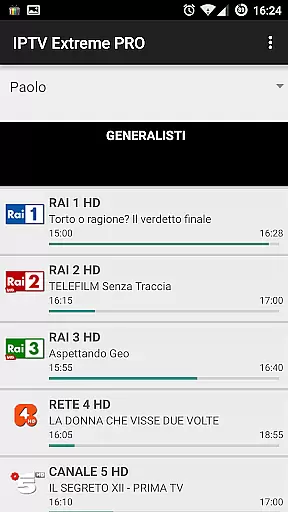
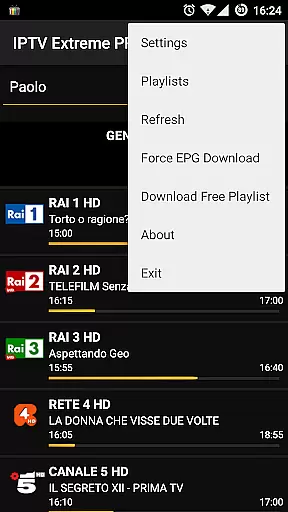
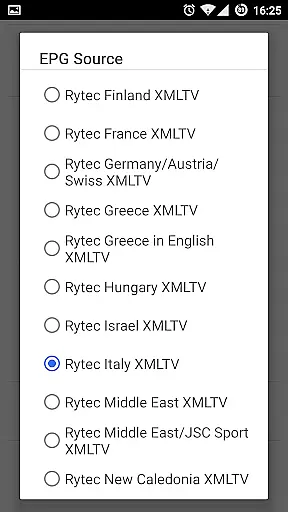

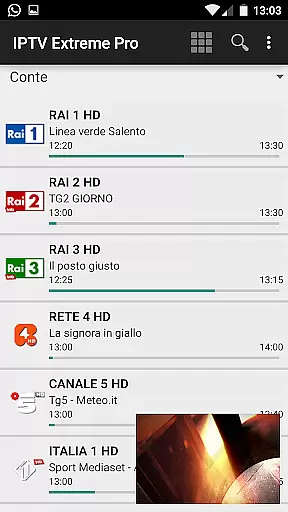



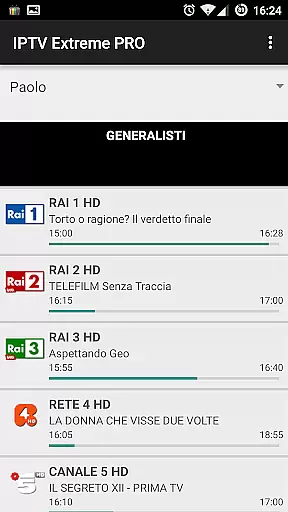
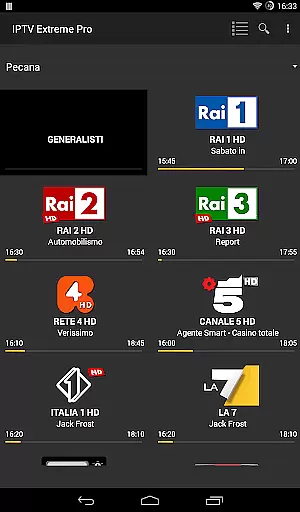
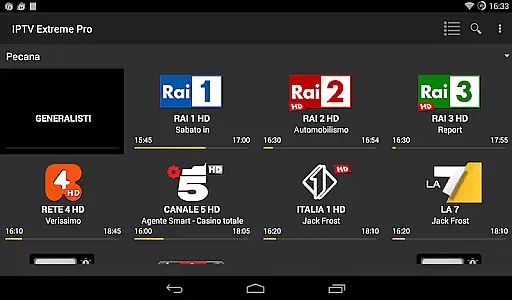


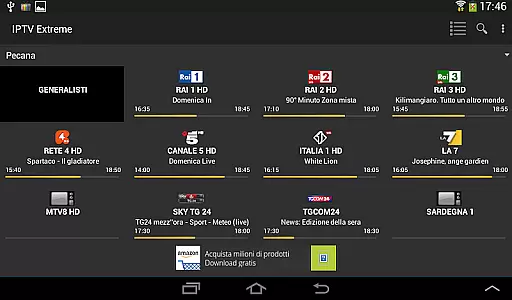


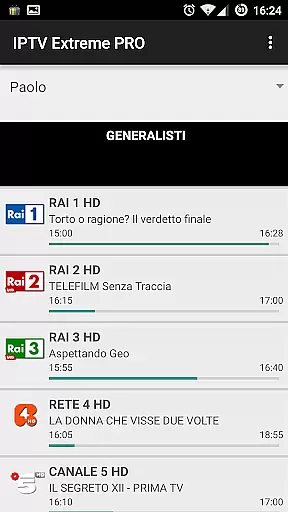
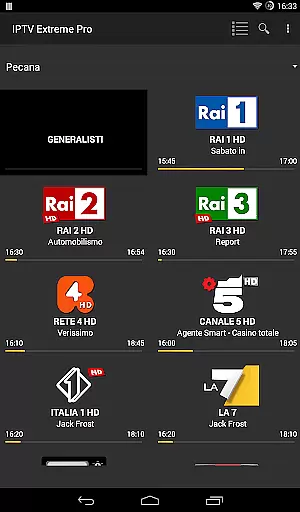
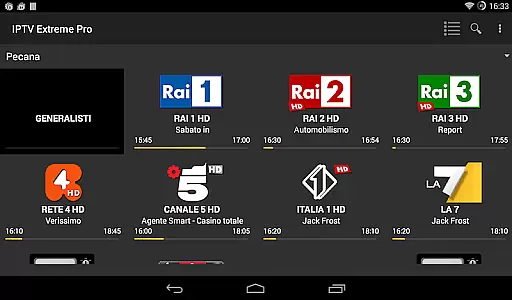

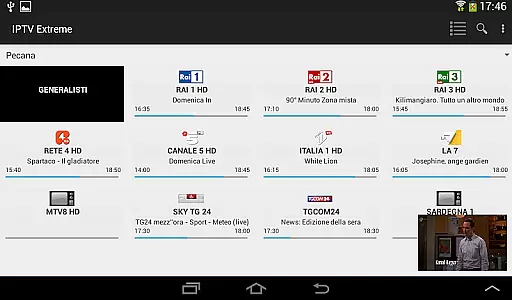



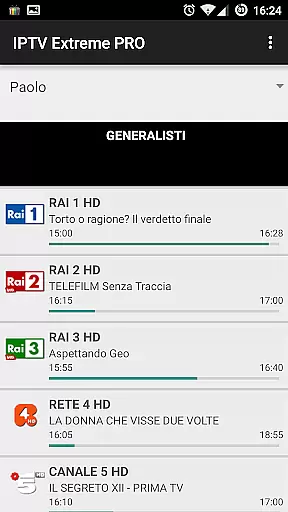
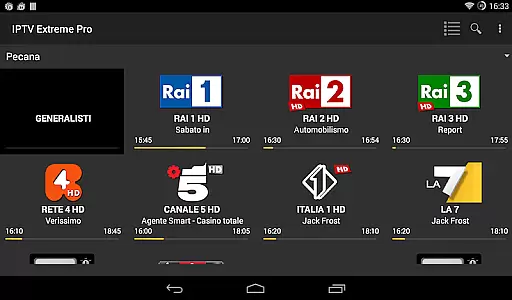

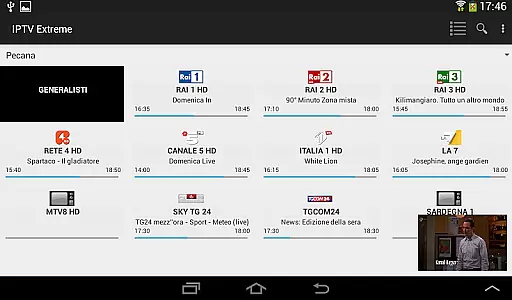



IPTV Extreme Pro is a feature-rich playlist manager designed for users who want to organize and enjoy their IPTV content efficiently. The app provides advanced playback options, including an integrated player with both advanced and light modes, ensuring smooth streaming experiences across various devices.
One of the standout features is its extensive support for different formats and functionalities such as M3U playlists, MAG support, and multi-EPG (TV Guide) capabilities. Users can also take advantage of parental controls, Chromecast support, and remote controller compatibility, making it versatile for family use while offering customization through themes and settings backup.
With additional pro features like ad-free viewing and the ability to record live streams, IPTV Extreme Pro caters to power users seeking a comprehensive tool for managing their IPTV experience legally and effectively.
IPTV Extreme Pro offers a robust set of features tailored for seamless media management. The integrated player supports both advanced and light modes, catering to different user preferences and device capabilities. Chromecast support allows users to stream content on larger screens effortlessly, while parental controls ensure safe viewing environments for families.
The app excels in playlist management with M3U and MAG support, alongside comprehensive EPG functionalities. Users can benefit from automatic EPG updates, alias management, and multiple TV guide providers. Picons in various sizes enhance the visual appeal, and features like time recording and timer management provide added convenience.
Exclusive to the Pro version are ad-free experiences and exclusive thanks from the developer, adding value for users who opt for this tier. All these features are designed to be used legally, emphasizing user responsibility in content addition and compliance with applicable laws.
Video format compatibility is a crucial aspect of any video player application, ensuring that users can enjoy content in various formats without technical hindrances. IPTV Extreme Pro supports M3U playlists and integrates advanced features like MAG support and Multi EPG support, making it adaptable to different video sources.
The application's ability to handle diverse video formats is further enhanced by its integrated player options, which include both Advanced and Light modes. This dual functionality ensures that regardless of the device specifications or network conditions, users can stream content smoothly and efficiently.
For users who require flexibility in their viewing experience, IPTV Extreme Pro offers extensive format support alongside features such as Chromecast Support and Picons support in different sizes. These capabilities not only broaden the range of compatible video formats but also enrich the overall user experience by providing customization options tailored to individual preferences.
While IPTV Extreme Pro focuses primarily on streaming and playlist management, it incorporates AI-powered editing features that enhance the user experience significantly. The application provides an Auto EPG update and EPG alias management, which utilize intelligent algorithms to ensure that electronic program guide information is always up-to-date and accurate.
Another innovative feature is the ability to record Live Streaming with time limits, allowing users to capture content for later viewing without manual intervention. This function leverages AI to manage recording schedules effectively, optimizing storage usage while ensuring no important events are missed.
Additionally, IPTV Extreme Pro includes a Search for Similar Events on TV Guide feature, which uses AI to analyze user preferences and viewing habits. By doing so, it helps users discover new content that aligns with their interests, thereby increasing engagement and satisfaction. These smart functionalities underscore the application's commitment to delivering a sophisticated yet user-friendly interface.
User-friendly interface
Extensive format support
Advanced playback options
Parental control features
Regular updates
No built-in channels
Limited free features
Requires manual setup
Premium version costs
Complex for beginners

A full editing room to accompany your Insta360 cameras and handheld gimbals.
 3.30
3.30
Cast Videos from Web Browser, IPTV to Roku, Chromecast, DLNA, Smart TV +more
4.60
?100% FREE! Download & save videos? safely in this app. All formats supported.
4.60
Powerful HD video player with support for all formats & subtitles.
4.3
Movie maker & video editing app with AI effects and green screen
4.30
Play and download HD videos from all sources — fast, simple, and all-in-one.
4.5
A Simple app to download Video & Music from the Internet.
4.70
Screen recorder with audio to take live videos & Screenshot in high quality!
4.70
Create, Publish & Maximize
4.70
An easy-to-use and all-round screen recorder with audio
4.80
Video Trimmer, Video to MP3 Converter. Extract music from video, Easy & Fast.
4.80
AI Video Editor with Music, Filter, Slideshow, Effect, Merge & Trim Video.
4.80
Video Player - Unlimited features, 30 days money back guarantee.
4.60
Fast, private downloading, video saving, social media
4.50
LumaFusion: The Ultimate Storytelling Experience for Video Editing
4.10
1)AirPlay/DLNA Mirroring/Streaming, up to 4 connections; 2)Samba/NAS/DMS Player.
4.00
Make your own Animations, Video and Photo Edits, Visual Effects, and more!
4.00
Online Videos Player
3.90
Download videos easily & play them all in one smart, powerful video manager.
3.40


User Reviews