
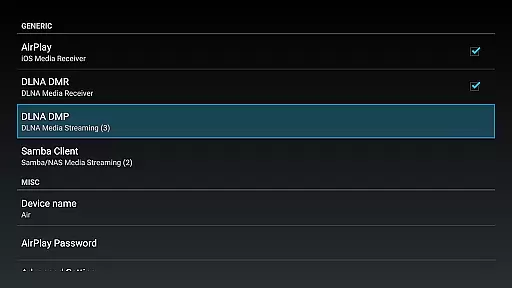
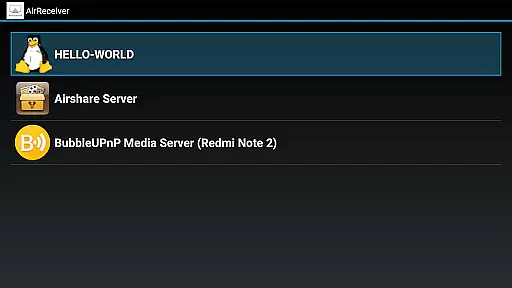

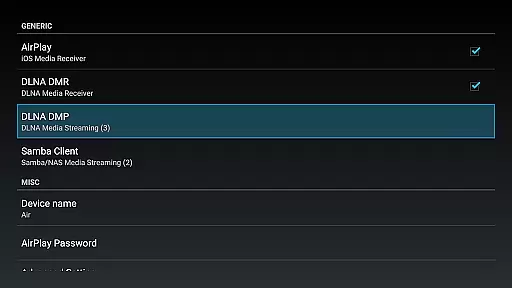
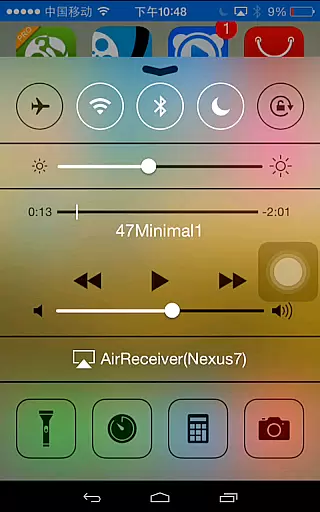
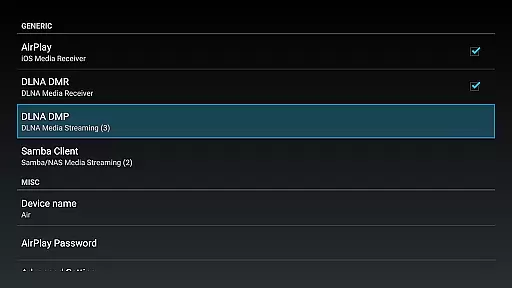
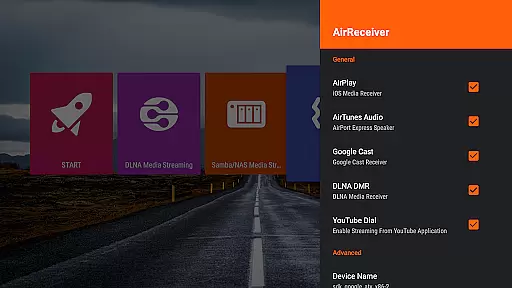
AirReceiver AirPlay Cast DLNA is a versatile video player and editor designed specifically for seamless media streaming across multiple devices. This application supports various protocols including AirPlay, Cast, Wireless Display, and DLNA, allowing users to stream screens, photos, music, and videos from their phones or laptops directly to a TV.
What sets AirReceiver apart is its ability to operate efficiently in the background as a service, making it particularly suitable for Android TV/Box setups. The app ensures broad compatibility with features like AirMirror for optimal performance and full support for IOS16, enhancing user experience across different platforms.
Whether you're looking to enjoy Youtube videos on a bigger screen or stream multimedia content from AirPlay and DLNA clients, AirReceiver provides a comprehensive solution that caters to diverse streaming needs.
AirReceiver boasts an array of advanced features tailored for an enhanced streaming experience. One notable feature is its support for Youtube video streaming, ensuring users can enjoy high-quality content directly on their TVs. Additionally, the app offers audio sync capabilities with other AirExpress devices, delivering synchronized sound experiences.
The application excels with its superior AirMirror functionality, offering unmatched performance among third-party AirPlay applications. Users will also appreciate the slideshow feature and compatibility with AirParrot, enabling them to mirror PC screens onto Android tablets effortlessly.
Moreover, AirReceiver runs discreetly in the background as a service, providing configurable network names and startup-on-boot options. These features collectively ensure a smooth, uninterrupted streaming experience adaptable to individual preferences and technical requirements.
Video format compatibility is a crucial feature for any video player or editor, ensuring that users can enjoy content in various formats without technical hindrances. AirReceiver AirPlay Cast DLNA supports an extensive range of video formats, making it versatile and user-friendly.
This application allows streaming from multiple sources such as AirPlay, Cast, Wireless Display, and DLNA protocols. Whether you're looking to stream videos from your phone, laptop, or other devices, AirReceiver ensures seamless playback on your TV or Android device.
With the capability to handle different types of media, including support for YouTube videos and AirMirror functionality, AirReceiver stands out by offering high-quality streaming options. This means you can cast not just videos but also photos and music, enhancing your multimedia experience.
Moreover, its compatibility with IOS16 and third-party applications like AirParrot further extends its utility, allowing users to mirror their PC screens directly to an Android tablet. The app runs efficiently in the background, providing uninterrupted service while maintaining optimal performance.
AI-powered editing features are transforming the landscape of video players and editors by introducing smart tools that enhance user interaction and streamline the editing process. AirReceiver AirPlay Cast DLNA incorporates these advanced functionalities to offer a more intuitive and efficient user experience.
The application leverages AI technology to provide features like audio sync with other AirExpress devices and slideshow capabilities. These innovations ensure that users can enjoy synchronized audio experiences across different devices and create engaging presentations with ease.
AirReceiver's AI enhancements extend to supporting high-performance AirMirror operations, which are ideal for users with powerful devices. By optimizing CPU load management, the app delivers smooth screen mirroring even when handling resource-intensive tasks.
Additionally, the app's ability to run as a background service and be configured with a custom network name adds to its convenience. Users can start the service on boot, ensuring that AirReceiver is always ready to deliver a superior multimedia experience powered by intelligent editing features.
User-friendly interface
Wide protocol support
Background operation
High-quality streaming
Comprehensive compatibility
Resource-intensive
Limited free features
Requires powerful hardware
Occasional connectivity issues
Premium version costs

Client application for NextPVR software
 3.00
3.00
HD video & music player - All format support with floating & PIP mode!
3.80
Tik & Story Saver-Download ALL social media videos, photos & reels no watermark.
4.80
HD video maker with no watermark, no ads & vlog maker with music, PIP, text
4.50
Stream high quality video from your camera over NDI protocol
4.0
Add date and time watermark to photos and videos
4.50
Flud is a simple and beautiful BitTorrent client for Android.
4.80
#1 Torrent App on Android ** No Ads Ever + Battery Saver **
4.80
Capture the moment and Cut
3.40
High-Quality USB Camera Viewer & HDMI Display
4.70
GENRAL PRO - General Pro is the best video player that fully supports all formats.
4.70
Find, download, and play torrents with the official BitTorrent® Pro app
4.70
IPTV Loader, loads your own Playlist. DOES NOT CONTAIN ANY LIST OR CHANNELS
4.60
Cast movies, tv shows and live streams to Chromecast, Roku, DLNA, Fire TV & more
4.60
KineMaster, Your Ultimate Video Editor!
4.40
Web Browser for LG TV to stream webvideos, online movies and livestreams in HD
4.20
Video player with 4K & 1080P support, popup play, background play and subtitle.
4.20
All format media Player, no need video converter any more!
4.00
Powerful HD video player with support for all formats & subtitles.
4.4


User Reviews