
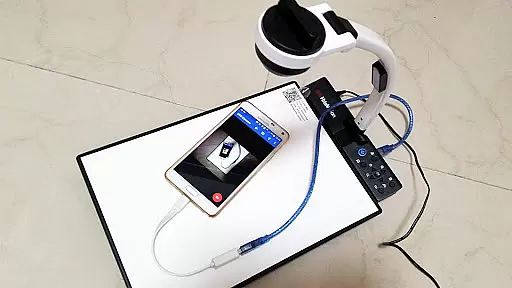
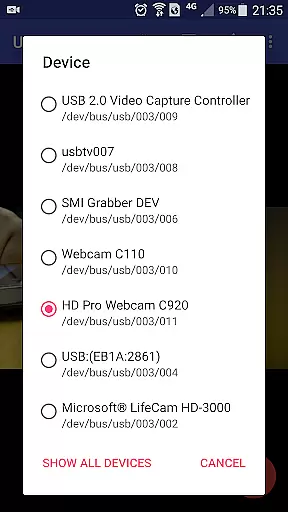
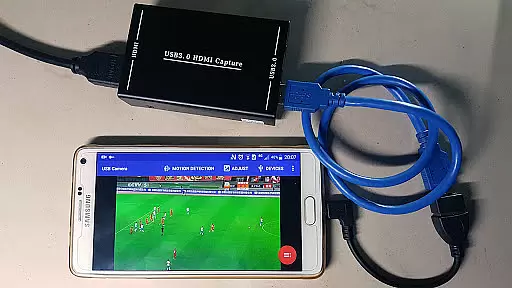
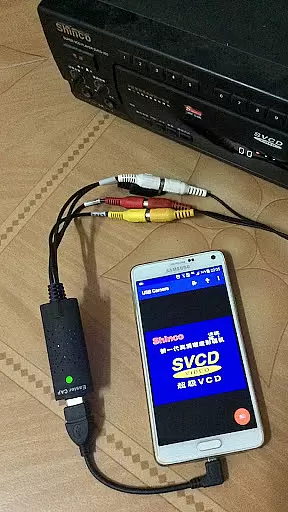
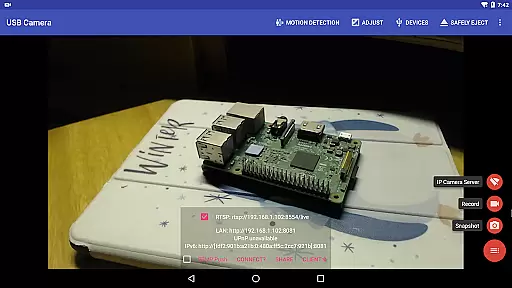
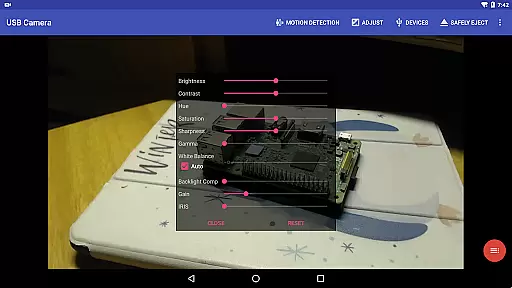
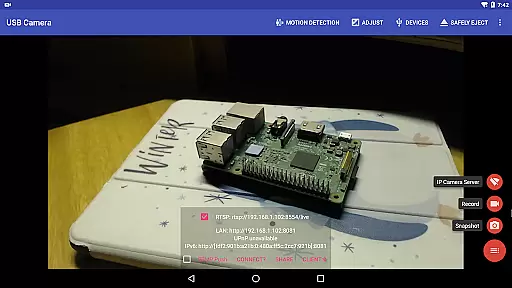
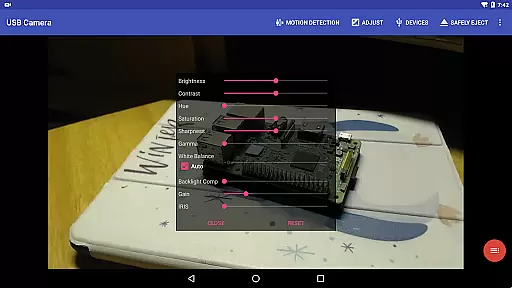
USB Camera Pro is a versatile application designed for Android users who need to connect their devices to USB WebCams or video capture cards via USB-OTG. This app allows you to record video, capture snapshots, and even transform your phone into a wireless IP camera through its built-in RTSP and HTTP server capabilities. With support for bi-directional audio, it's ideal for security monitoring. The app also supports various advanced features like Picture in Picture, VR/FPV view, and real-time streaming protocols such as RTSP and RTMP.
The app is compatible with a wide range of devices including UVC WebCams, video grabbers, Windows Hello Cameras, IR Cameras, and non-UVC devices like USB Endoscopes. It ensures smooth performance by recommending the use of high-quality OTG cables and sufficient power supply. Some devices may require an enhanced USB signal through a bridged HUB to function correctly. Whether you're using it for personal or professional purposes, USB Camera Pro offers a comprehensive solution for all your video capturing needs on an Android device.
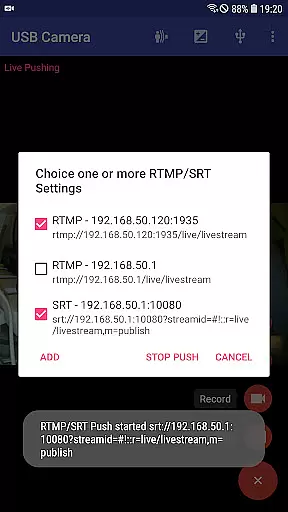
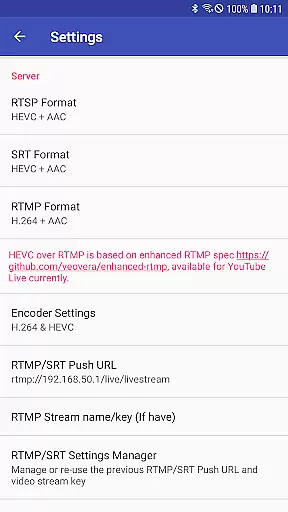
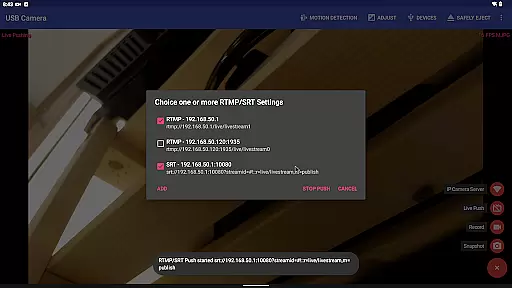
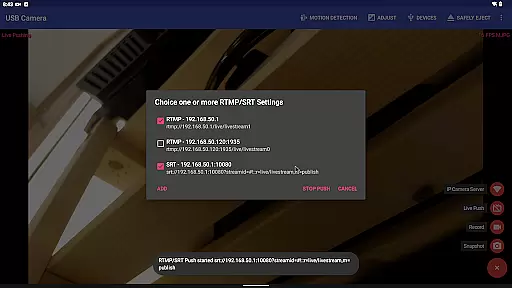
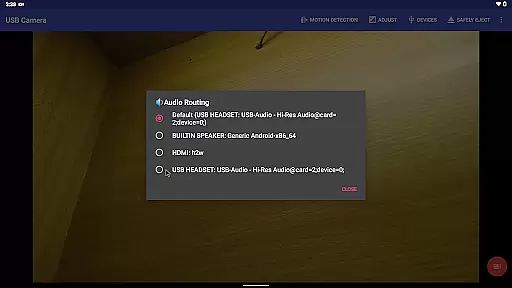
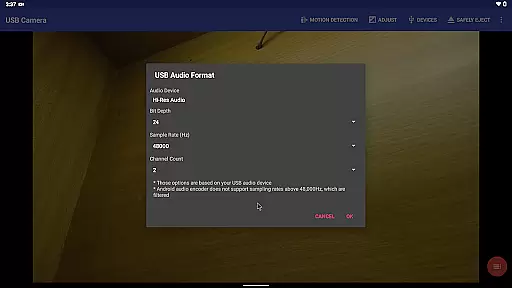
USB Camera Pro boasts an array of sophisticated features tailored for both casual and professional videography. One of its standout functionalities is the ability to mix USB Audio with a built-in microphone or system audio and output it seamlessly. Additionally, it can overlay internal camera/screen video onto external camera video, providing a versatile toolset for content creators. The app also excels in live broadcasting by pushing video and audio to RTMP/SRT live media servers, supporting rtmps security protocol and SRT protocol, and enabling simultaneous streaming to multiple servers.
For those interested in immersive viewing experiences, the app supports Side by Side (SBS) view, making it compatible with FPV goggles. It includes practical tools such as adding timestamps, GPS data, speed information, and more directly onto video frames during recording. Users can utilize headsets or Bluetooth headsets to capture snapshots and record videos effortlessly. Furthermore, the app facilitates uninterrupted recording with seamless switching between foreground and background modes, ensuring that your recordings are continuous and reliable.
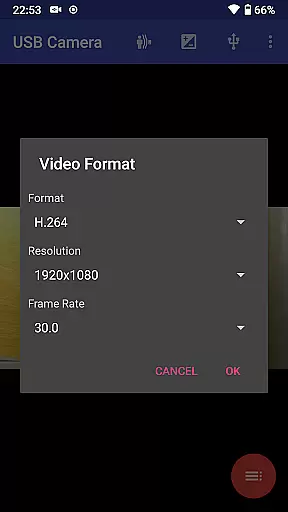
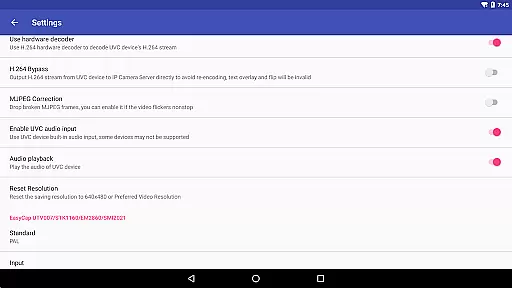
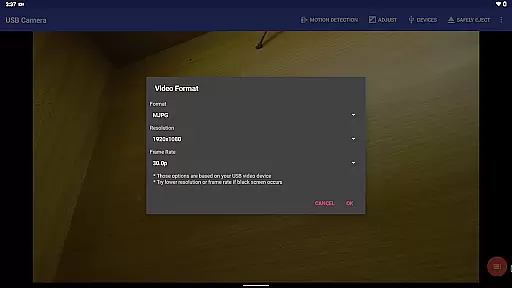
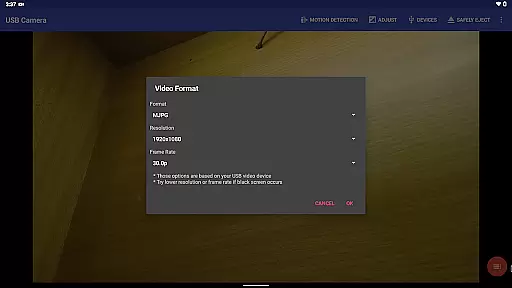
USB Camera Pro demonstrates exceptional versatility in video format compatibility, making it a powerful tool for various professional and casual use cases. The application supports an extensive range of video formats including H.264, H.265, HEVC, MJPG, YUY2, P010, and NV12 among others. This ensures that users can connect a multitude of devices such as UVC WebCams, video grabbers, and non-UVC devices without worrying about format support limitations.
The app's ability to handle both progressive and interlaced video up to 4K resolution via HDMI is particularly noteworthy. This feature caters to users who require high-quality video capture for professional video production or detailed security monitoring. Additionally, the inclusion of support for Windows Hello Cameras and IR Cameras extends its utility into authentication and secure access scenarios.
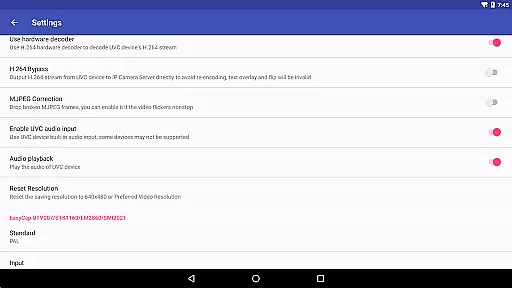
For those working with specialized equipment like EasyCap devices with various chipsets or USB Endoscopes, USB Camera Pro provides reliable connectivity and functionality. By ensuring broad format compatibility, the application enables users to focus on their work without being hindered by technical limitations, thus significantly enhancing productivity and creative potential.
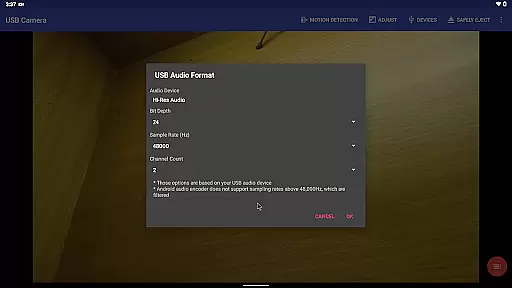
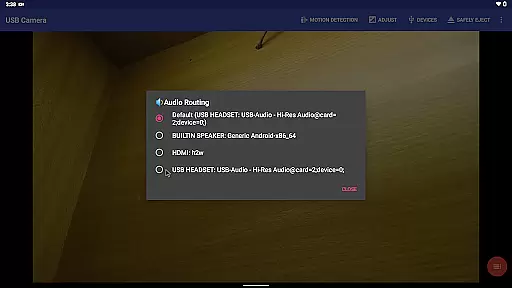
While USB Camera Pro primarily focuses on video capture and streaming capabilities, it incorporates several features that leverage AI-powered processing to enhance the video editing experience. One notable aspect is its ability to mix USB Audio with built-in microphones or system audio, providing users with sophisticated audio editing capabilities without requiring additional software.
The application's advanced video overlay functions demonstrate AI-driven intelligence in action. Users can seamlessly combine multiple video sources, including picture-in-picture functionality and side-by-side views, which are particularly valuable for creating educational content or FPV goggle compatible videos. These features automate complex video composition tasks that traditionally required professional editing software.
USB Camera Pro also implements intelligent motion detection-based recording, which automatically triggers video capture when movement is detected. This feature, combined with automatic FTP upload and email notifications, creates a smart video processing pipeline that saves users significant time in managing and editing security footage. The app's ability to add timestamps, GPS data, and speed information directly onto video frames further enhances its value as a comprehensive video documentation solution.
User-friendly interface
Wide device compatibility
Advanced audio-video mixing
Robust live streaming options
Comprehensive security features
Requires good OTG cables
Some features need specific hardware
Background mode can be resource-intensive
Limited third-party app integration
Higher cost compared to basic apps

1)AirPlay/DLNA Mirroring/Streaming, up to 4 connections; 2)Samba/NAS/DMS Player.
 4.00
4.00
GENRAL PRO - General Pro is the best video player that fully supports all formats.
4.70
All in one HD video downloader & player for multiple formats with full privacy
4.70
Fast & Private Video Downloader App. Save all videos easily from the Internet.
4.40
Make your own Animations, Video and Photo Edits, Visual Effects, and more!
4.00
Add date and time watermark to photos and videos
4.50
Powerful video player with advanced hardware acceleration and subtitle supports
4.20
Photo editor & video maker with music and slideshows.
4.10
convenient, safe and fast at Video Downloader & Player
4.60
Video Downloader, Multiple Resolution Options, Video Player
4.50
Cast to Chromecast, Xbox, Fire Stick, Roku, DLNA, Smart TV & No Feature Limited!
4.50
Powerful Video Editor & Photo Editing App —— Quick Edits & Stunning Effects!
4.30
IPTV-Smarters Player Pro M3U - Watch Live Stream TV Channels with Chromecast
4.00
All format media Player, no need video converter any more!
4.00
Fast private browser with secure, seamless access & supported video downloads!
4.00
Explore the largest library of free GIFs, Stickers & Memes - or create your own!
3.90
AirMirror is Receiver for Screen Mirroring and Casting from Apple Devices.
3.60
A full editing room to accompany your Insta360 cameras and handheld gimbals.
3.30
Video player with powerful streaming playback and various convenient features.
2.10


User Reviews