
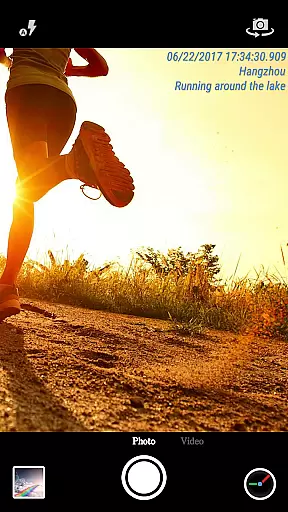
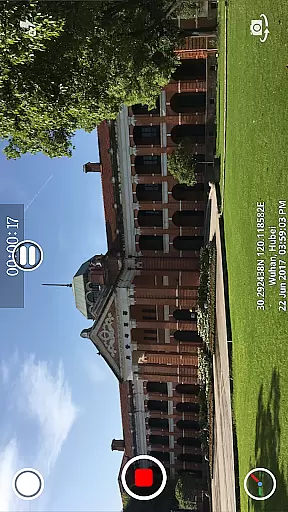
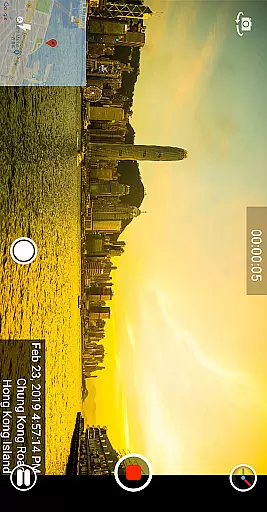
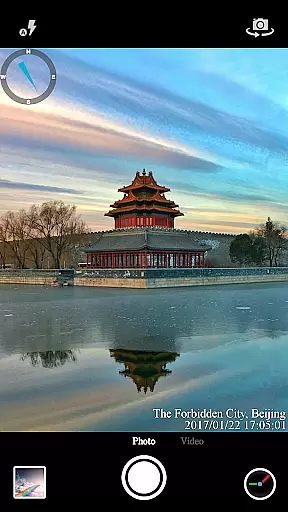
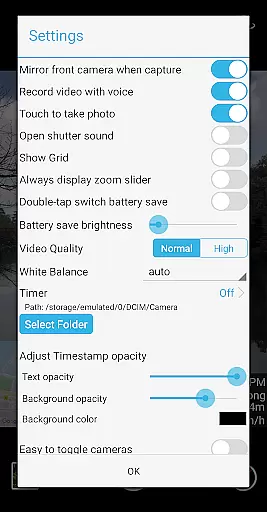
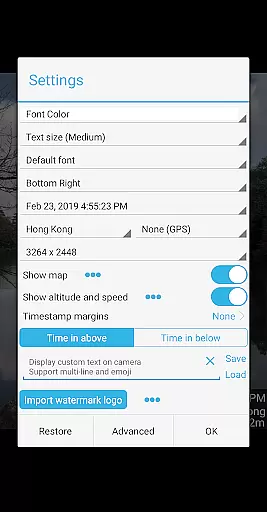

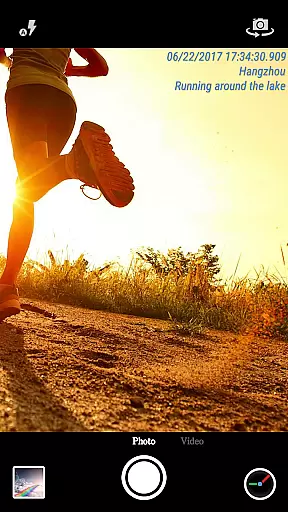
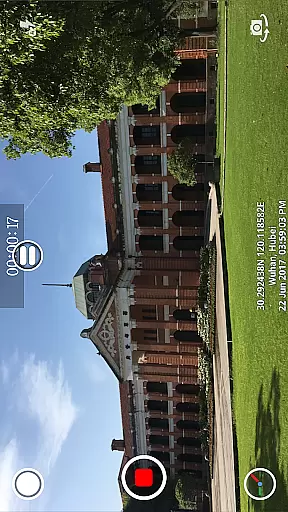
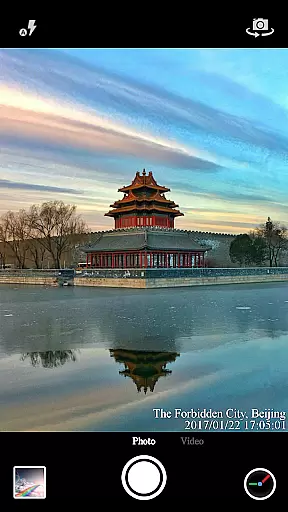
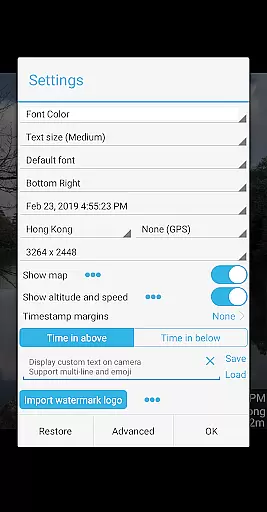

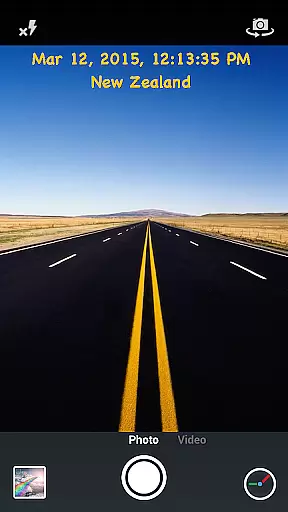
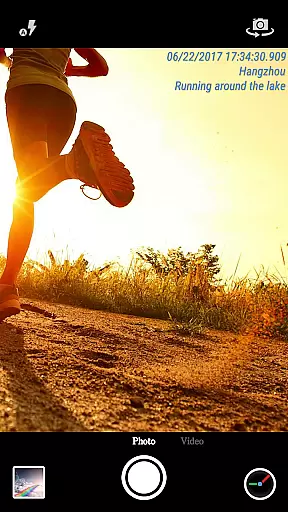
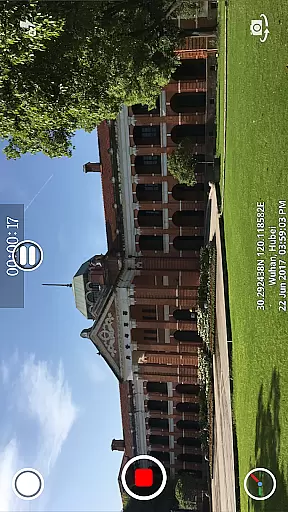
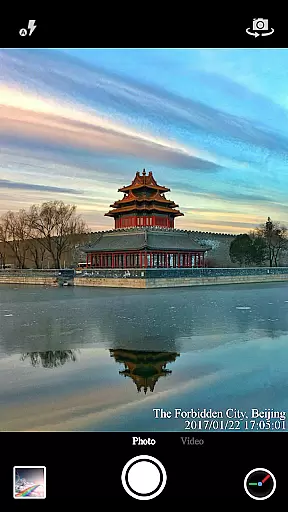
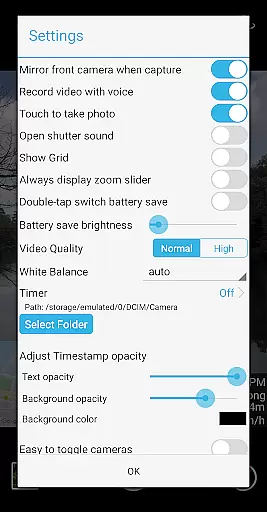
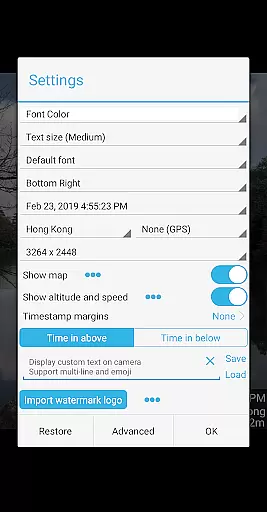

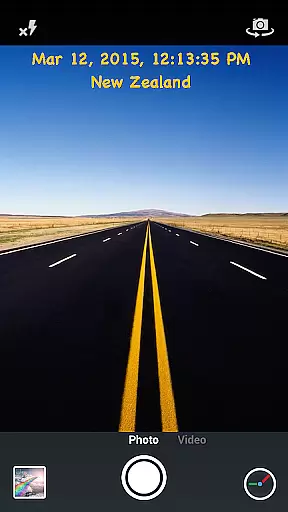
Timestamp Camera Pro is a powerful video and photo editing application that allows users to add real-time timestamp watermarks while capturing media. The app supports 61 timestamp formats, customizable font styles, sizes, colors, and positions, making it highly versatile for various professional needs.
In addition to timestamps, the app offers features like GPS location tagging, altitude and speed display, custom text overlays, and even map integration. Users can record videos with millisecond accuracy, include or exclude audio, and adjust camera settings such as resolution and orientation. Its intuitive design ensures both amateur and professional creators can enhance their media effortlessly.
This app is particularly useful for professionals in fields like journalism, law enforcement, and content creation, where authenticating the time and location of captured media is crucial. With additional functionalities like battery saver mode and direct SD card saving, Timestamp Camera Pro delivers both convenience and reliability.
Timestamp Camera Pro stands out with its comprehensive feature set tailored for detailed media capture. One of its key highlights is the ability to record videos with timestamp watermarks accurate to the millisecond, a feature unique to this app. It also provides extensive customization options, allowing users to choose from 61 timestamp formats and adjust font attributes such as size, color, and position across seven different screen locations.
Beyond timestamps, the app includes advanced functionalities like GPS and location tagging, altitude and speed overlays, and custom logo integration. Users can display dynamic maps with adjustable scale and transparency, overlay custom text or emojis, and toggle between front and rear cameras seamlessly during recording. Real-time effects ensure all adjustments are applied instantly without post-production requirements.
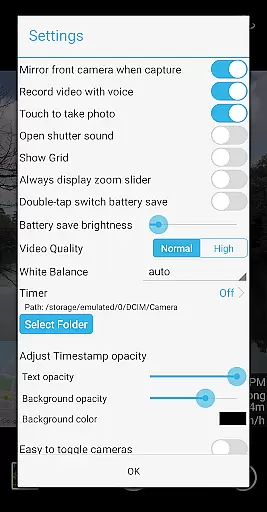
The app also supports practical utilities like battery saver mode, which reduces screen brightness to conserve power, and an option to disable shutter sounds for discreet shooting. With support for both portrait and landscape orientations, flexible resolution settings, and the ability to capture photos while recording, Timestamp Camera Pro caters to a wide range of creative and professional workflows.
Timestamp Camera Pro stands out with its extensive video format compatibility, ensuring that users can work with a wide range of file types without any hitches. The app supports popular formats such as MP4, AVI, and MOV, making it versatile for various devices and platforms.
Beyond just basic playback, the app allows real-time effects to be applied to videos regardless of their format. This includes adding timestamps with millisecond accuracy, custom text, emoji overlays, and even map displays with adjustable transparency and size.
Users benefit from the flexibility of recording videos with or without audio, changing resolutions, and saving directly to an SD card. These features ensure that content creators have all the tools they need for professional-grade video editing right at their fingertips.
The true power of Timestamp Camera Pro lies in its AI-powered editing features that revolutionize how users interact with their media. With support for 61 timestamp formats and customization options for font style, color, size, and position, users can create unique watermarks that suit their specific needs.
Advanced functionalities include auto-adding location addresses and GPS data, displaying altitude and speed on recordings, and offering a battery saver mode that adjusts screen brightness. These smart features are designed to enhance user experience while maintaining high performance standards.
Furthermore, the application provides creative freedom by allowing users to overlay custom logo images, toggle effects during recording, and capture photos while shooting videos. Such innovations not only save time but also open up new possibilities for personalized content creation within the Video Players & Editors category.
Highly customizable timestamp options
Real-time effects without post-editing
Accurate to the millisecond
Supports GPS and location tagging
User-friendly interface
No built-in cloud backup
Limited free features
Occasional bugs reported
Heavy on battery usage
Interface may feel complex

Save photos and videos from social apps in one tap.
 3.60
3.60
Watch full episodes of your favorite Cartoon Network and Cartoonito shows!
3.50
This app was created to edit the metadata of music files.
4.20
Support 1000+ Video Format, Subtitle Download, mp3 & Background Play, Cast On TV
4.60
AirMirror Receiver - Screen mirroring/cast web videos to Android TV by AirPlay.
4.40
Download videos easily & play them all in one smart, powerful video manager.
3.40
Fast & Private Video Downloader App. Save all videos easily from the Internet.
4.40
Mix with Virtual DJ directly from your phone or tablet !
3.10
Enjoy your favorite videos and channels with the official YouTube app.
3.90
#1 Torrent App on Android ** No Ads Ever + Battery Saver **
4.80
Watch a large amount of high-definition short drama content
4.60
VLC Remote lets you control your VLC Media Player on Mac, PC or Linux.
4.60
Auto video maker with music & exclusive filters. Video editing made simple.
4.50
Full HD Video mp3 Player, MP4 player play 1080p, File manager, Video Downloader
4.40
Browser for Samsung TV to stream webvideos, online movies and livestreams in HD
4.10
All format media Player, no need video converter any more!
4.00
Make your own Animations, Video and Photo Edits, Visual Effects, and more!
4.00
A full editing room to accompany your Insta360 cameras and handheld gimbals.
3.30
Stream high quality video from your camera over NDI protocol
4.3


User Reviews